00197186-01_IM_Celsius_W380_Recovery_Image_EN.pdf - 第24页
SIPLACE Recovery Installation on Celsius W380 10/2011 Edition NOTICE Some Dialogs may be skipped In some environments, some of the following dialogs might no app ear and you have to skip the appropriate step s in this do…
SIPLACE Recovery Installation on Celsius W380 10/2011 Edition
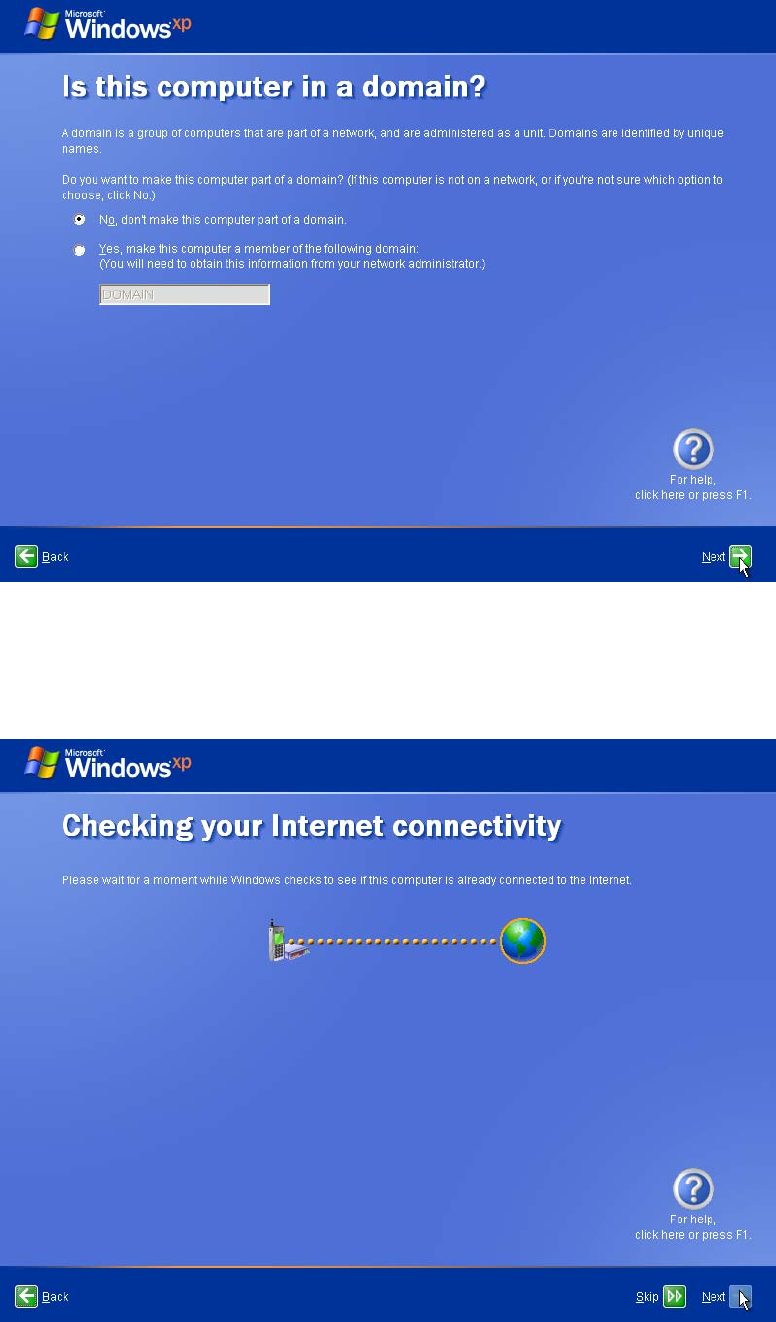
Figure 4-10: Domain choice
► Ensure that No, don’t make this computer part of a domain is selected and click the Next
button.
Figure 4-11: Internet Connectivity check
► Wait until the Next button is selectable and then click it.
23
SIPLACE Recovery Installation on Celsius W380 10/2011 Edition
NOTICE
Some Dialogs may be skipped
In some environments, some of the following dialogs might no appear and you have to
skip the appropriate steps in this document.
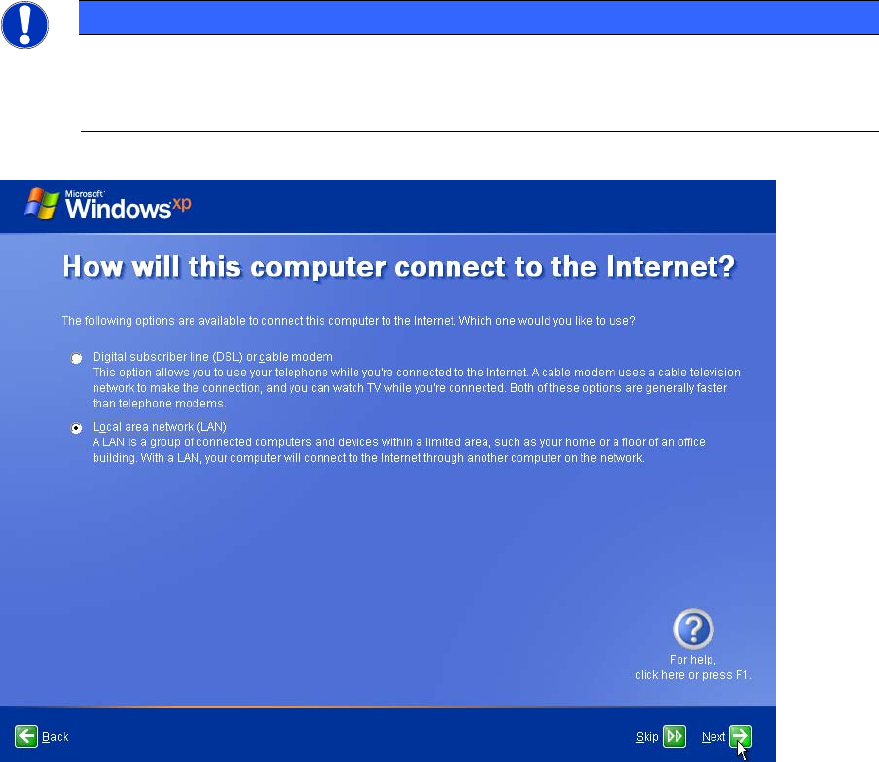
Figure 4-12: Internet Connection definition
► Ensure that Local area network (LAN) is selected and click the Next button.
24
SIPLACE Recovery Installation on Celsius W380 10/2011 Edition
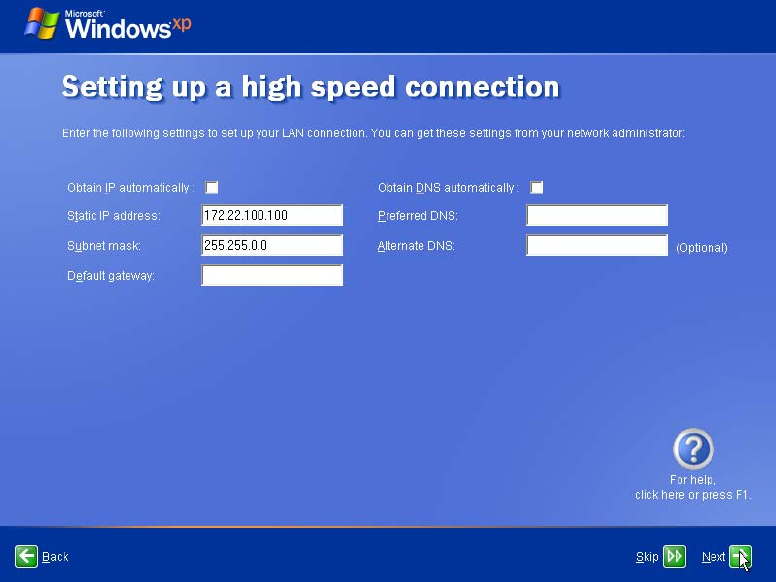
On the next screen, if you try to specify the IP configuration without default gateway (as required),
you won’t get further!
Figure 4-13: Attempt to define IP- Konfiguration without gateway
25