[Superset] Chapter5_SPC Plus_ENG_20100827TW.pdf - 第11页
Programmer's Manual | 11 2.2.4. A UT O R EPORT Auto Report has one view menu. Category Description Auto Report Converts and prints the inspection result s by condition in Excel ® 2007 format Note: This…
Programmer's Manual | 10
DefectView
Histogram
DefectList
YieldView
Note:See3.SPCPlus™FunctionsinChapte r5formoredet ails.
Note: PCBView, DefectView, DefectSPC, Multi‐SPC, and Histogram must assign the statistical range in
ListViewtousethem.
Note:MRTChartcanbeusedonlybyhavingdatasavedin MRTSaveData.
2.2.2. REAL-TIME QUERY MENU
Thereal‐timequerymenuhas thefollowing3viewmenus:
Realtime
DefectReview
MRTSav eData
Category Description
Real time
Queries the current processing inspection status in real time
DefectReview
Queries defect PCB information in buffer
MRT SaveData
Saves data shown in Multi-Real Time
2.2.3. SETUP TOOL
Thesetuptoolhas thefollowing2viewmenus:
Print
Setup
Category Description
Print
Outputs the current screen to a printer
Setup
Sets up an SPC Plus™™ work environment
Programmer's Manual | 11
2.2.4. AUTO REPORT
AutoReporthasoneviewmenu.
Category Description
Auto Report
Converts and prints the inspection results by condition in Excel
®
2007 format
Note:Thismenumust beusedwithExcel
®
2007.Itisnotcompatiblewithotherversions.
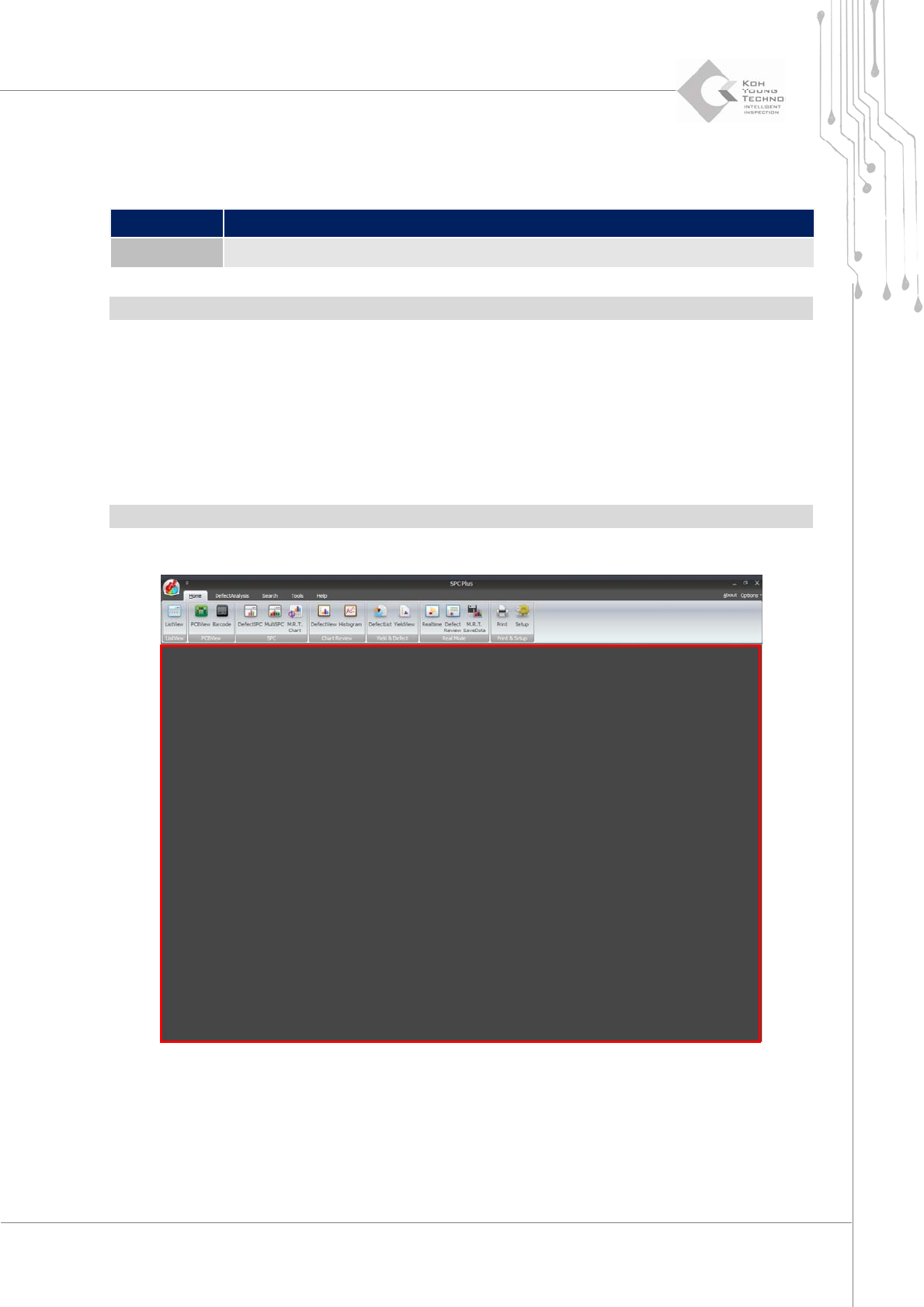
2.3. Main Screen
The main screen of SPCPlus™ displays different screens per view menu; it is selected from the
sub‐menu.
Note:SeeSection3.SPCPlus™ FunctionsinChapter5fordetailsontheviewmenu.
Figure 2-4. Main Screen
Programmer's Manual | 12
3. SPC PLUS™ FUNCTIONS
Thischapterdescribesthevariousfunctionsperformedbyusingthe10viewmenusofSPCPlus™
Home.
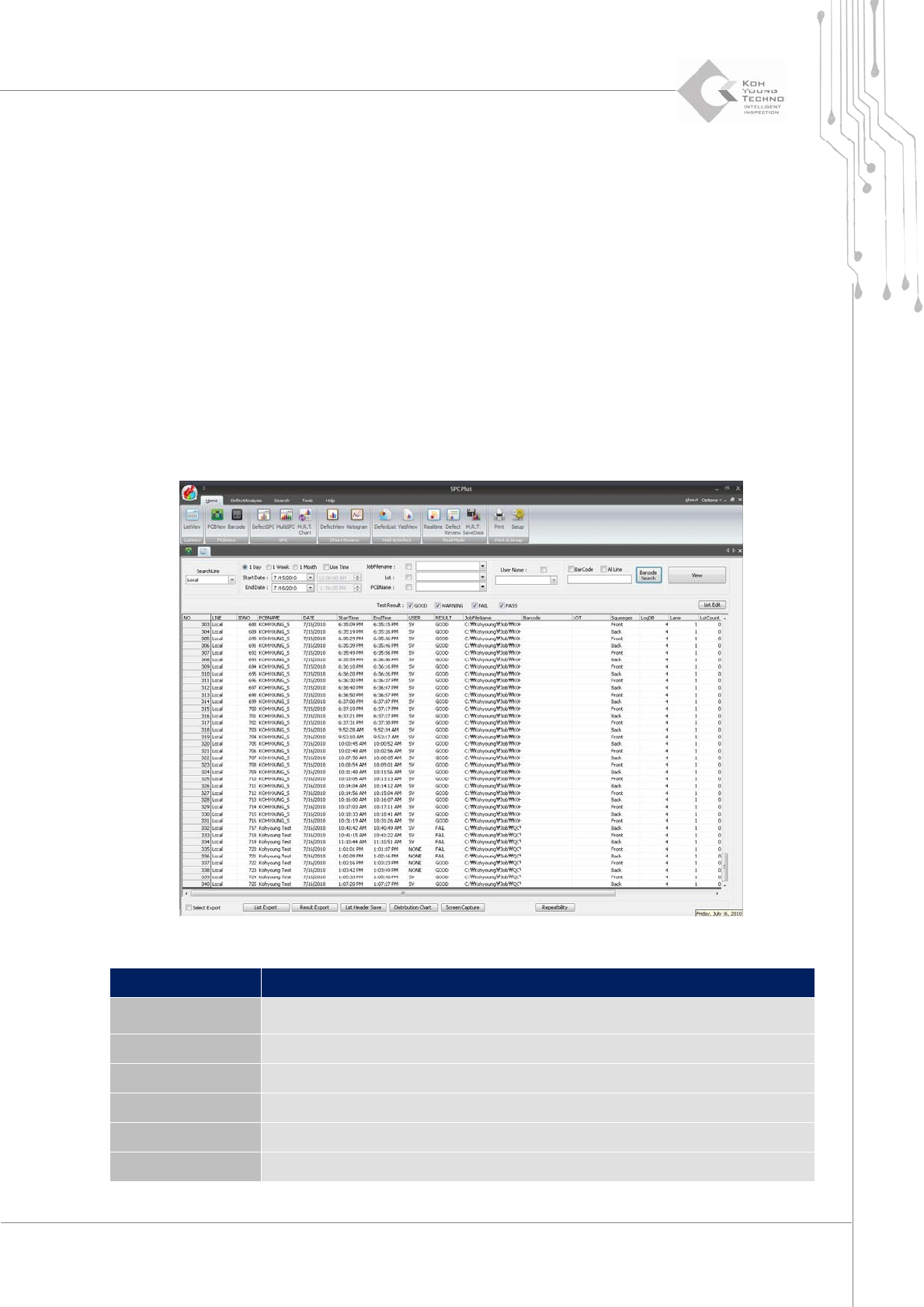
3.1. ListView
ListView is the menu that arranges and displays the inspection results when searching the PCB
inspection results with PCB unit at a scheduled time. When working with other view menus, it
alsoconfigurestherangefor statistics.
Figure 3-1. ListView
Category Description
SearchLine
Enters the IP address to obtain the inspection result data of the specific SPI
tester
Start/End Date Sets the search start/end date and time
Use Time Selects the desired time unit from one day, one week, or one month
JobFilename Searches only PCB using the JOB file with the entered conditions
User Name Searches only the PCB inspected by the user of the entered conditions
Lot Searches only the PCB taken out from the lot with the entered conditions