00194574-01.pdf - 第5页
Installation manual SIPLACE Pro 1 Introduction Version 3.0 Edition 03/2005 US 5 1 Introduction Please read chapters 1 through 3 be fore you inst all SIPLACE Pro 3.0. 1 Chapter 4 describes the in stallation se quence for …
Installation manual SIPLACE Pro
Version 3.0 Edition 03/2005 US
4
6.1 During installation . . . . . . . . . . . . . . . . . . . . . . . . . . . . . . . . . . . . . . . . . . . . . . . . . . . . . . . . . . . . . . 43
6.1.1 Relevant files to analyze setup problems . . . . . . . . . . . . . . . . . . . . . . . . . . . . . . . . 43
6.1.2 How to run setup with verbose logging? . . . . . . . . . . . . . . . . . . . . . . . . . . . . . . . . . 43
6.1.3 Error code 1316 and 1603. . . . . . . . . . . . . . . . . . . . . . . . . . . . . . . . . . . . . . . . . . . . 44
6.1.4 Conflicting old SIPLACE Pro installations . . . . . . . . . . . . . . . . . . . . . . . . . . . . . . . . 45
6.1.5 Remote installation with Windows XP clients . . . . . . . . . . . . . . . . . . . . . . . . . . . . . 45
6.1.6 Conflicting applications . . . . . . . . . . . . . . . . . . . . . . . . . . . . . . . . . . . . . . . . . . . . . . 46
6.1.7 Cannot add Logins . . . . . . . . . . . . . . . . . . . . . . . . . . . . . . . . . . . . . . . . . . . . . . . . . 46
6.1.8 Language conflict during installation . . . . . . . . . . . . . . . . . . . . . . . . . . . . . . . . . . . . 47
6.1.9 Lack of memory . . . . . . . . . . . . . . . . . . . . . . . . . . . . . . . . . . . . . . . . . . . . . . . . . . . . 48
6.2 After installation . . . . . . . . . . . . . . . . . . . . . . . . . . . . . . . . . . . . . . . . . . . . . . . . . . . . . . . . . . . . . . . . 48
6.2.10 Database in single user mode after installation of SIPLACE Pro . . . . . . . . . . . . . . 48
6.2.11 System feature (e.g. creating a report) not usable right after installation . . . . . . . . 49
7 Uninstalling. . . . . . . . . . . . . . . . . . . . . . . . . . . . . . . . . . . . . . . . . . . . . . . . . . . . . .51
7.1 Uninstalling the software . . . . . . . . . . . . . . . . . . . . . . . . . . . . . . . . . . . . . . . . . . . . . . . . . . . . . . . . . 51
7.2 Uninstalling the database. . . . . . . . . . . . . . . . . . . . . . . . . . . . . . . . . . . . . . . . . . . . . . . . . . . . . . . . . 52
7.2.1 On SQL Server 2000 installations . . . . . . . . . . . . . . . . . . . . . . . . . . . . . . . . . . . . . . 52
7.2.2 On MSDE installations. . . . . . . . . . . . . . . . . . . . . . . . . . . . . . . . . . . . . . . . . . . . . . . 52
8 Connecting SIPLACE Pro to the Unix Line Computer . . . . . . . . . . . . . . . . . . .53
8.9 General information . . . . . . . . . . . . . . . . . . . . . . . . . . . . . . . . . . . . . . . . . . . . . . . . . . . . . . . . . . . . . 53
8.10 Installing Samba on the UNIX Line Computer . . . . . . . . . . . . . . . . . . . . . . . . . . . . . . . . . . . . . . . . . 53
8.10.1 Line Computer with the SCO ODT 3.0 operating system . . . . . . . . . . . . . . . . . . . . 53
8.10.2 Line Computer with the SCO ODT 5.0.x operating system . . . . . . . . . . . . . . . . . . . 54
8.10.3 Line Computer with Operating System SuSE Linux 7.3 . . . . . . . . . . . . . . . . . . . . . 56
8.11 Setting up the connection on the Windows computer . . . . . . . . . . . . . . . . . . . . . . . . . . . . . . . . . . . 56
Installation manual SIPLACE Pro 1 Introduction
Version 3.0 Edition 03/2005 US
5
1 Introduction
Please read chapters 1 through 3 before you install SIPLACE Pro 3.0. 1
Chapter 4 describes the installation sequence for SIPLACE Pro 3.0, as well as the related server
types, and important information regarding the installation. 1
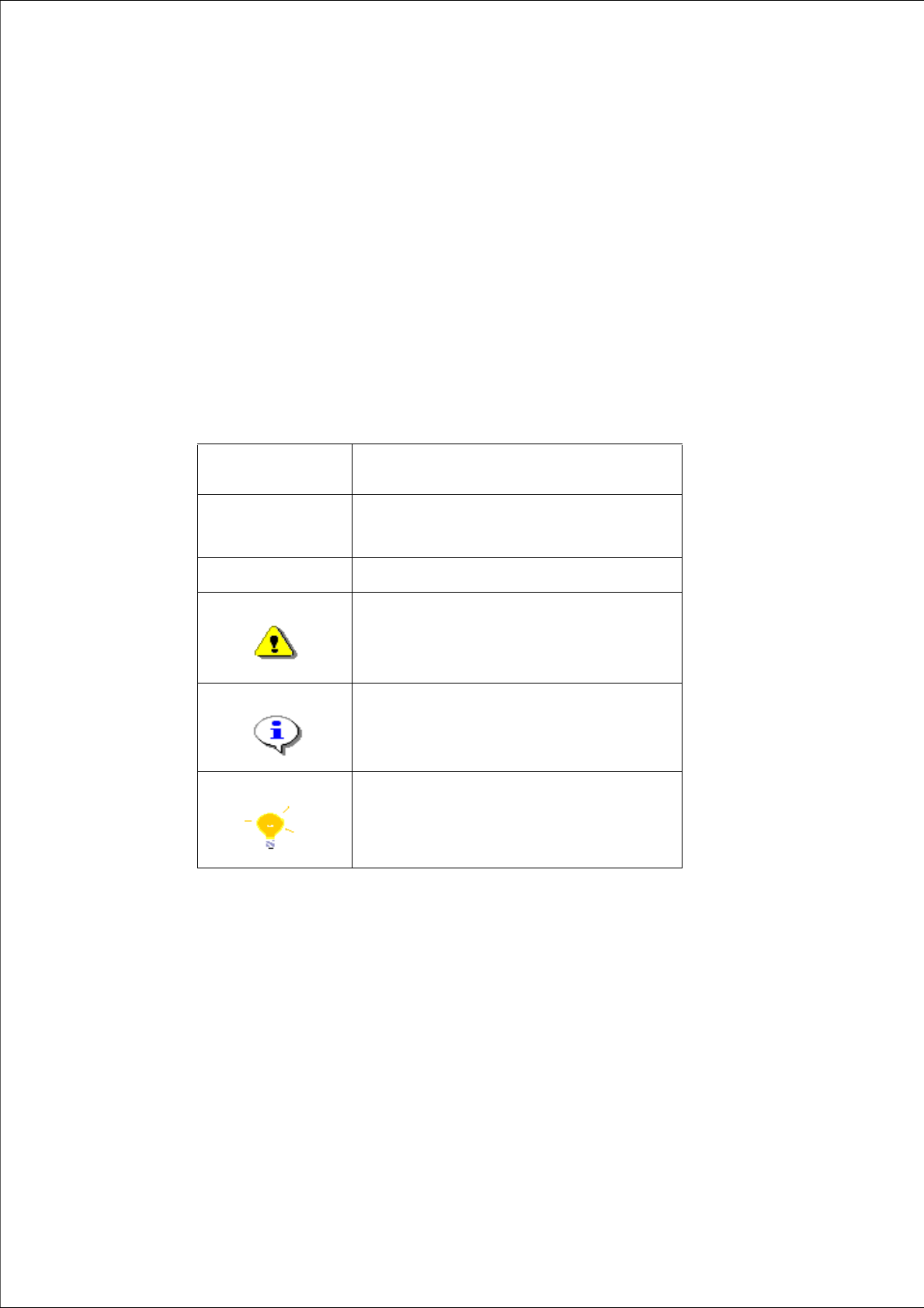
1.1 Explanation of symbols
Various symbols and notes are used for making this document easier to read. 1
1
1
Words in bold/
italics
These are dialog boxes and menu commands.
Step ...
An installation step includes all the actions relating
to a specific dialog box. An installation step may be
composed of several actions.
Æ
Requires an action (e.g. mouse click, open file)
Corresponds to a warning. The information is critical
to the success of the installation process. The
installation will be cancelled if you do not comply
with the warning.
Explanatory information about the installation
sequence.
Hint to facilitate your working with SIPLACE Pro
installation.
Tab. 1 - 1 Explanation of symbols
1 Introduction Installation manual SIPLACE Pro
Edition 03/2005 US Version 3.0
6
1.2 Scope of Delivery
The SIPLACE Pro 3.0 software package contains the following software and
documentation: 1
1 CD-ROM “SIPLACE Pro”, which contains: 1
– SIPLACE Pro 3.0 Setup
– Microsoft MSDE SP3a
– SQL Security Patch MS03-031
– LCx 503.xx patch to update .rt files
– Adobe Acrobat Reader 6.0
– AppSightCode Black Box
– DotNetFramework 1.1
1 SIPLACE Pro Factory License (without the connection to SIPLACE stations) 1
1 CD-ROM with OIS 2.4 Server and Client 1
Documentation: 1
Basic documents: 1
– 1 document "Navigation Guide for the installation procedure of SIPLACE Pro 3.0"
(English: Item No 00194573-01)
– 1 document “Software Version Description” (English and German: Item No 00194570-01)
– 1 document “Getting Started with SIPLACE Pro 3.0” (English: Item No 00194571-01,
German: Item 00194572-01)
– 1 document “SIPLACE Pro 3.0 Installation Manual” (English: Item No 00194574-01)
Detailed installation manuals: 1
– 1 document "Software Installation Manual Windows 2003 Server for SIPLACE Computer"
(English: Item No 0194601-01)
– 1 document "Manual Installation of Windows 2000 Server" (English: Item No 00193907-01)
– 1 document "Prepare Windows 2003 Server for SIPLACE Pro operation" (English: Item No
0194478-01)
– 1 document "Manual Installation of Windows 2000 Professional"
(English: Item No 00193908-01)
– 1 document "Windows 2000 Professional Unattended Setup (English and German: Item No
00193906-03)
– 1 document "Installation of SQL 2000" (English: Item No. 00193910-01)