5TROUBLESHOOTING_.pdf - 第3页
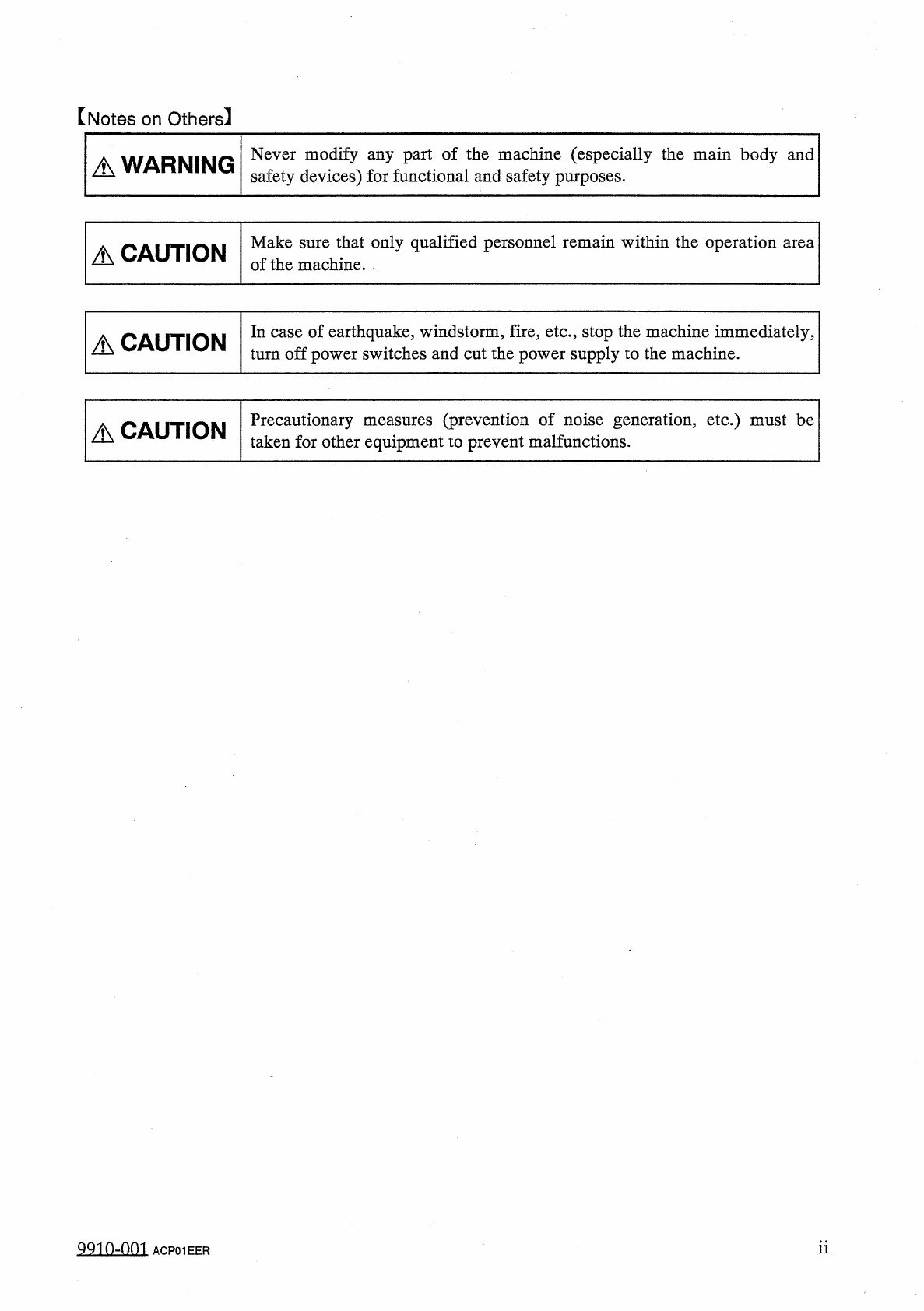
[ Notes on Others 】 Never modify any part of the machine ( especially the main body and safety devices ) for functional and safety purposes . A WARNING Make sure that only qualified personnel remain within the operation …
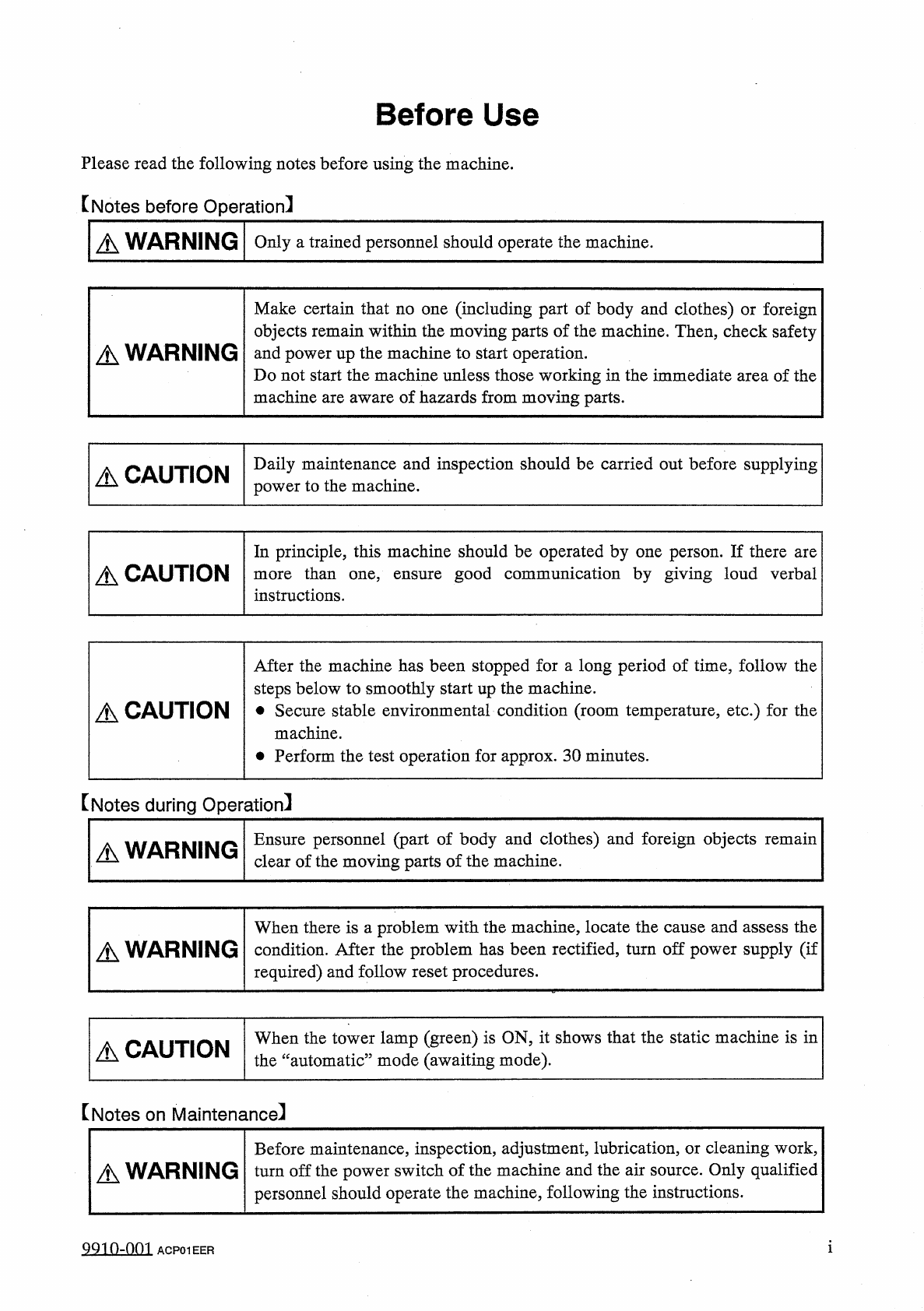
Before
Use
Please
read
the
following
notes
before
using
the
machine
.
【
Notes
before
Operation
】
A
WARNING
Only
a
trained
personnel
should
operate
the
machine
.
Make
certain
that
no
one
(
including
part
of
body
and
clothes
)
or
foreign
objects
remain
within
the
moving
parts
of
the
machine
.
Then
,
check
safety
and
power
up
the
machine
to
start
operation
.
Do
not
start
the
machine
unless
those
working
in
the
immediate
area
of
the
machine
are
aware
of
hazards
from
moving
parts
.
A
WARNING
Daily
maintenance
and
inspection
should
be
carried
out
before
supplying
power
to
the
machine
.
A
CAUTION
In
principle
,
this
machine
should
be
operated
by
one
person
.
If
there
are
more
than
one
,
instructions
.
A
CAUTION
good
communication
by
giving
loud
verbal
ensure
After
the
machine
has
been
stopped
for
a
long
period
of
time
,
follow
the
steps
below
to
smoothly
start
up
the
machine
.
•
Secure
stable
environmental
condition
(
room
temperature
,
etc
.
)
for
the
machine
.
•
Perform
the
test
operation
for
approx
.
30
minutes
.
A
CAUTION
[
Notes
during
Operation
]
Ensure
personnel
(
part
of
body
and
clothes
)
and
foreign
objects
remain
clear
of
the
moving
parts
of
the
machine
.
A
WARNING
When
there
is
a
problem
with
the
machine
,
locate
the
cause
and
assess
the
爪
WARNING
condition
.
After
the
problem
has
been
rectified
,
turn
off
power
supply
(
if
required
)
and
follow
reset
procedures
.
When
the
tower
lamp
(
green
)
is
ON
,
it
shows
that
the
static
machine
is
in
the
“
automatic
”
mode
(
awaiting
mode
)
.
A
CAUTION
[
Notes
on
Maintenance
]
Before
maintenance
,
inspection
,
adjustment
,
lubrication
,
or
cleaning
work
,
△
WARNING
turn
off
the
power
switch
of
the
machine
and
the
air
source
.
Only
qualified
personnel
should
operate
the
machine
,
following
the
instructions
.
9910
-
001
ACP
01
EER
[
Notes
on
Others
】
Never
modify
any
part
of
the
machine
(
especially
the
main
body
and
safety
devices
)
for
functional
and
safety
purposes
.
A
WARNING
Make
sure
that
only
qualified
personnel
remain
within
the
operation
area
of
the
machine
.
.
A
CAUTION
In
case
of
earthquake
,
windstorm
,
fire
,
etc
.
,
stop
the
machine
immediately
,
turn
off
power
switches
and
cut
the
power
supply
to
the
machine
.
A
CAUTION
Precautionary
measures
(
prevention
of
noise
generation
,
etc
.
)
must
be
taken
for
other
equipment
to
prevent
malfunctions
.
A
CAUTION
ii
9910
-
001
ACP
01
EER
©
DMTiMH
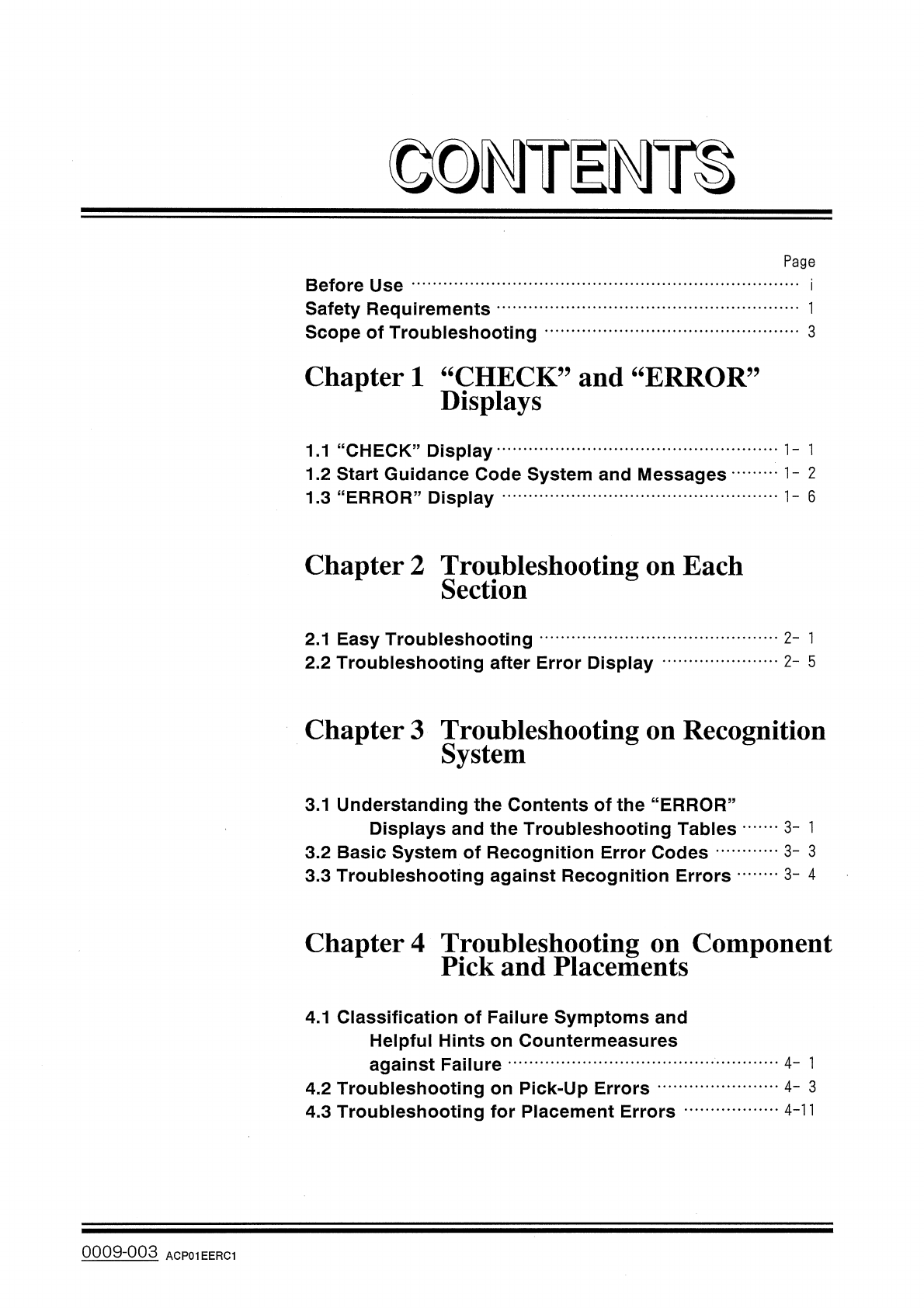
Page
Before
Use
Safety
Requirements
Scope
of
Troubleshooting
3
Chapter
1
“
CHECK
”
and
“
ERROR
Displays
,,
1.1
“
CHECK
”
Display
1.2
Start
Guidance
Code
System
and
Messages
1.3
"
ERROR
"
Display
1
-
6
Chapter
2
Troubleshooting
on
Each
Section
2
-
1
2.1
Easy
Troubleshooting
2.2
Troubleshooting
after
Error
Display
2
-
5
Chapter
3
Troubleshooting
on
Recognition
System
3.1
Understanding
the
Contents
of
the
“
ERROR
”
Displays
and
the
Troubleshooting
Tables
3.2
Basic
System
of
Recognition
Error
Codes
3.3
Troubleshooting
against
Recognition
Errors
3
-
1
3
-
3
3
-
4
Chapter
4
Troubleshooting
on
Component
Pick
and
Placements
4.1
Classification
of
Failure
Symptoms
and
Helpful
Hints
on
Countermeasures
against
Failure
4.2
Troubleshooting
on
Pick
-
Up
Errors
4.3
Troubleshooting
for
Placement
Errors
4
-
1
4
-
3
4
-
11
0009
-
003
ACP
01
EERC
1