wire-bonder.pdf - 第32页
WEST•BOND MODEL 454647E SER IES INSTRUCTION MANUAL 26 OPERATION Information To see this menu, press and hold key 5 in the More O ptions Menu. Model 454647E,“Version 5.50” -->4500 West Bond Inc. IN MOST MENUS 1=Escape …
WEST•BOND MODEL 454647E SERIES INSTRUCTION MANUAL
25
OPERATION
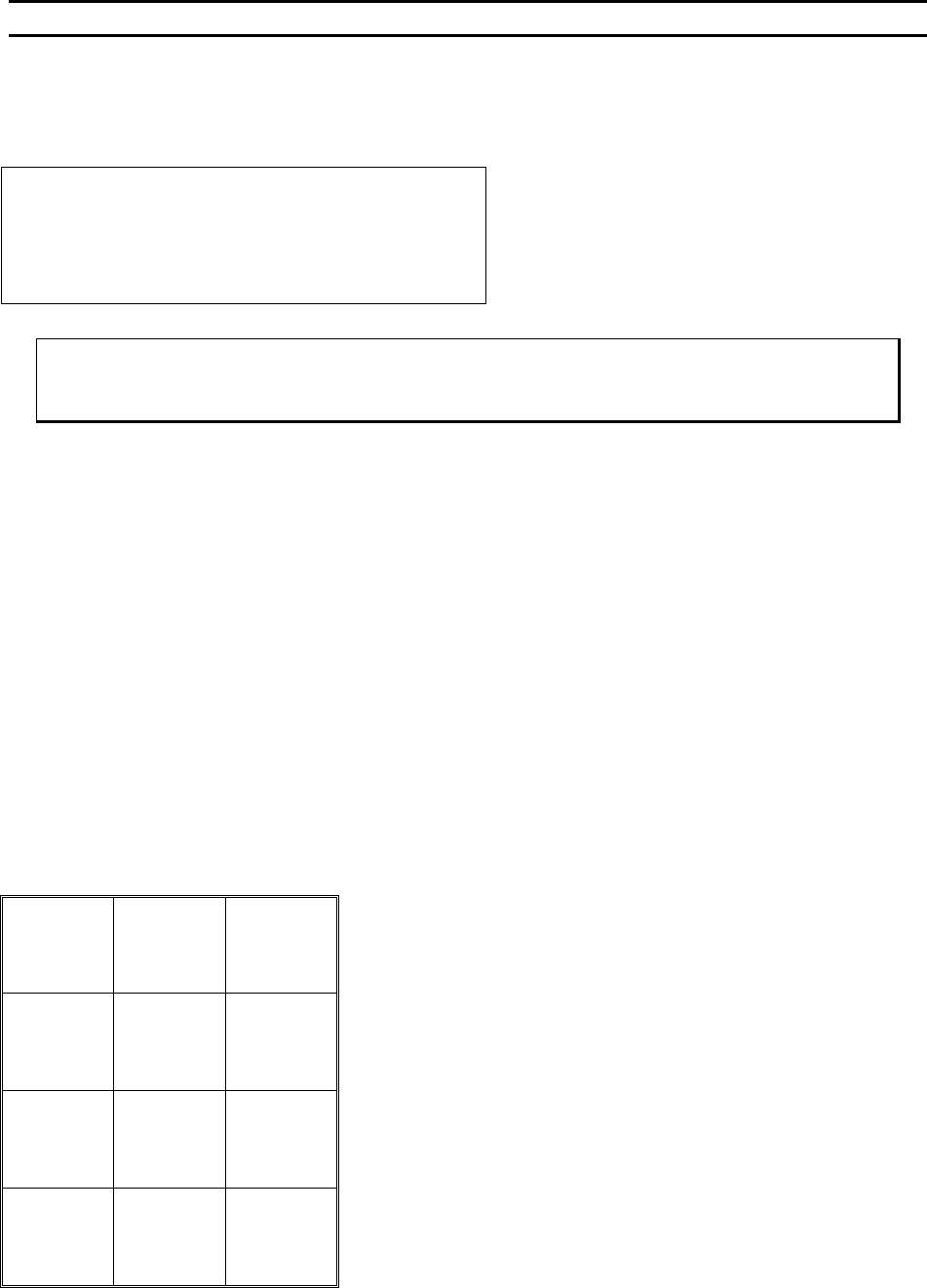
More Options
As if 8 was pressed in Align Menu 1
Device 1 of 30 0=Model Selection
2=Go To 3=Home menu
4=Edit 5=Info 6=Thread/Bond-off
8=Toggle Mode 9=Scan
ϑ To call “More Options”
From the H
OME menu press 8
Key Format:
Help
1
Go To
Device/Type
2
Home
3
Edit
4
Info
5
Thread or
Bond-off
6
Previous
wire
7
Toggle
Auto mode
8
Next wire
9
Previous
Menu
A
Toggle
Mode
0
Scan
G
WEST•BOND MODEL 454647E SERIES INSTRUCTION MANUAL
26
OPERATION
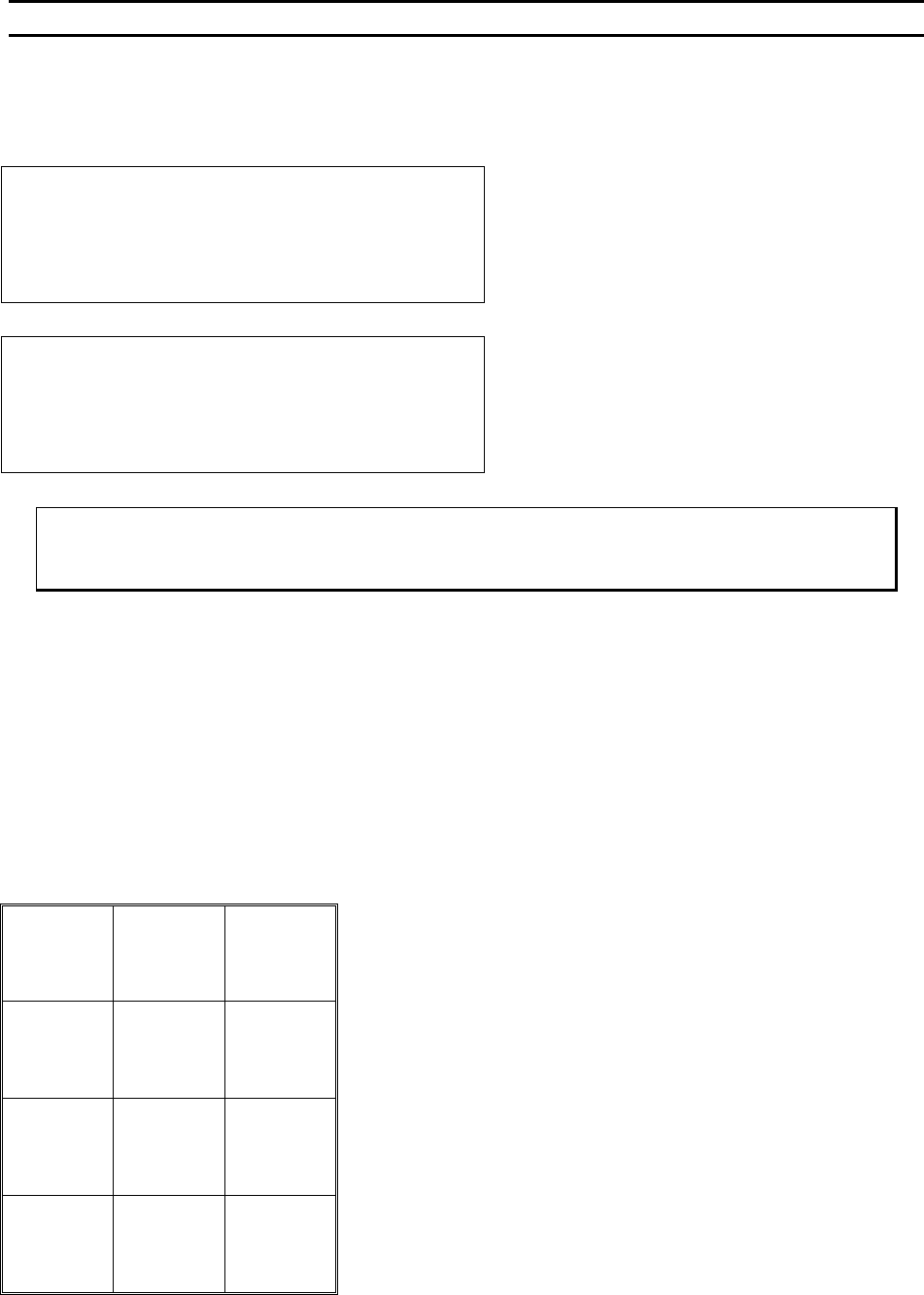
Information
To see this menu, press and hold key 5 in the More Options Menu.
Model 454647E,“Version 5.50” -->4500
West Bond Inc.
IN MOST MENUS
1=Escape 2=Go To 3=Home
Go to previous menu upon release of key 5. This
screen is also seen briefly during power-up.
Model 454647E,“Version 5.50”-Aug 10,2000
West Bond Inc.
IN MOST MENUS
1=Escape 2=Go To 3=Home
If key 5 is held for 5 seconds the Software date will
replace the model number in the upper right corner
ϑ To call “Info”
From the M
ORE OPTIONS menu press and hold key 5
Key Format:
Escape
1
Go To
Device/Type
2
Home
3
4
5
6
7
8
9
A
0
G
WEST•BOND MODEL 454647E SERIES INSTRUCTION MANUAL
27
OPERATION
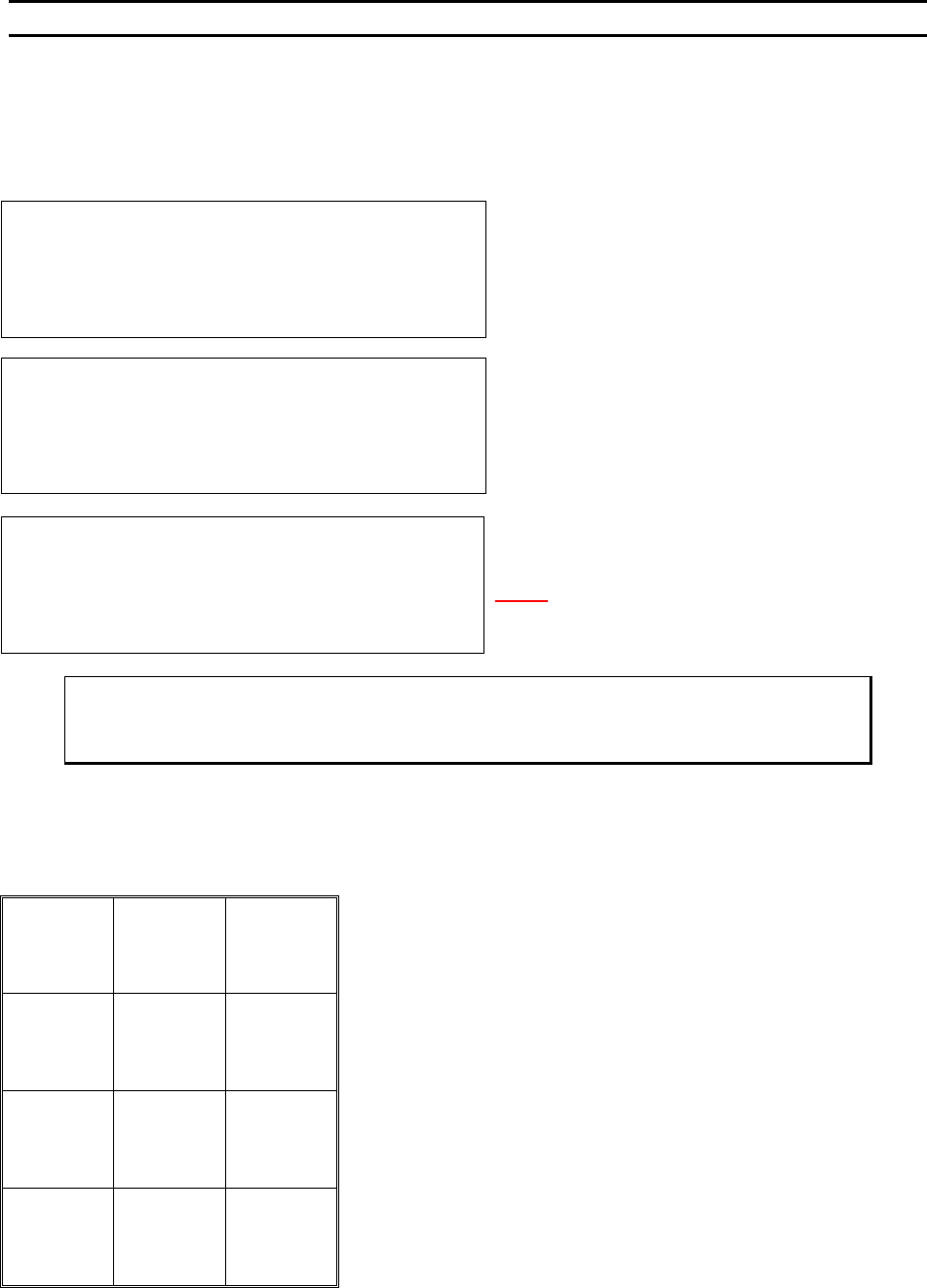
Align Menu 2
This menu is used for scanning the other bonds or changing the Y Offsets. The purpose is to verify all the
bond positions to decide whether the station needs to be rotated or not; since bonding motion is straight-
front-to-back.
SCAN BOND 2 of 2: 120 from Bond 1
5=Increase (0.02500”)
7=Prev bond 8=Y restore 9=Next bond
A=Prev menu 0=Decrease G=OK
The X-Y Manipulator is Locked. Use 5 or 0 to adjus
t
the Bond position.
N
OTE! 120 is an example of Y offset position, thi
s
number will be updated to a permanent number when
the G key is pressed if the new number is different.
ϑ To call “Align Menu 2”
From the H
OME menu press 8 (MORE OPTIONS) and then press 9 (SCAN BONDS)
Key Format:
1
2
Home
3
4
Increase
5
6
Previous
bond
7
Restore
8
Next bond
9
Previous
menu
A
Decrease
0
OK
G
SCAN BOND
Device 1, Type 1: (2 Bonds)
-->USE MANIPULATOR TO ALIGN TV CROSSHAIR
TO BOND 1 AND PRESS 9 WHEN READY
Y OFFSET of Bond #1: Always 0
7=Move XY 9=Next bond
A=Prev menu
Bond 1 is not moveable. Use key 7 to realign the TV
crosshairs to bond 1 if not centered on Bond 1.