wire-bonder.pdf - 第42页
WEST•BOND MODEL 454647E SER IES INSTRUCTION MANUAL 36 OPERATION Go To This option allows the ope rator to specify where the bonding sequence should begin. Specify either by the Device #, Type #, then Wire # Go To (Device…
WEST•BOND MODEL 454647E SERIES INSTRUCTION MANUAL
35
OPERATION
Monitor or Microscope
This option allows the operator to select between using the microscope or the monitor for bond
placement. When toggled by key 9, the bond tool moves along the Y Axis between the target position
above the bond, and a retracted position out of camera view. The display on the Menu is the option to be
switched to. (i.e. key 9 = Monitor; pressing key 9 will switch to monitor operation).
Using the monitor, the operator targets the bond using the crosshairs on the television monitor screen to
begin the bonding sequence. Using the microscope, the operator bonds by direct view of the tool through
the microscope, however, in this setting, the tool head blocks the camera’s view.
*NOTE: Critical Bond (page 75) is ignored when in the Microscope mode.
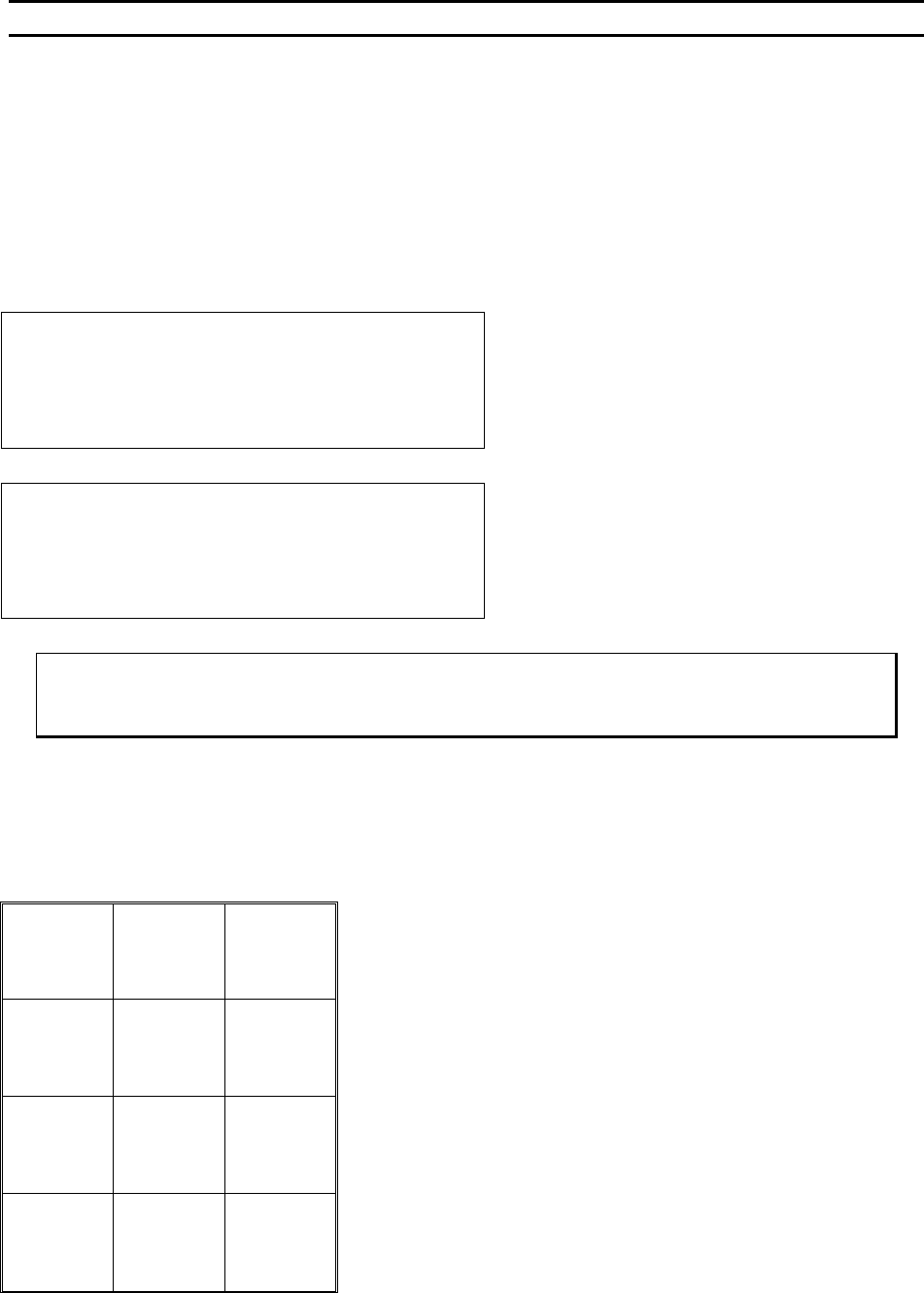
ALIGN BOND 1 of 2 USE MONITOR.
Device 1 of 30
7=Lock X 8=More options 9=Microscope
A=Feed 0=Manual bond G=Full-Auto
Machine is now M
ONITOR in mode. Pressing
key 9 will convert the machine to M
ICROSCOPE mode.
ALIGN BOND 1 of 2 USE MICROSCPE.
Device 1 of 30
7=Lock X 8=More options 9=Monitor
A=Feed 0=Manual bond G=Full-Auto
Machine is now in M
ICROSCOPE mode. Pressing key
9 will convert the machine to M
ONITOR mode.
ϑ To change between “Monitor or Microscope”
From the H
OME menu press 9 (MONITOR / MICROSCOPE) to toggle between modes.
Key Format:
1
Go To
Device/Type
2
Home
3
Edit
4
Info
5
Thread /
Bond-Off
6
Lock X
7
More
Options
8
Microscope /
Monitor
9
Feed
A
Manual
Bond
0
Full Auto
G
WEST•BOND MODEL 454647E SERIES INSTRUCTION MANUAL
36
OPERATION
Go To
This option allows the operator to specify where the bonding sequence should begin. Specify either by
the Device #, Type #, then Wire #
Go To (Device)
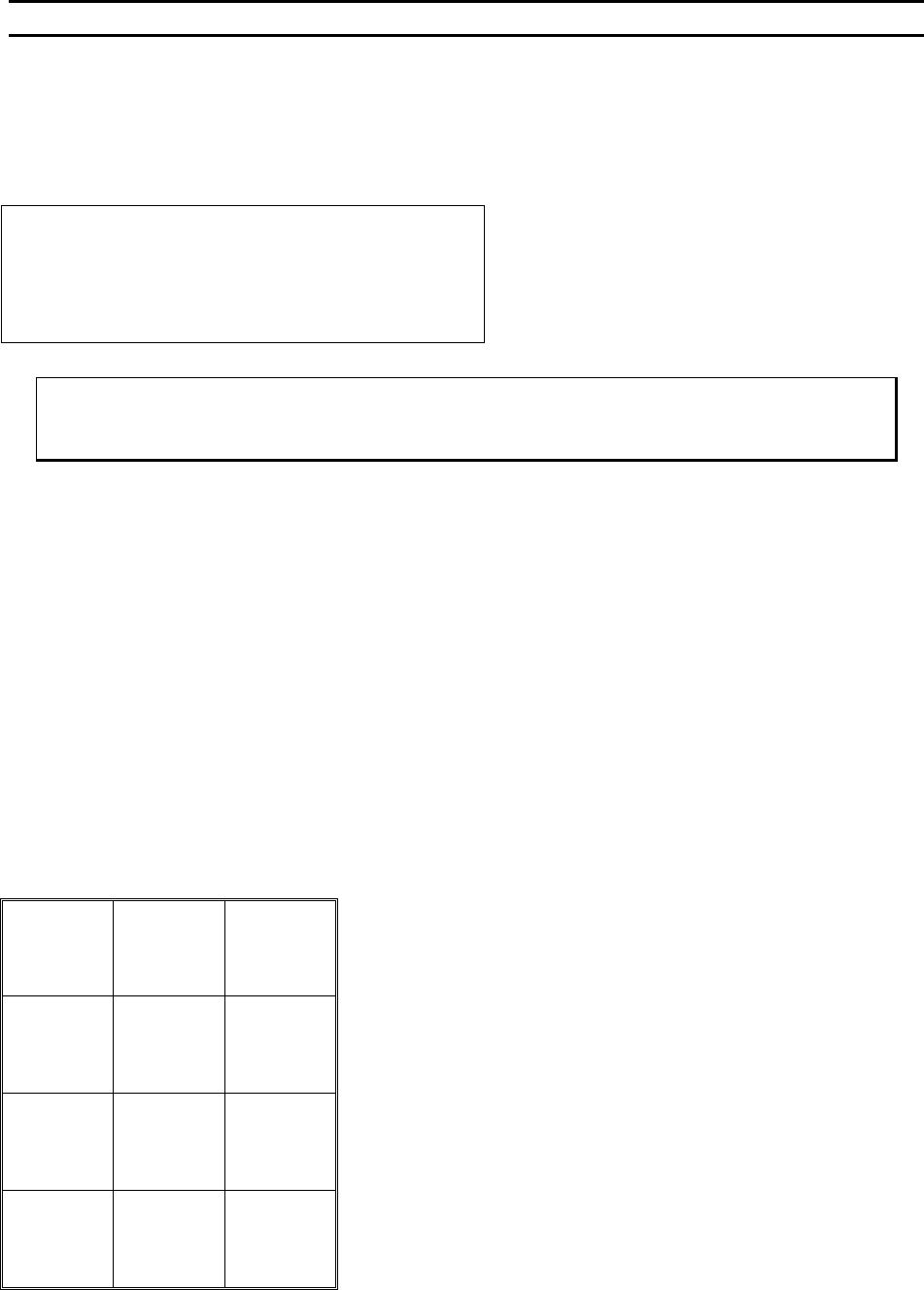
GO TO
Device: 1 of 30
A=Backspace or Escape G=OK
Screen 1 of the Go To Sequence. The default is
the current device.
G = OK or Go To (Type).
The A key will exit if pressed multiple times
ϑ To call “Go To (Device)”
From the H
OME menu press key 2 (GO TO) then follow the instructions on the LCD.
Key Format:
1
2
3
4
5
6
7
8
9
Escape
A
0
OK
G
WEST•BOND MODEL 454647E SERIES INSTRUCTION MANUAL
37
OPERATION
Go To (Type)
This is screen 2 of the Go To Sequence (G was pressed in screen 1 of Go To Sequence).
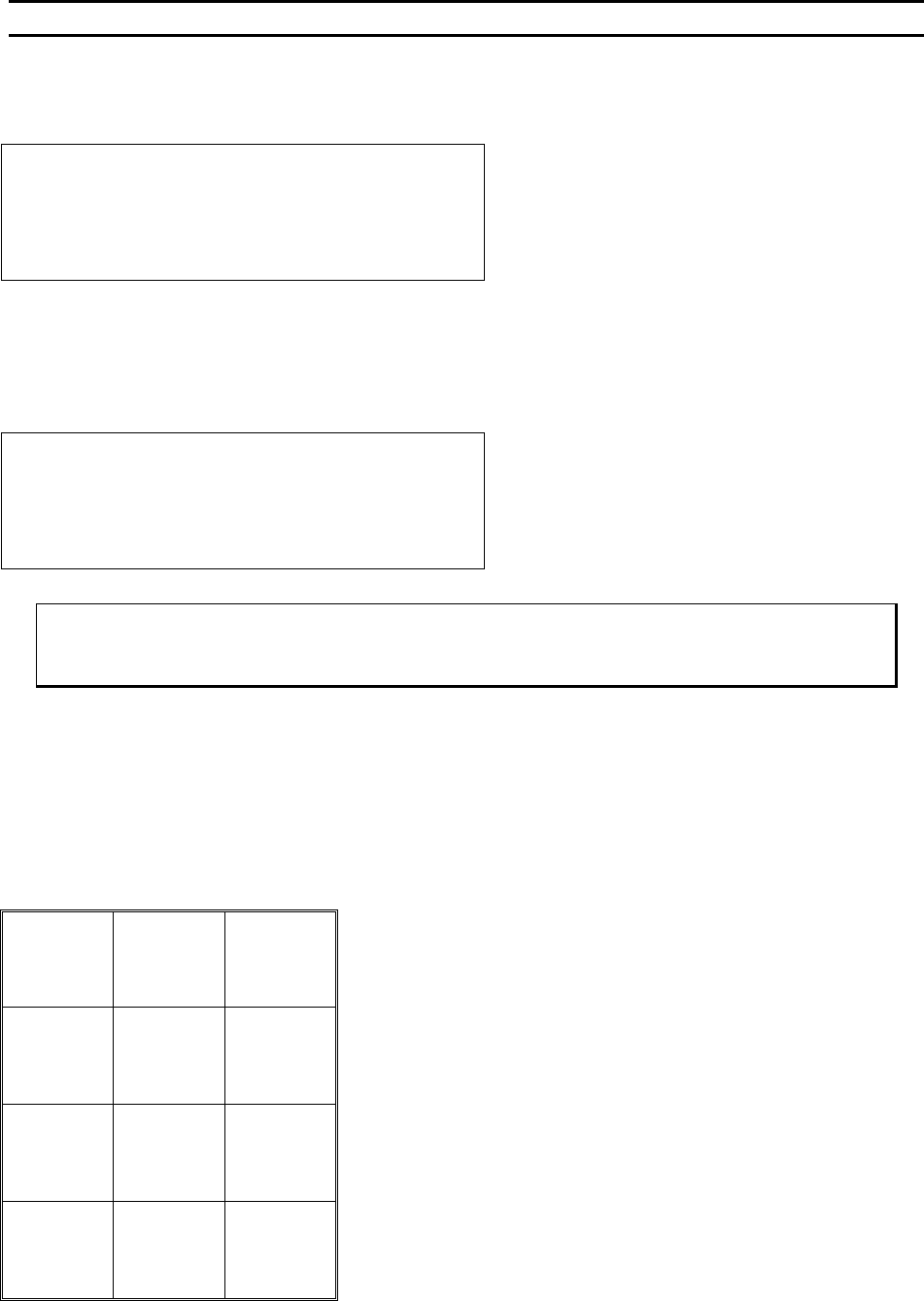
GO TO
Type: 1 of 30
A=Backspace or Escape G=OK
When the device has been changed, Type 1 is selected as the factory default. Otherwise, the current type
displayed is the point where bonding left off at.
The A key will exit if pressed multiple times
Go To (Wire)
GO TO
Wire: 1 of 5
A=Backspace or Escape G=OK
ϑ To call “Go To (Type)”
From the H
OME menu press 2 (GO TO) then follow the instructions on the LCD.
Key Format:
1
2
3
4
5
6
7
8
9
Backspace
Or
Escape A
0
OK
G