wire-bonder.pdf - 第73页
WEST•BOND MODEL 454647E SER IES INSTRUCTION MANUAL 67 ADVANCED PROGRAMMING Ultrasonic Positioning Utility (UPU) In past years, tool height has be en determined by design. To effect thi s end, tool height gauges hav e bee…
WEST•BOND MODEL 454647E SERIES INSTRUCTION MANUAL
66
ADVANCED PROGRAMMING
Wire Break Z Offset
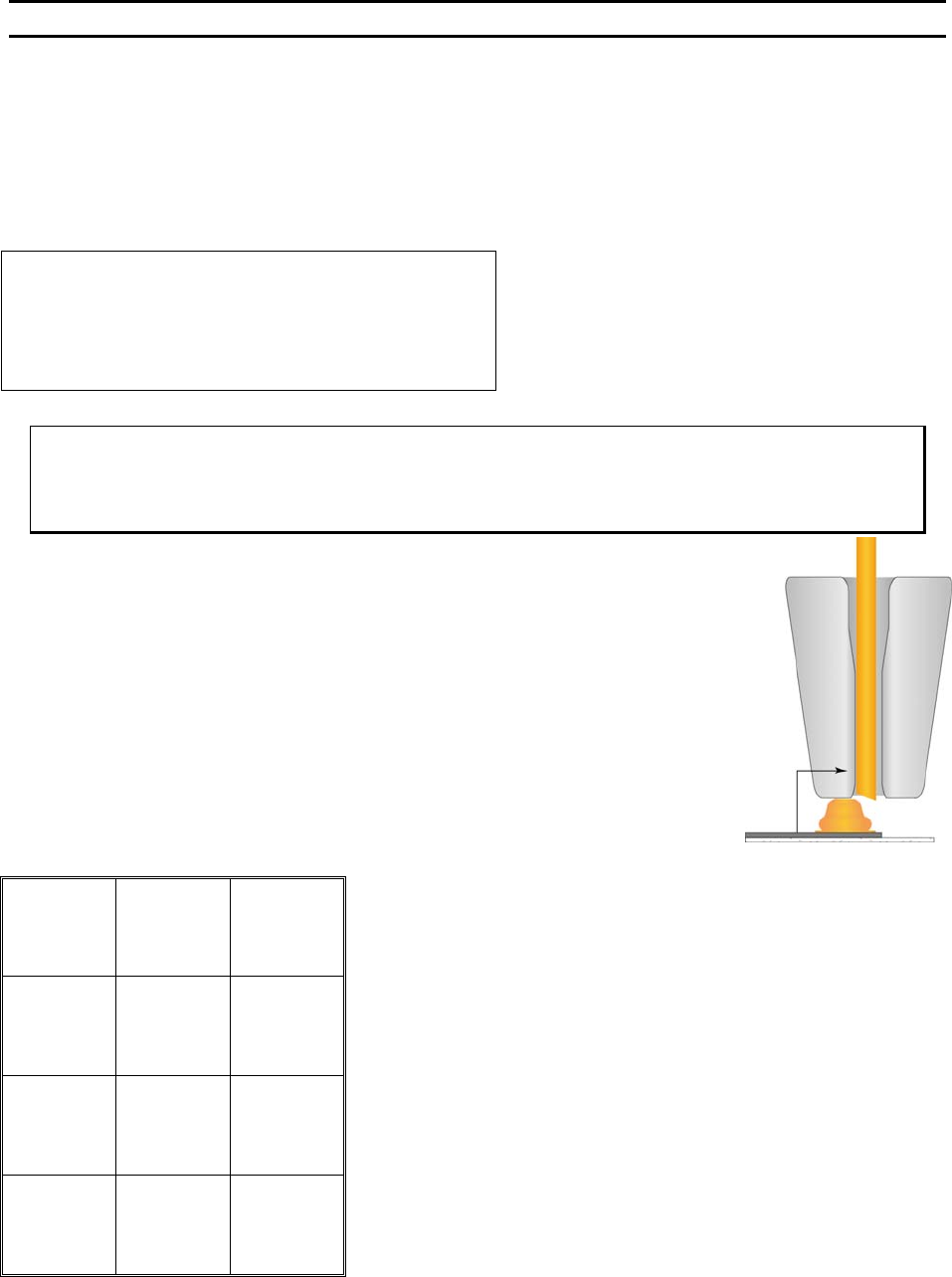
This option is used when ball or stud bumping. The tool is moved to the top of the ball bond and then
takes a step backwards to terminate the wire at the top of the ball.
The number entered controls the elevation of the tool before the Y motor takes a step back to terminate
or wipe the wire off the top of the ball bond.
WIRE BREAK Z OFFSET
Wire Break Z Offset: 7 (1Z=.0002083”)
4=Key in 5=Increase
8=Suggest
A=Prev option 0=Decrease G=Next option
To edit “Wire Break Z Offset”
From the H
OME menu press 4 (EDIT), 6 (MACHINE), 0 (MORE OPTIONS), then 8 (WIRE
B
REAK Z OFFSET)
Key Format:
Previous
Menu
1
2
Home
3
Key in
4
↑
Increase
5
6
7
Suggest
8
9
Previous
option
A
↓
Decrease
0
Next option
G
WEST•BOND MODEL 454647E SERIES INSTRUCTION MANUAL
67
ADVANCED PROGRAMMING
Ultrasonic Positioning Utility (UPU)
In past years, tool height has been determined by design. To effect this end, tool height gauges have
been supplied with wire bonding machines, allowing the user to set the tool height at the designed bond
point. However, we have found that the designed tool height does not always allow the most efficient
transfer of ultrasonic energy from transducer to tool. This is due largely to the fact that no two bonding
tools are exactly alike. W
EST•BOND has developed the UPU to obtain this optimum transfer of ultrasonic
energy with every tool. Granted, each tool will continue to be different and will therefore require different
setup variables. The UPU just provides the best way to setup and transfer the maximum amount of
ultrasonic energy to each tool.
The UPU consists of a specially designed circuit to provide a measure for placement of each tool. This
raw data is crunched by a software routine which then displays a relative number on the machine’s LCD.
When adjusting the tool height, the goal is to obtain the highest possible numerical value for each tool
installed. As all tools are different, this value will be slightly different for each bonding tool.
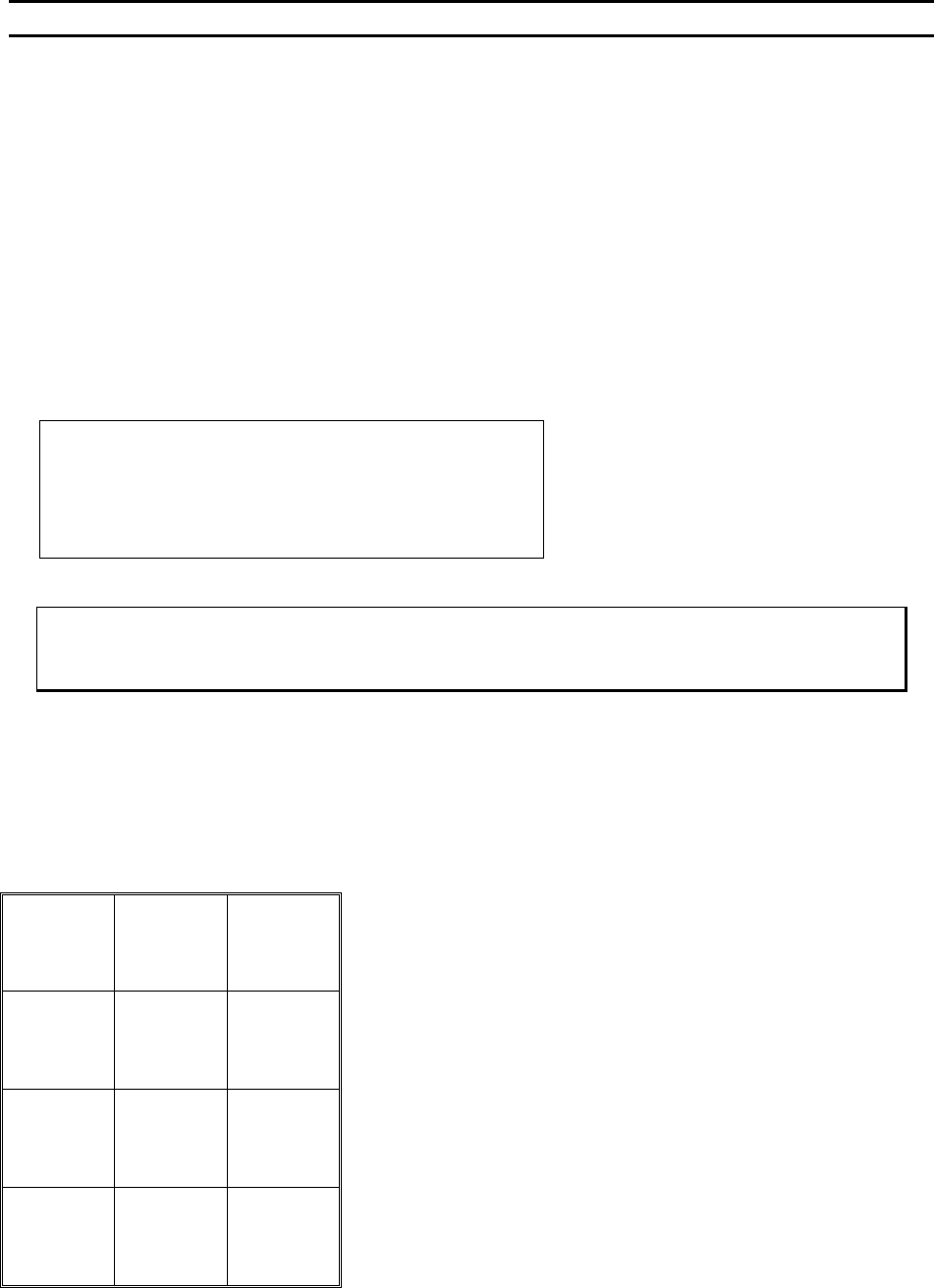
ϑ To call “Bond Tool Position Setup
From the H
OME menu press 6 (THREAD & BOND), and then 8 (BOND TOOL POSITION SETUP).
Key Format:
1
2
3
4
5
6
7
8
9
Escape
A
0
Read
New Value
G
***** BOND TOOL POSITION SETUP *****
Change tool extension to maximize value.
Current value = 33 Old value = 27
A = Escape G = Read new value
WEST•BOND MODEL 454647E SERIES INSTRUCTION MANUAL
68
ADVANCED PROGRAMMING
Device Edit Menu
From this menu option the operator can create new devices, copy device properties to another device for
modification, or simply select a device to be used. There can be as many as thirty devices programmed
on the 454647E.
DEVICE EDIT MENU
Edit Device 20 of 30:
4=Erase device 6=Copy device
7=Prev device 8=Device 1 9=Next device
A=Prev option G=Type edit
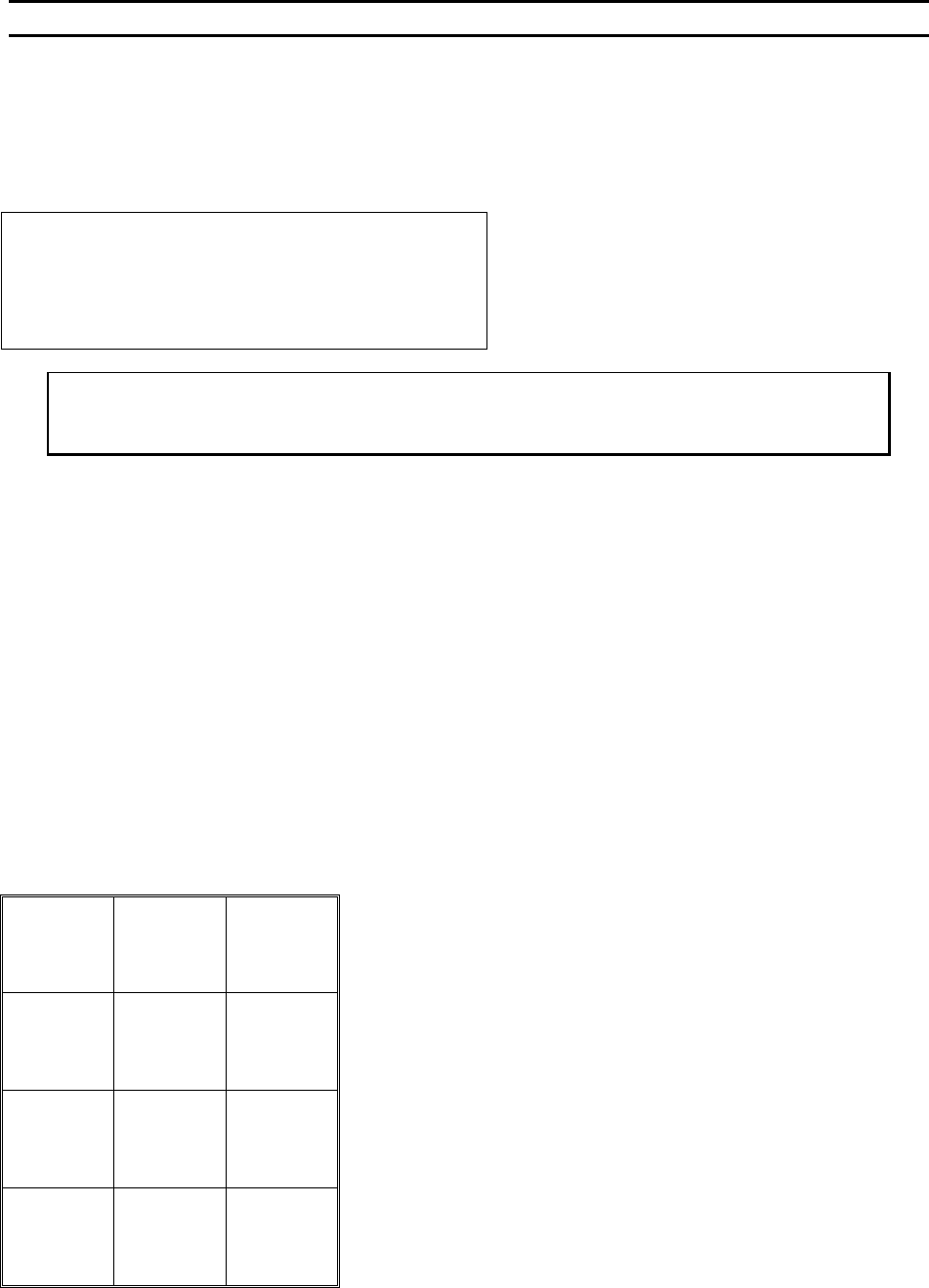
Key “4” will erase the device data.
Key “7” or “9” will step the operator through the devices.
Key “8” will return the operator to Device 1.
To Call “Device Edit”
From the H
OME menu press 4 (EDIT), and then press 7 (DEVICE EDIT)
Key Format:
Previous
Menu
1
Go To
Device/Type
2
Home
3
Erase
device
4
5
Copy device
6
Previous
Device
7
Device 1
8
Next device
9
Previous
Menu
A
0
Type Edit
G