wire-bonder.pdf - 第36页
WEST•BOND MODEL 454647E SER IES INSTRUCTION MANUAL 30 OPERATION Half-Auto Bonding The operator is required to press the G key, or the G O B UTT ON , each time the machine approaches the work to make a bond. This mode all…
WEST•BOND MODEL 454647E SERIES INSTRUCTION MANUAL
29
OPERATION
Full-Auto Bonding
The bonding sequence continues without operator intervention until the completion of one complete wire
run. The operator may stop bonding in this mode by pressing any key.
FULL-AUTO BONDING (G was pressed in the Align or “Home” menu, or from Manual Bonding)
Bond 1 of 5 -->Look in microscope.
Force: Low Power: 240 Time: 20ms
-> Any key halts bonding
(hold until activity stops).
ϑ To change from “Half-Auto” Mode to “Full-Auto” Mode
From the H
OME menu press the 8 key twice.
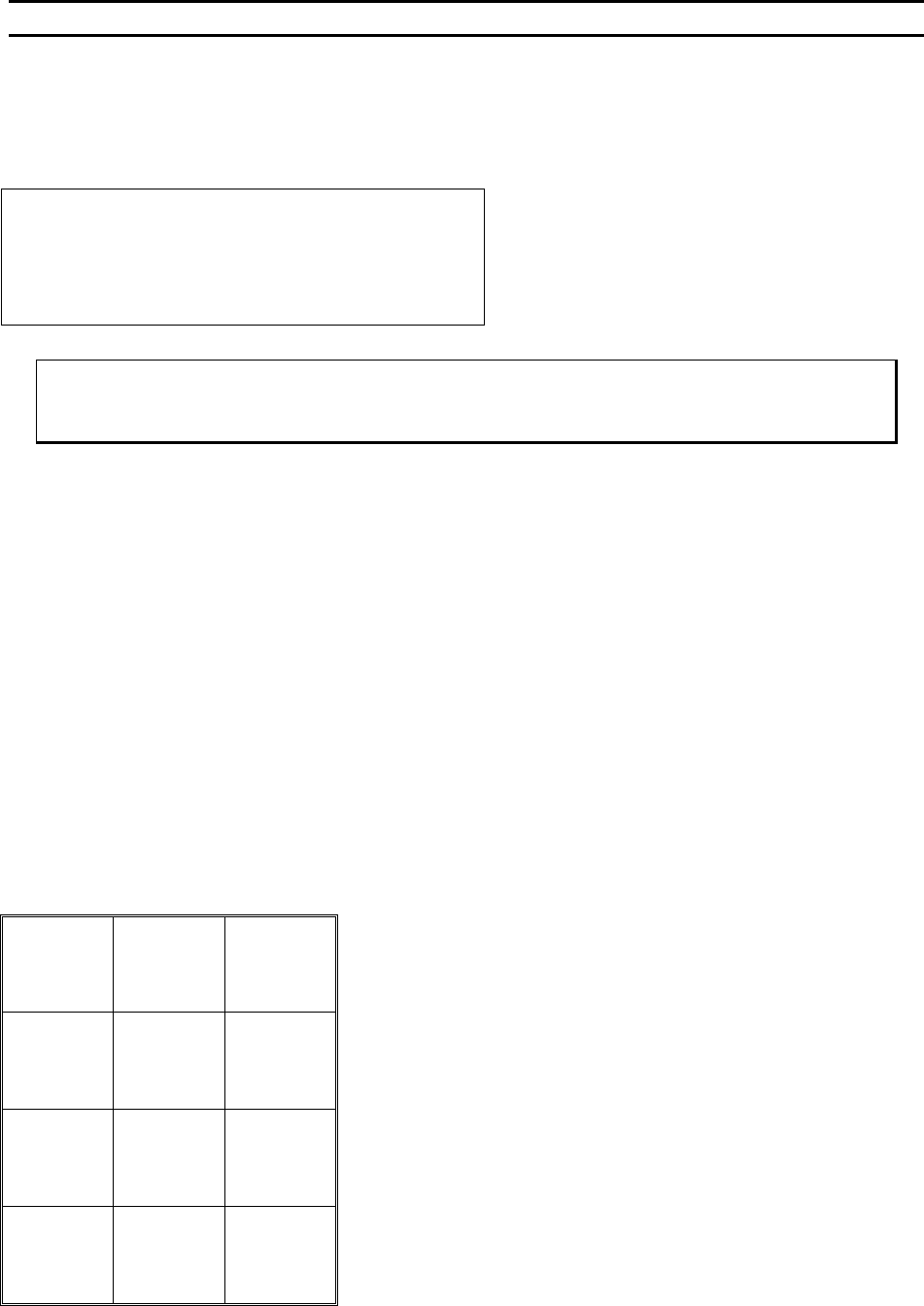
Key Format:
Manual
Bond
1
Manual
Bond
2
Manual
Bond
3
Manual
Bond
4
Manual
Bond
5
Manual
Bond
6
Manual
Bond
7
Manual
Bond
8
Manual
Bond
9
Manual
Bond
A
Manual
Bond
0
Manual
Bond
G
WEST•BOND MODEL 454647E SERIES INSTRUCTION MANUAL
30
OPERATION
Half-Auto Bonding
The operator is required to press the G key, or the GO BUTTON, each time the machine approaches the
work to make a bond. This mode allows the operator to manually select a bonding point by using the
micromanipulator to position the tool prior to contact. The bonding sequence of this mode is described as
follows: At first bond, the tool will stop at search if the G key is pressed and held, allowing X-Y movement,
and the bonding sequence will continue upon release of the G key. Without holding the G key, the tool will
not stop at search height. At the second bond, the tool will automatically stop at Loop Height, allowing X-
Y movement. Pressing and holding the G key at this point will bring the tool down to search elevation for
final X-Y adjustments. If the G key is not held the tool will approach the work until a bond is made. This
sequence will repeat until the completion of that wire.
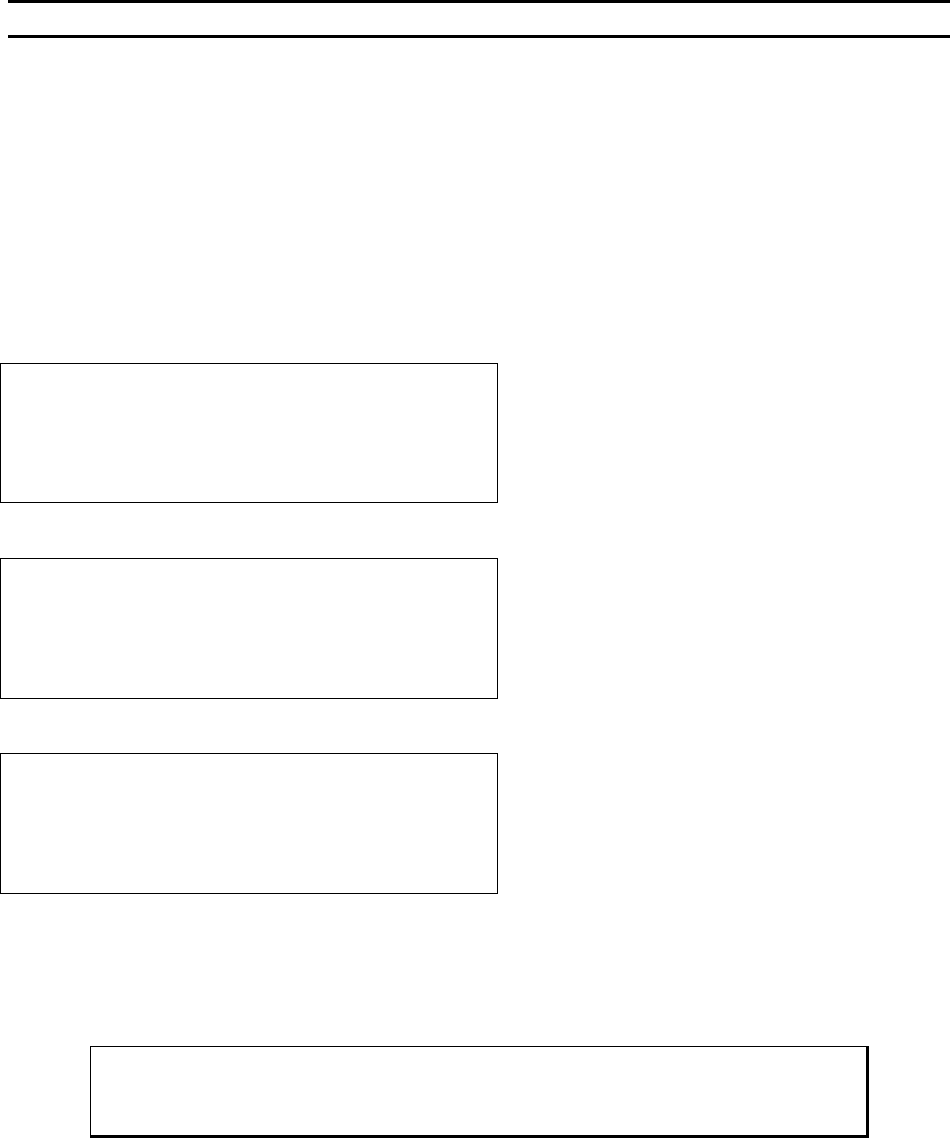
HALF-AUTO BONDING (G was pressed in the Align or “Home” menu, or from Manual Bonding)
At Search: Pressing and holding “G” key will stop the tool at search elevation (allowing XY Movement).
At Loop Height: The tool will automatically stop at Loop Height (allowing XY Movement).
ϑ To change from “Full-Auto” Mode to “Half-Auto” Mode:
From the H
OME menu press the 8 key twice.
Bond 1 of 2 Look in microscope.
Force: High Power: 240 Time: 20ms
Tool is at Search. Use manipulator to
move and release G when ready to bond.
If G is pressed and held this menu is displayed.
Otherwise first bond is automatically completed and
the machine pauses at the next menu, Loop Height.
At Loop Height: Bond 2 of 2
Force: High Power: 240 Time: 20ms
7=Lock X
0=Manual bond G=Half-Auto
From this menu if G is pressed and held then the
machine will stop at Search and the next menu is
displayed before the last bond is completed.
Bond 2 of 2 Look in microscope.
Force: High Power: 240 Time: 20ms
Tool is at Search. Use manipulator to
move and release G when ready to bond.
Pressing (or releasing if held) G one more time will
complete the last bond.
WEST•BOND MODEL 454647E SERIES INSTRUCTION MANUAL
31
OPERATION
Half-Auto Bonding
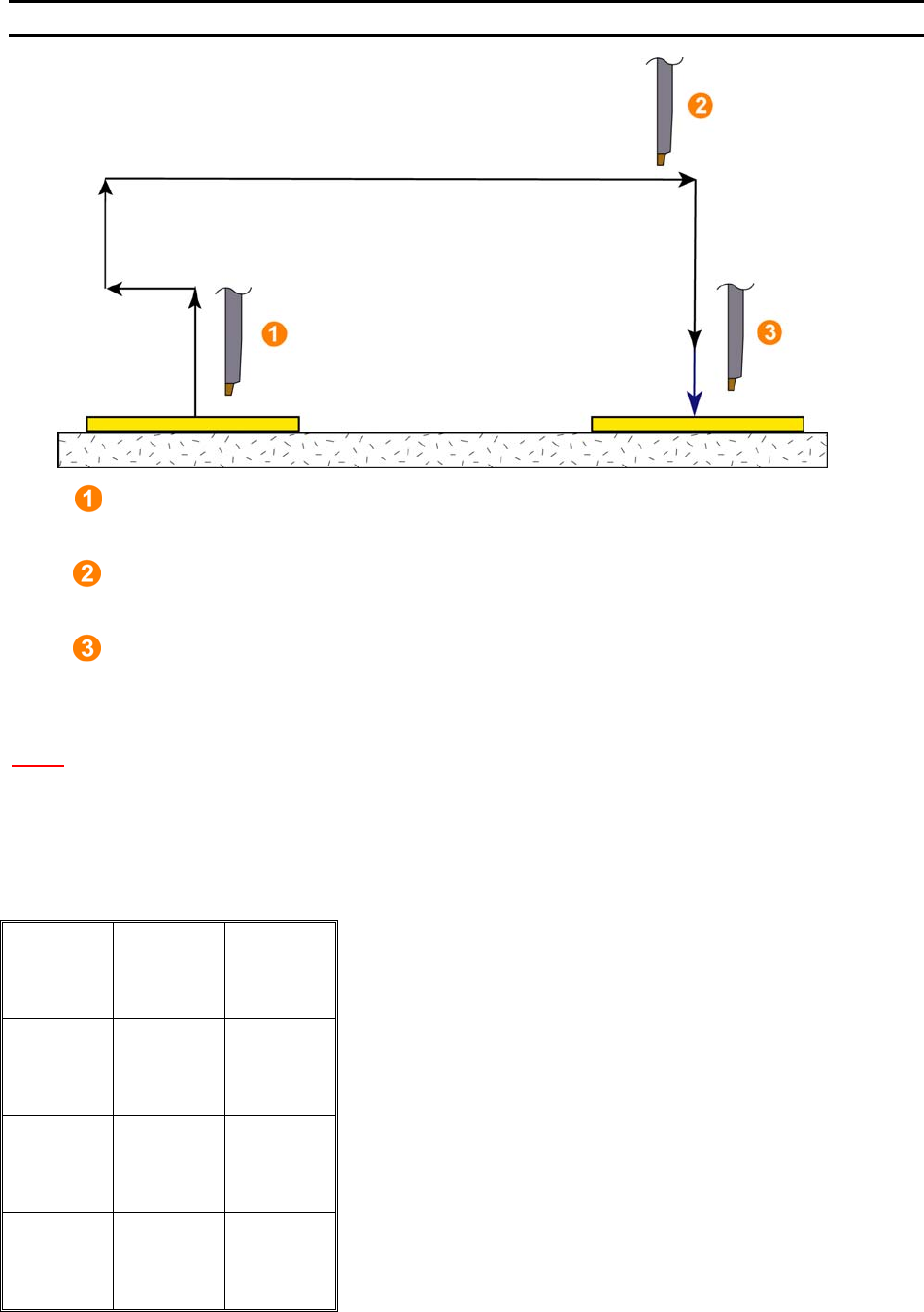
1. Search After First Bond
The tool will stop here if the G key is pressed and held. This allows the movement of the
X-Y manipulator. The bonding sequence will continue once the G key is released.
2. Loop Height
When in H
ALF-AUTO mode the tool will automatically stop here to allow movement of the
X-Y manipulator for targeting. Press the G key to complete the bonding sequence.
3. Search Before Second Bond
The tool will stop here if the G key is pressed and held after loop height. This allows the
movement of the X-Y manipulator for final targeting. The bonding sequence will continue
once the G key is released.
N
OTE! This process is also allowed in Full-Auto mode if the first bond is inhibited.
Key Format:
1
2
3
4
5
6
7
8
9
A
0
Manual
Bond
G