wire-bonder.pdf - 第82页
WEST•BOND MODEL 454647E SER IES INSTRUCTION MANUAL 76 ADVANCED PROGRAMMING Add Type This option allows the operator to add one type (wit h two bonds, Editable later) to the end of type list, which shares the same Device …
WEST•BOND MODEL 454647E SERIES INSTRUCTION MANUAL
75
ADVANCED PROGRAMMING
Edit Critical Bond
This option allow the operator to specify the critical bond for a set type of wires, where the placement of
the second or third bond may be more critical than the first. The operator would then align the crosshairs
to the second or third bond before executing the bonding sequence.
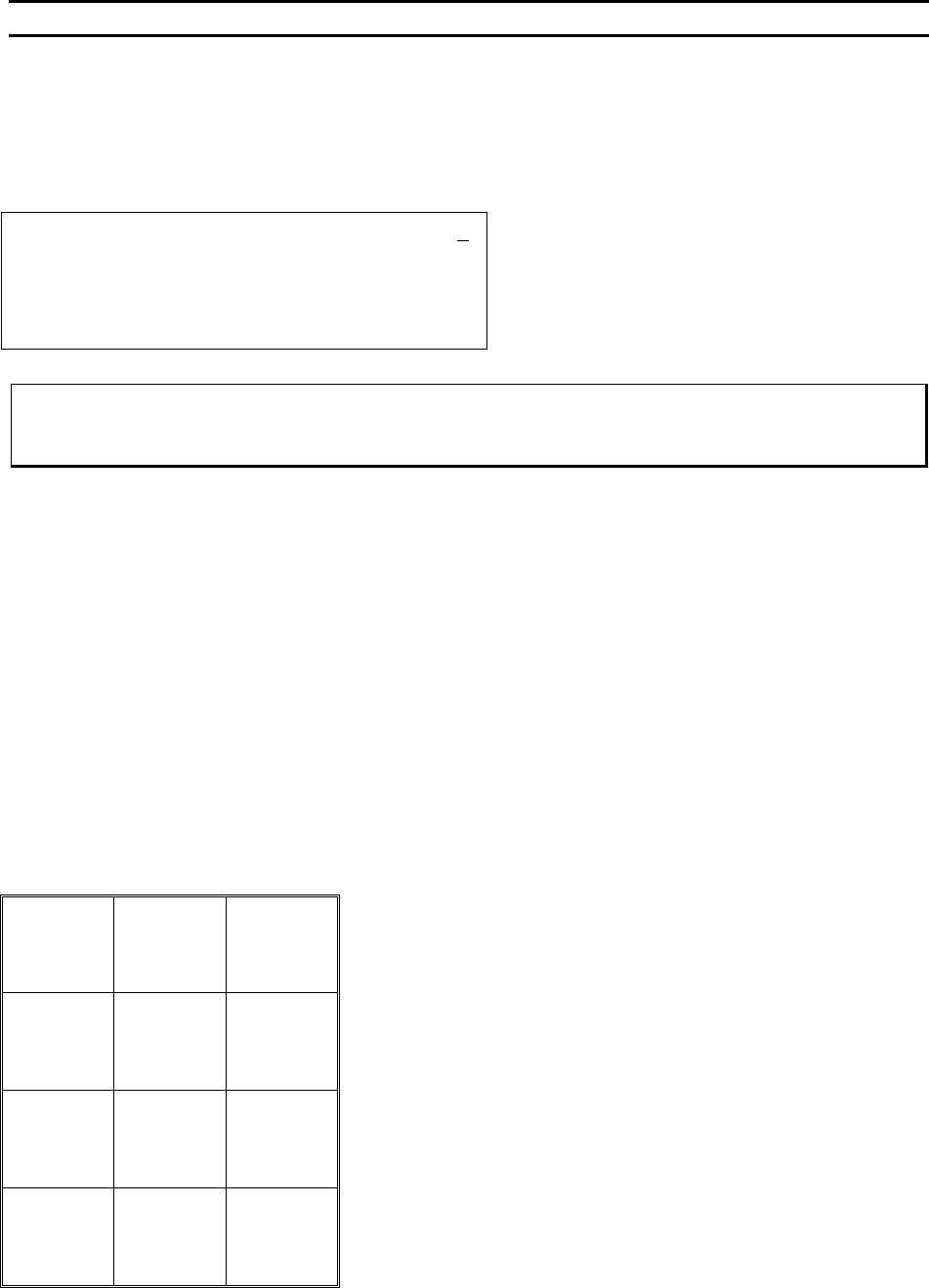
EDIT CRITICAL BOND
Device 2 Type 1: EDIT CRITICAL BOND: 3
4=Key in 5=Next Bond
7=Prev type 8=Bond 1 9=Next type
A=Prev option 0=Prev Bond G=OK
To Call “Edit Critical Bond”
From the H
OME menu press 4 (EDIT), 9 (WIRE TYPE EDIT), 4 (EDIT TYPE), then 7 (CRITICAL BOND)
*NOTE: If the system is set in Microscope Mode (page 35) the Critical Bond will be ignored and the
operator must align to bond 1.
Key Format:
Previous
Menu
1
Go To
Device/Type
2
Home
3
Key in
4
Next bond
5
6
Previous
type
7
Bond 1
8
Next type
9
Previous
Option
A
Previous
bond
0
OK
G
WEST•BOND MODEL 454647E SERIES INSTRUCTION MANUAL
76
ADVANCED PROGRAMMING
Add Type
This option allows the operator to add one type (with two bonds, Editable later) to the end of type list,
which shares the same Device Number.
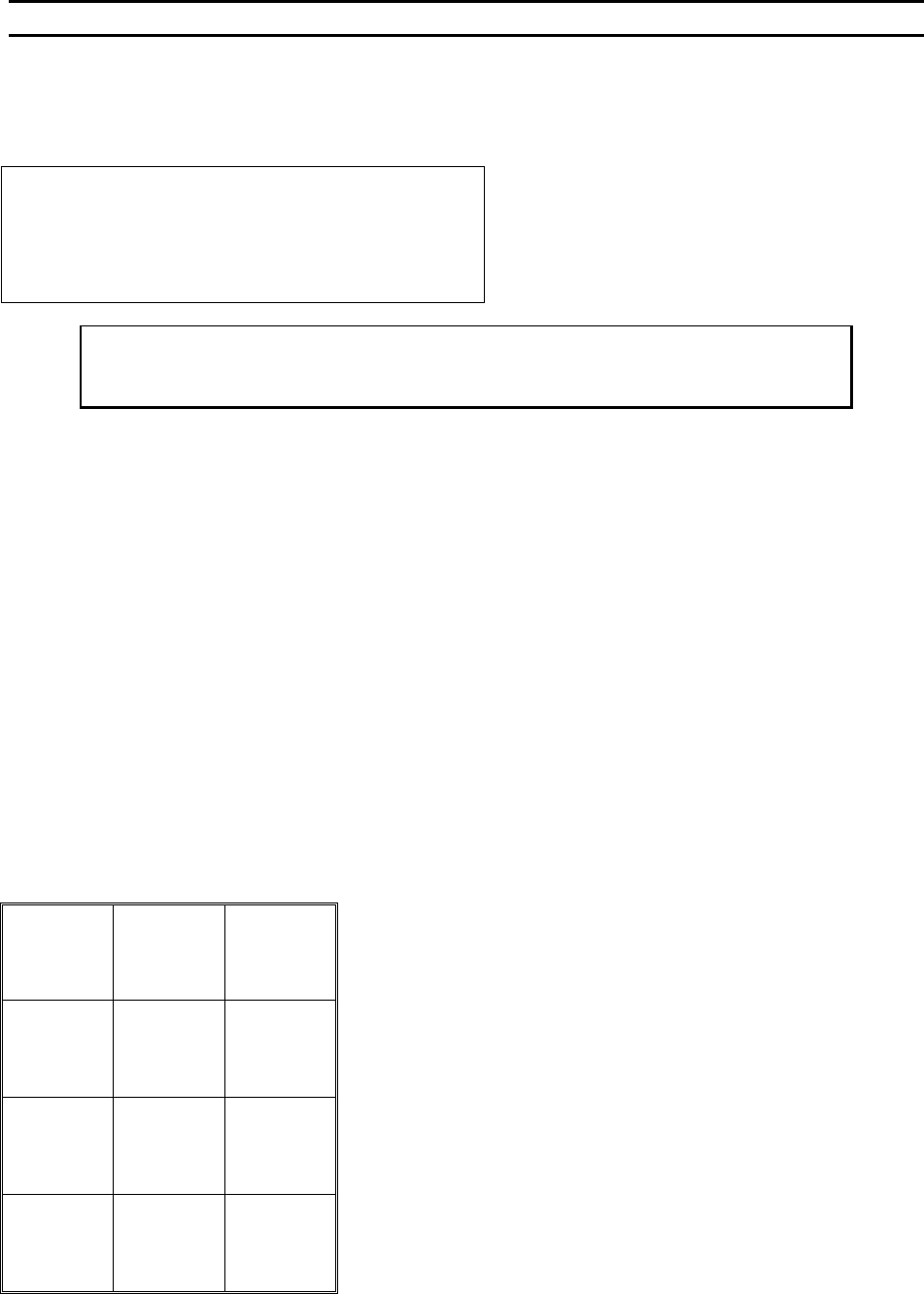
Device 1 of 30 Type 1 of 1
4=Edit type 5=Add type 6=Copy type
7=Prev type 8=Type 1 9=Next type
A=Prev menu 0=Delete type
To Call “Add Type”
From the H
OME menu press 4 (EDIT), 9 (WIRE TYPE EDIT), and then 5 (ADD TYPE)
Key Format:
Return to
Edit
1
Go To
Device/Type
2
Home
3
Edit
Type
4
Add
Type
5
Copy
Type
6
Previous
Type
7
Type 1
8
Next
Type
Previous
Menu
A
Delete
Type
0
G
WEST•BOND MODEL 454647E SERIES INSTRUCTION MANUAL
77
ADVANCED PROGRAMMING
Copy Type
This menu enables the operator to copy types of wires to another type within a device.
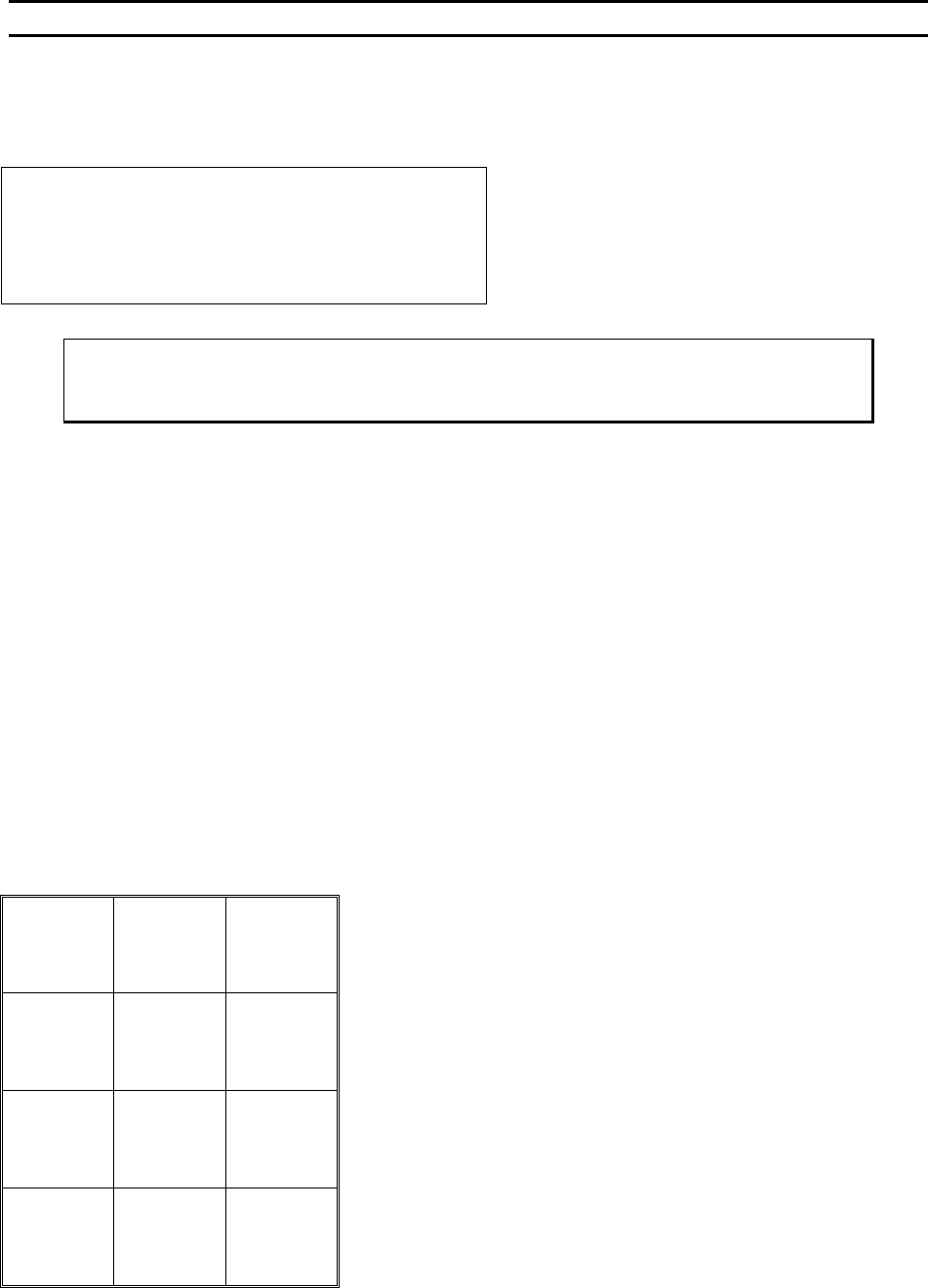
COPY TYPE
COPY TYPE 2 of 3 to Type: 3
4=Key in 5=Next Destination
7=Prev source 9=Next source
A=Prev menu 0=Prev destination G=OK
Key “5” can advance one past the last type #
which is also the default
Key “G” performs the copy and goes to the Edit
Type Menu.
To Call “Copy Type”
From the H
OME menu press 4 (EDIT), 9 (WIRE TYPE EDIT), and then 6 (COPY TYPE)
Key Format:
Previous
Menu
1
Go To
Device/Type
2
Home
3
Key in
4
Next bond
5
6
Previous
Source
7
8
Next
Source
9
Previous
Menu
A
Previous
bond
0
OK
G