wire-bonder.pdf - 第77页
WEST•BOND MODEL 454647E SER IES INSTRUCTION MANUAL 71 ADVANCED PROGRAMMING Wire Type Edit Menu From this menu option t he operator can create new types, co py type properties to another type for modification, or simply s…
WEST•BOND MODEL 454647E SERIES INSTRUCTION MANUAL
70
ADVANCED PROGRAMMING
Copy Device
This option will allow the operator to copy a device to another location for modification of a new device or
package with similar properties.
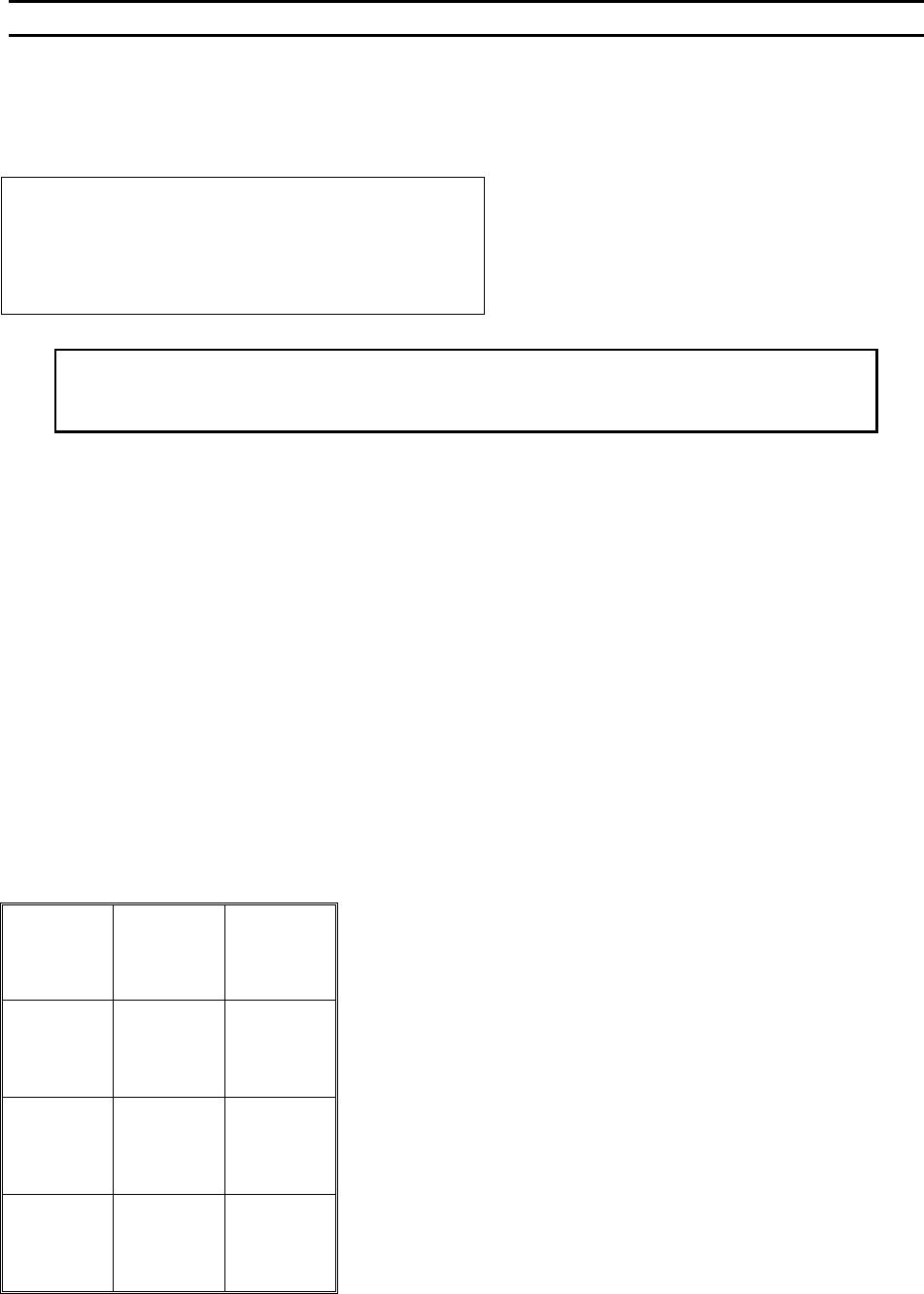
COPY DEVICE
COPY DEVICE 5 of 30 to Device: 30
5=Next destination
7=Prev source 9=Next source
A=Prev menu 0=Prev destination G=OK
Key “5” can advance one past the last device #, which
is also the default. Key “G” creates the copy, and goes
to the Edit Device Menu.
Key“1” or “A” = Device Edit Menu
To Call “Copy Device”
From the H
OME menu press 4 (EDIT), 7 (DEVICE EDIT) and then press 6 (COPY DEVICE)
Key Format:
Previous
Menu
1
Go To
Device/Type
2
Home
3
4
Next device
5
6
7
8
9
Previous
Menu
A
Previous
Device
0
OK
G
WEST•BOND MODEL 454647E SERIES INSTRUCTION MANUAL
71
ADVANCED PROGRAMMING
Wire Type Edit Menu
From this menu option the operator can create new types, copy type properties to another type for
modification, or simply select a type to be used. There can be as many as thirty different types
programmed on the 454647E.
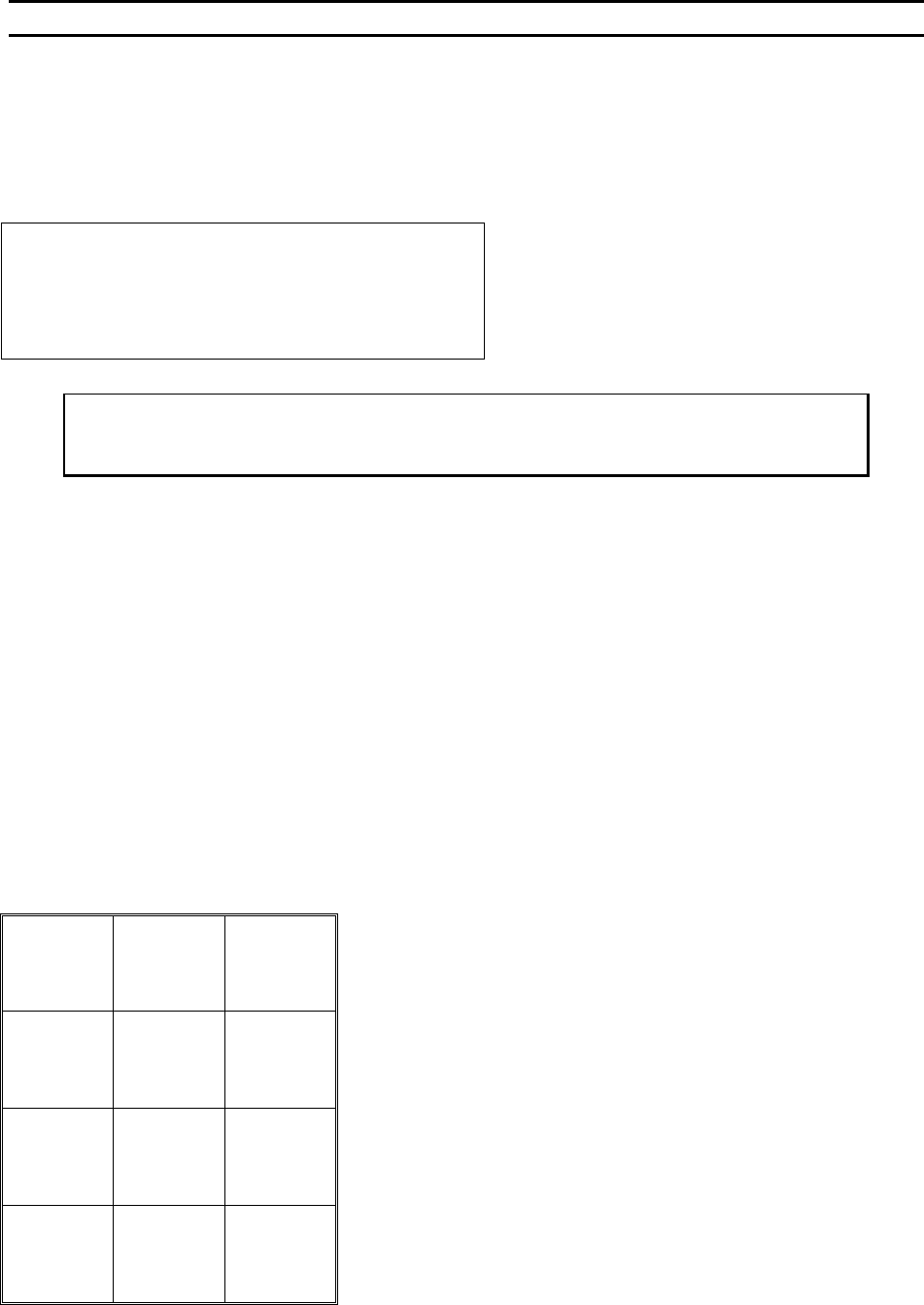
WIRE TYPE EDIT MENU
Device 2 of 30: TYPE 2 of 3
4=Edit type 5=Add type 6=Copy type
7=Prev type 8=Type 1 9=Next type
A=Prev menu 0=Delete Type 3
Key “7” or “9” will step the operator through the types.
Key “8” will return the operator to Type1.
Key “0” will erase the device data.
To call “Wire Type Edit” Menu
From the H
OME menu press 4 (EDIT) and then press 9 (TYPE EDIT)
Key Format:
Previous
Menu
1
Go To
Device/Type
2
Home
3
Edit Type
4
Add type
5
Copy type
6
Previous
type
7
Type 1
8
Next type
9
Previous
Menu
A
Delete
Type 3
0
Next option
G
WEST•BOND MODEL 454647E SERIES INSTRUCTION MANUAL
72
ADVANCED PROGRAMMING
Delete Type
This option allows the operator to delete one type from the end of the wire type list.
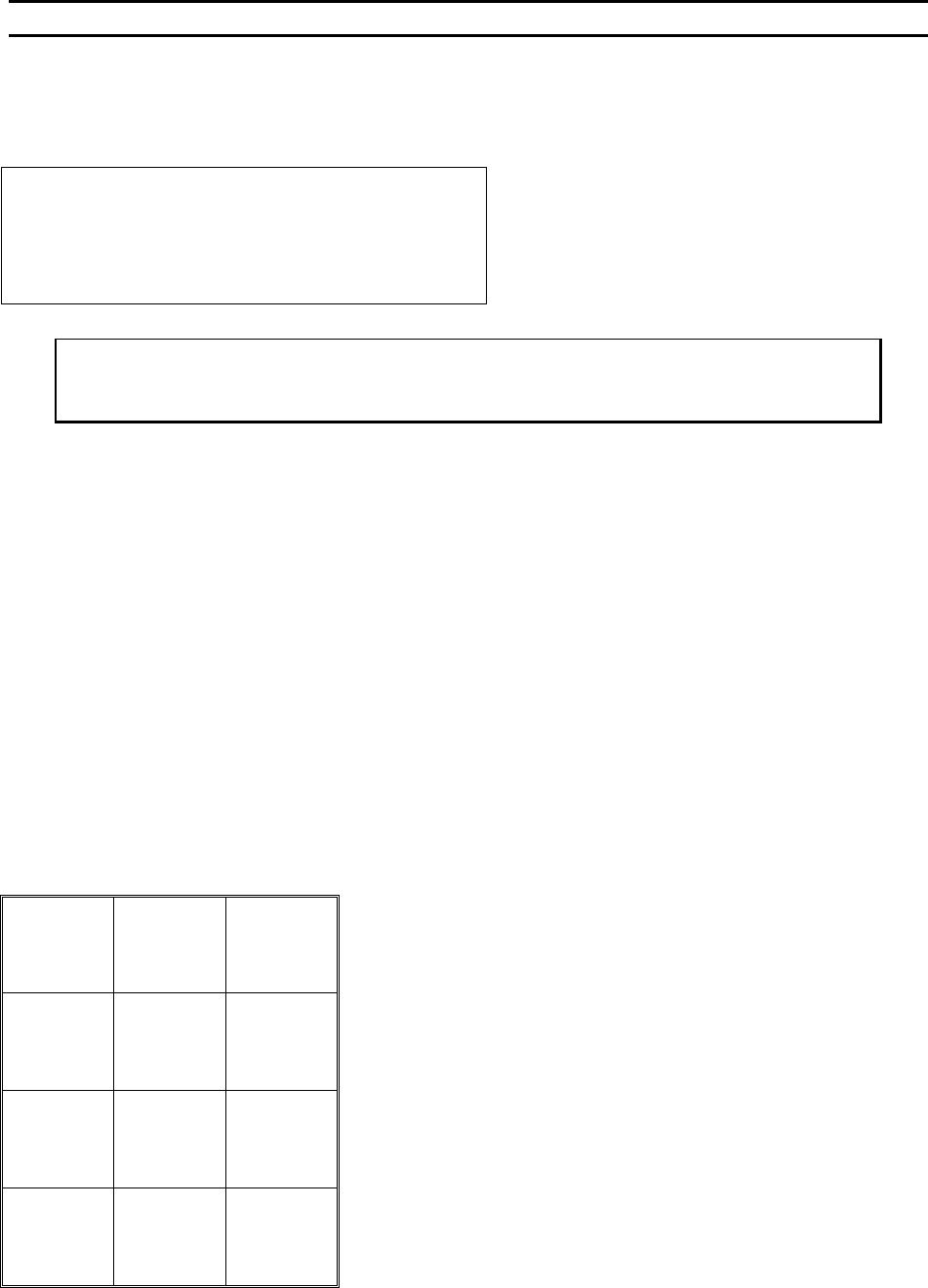
DELETE TYPE
DELETE TYPE 3 of 3:
Are you sure?
A=No
(This type has 2 bonds.) G=Yes
To call “Delete Type ”
From the H
OME menu press 4 (EDIT), 9 (TYPE EDIT), and then press 0 (DELETE TYPE)
Key Format:
Previous
Menu
1
2
Home
3
4
5
6
7
8
9
Previous
Menu
A
0
Delete
this type
G