wire-bonder.pdf - 第71页
WEST•BOND MODEL 454647E SER IES INSTRUCTION MANUAL 65 ADVANCED PROGRAMMING Ultrasonic Diagnostic Test This feature performs a di agnostic evaluation of the ultrasonic system duri ng the power-up sequence. To change the s…
WEST•BOND MODEL 454647E SERIES INSTRUCTION MANUAL
64
ADVANCED PROGRAMMING
Ultrasonic Power During Thread
Similar to the Ultrasonic power during feed option, except that this ultrasonic power level is used during
the long clamp stroke (Executed by pressing key “6” from the thread and bond-off menu). The values
suggested by the 454647E are the same as those for the ultrasonic power during feed option. The
454647E will reject values that are lower than the power during feed.
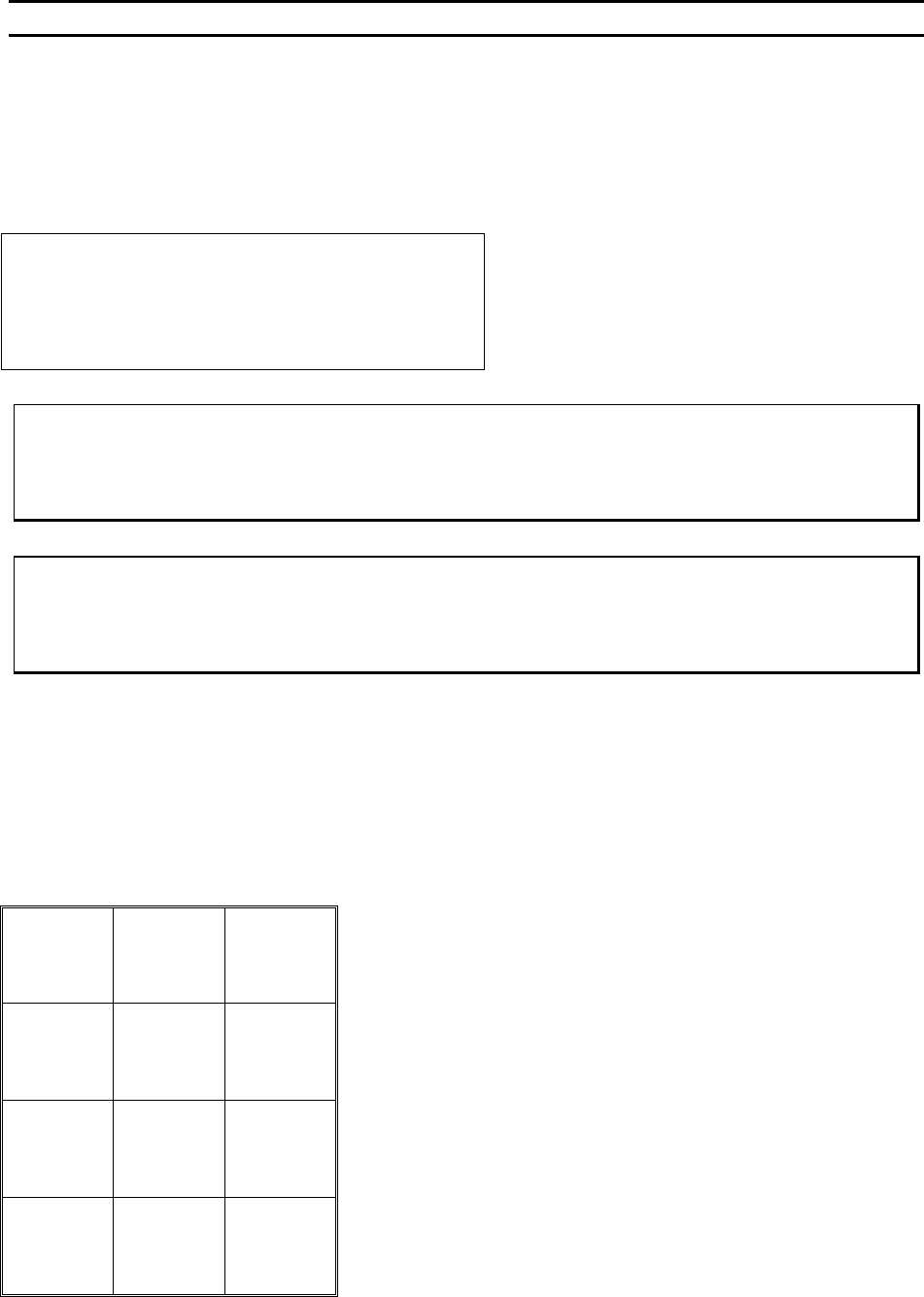
ULTRASONIC POWER DURING THREAD
Ultrasonic Power During Thread: 400
4=Key in 5=Increase
8=Suggest
A=Prev option 0=Decrease G=Next option
Normally used only for 90° applications
To edit “Ultrasonic Power During Thread”
F
OR 4500E AND 4600E MODES ONLY
From the H
OME menu press 4 (EDIT), 6 (MACHINE), 0 (MORE OPTIONS), and then 6 (U/S THREAD)
To edit “Ultrasonic Power During Thread”
F
OR 4700E MODE ONLY
From the H
OME menu press 4 (EDIT), 6 (MACHINE), 0 (MORE OPTIONS), and then 5 (U/S THREAD)
Key Format:
Previous
Menu
1
2
Home
3
Key in
4
↑
Increase
5
6
7
Suggest
8
9
Previous
option
A
↓
Decrease
0
Next option
G
WEST•BOND MODEL 454647E SERIES INSTRUCTION MANUAL
65
ADVANCED PROGRAMMING
Ultrasonic Diagnostic Test
This feature performs a diagnostic evaluation of the ultrasonic system during the power-up sequence. To
change the selection of this feature press key “5” to turn ON or key “0” to turn OFF the option.
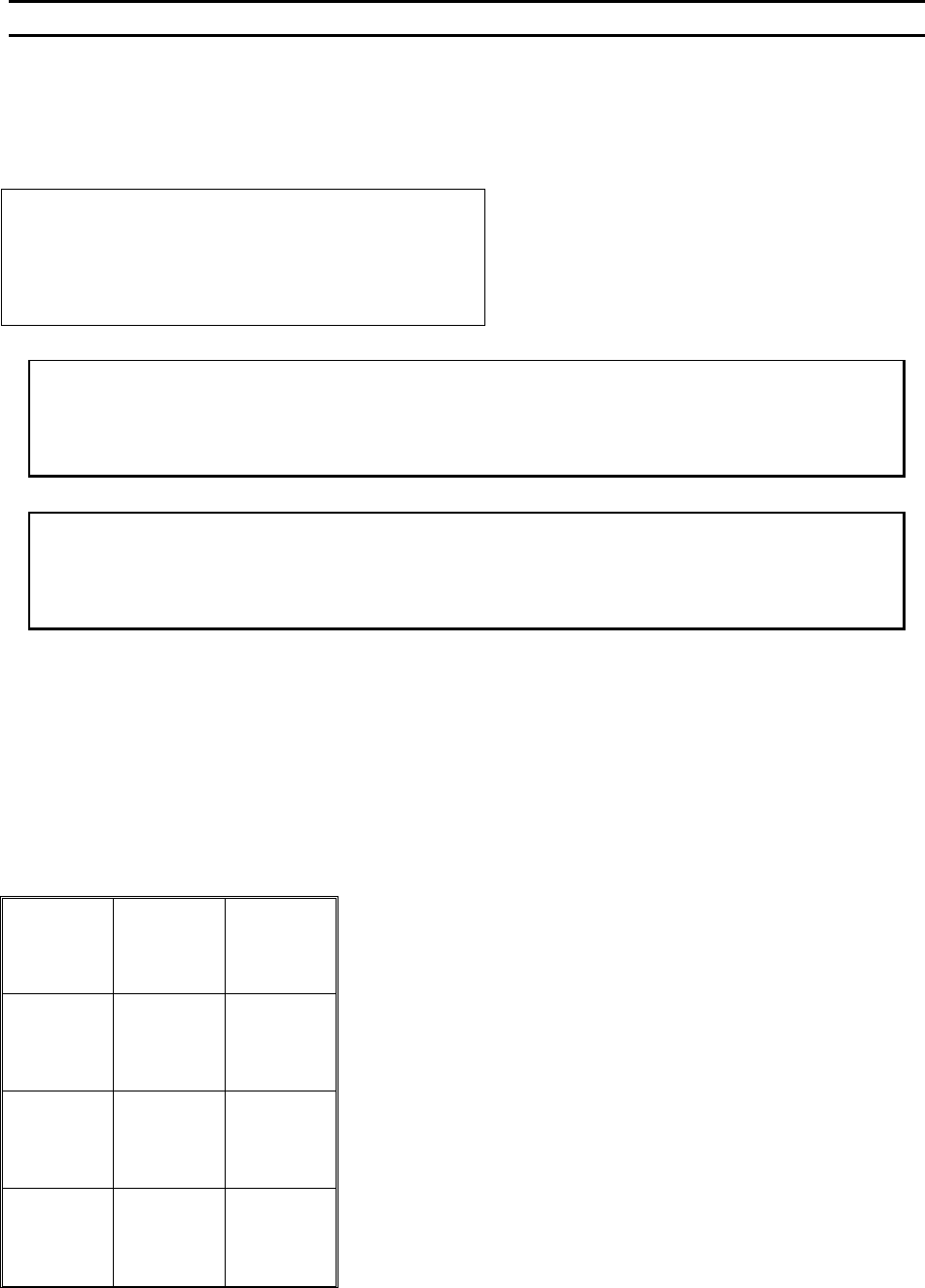
ULTASONIC DIAGNOSTIC TEST
Ultrasonic Diagnostic Test: On
5=On
8=Suggest
A=Prev option 0=Off G=Next option
To edit “Ultrasonic Diagnostic Test”
F
OR 4500E AND 4600E MODES ONLY
From the H
OME menu press 4 (EDIT), 6 (MACHINE), 0 (MORE OPTIONS), and then 8 (U/S TEST)
To edit “Ultrasonic Diagnostic Test”
F
OR 4700E MODE ONLY
From the H
OME menu press 4 (EDIT), 6 (MACHINE), 0 (MORE OPTIONS), and then 6 (U/S TEST)
Key Format:
Previous
Menu
1
2
Home
3
4
On
5
6
7
Suggest
8
9
Previous
option
A
Off
0
Next option
G
WEST•BOND MODEL 454647E SERIES INSTRUCTION MANUAL
66
ADVANCED PROGRAMMING
Wire Break Z Offset
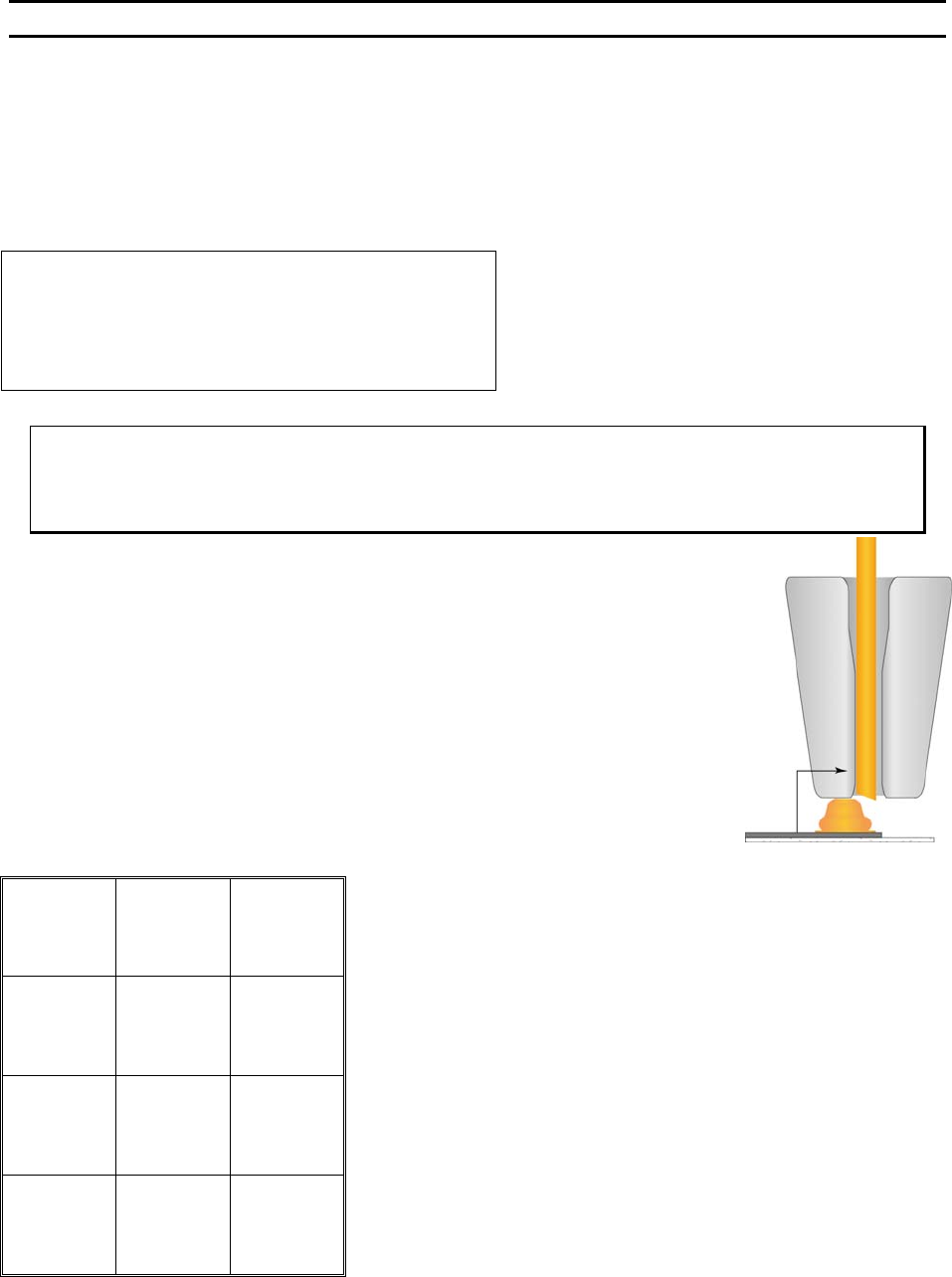
This option is used when ball or stud bumping. The tool is moved to the top of the ball bond and then
takes a step backwards to terminate the wire at the top of the ball.
The number entered controls the elevation of the tool before the Y motor takes a step back to terminate
or wipe the wire off the top of the ball bond.
WIRE BREAK Z OFFSET
Wire Break Z Offset: 7 (1Z=.0002083”)
4=Key in 5=Increase
8=Suggest
A=Prev option 0=Decrease G=Next option
To edit “Wire Break Z Offset”
From the H
OME menu press 4 (EDIT), 6 (MACHINE), 0 (MORE OPTIONS), then 8 (WIRE
B
REAK Z OFFSET)
Key Format:
Previous
Menu
1
2
Home
3
Key in
4
↑
Increase
5
6
7
Suggest
8
9
Previous
option
A
↓
Decrease
0
Next option
G