wire-bonder.pdf - 第85页
WEST•BOND MODEL 454647E SER IES INSTRUCTION MANUAL 79 ADVANCED PROGRAMMING Edit Bond This option allows the ope rator to edit the following da ta: Ultrasonic Power, Ultrasonic Time, Bond Force, Bond Depth, Inhibit Auto M…
WEST•BOND MODEL 454647E SERIES INSTRUCTION MANUAL
78
ADVANCED PROGRAMMING
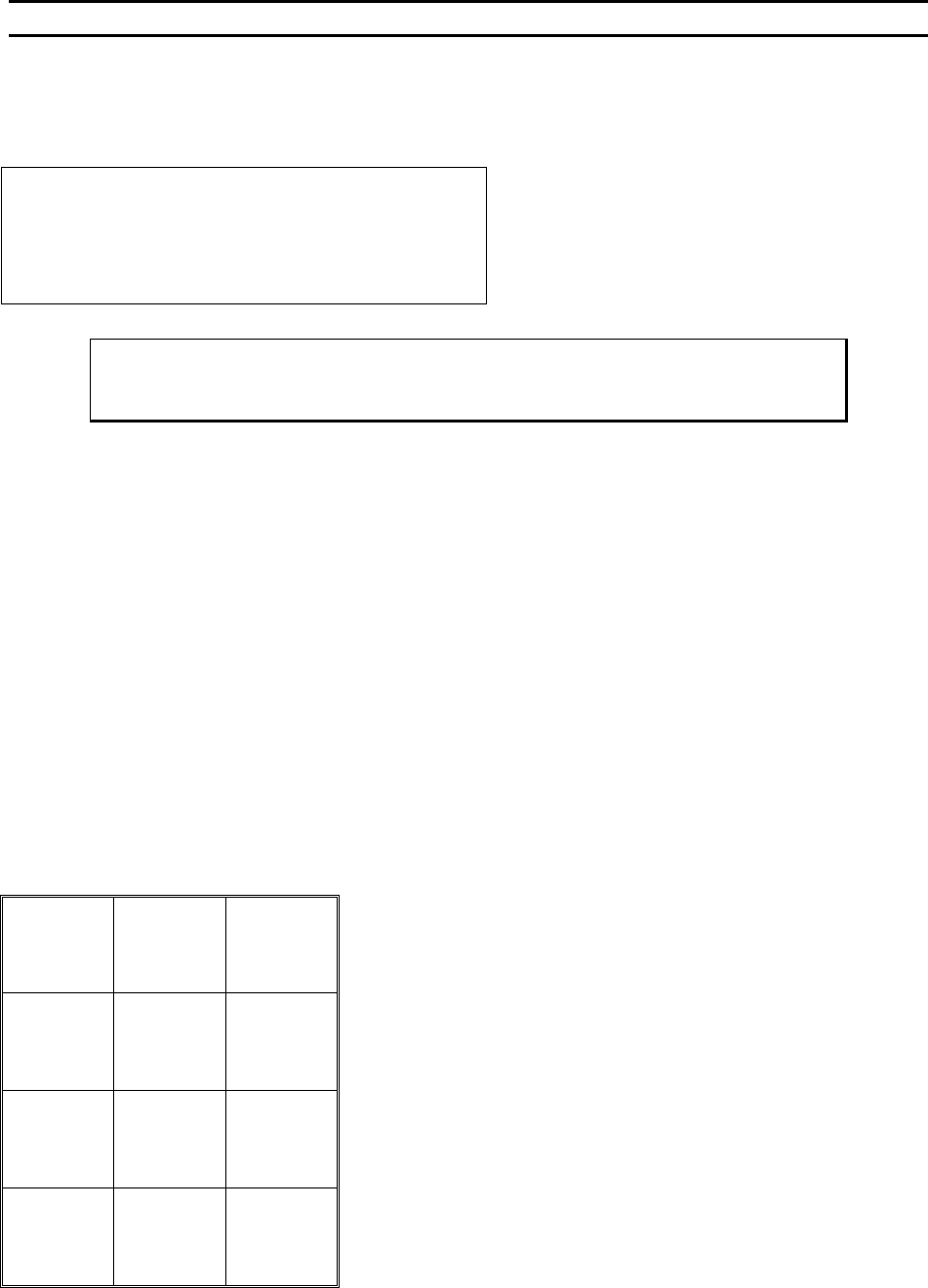
Bond Edit Menu
This menu is the starting point for the editing of the bond parameters for a specified type.
BOND EDIT MENU
Device 2: Type 1 of 3 (2 bonds)
4=Edit bond 5=# of bonds
7=Prev type 8=Type 1 9=Next Type
A=Prev menu
To Call “Bond Edit” Menu
From the H
OME menu press 4 (EDIT) and then press A (BOND EDIT)
Key Format:
Previous
Menu
1
Go To
Device/Type
2
Home
3
Edit bond
4
# of bonds
5
6
Previous
type
7
Type 1
8
Next type
9
Previous
Menu
A
0
G
WEST•BOND MODEL 454647E SERIES INSTRUCTION MANUAL
79
ADVANCED PROGRAMMING
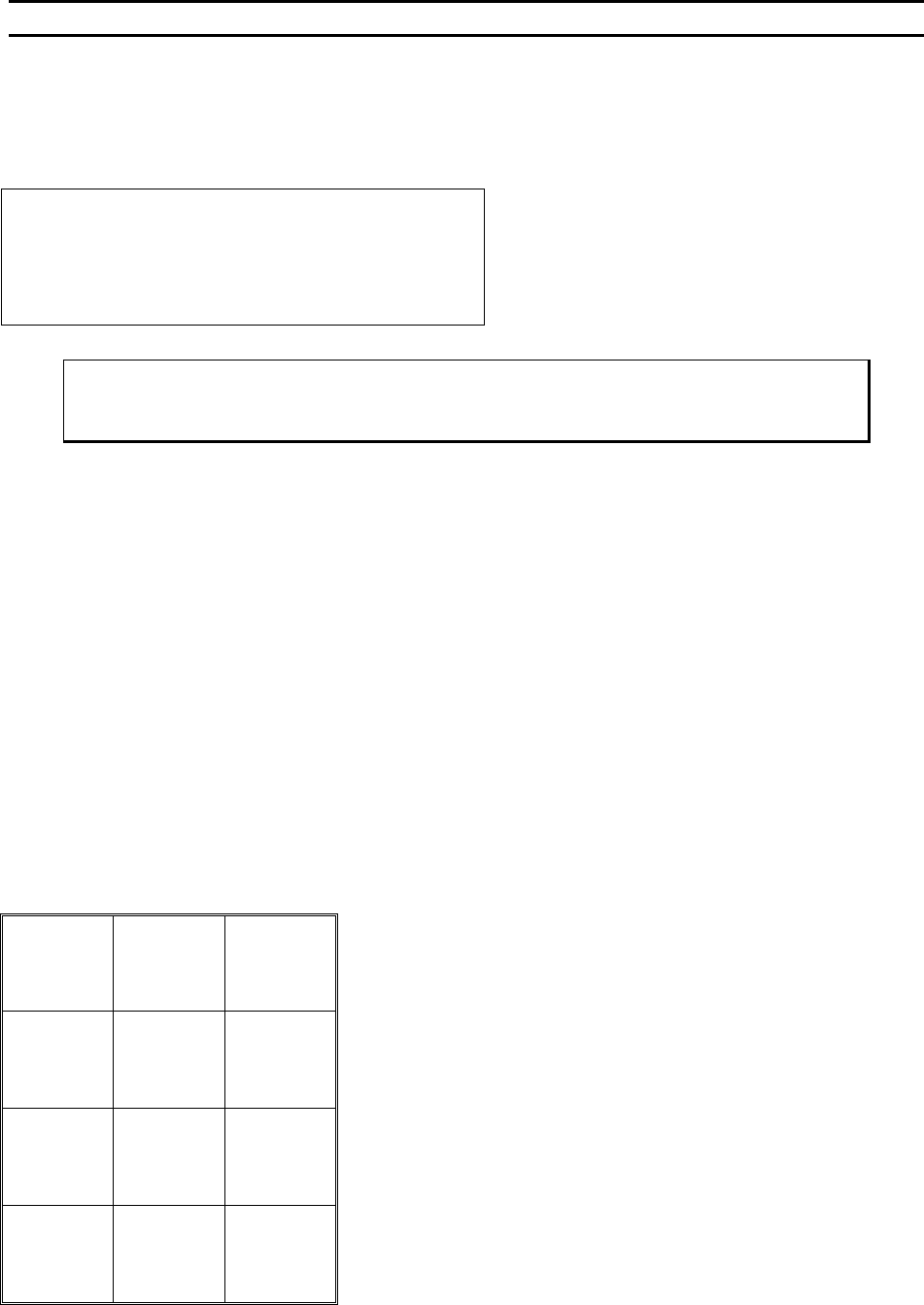
Edit Bond
This option allows the operator to edit the following data: Ultrasonic Power, Ultrasonic Time, Bond Force,
Bond Depth, Inhibit Auto Mode, Speed and Pre-Bond Delay.
EDIT BOND
Device 2 Type 3: Bond #1 of 5
4=U/S power 5=U/S time 6=Force
7=Depth 8=Inhibit auto 9=Speed
A=Prev menu 0=Bond delay G=Sequence
To Call “Edit Bond” Menu
From the H
OME menu press 4 (EDIT), A (BOND EDIT), and then press 4 (EDIT BOND)
Key Format:
Previous
Menu
1
Go To
Device/Type
2
Home
3
U/S power
4
U/S time
5
6
Depth
7
Inhibit auto
8
Speed
9
Previous
Menu
A
Bond delay
0
Sequence
G
WEST•BOND MODEL 454647E SERIES INSTRUCTION MANUAL
80
ADVANCED PROGRAMMING
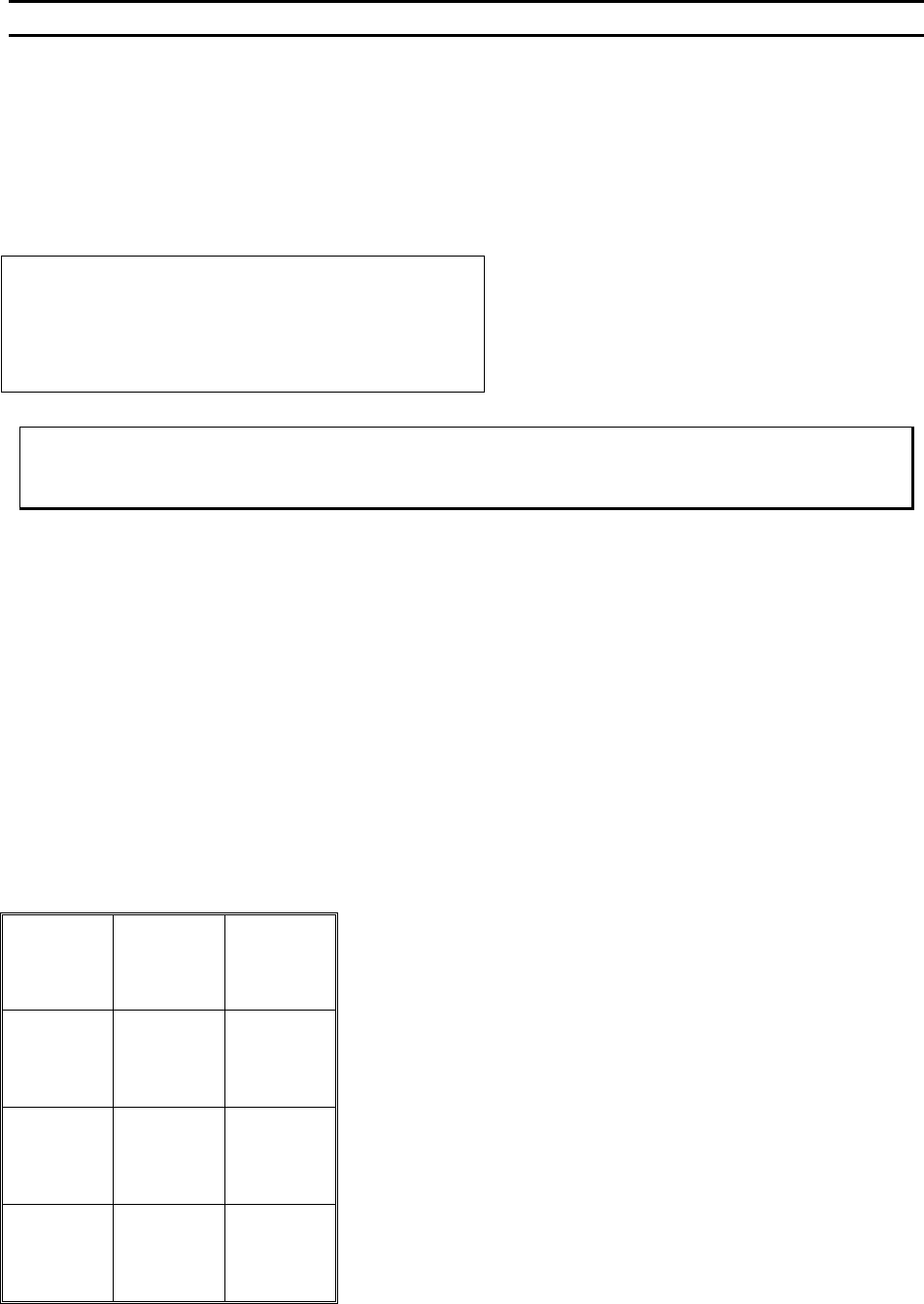
Edit Ultrasonic Power
From this menu the operator can increase or decrease the Ultrasonic Power applied to the wire for
bonding. The scale is 000 (no ultrasonic power) to 999 (full ultrasonic power). The built-in ultrasonic
generator has a high/low switch to allow the operator a wider range of bonding possibilities. The low scale
has a finer resolution and a maximum output of 2 watts. The high scale has a maximum output power of
4.5 watts. See page 119 for details regarding this board mounted select switch.
EDIT ULTRASONIC POWER
ULTRASONIC POWER, Bond 5: 240
4=Key in 5=Increase 6=Copy
7=Prev bond 8=Suggest 9=Next bond
A=Prev menu 0=Decrease G=Next option
To edit “Ultrasonic Power”
From the H
OME menu press 4 (EDIT), A (BOND EDIT), 4 (EDIT BOND), then 4 (ULTRASONIC POWER)
Key Format:
Previous
Menu
1
Go To
Device/Type
2
Home
3
Key in
4
↑
Increase
5
Copy
6
Previous
bond
7
Suggest
8
Next bond
9
Previous
Menu
A
↓
Decrease
0
Next option
G