Micron Technical Reference V9 Volume 1.pdf - 第17页
INTRODUCTION SOFTWARE/HARDWARE CONFIGURATIONS Chapter Issue 12, Feb 18 Technical Reference Manual 1.7 SOFTW ARE/HARDW ARE CONFIGURA TIONS Software Release V ersion 9 Software Hardware Software Release V ersion 9 SP01 Sof…
INTRODUCTION
PRINTER OPTIONS
1.6 Technical Reference Manual Chapter Issue 12, Feb 18
PRINTER OPTIONS
This comprehensive set of manuals cover all possible options available for
fitment to these printers. Some options described within these manuals may not
pertain to your particular printer.
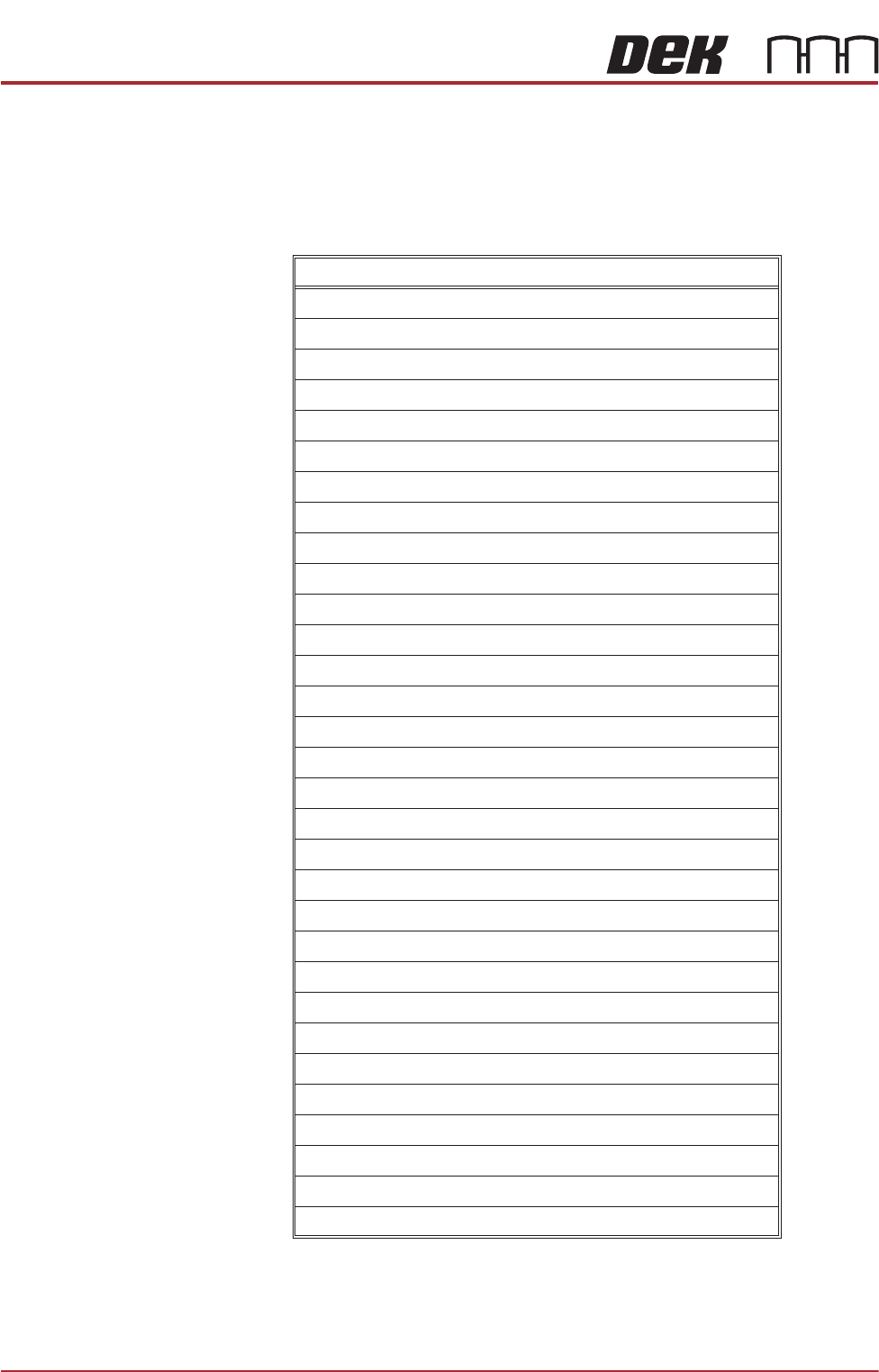
The table below lists all the available hardware options:
Feature
Adjustable Stencil Mount (ASM)
Adjustable Width Stencil Mount (AWSM)
Auto Stencil Load
Barcode Reader (Product)
Barcode Reader (Remote)
Dedicated Tooling
Direct Ball Placement
Foreign Machine Interface Pod
HawkEye Camera (750 or 1700) - specification only
Grid-Lok Tooling
Heavy Board Rails
High Throughput Conveyor (HTC)
Modular Conveyor Product Transport System
MultiFlex Tooling
Multi-Interface Unit
Over the Top Snugger (OTS)
Paste Dispenser
ProActiv
Product Verification and Traceability
ProFlow ATx
Remote Board Stop
Semi-Auto Stencil Loader
Squeegee Drip Tray
Squeegee Pressure Hardware
Stinger
Temperature & Humidity Sensor
Underscreen Cleaner
Underscreen Cleaner (Blue)
Underscreen Cleaner (Cyclone)
Vacuum Box Tooling
Virtual Panel Tooling
INTRODUCTION
SOFTWARE/HARDWARE CONFIGURATIONS
Chapter Issue 12, Feb 18 Technical Reference Manual 1.7
SOFTWARE/HARDWARE CONFIGURATIONS
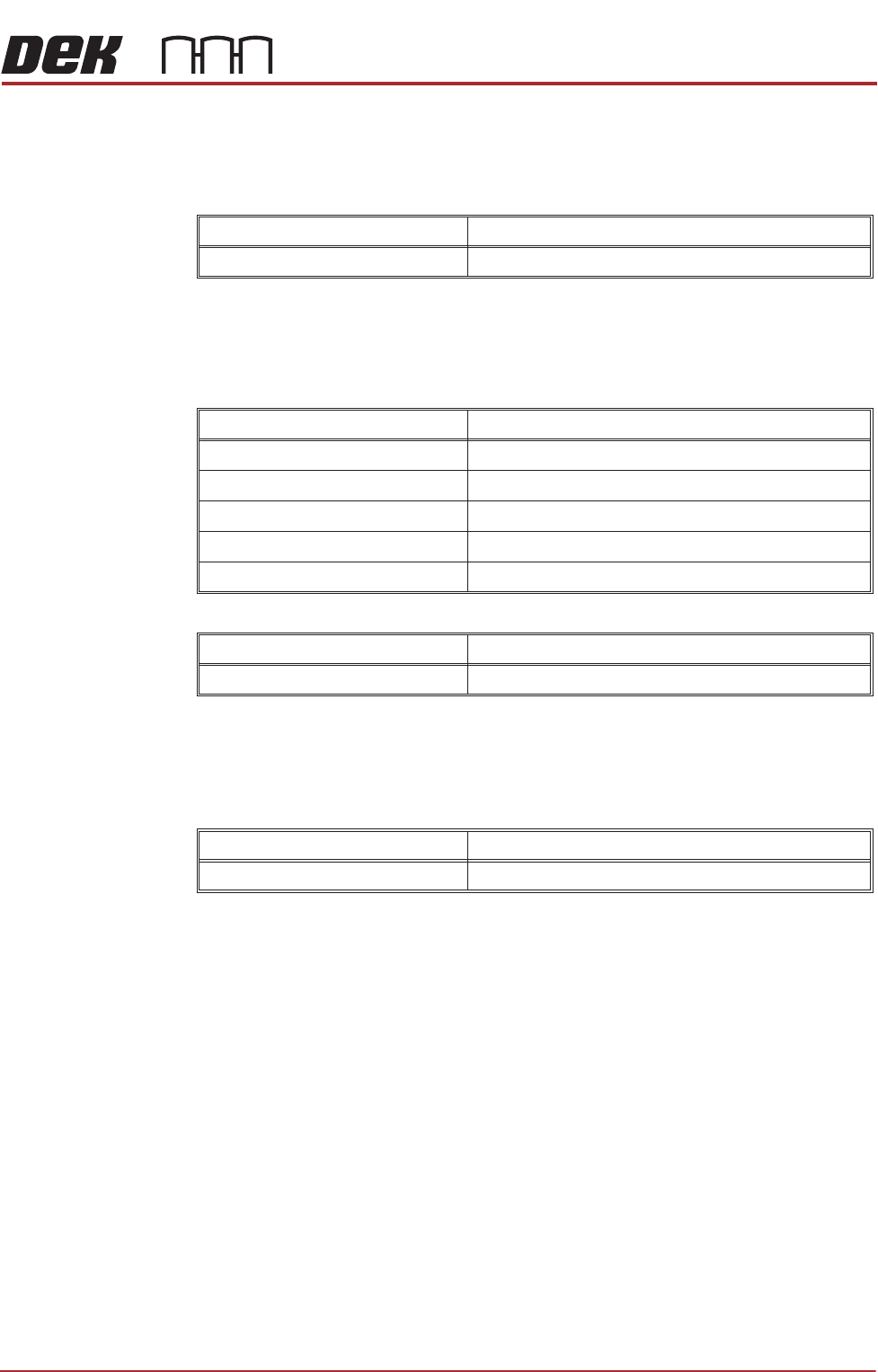
Software Release Version 9
Software
Hardware
Software Release Version 9 SP01
Software
Hardware
Software Release Version 9 SP02
Software
Hardware
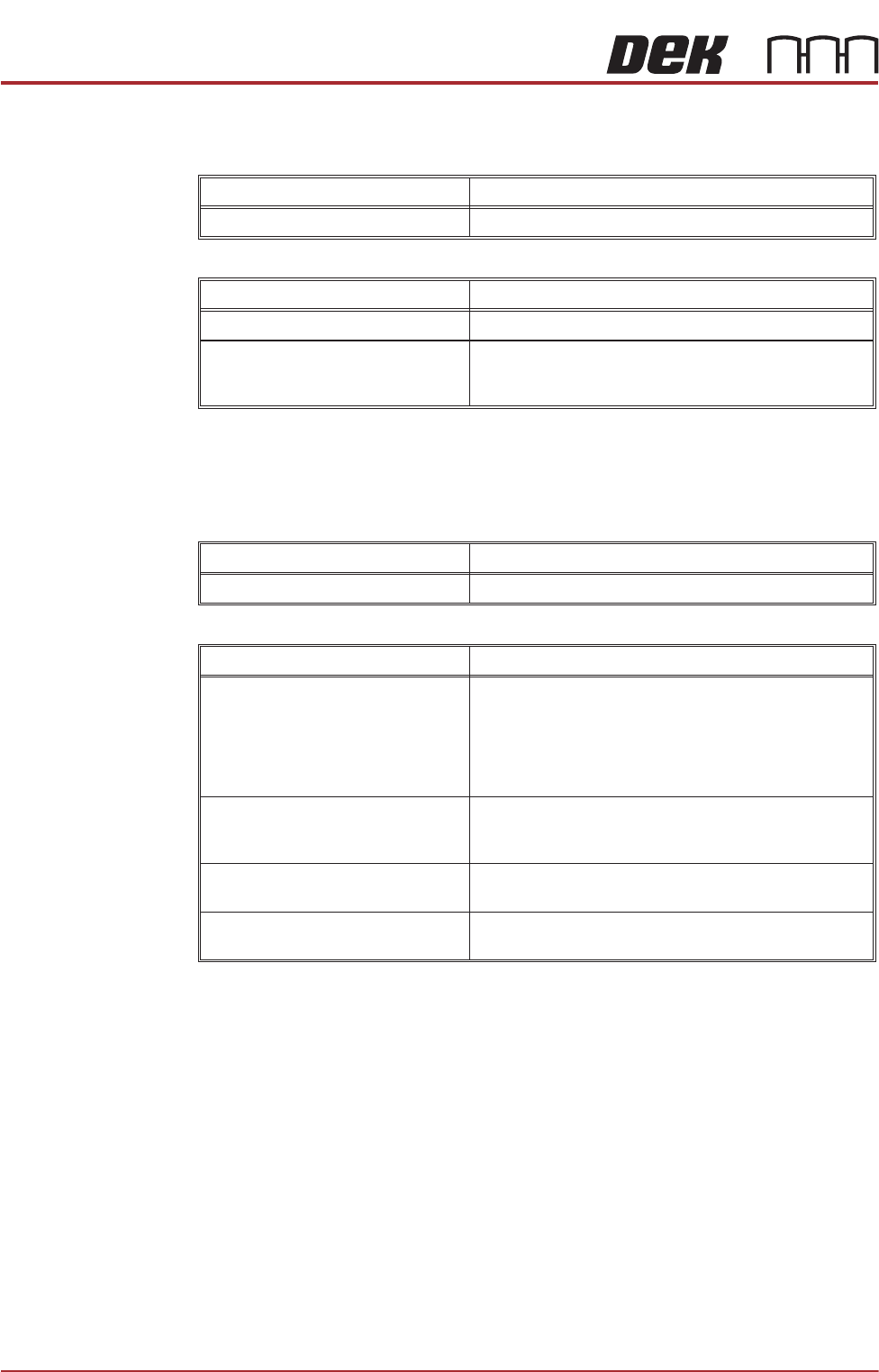
Feature Detail
Operation Introduction of a new user software interface
Feature Detail
GEM Introduction of GEM to Version 09 software
Board Count Introduction of board count to Version 09 software
Languages Temperature and Humidity displays in Chinese
Remote Barcode Reader Remote barcode reader now works correctly
Defect Fixes Various
Feature Detail
Cyclone Under Screen Cleaner Introduction of the new under screen cleaning system
Feature Detail
Defect Fixes Various
INTRODUCTION
SOFTWARE/HARDWARE CONFIGURATIONS
1.8 Technical Reference Manual Chapter Issue 12, Feb 18
Software Release Version 9 SP04
Software
Hardware
Software Release Version 9 SP05
Software
Hardware
Feature Detail
Defect Fixes Various
Feature Detail
Printer Covers Introduction to the new look iX printers
Rapid Transit Conveyor The Rapid Transit Conveyor (RTC) module can accom-
modate up to three boards in the printer at a time; this
reduces the printer cycle time
Feature Detail
Defect Fixes Various
Feature Detail
Modular Transport Rails Introduction to the modular transport rail system. This
rail system allows modules to be changed without hav-
ing to replace the complete assembly. Modularity can
support a variety of tooling and clamping arrangements;
the current module is: Over the Top Snuggers (see
below)
Over the Top Snuggers Substrate clamping arrangement to hold the substrate
flat to enable good tooling contact. The over the top
clamp is withdrawn to provide a flat surface for printing
Programmable Beacon Instruction on how to set up and use the programmable
beacon
Print Roll Height Monitor The roll height monitor measures the height of the paste
roll to give system feedback for replenishment.