JUKI-750 760中文说明书.pdf - 第40页
第四章 机械设定 4-1 选单说明 1/File 2/Data input 3/prod. 4/Setup 5/Maint 6/Print . …… 1/Units of measure 单位设定 2/Opt. Option 操作选项 3/Machine setup 机械状态设定 4/Manual control 手动控制 4-2 1/Unit s of measure 此项可设定长度及空气压力的单位 1)Length unit 长度单…
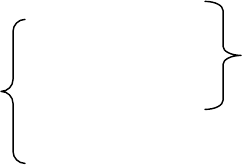
如上图所示:
A) 第一脚开始缺一支脚。
B) 第八脚开始缺两支脚。
C) 第十五脚开始缺三支脚。
故缺脚设定为:
1/1,8/2,15/3 (最多可设定三段)。
●RECOGNITION: 只针对 BGA 之辨识模式,可分为三种
PWB:
指 BGA 材质
CERAMIC:
ALL BALL: 全球测试
A) PWB 及 CERAMIC 之 VISION 辨识模式是根据所设定之长、宽、球距、球宽、球数
等资料作外框辨识。
B)ALL BALL 可根据 BGA 之球数及排列方式、画出 BGA 球之分布图形作全球测试。
- 39 -
Refong
第四章 机械设定
4-1 选单说明
1/File 2/Data input 3/prod. 4/Setup 5/Maint 6/Print .……
1/Units of measure 单位设定
2/Opt. Option 操作选项
3/Machine setup 机械状态设定
4/Manual control 手动控制
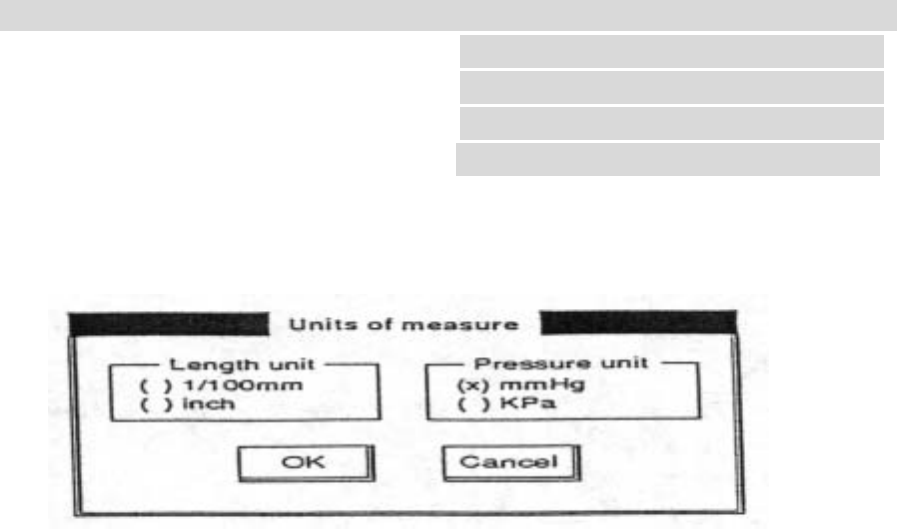
4-2 1/Units of measure
此项可设定长度及空气压力的单位
1)Length unit 长度单位,可设定为 1/100 ㎜(公制)及 inch(英制)两种单位
2)Pressure unit 压力单位,可设定为㎜ Hg 及 kpa 两种单位
- 40 -
Refong
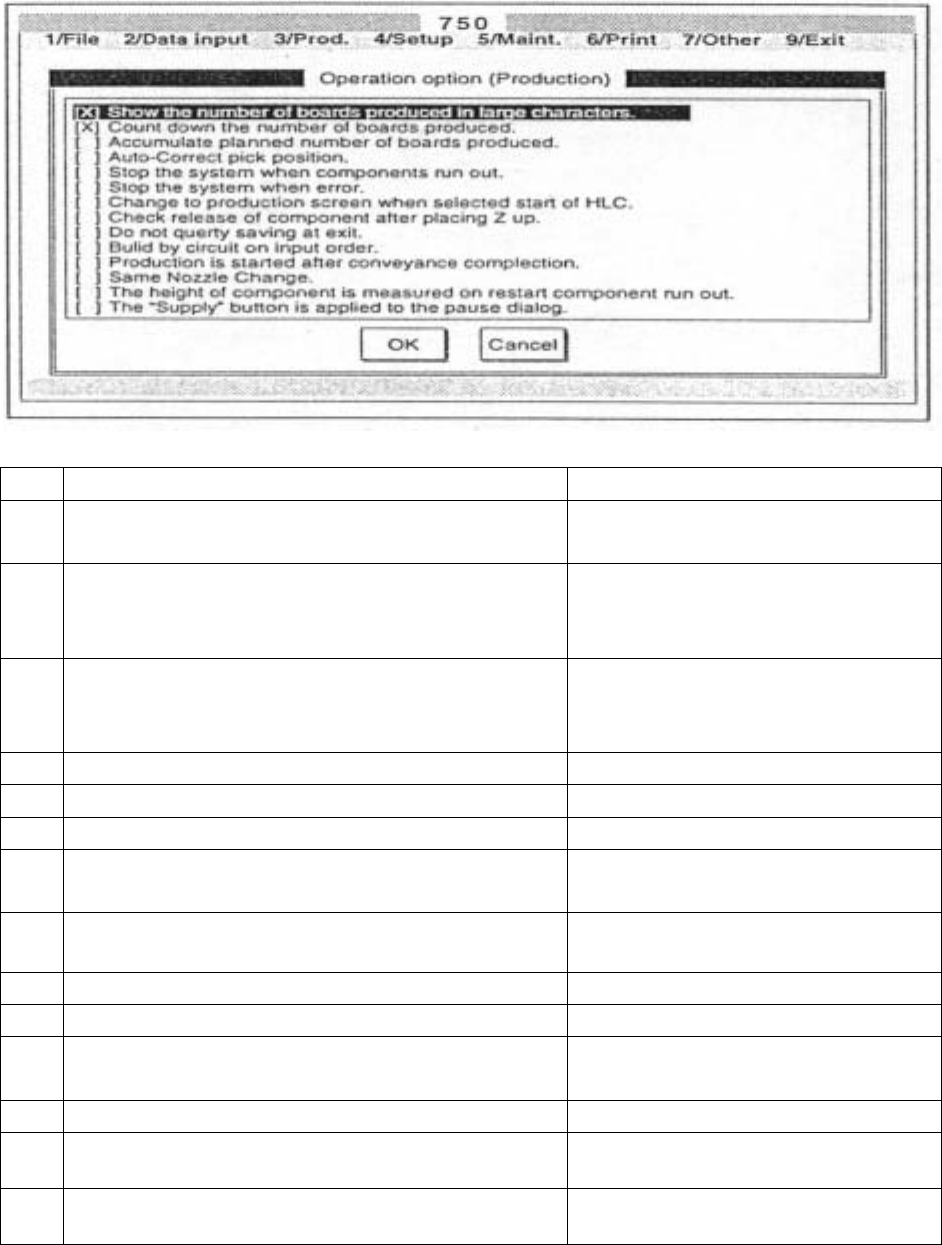
4-3 2/Opt. Option
NO.
选 项 中文说明
1
Show the number of boards produced inlarge
characters.
用放大字型显示生产数量。
2
Count down the number of boards produced
假设生产数量设为 1000,则计数器
从 10000,不选择此项则计数器从
01000。
3
Accumulate planned number of boards
produced.
此项功能为中途跳出生产画面,然
后又进入生产画面时,计数器是否
要累计。
4
Auto-Correct pick position
取料点自动校正。
5
Stop the system when components run out.
零件打完后才停止。
6
Stop the system wnen error.
发生错误时,就停止。
7
Change to the production screen when select
start of HLC
按生产键(RUN)后就跳到生产画
面。
8
Check release of component after placing Z
Up.
在 Z 轴上升后检查零件是否已释放
9
Do not query saviog at exit.
若没有疑问,就存盘离开。
10
It produces every circuit in input order.
以输入的顺序生产。
11
Production is started after conveyance
completion.
版子转换(传送)完成后,才生产
12
Replaces the nozzles simultaneously.
设定吸嘴同时更换与否。
13
The height of component is measured on
restrt component run out.
零件高度检测。
14
Displays the “Supply”button on the “Pause”
Screen.
显示暂停讯息。
- 41 -
Refong