00192231-09_VD_SSW 407.05_de en.pdf - 第82页
Software Version Description, Station Software Version 407.05 07/2008 Edition Touchscreen Selection In the following screen you will be asked for the touchscr een type you are using. Based on this entry, drivers will b…
Software Version Description, Station Software Version 407.05 07/2008 Edition
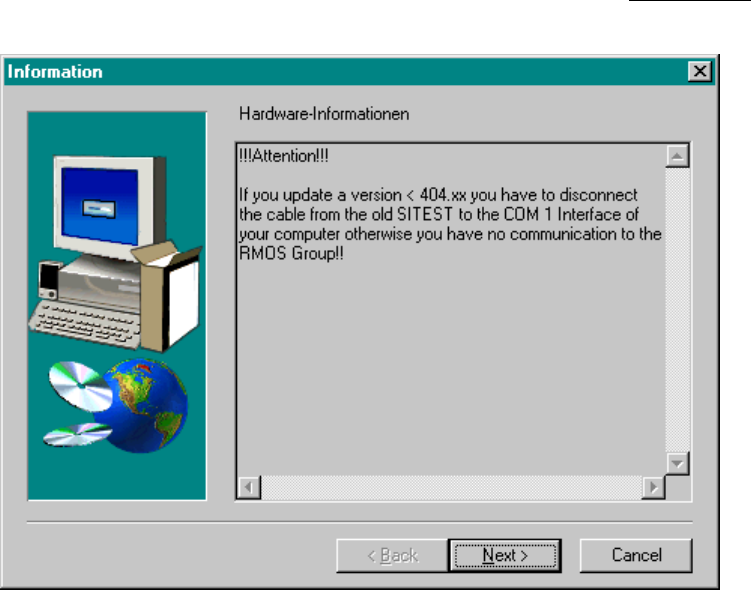
Warning messages
This screen draws the
operator's attention once again to specific requirements that are indispensable
for
troublefree operation.
Fig.: Warning Messages
81 of 104
Software Version Description, Station Software Version 407.05 07/2008 Edition
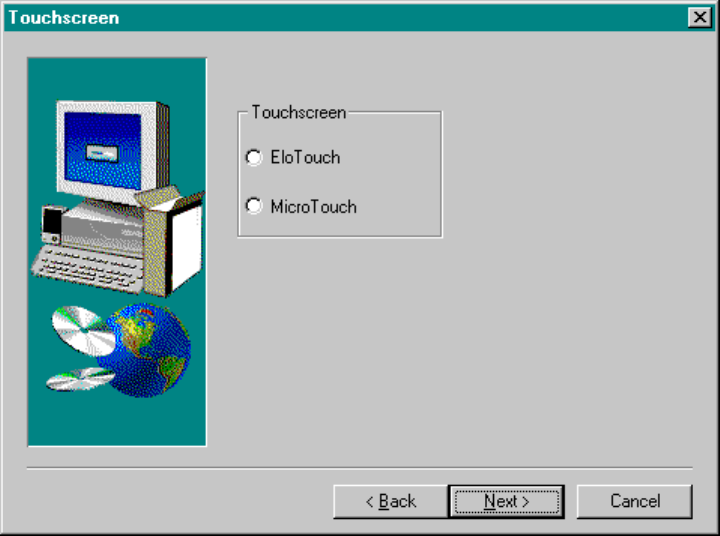
Touchscreen Selection
In the following screen you will be asked for the touchscreen type you are using. Based on this entry, drivers
will be installed on your computer. If the current installation is an update, no entries need to be made at this
point.
Note: The touchscreen type is identified on a decal located on the monitor.
Fig.: Touchscreen Selection
Caution: When installing the station software under Windows XP, the touchscreen must first have
been installed by the operating system. The relevant selection window is only offered for
the Windows NT operating system.
82 of 104
Software Version Description, Station Software Version 407.05 07/2008 Edition
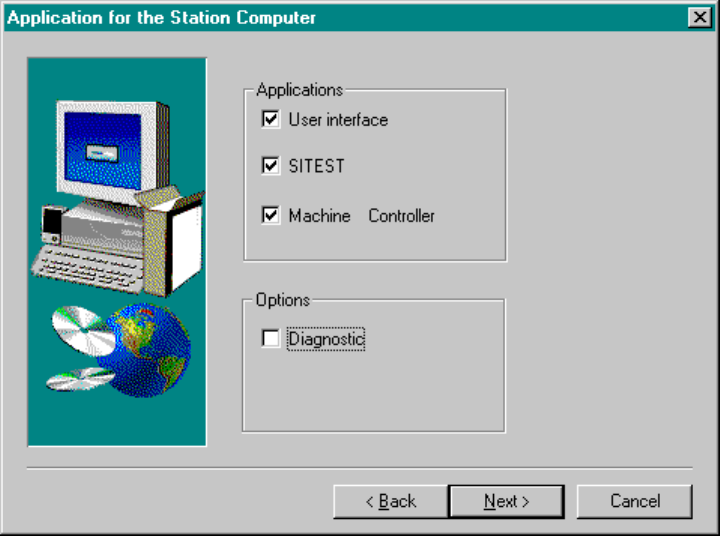
Applications for the Placement Station
In the following screen, please check the desired program packages to be installed.
Note: For the Diagnostics option the Emrald Advisor must be installed beforehand.
Fig.: Application Selection
83 of 104