3MAINTENANCE__O.pdf - 第199页
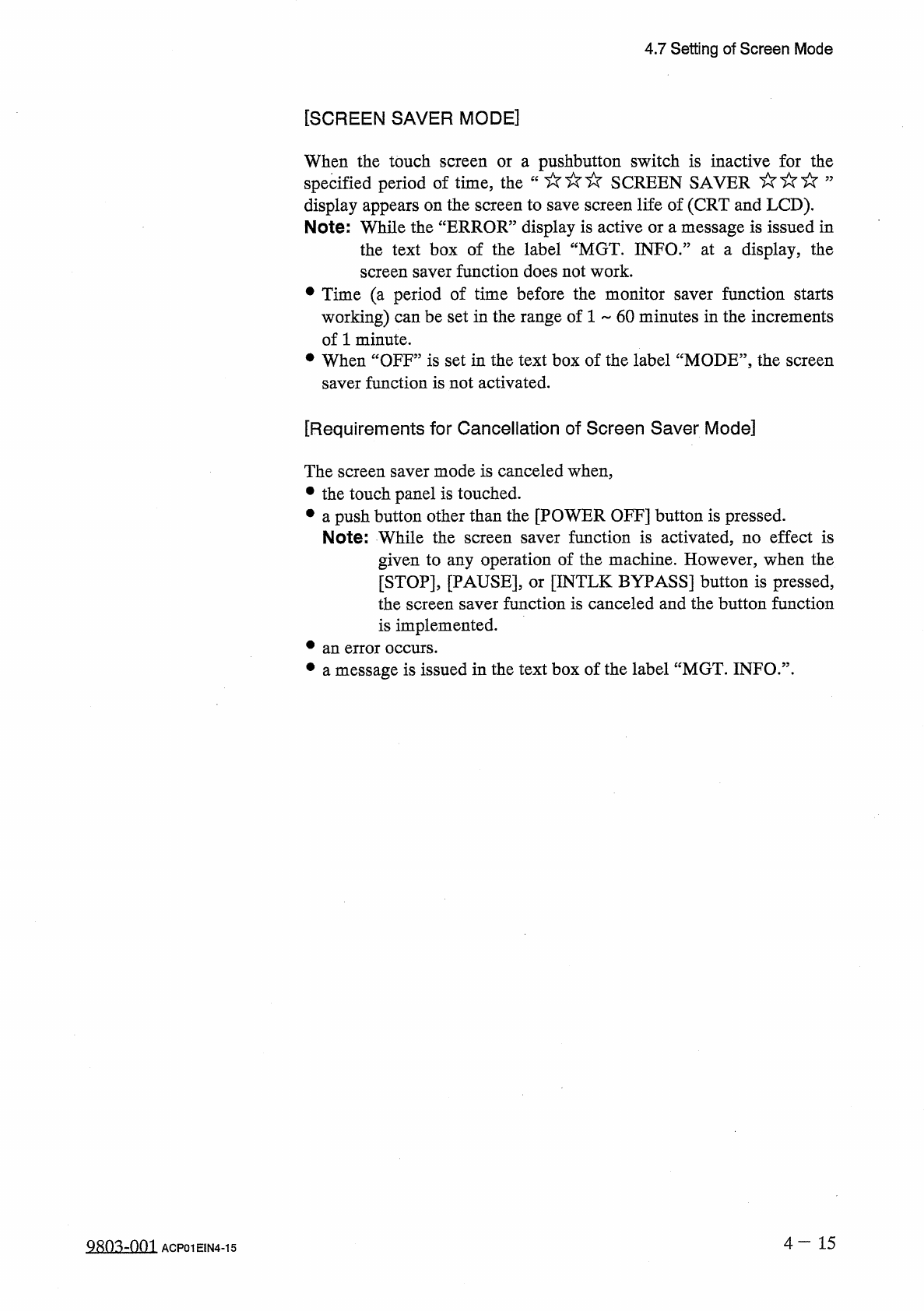
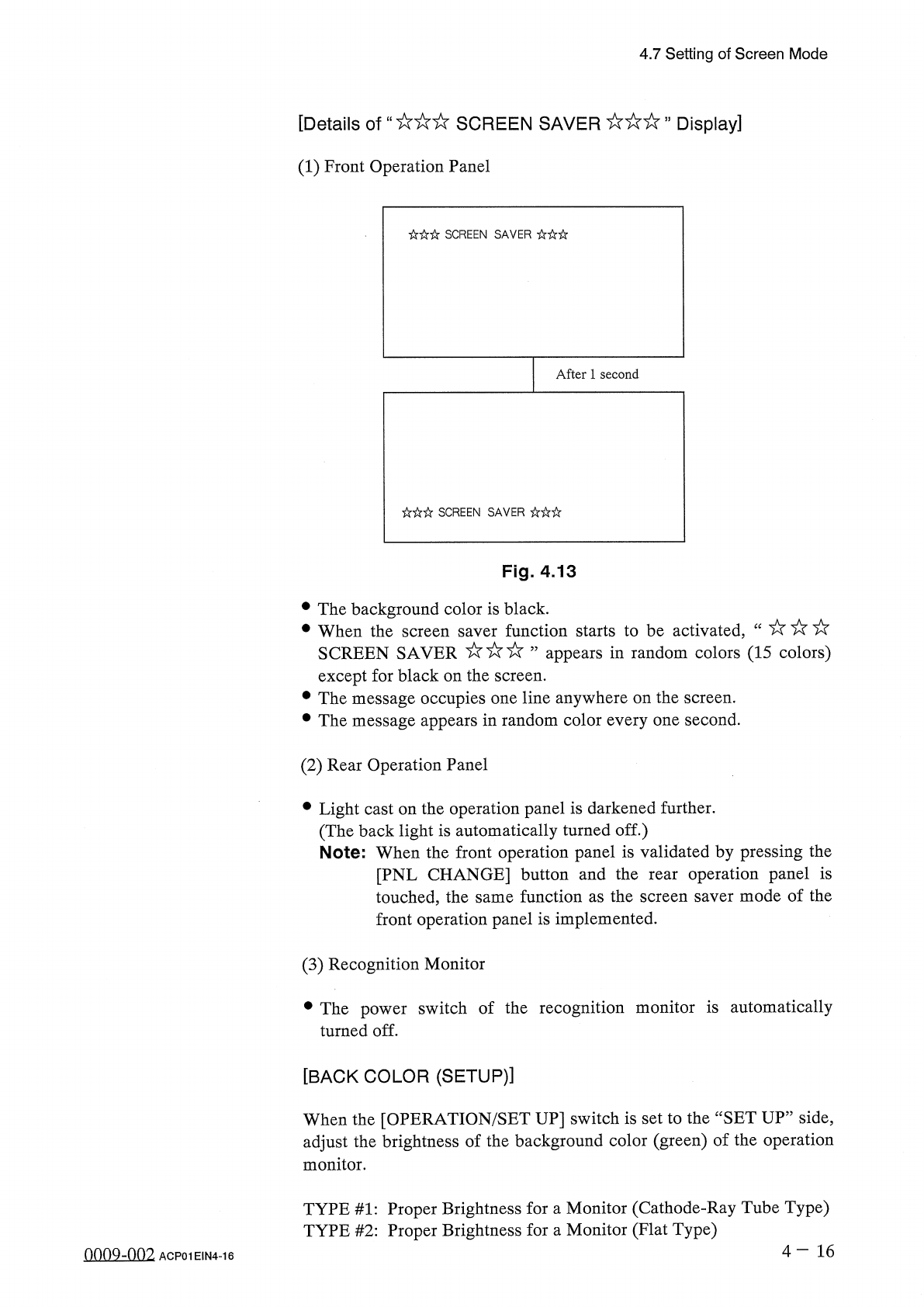
4.7 Setting of Screen Mode [ Details of " SCREEN SAVER , , Display ] ( 1 ) Front Operation Panel SCREEN SAVER After 1 second SCREEN SAVER Fig . 4.13 • The background color is black . • When the screen saver function…
4.7
Setting
of
Screen
Mode
[
SCREEN
SAVER
MODE
]
When
the
touch
screen
or
a
pushbutton
switch
is
inactive
for
the
specified
period
of
time
,
the
“
SCREEN
SAVER
”
display
appears
on
the
screen
to
save
screen
life
of
(
CRT
and
LCD
)
.
Note
:
While
the
“
ERROR
”
display
is
active
or
a
message
is
issued
in
the
text
box
of
the
label
“
MGT
.
INFO
.
”
at
a
display
,
the
screen
saver
function
does
not
work
.
•
Time
(
a
period
of
time
before
the
monitor
saver
function
starts
working
)
can
be
set
in
the
range
of
1
~
60
minutes
in
the
increments
of
1
minute
.
•
When
“
OFF
”
is
set
in
the
text
box
of
the
label
“
MODE
”
,
the
screen
saver
function
is
not
activated
.
[
Requirements
for
Cancellation
of
Screen
Saver
Mode
]
The
screen
saver
mode
is
canceled
when
,
•
the
touch
panel
is
touched
.
•
a
push
button
other
than
the
[
POWER
OFF
]
button
is
pressed
.
Note
:
While
the
screen
saver
function
is
activated
,
no
effect
is
given
to
any
operation
of
the
machine
.
However
,
when
the
[
STOP
]
,
[
PAUSE
]
,
or
[
INTLK
BYPASS
]
button
is
pressed
,
the
screen
saver
function
is
canceled
and
the
button
function
is
implemented
.
•
an
error
occurs
.
•
a
message
is
issued
in
the
text
box
of
the
label
“
MGT
.
INFO
.
”
.
4
—
15
■
mm
ACP
01
EIN
4
-
15
4.7
Setting
of
Screen
Mode
[
Details
of
"
SCREEN
SAVER
,
,
Display
]
(
1
)
Front
Operation
Panel
SCREEN
SAVER
After
1
second
SCREEN
SAVER
Fig
.
4.13
•
The
background
color
is
black
.
•
When
the
screen
saver
function
starts
to
be
activated
,
SCREEN
SAVER
’
’
appears
in
random
colors
(
15
colors
)
except
for
black
on
the
screen
.
•
The
message
occupies
one
line
anywhere
on
the
screen
.
•
The
message
appears
in
random
color
every
one
second
.
(
2
)
Rear
Operation
Panel
•
Light
cast
on
the
operation
panel
is
darkened
further
.
(
The
back
light
is
automatically
turned
off
.
)
Note
:
When
the
front
operation
panel
is
validated
by
pressing
the
[
PNL
CHANGE
]
button
and
the
rear
operation
panel
is
touched
,
the
same
function
as
the
screen
saver
mode
of
the
front
operation
panel
is
implemented
.
(
3
)
Recognition
Monitor
•
The
power
switch
of
the
recognition
monitor
is
automatically
turned
off
.
[
BACK
COLOR
(
SETUP
)
]
When
the
[
OPERATION
/
SET
UP
]
switch
is
set
to
the
“
SET
UP
”
side
,
adjust
the
brightness
of
the
background
color
(
green
)
of
the
operation
monitor
.
TYPE
#
1
:
Proper
Brightness
for
a
Monitor
(
Cathode
-
Ray
Tube
Type
)
TYPE
#
2
:
Proper
Brightness
for
a
Monitor
(
Flat
Type
)
4
-
16
oonQ
-
nn
2
ACP
01
EIN
4
-
16
4.8
MACHINE
CUSTOMIZE
4.8
MACHINE
CUSTOMIZE
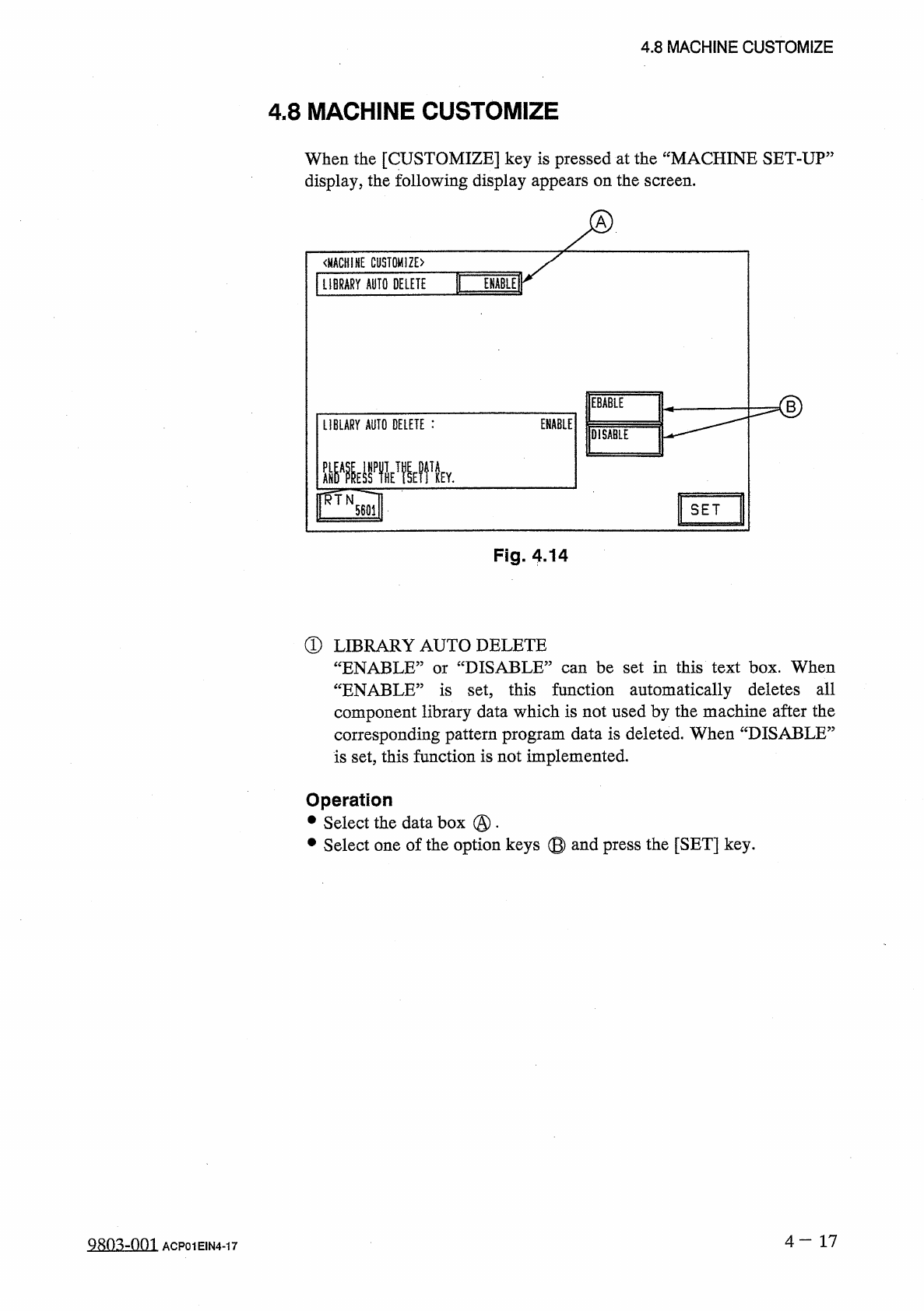
When
the
[
CUSTOMIZE
]
key
is
pressed
at
the
“
MACHINE
SET
-
UP
:
display
,
the
following
display
appears
on
the
screen
.
ir
《
MACHINE
CUSTOMIZE
〉
I
ENABLE
LIBRARY
AUTO
DELETE
EBABLE
ENABLE
LIBLARY
AUTO
DELETE
:
DISABLE
SET
Fig
.
4.14
®
LIBRARY
AUTO
DELETE
“
ENABLE
”
or
“
DISABLE
”
can
be
set
in
this
text
box
.
When
“
ENABLE
”
is
set
,
this
function
automatically
deletes
all
component
library
data
which
is
not
used
by
the
machine
after
the
corresponding
pattern
program
data
is
deleted
.
When
“
DISABLE
”
is
set
,
this
function
is
not
implemented
.
Operation
•
Select
the
data
box
@
•
•
Select
one
of
the
option
keys
©
and
press
the
[
SET
]
key
.
4
—
17
9803
-
001
ACP
01
EIN
4
-
17