3MAINTENANCE__O.pdf - 第2页
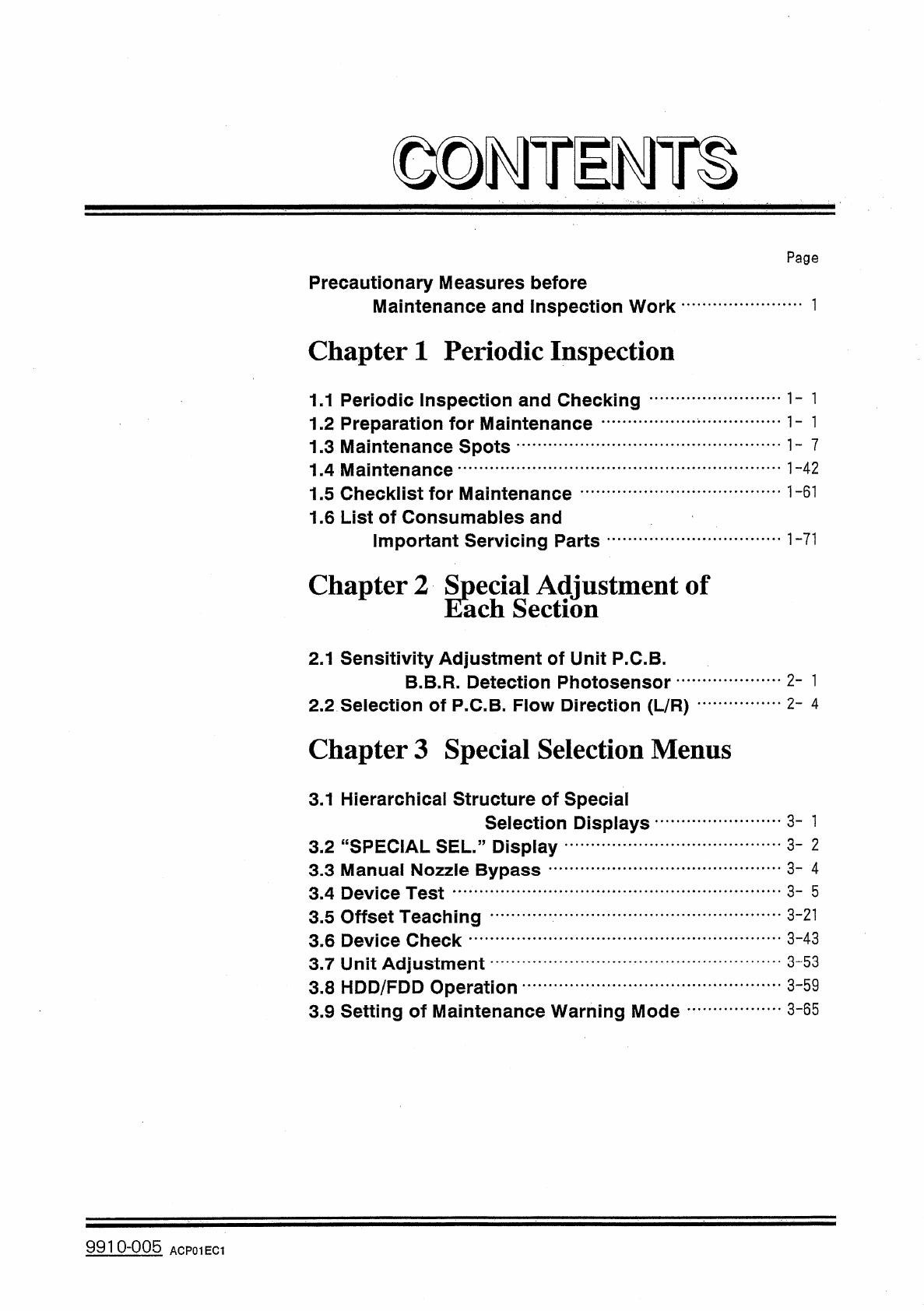
© © TE T 1 Page Precautionary Measures before Maintenance and Inspection Work Chapter 1 Periodic Inspection 1.1 Periodic Inspection and Checking 1.2 Preparation for Maintenance 1.3 Maintenance Spots 1.4 Maintenance 1.5 C…
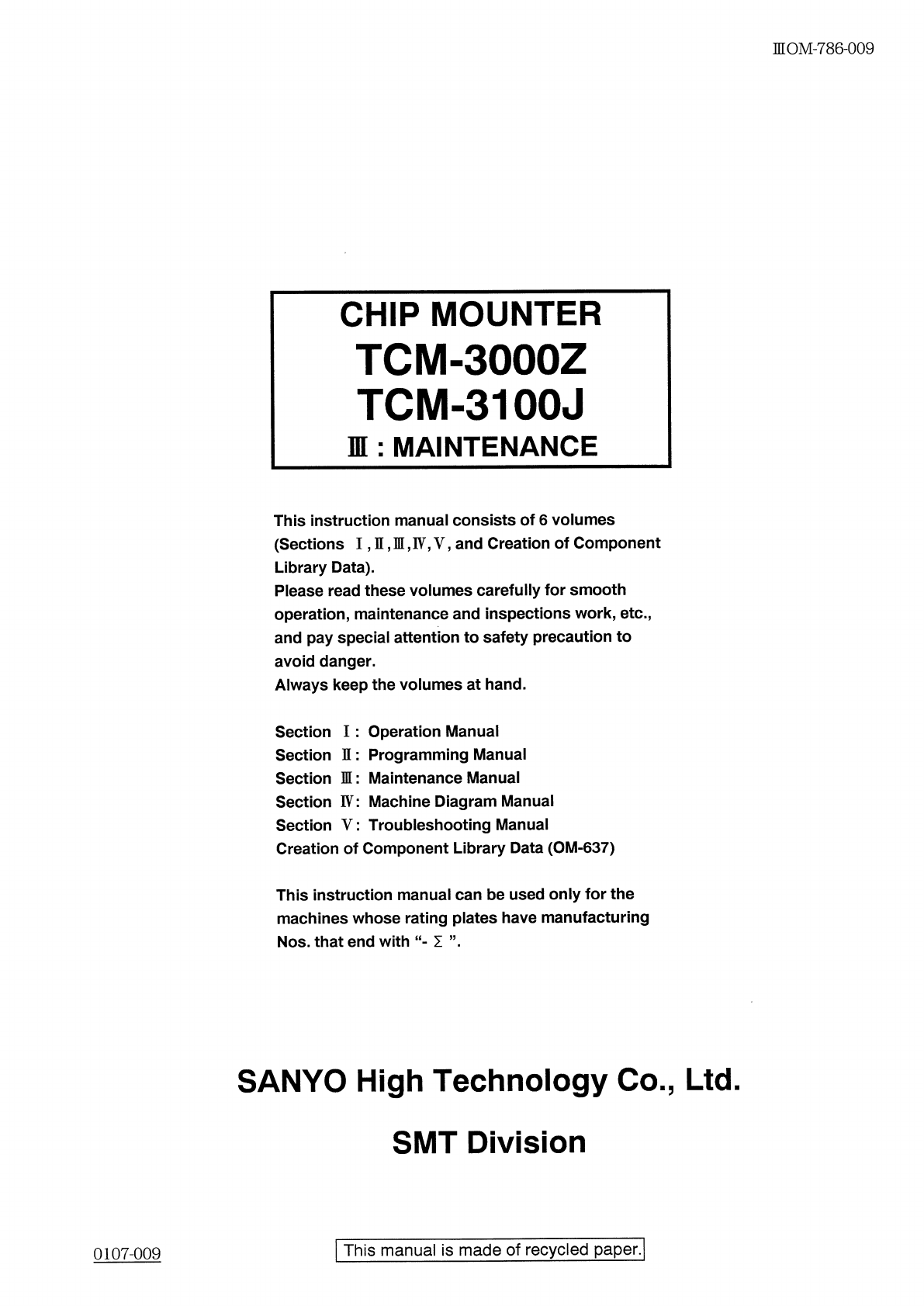
nOM
-
786
-
009
CHIP
MOUNTER
TCM
-
3000
Z
TCM
-
3100
J
n
:
MAINTENANCE
This
instruction
manual
consists
of
6
volumes
(
Sections
I
,
n
,
H
,
F
,
V
,
and
Creation
of
Component
Library
Data
)
.
Please
read
these
volumes
carefully
for
smooth
operation
,
maintenance
and
inspections
work
,
etc
.
,
and
pay
special
attention
to
safety
precaution
to
avoid
danger
.
Always
keep
the
volumes
at
hand
.
Section
I
:
Operation
Manual
Section
I
:
Programming
Manual
Section
瓜
:
Maintenance
Manual
Section
IV
:
Machine
Diagram
Manual
Section
V
:
Troubleshooting
Manual
Creation
of
Component
Library
Data
(
OM
-
637
)
This
instruction
manual
can
be
used
only
for
the
machines
whose
rating
plates
have
manufacturing
Nos
.
that
end
with
“
•
I
SANYO
High
Technology
Co
.
,
Ltd
.
SMT
Division
l
This
manual
is
made
of
recycled
paper
.
]
0107
-
009
©
©
TE
T
1
Page
Precautionary
Measures
before
Maintenance
and
Inspection
Work
Chapter
1
Periodic
Inspection
1.1
Periodic
Inspection
and
Checking
1.2
Preparation
for
Maintenance
1.3
Maintenance
Spots
1.4
Maintenance
1.5
Checklist
for
Maintenance
1.6
List
of
Consumables
and
Important
Servicing
Parts
1
-
42
1
-
61
1
-
71
Chapter
2
Special
Adjustment
of
Each
Section
2.1
Sensitivity
Adjustment
of
Unit
P
.
C
.
B
.
B
.
B
.
R
.
Detection
Photosensor
2.2
Selection
of
P
.
C
.
B
.
Flow
Direction
(
L
/
R
)
Chapter
3
Special
Selection
Menus
2
-
1
2
-
4
3.1
Hierarchical
Structure
of
Special
Selection
Displays
3
-
1
3
-
2
3.2
“
SPECIAL
SEL
”
Display
3.3
Manual
Nozzle
Bypass
-
3.4
Device
Test
3
-
4
3
-
5
3
-
21
3.5
Offset
Teaching
3.6
Device
Check
3.7
Unit
Adjustment
3.8
HDD
/
FDD
Operation
3.9
Setting
of
Maintenance
Warning
Mode
3
-
43
3
-
53
3
-
59
3
-
65
9910
-
005
ACP
01
EC
1
©
D
TE
TS
Page
Chapter
4
Machine
Set
-
Up
Menu
4.1
Hierarchical
Structure
of
Machine
Set
-
Up
Displays
4.2
“
MACHINE
SET
-
UP
”
Display
4.3
Management
of
Password
4.4
Setting
of
Light
Tower
and
Alarm
Data
4.5
Setting
of
Date
and
Time
Data
4.6
Setting
of
Error
Display
Color
4.7
Setting
of
Screen
Mode
4.8
MACHINE
CUSTOMIZE
4
-
1
4
-
2
4
-
3
4
-
10
4
-
12
4
-
13
4
-
14
4
-
17
9910
-
005
ACP
01
EC
2