00198045-01_OM_BulkFeeder_X_EN.pdf - 第17页
SIPLACE BulkFeede r X / Operating Ma nual 05/2017 Edition 17 Submenus Menu type Menu no. 7 segment disp lay at the top 7 segment disp lay at the bottom Buttons Standard 1 r.S ( R eservoir S hutter) _0 _1 _2 Shutter undef…
SIPLACE BulkFeeder X / Operating Manual 05/2017 Edition
16
Buttons
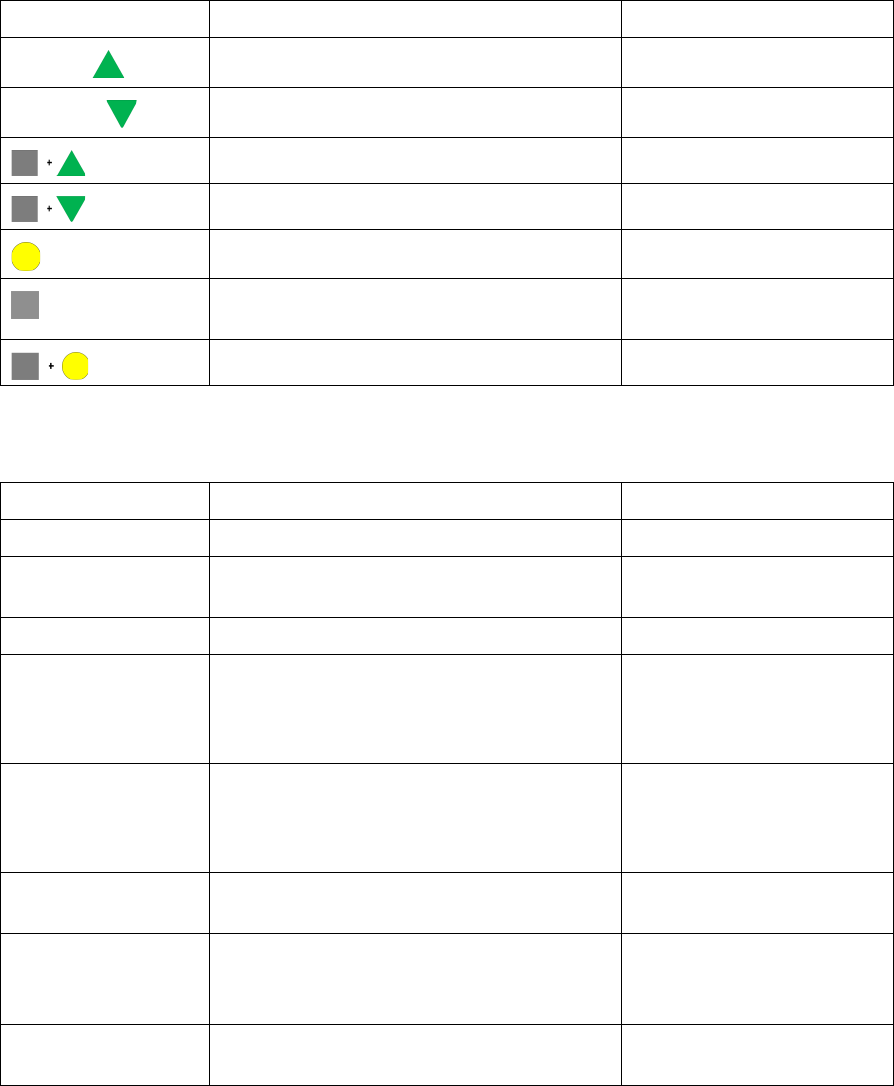
Buttons Action In submenu
Forwards
Vibrate forwards (batch 1) Increase parameter
Backwards
Vibrate backwards (batch 2) Decrease parameter
Open plate shutter
Close plate shutter
>0,75 sec.: unlock cartridge Save
>2 sec.: scan request Short: next menu
>2 sec.: advanced menus
Display submenu
Figure 3-5: Buttons on SIPLACE BulkFeeder X
Displays
Mode 7 segment display Status LED
Initial state Off Green
Internal feeder error FE or Er
01 01
Red
Station error Off Red
Plate shutter
confirmation
PS + OP (Plate shutter open)
PS + CL (Plate shutter closed)
(is displayed after the green button has been
pressed until the gray button is released)
Corresponds to feeder state
Automatically process
during
removing/inserting
cartridge is running
Corresponds to feeder state
Cartridge unlocked rS
Ou (Ou flashes)
Corresponds to feeder state
Cartridge not inserted
(The indicator flashes)
Corresponds to feeder state
Submenu x.x (x.x = name)
yy (yy = value)
Corresponds to feeder state
Figure 3-6: Displays on SIPLACE BulkFeeder X

SIPLACE BulkFeeder X / Operating Manual 05/2017 Edition
17
Submenus
Menu
type
Menu
no.
7 segment display
at the top
7 segment display at the bottom Buttons
Standard
1 r.S (Reservoir
Shutter)
_0
_1
_2
Shutter undefined
Shutter closed
Shutter open
Open
shutter
Close
shutter
2 P.n (Profile number) _1…10 Number of vibration file to be
loaded
Increase
number
Decrease
number
Accept
setting
3 b.A (Batch number) xx Number of batches loaded by the
station
No function
4 t.E (Temperature) xx Temperature of Coil driver ICs [°C] No function
5 S.L (Slot number) xx FCU slot number (decimal) No function
Figure 3-7: Submenus on SIPLACE BulkFeeder X
3.5 Technical Data
Part Weight Dimensions [LxWxH]
Base Unit: 6 kg 587x35x200 mm
Base Unit + Cartridge: 6.4 kg 587x35x200 mm (occupies 3 tracks)
Cartridge: 0.4 kg 377x34x23 mm (without components)
3.6 EU Declaration of Conformity
The product/device described conforms to the regulations and standards listed in the EU
Declaration of Conformity provided.
Manufacturer:
ASM Assembly Systems GmbH & Co. KG
Rupert-Mayer-Str. 44
D-81379 Munich
SIPLACE BulkFeeder X / Operating Manual 05/2017 Edition
18
4 Configuration
This chapter gives an overview of how the SIPLACE BulkFeeder X is integrated in the system and
configured in the SIPLACE software.
The SIPLACE BulkFeeder X is set up on an X table like an X-Feeder and communicates with the
station via an X-FCU. However, the SIPLACE BulkFeeder X uses two EDIF interfaces, one for the
feeder software and one for the Vision software that run on two different processors. A GigE
interface and the internal Feeder Camera are used for recording and transmitting images.
4.1 Settings in ASM Setup Center
The SIPLACE BulkFeeder X can be configured together with ASM Setup Center.
Fill level monitoring of the SIPLACE BulkFeeder X is exclusively performed by ASM Setup Center.
Please refer to the ASM Setup Center User Guide, item no [00198049-xx]. This document contains
detailed information on how to work with ASM Setup Center and perform relevant actions for the
SIPLACE BulkFeeder X, such as:
– Creating, printing and scanning barcodes
– Filling the Cartridge
– Setup verification