4OM-1064-001.pdf - 第102页
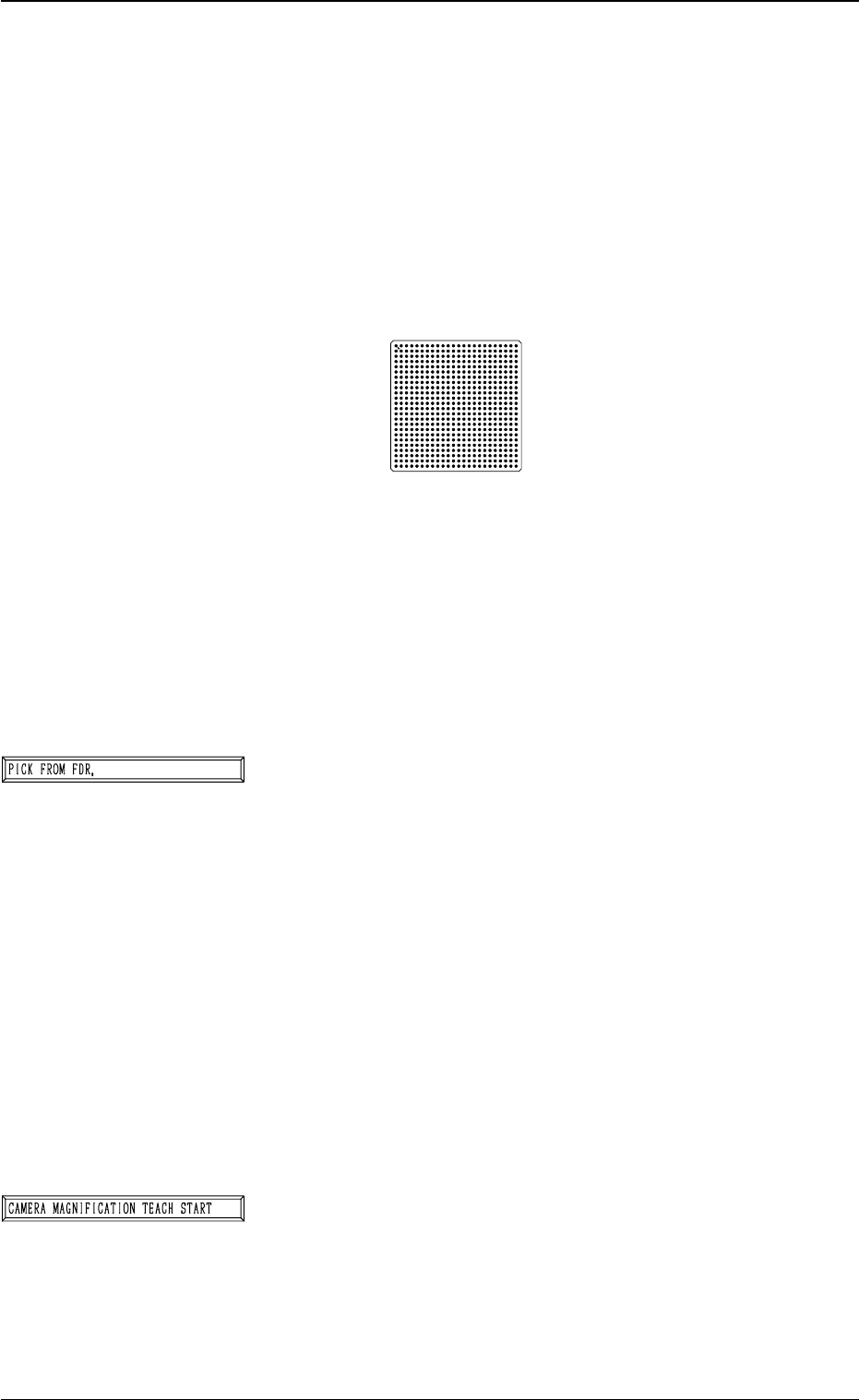
Tg0249-PM-MM Special Jig (Option) Notes: (a) Consult our sales personnel for the detailed in- formation on how to use the special jig compo- nent. (b) Handle this fragile jig very carefully . Name : Component Recognition…
Tg0249-PM-MM
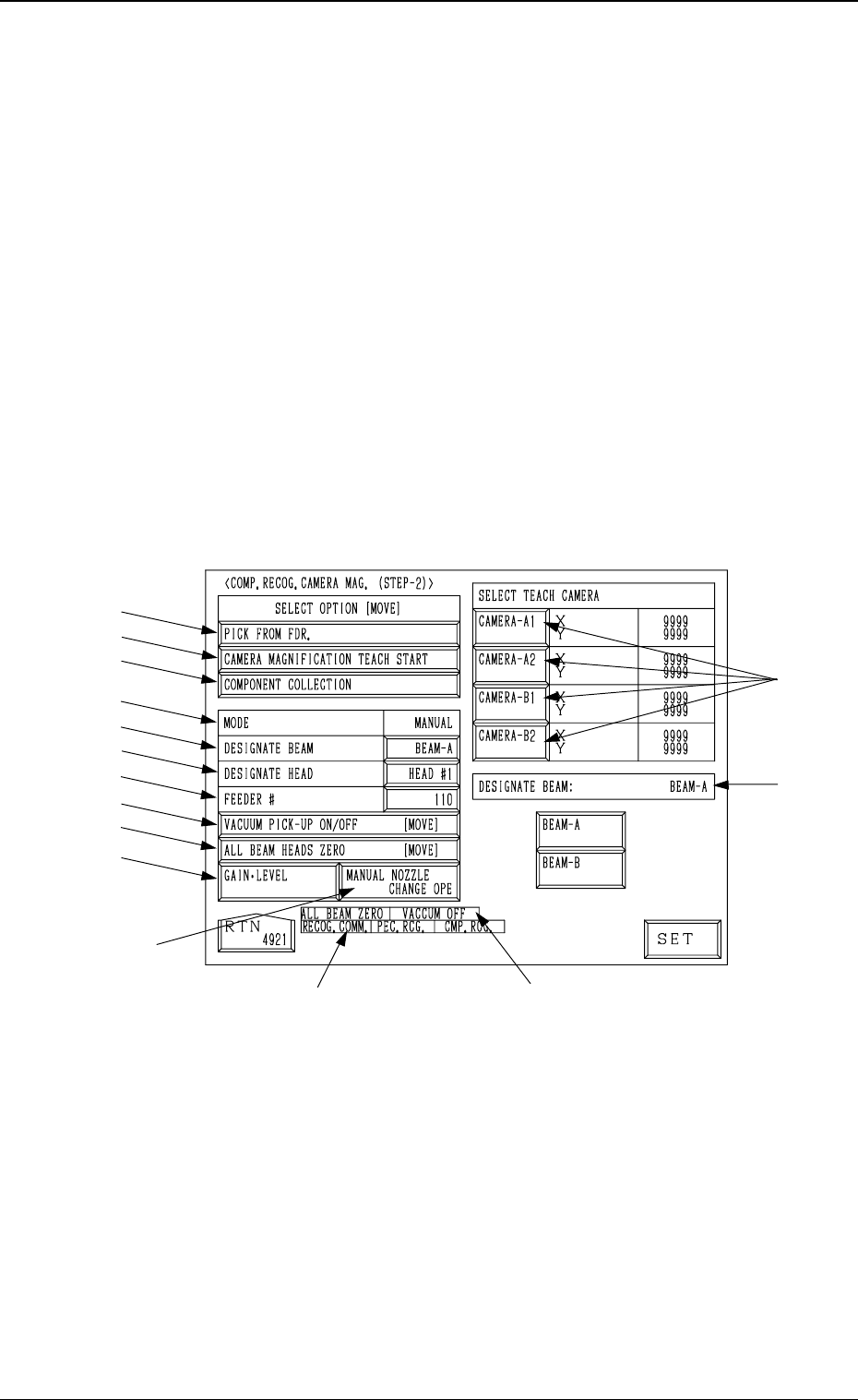
6.2 COMP. RECOG. CAMERA MAG. (STEP-2) Display
• This display allows teaching the magnification of the component recogni-
tion camera.
The offset values are calculated by recognizing the printed pattern on the
special jig (option) picked up by a nozzle with the component recognition
camera.
Note: (a) A special jig (option) is required.
The parameters are factory-set at shipment. Normally, it is not nec-
essary to teach these parameters.
(b) Follow the teaching procedures in the specified order. Otherwise,
some trouble (such as inaccurate component placement, frequent
mechanical errors, etc.) will arise.
When the [COMPONENT RECOG CAMERA MAGNIFICATION (STEP-
2)] key is pressed at the “TEACH OFFSET” display, the following display
appears on the screen.
*12
*13
*15
*14
*1
*2
*3
*4
*5
*6
*7
*8
*9
*10
*11
9910-001 3-55
6. TEACH OFFSET Display
Fig. 3.36
Tg0249-PM-MM
Special Jig (Option)
Notes: (a) Consult our sales personnel for the detailed in-
formation on how to use the special jig compo-
nent.
(b) Handle this fragile jig very carefully.
Name : Component Recognition Calibration Jig
Model Name : JG-0084
Dimensions : Approx. 50 (width) × 50 (depth) × 1.5 mm
(thickness)
• The jig component has a pattern of round marks printed on
the opal glass, forming a grid (matrix) and the pattern is
used to calculate the magnification.
• Only the “MF01”, “MF02” or “MA06” must be used to pick
up this special jig.
• The jig must be attached to or detached from the nozzle by
hand.
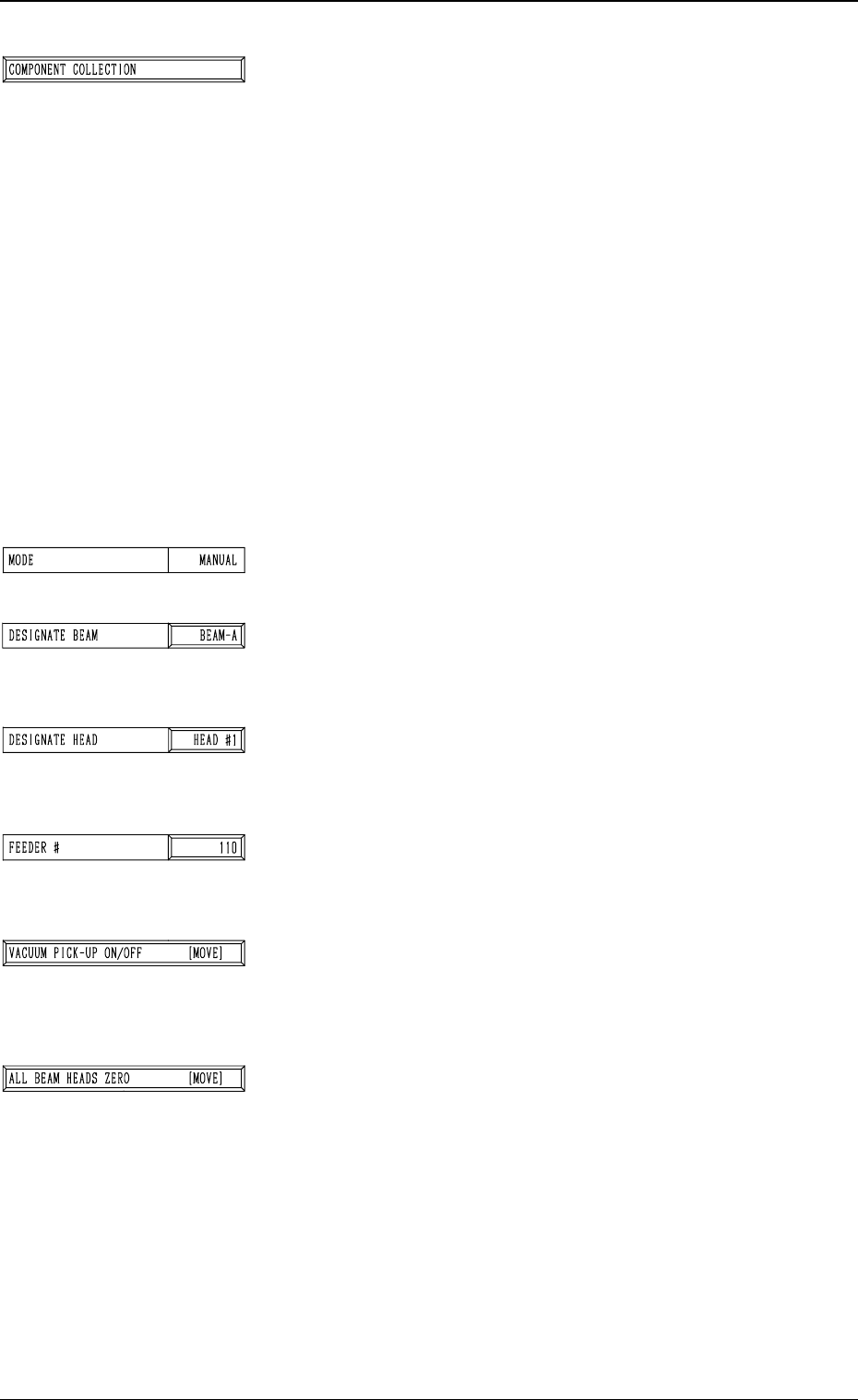
*1 [PICK FROM FDR.] Key
The machine works to pick up the special jig.
When this key is selected and the [MOVE] button is pressed,
the machine performs the pick-up operations.
The head moves down to the pick-up point over the desig-
nated feeder and stops.
The [VACUUM PICK-UP ON/OFF [MOVE]] key must
be selected and the [MOVE] button must be pressed to turn
on the vacuum. Then, the special jig must be attached to
the head by hand with the printed mark side facing down-
ward.
Note: When the special jig must be attached to the head
by hand, special care is required for safety pur-
poses because the operator has to put part of his/
her body inside the machine.
*2 [CAMERA MAGNIFICATION TEACH START] Key
The machine works to teach the magnification of the se-
lected component recognition camera.
When this key is selected and the [MOVE] button is pressed,
the machine starts the teaching operation.
Note: Before performing the teaching operations, be sure
to make the nozzle pick up the special jig and zero
both beams.
9910-001 3-56
6. TEACH OFFSET Display
Fig. 3.37
Tg0249-PM-MM
9910-001 3-57
6. TEACH OFFSET Display
*3 [COMPONENT COLLECTION] Key
The machine works to collect the picked special jig.
When this key is selected and the [MOVE] button is pressed,
the machine starts to collect the special jig.
Note: Perform this collection operation after the teach-
ing operation is completed.
The head moves down to the pick-up point over the desig-
nated feeder and stops.
The [VACUUM PICK-UP ON/OFF [MOVE]] key must
be selected and the [MOVE] button must be pressed to turn
off the vacuum. Then, the jig component must be collected.
(Be sure not to drop the jig component. Otherwise, it may
break because it is very fragile.)
Note: When the special jig must be collected by hand,
special care is required for safety purposes because
the operator has to put part of his/her body inside
the machine.
*4 MODE
Only “MANUAL” is available.
*5 DESIGNATE BEAM
Designate the beam to be used to pick up the special jig.
Set either “BEAM-A” or “BEAM-B” in the data box.
*6 DESIGNATE HEAD
Designate the head to be used to pick up the special jig.
Set either “HEAD #1” or “HEAD #2” in the data box.
*7 FEEDER #
The head moves to the feeder designated when the special
jig is picked up or collected.
*8 [VACUUM PICK-UP ON/OFF [MOVE]] Key
The vacuum can be turned on or off.
When this key is selected and the [MOVE] button is pressed,
the vacuum is turned ON or OFF.
*9 [ALL BEAM HEADS ZERO [MOVE]] Key
Both Beams A and B are zeroed.
When this key is selected and the [MOVE] button is pressed,
the zeroing operation starts.