OI_WT1_WT1H_supplementary.pdf - 第11页
11 Window function Option 1 (factory setting): Set the potential-free switching output to ES FE. Limiting the adjustment range to ± 1-99 °C (±1-180 °F) based on a temperature locked using the „LOCK“ function. The locked …
10
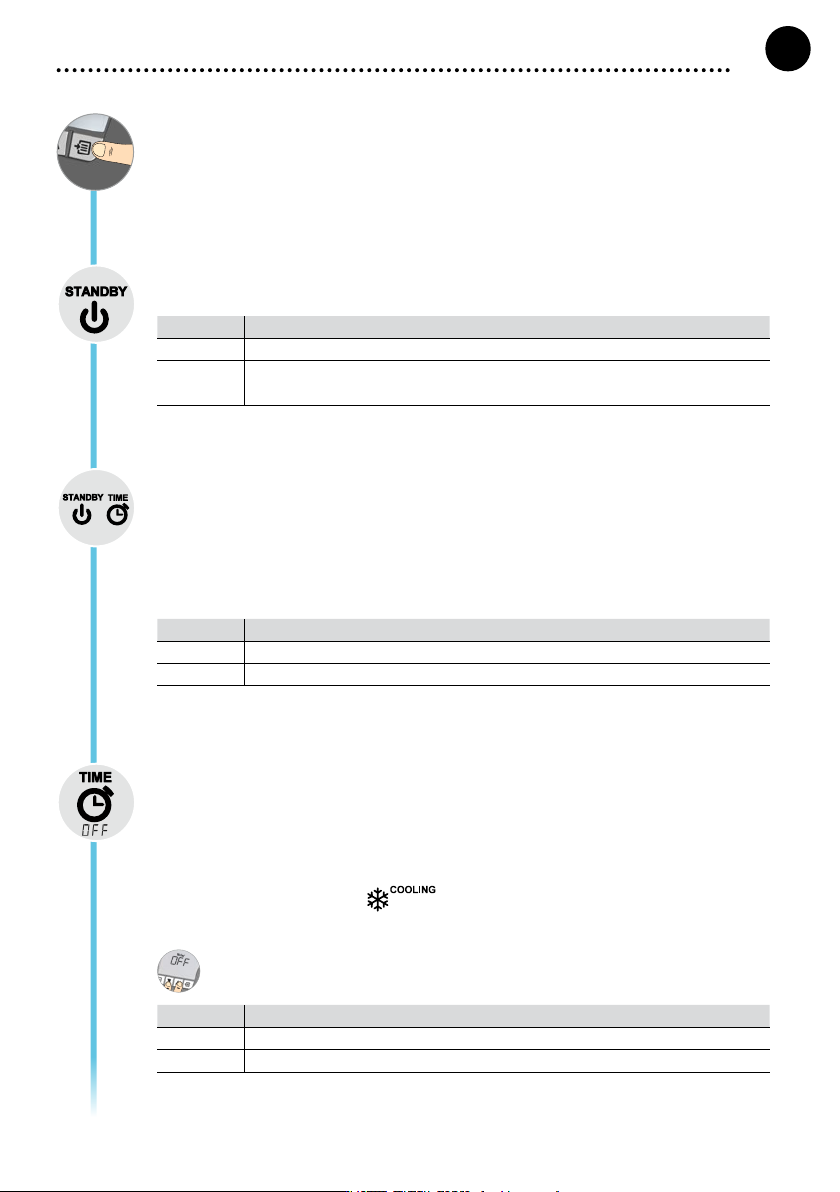
Menu 1
Pressing the Menu button takes you to menu 1
Standby Temp.
The standby temperature is a preset value to which a soldering tool is adjusted when not in use.
Option Description
OFF Standby deactivated (factory setting 180°C (360°F)
100-300 °C
200-600 °F
Standby Temp., Individually adjustable
Standby time (temperature deactivation)
On soldering tools with a usage sensor in the handle, the soldering tool is adjusted to the standby tem-
perature after the preset standby time if not in use. The sensor integrated in the tool detects changes
in status and deactivates standby mode as soon as the tool is moved.
On soldering tools without a usage sensor, the soldering tool is adjusted to the standby temperature
after the preset standby time if no soldering process is being performed.
Pressing the UP and DOWN buttons exits standby mode.
Option Description
OFF Standby deactivated (factory setting 2 min)
1-99 min Standby Time, Individually adjustable
OFF time
If the soldering tool is not in use, the heating for the soldering tool is deactivated after the OFF time
elapses. Temperature deactivation is performed independently of the set standby function. The actual
temperature is indicated by ashing LED and serves as a residual heat display. The display reads
„OFF“.
While the soldering tool cools, the residual heat is displayed.
Cooling also ashes in the display.
As soon as the temperature falls below 50 °C (122 °F), OFF appears in the display and the backligh-
ting is deactivated.
Pressing the UP and DOWN buttons at the same time exits OFF mode.
Option Description
OFF OFF time Deactivated (factory setting 10 min)
1-999 min OFF time, Individually adjustable
GB
ENGLISH
11
Window function
Option 1 (factory setting):
Set the potential-free switching output to ES FE.
Limiting the adjustment range to ± 1-99 °C (±1-180 °F) based on a temperature locked using the
„LOCK“ function.
The locked temperature therefore represents the middle of the adjustable temperature window.
Option 2:
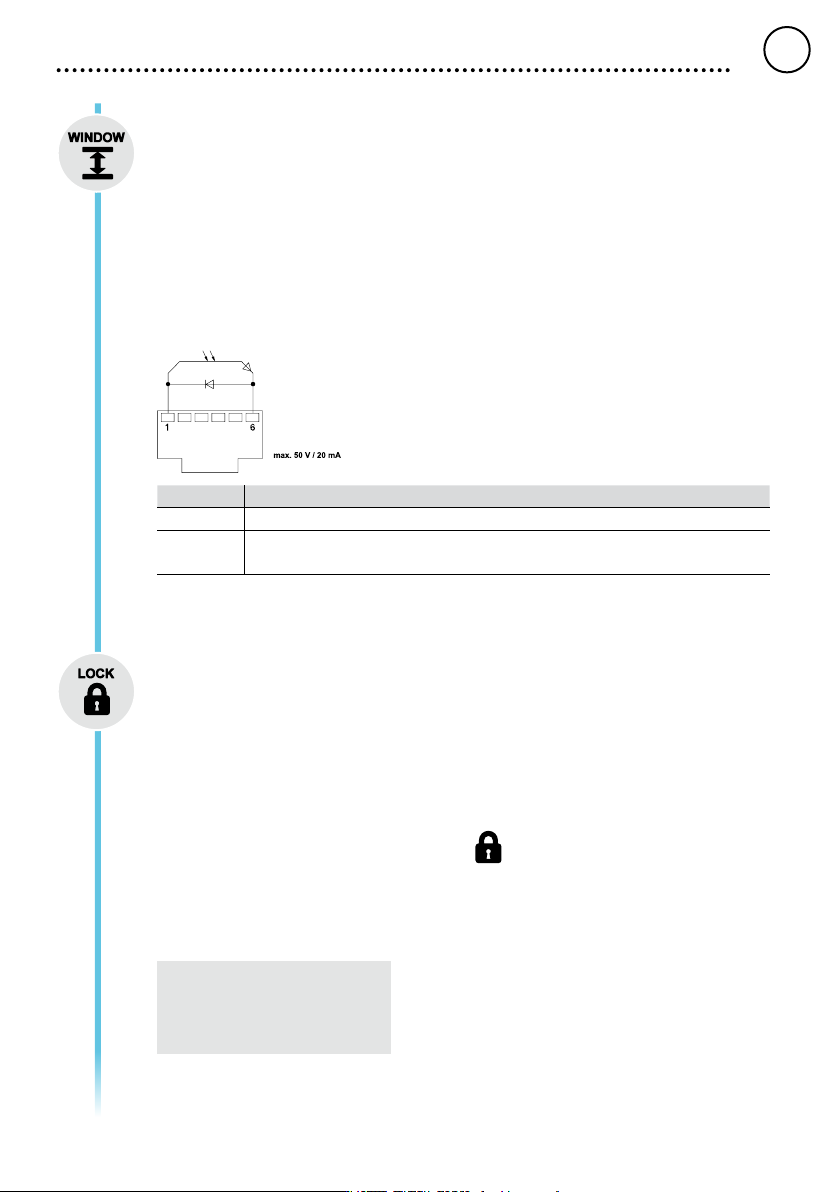
Set the potential-free switching output to ES rob.
Starting from a set, locked temperature, it is possible to set a temperature window of ± 1-99 °C (±1-
180 °F) using the WINDOW function. If the actual temperature is within this window, the potential-free
contact (optocoupler output) becomes conductive.
Option Description
OFF Window function Deactivated (factory setting OFF)
1-99 °C
1-180 °F
Window function, Individually adjustable
LOCK
Lock for the station. After the station is locked, it is no longer possible to change any device settings.
Exception 1: Fixed temperature buttons activated.
Exception 2: Window function Option 1.
All other settings are disabled until the station is unlocked again.
Locking the station
Set the three-digit locking code of your choice (between 001 and 999) and conrm by pressing the
Menu button.
The lock is active (the display shows a lock symbol).
Unlocking the station
Press the Menu button. ON appears in the display
Set the three-digit locking code.
Press the Menu button to conrm the code.
Forgotten code?
Please contact our Customer
Service: technical-service@weller-
tools.com
GB
ENGLISH
12
Offset
The actual soldering-tip temperature can be adapted by entering a temperature offset around ± 40 °C
(± 72 °F).
°C °F
Changing over the temperature unit.
Option Description
°C Celsius
°F Fahrenheit
GB
ENGLISH