00195679-02_AI_XPS_DE+EN.pdf - 第70页
3 Preliminary Work on the SIPLACE X-Series Assembly Instructions 3.2 Routing and Connection of the Limit Switch Cabl e SIPLACE X-Series Produc tivity Shuttle T ype I/II 12
11
Assembly Instructions 3 Preliminary Work on the SIPLACE X-Series
SIPLACE X-Series Productivity Shuttle Type I/II 3.2 Routing and Connection of the Limit Switch Cable
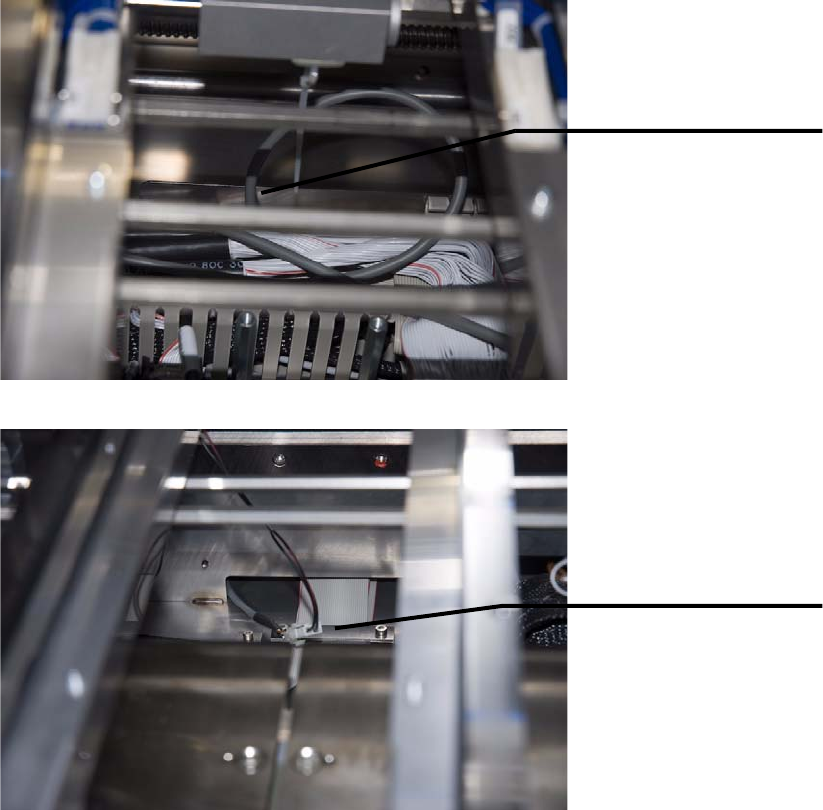
8. Route the cable in the shaft below the carrier unit of the intermediate conveyor of the SIPLACE
X-Series.
9. The connection to the XPL is made after the XPL is installed (see Chapter 4.2 Making Electrical
Connections).
10.Reinstall the cover over the main distributor of the conveyor control.
11.Before the lifting table plates can be reinstalled, the pneumatic cylinders of both lifting tables
must be depressurized and the linkage of the lifting tables must be lifted slightly.
12.Reinstall the lifting table plates in placement area 2.
Introduce cable into
the shaft via the cable
duct.
Guide cable through
the shaft. It will be
connected to the XPL
on the other side after
the XPL is installed.
3 Preliminary Work on the SIPLACE X-Series Assembly Instructions
3.2 Routing and Connection of the Limit Switch Cable SIPLACE X-Series Productivity Shuttle Type I/II
12
13
Assembly Instructions 4 Installation of the XPL
SIPLACE X-Series Productivity Shuttle Type I/II 4.1 Mechanical Installation
4 Installation of the XPL
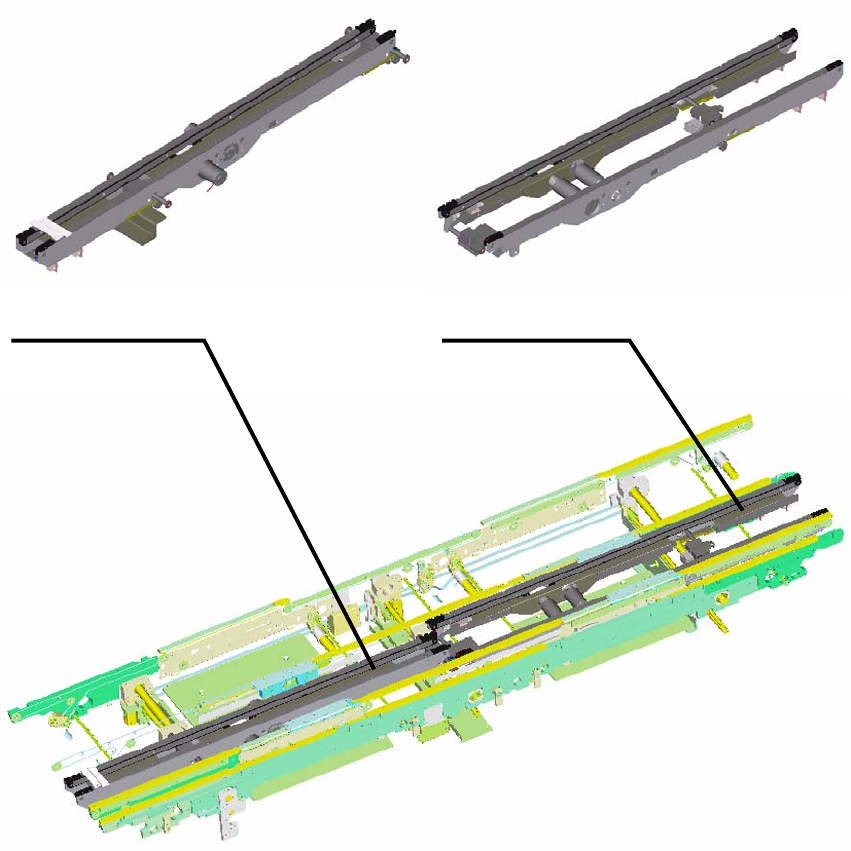
The XPL consists of two parts that are screwed together after installation in the placement system.
4.1 Mechanical Installation
1. Make sure that the width of the SIPLACE X-Series is adjusted to 100 mm.
2. In the as-delivered condition, both parts of the XPL are secured at their minimum width with
cable ties. Leave the cable ties until the parts are installed.
XPL Part 1 - Inlet XPL Part 2 - Outlet