Flexicut 英文 操作说明书.pdf - 第27页
FL E XIC UT U se r' s G ui de Version 2 26 Select the corres ponding option in the parame t e r s page Parameters ->ma chine choi ce. The screen below appears : On the screen, the movable table is selected Select…
FLEXICUT User's Guide
Version 2
25
When all the previous operations have been done, the hood must be closed. Then press “A” to start the cycle.
The FLEXICUT will automatically stop when the arm reaches the bottom position.
Movable table
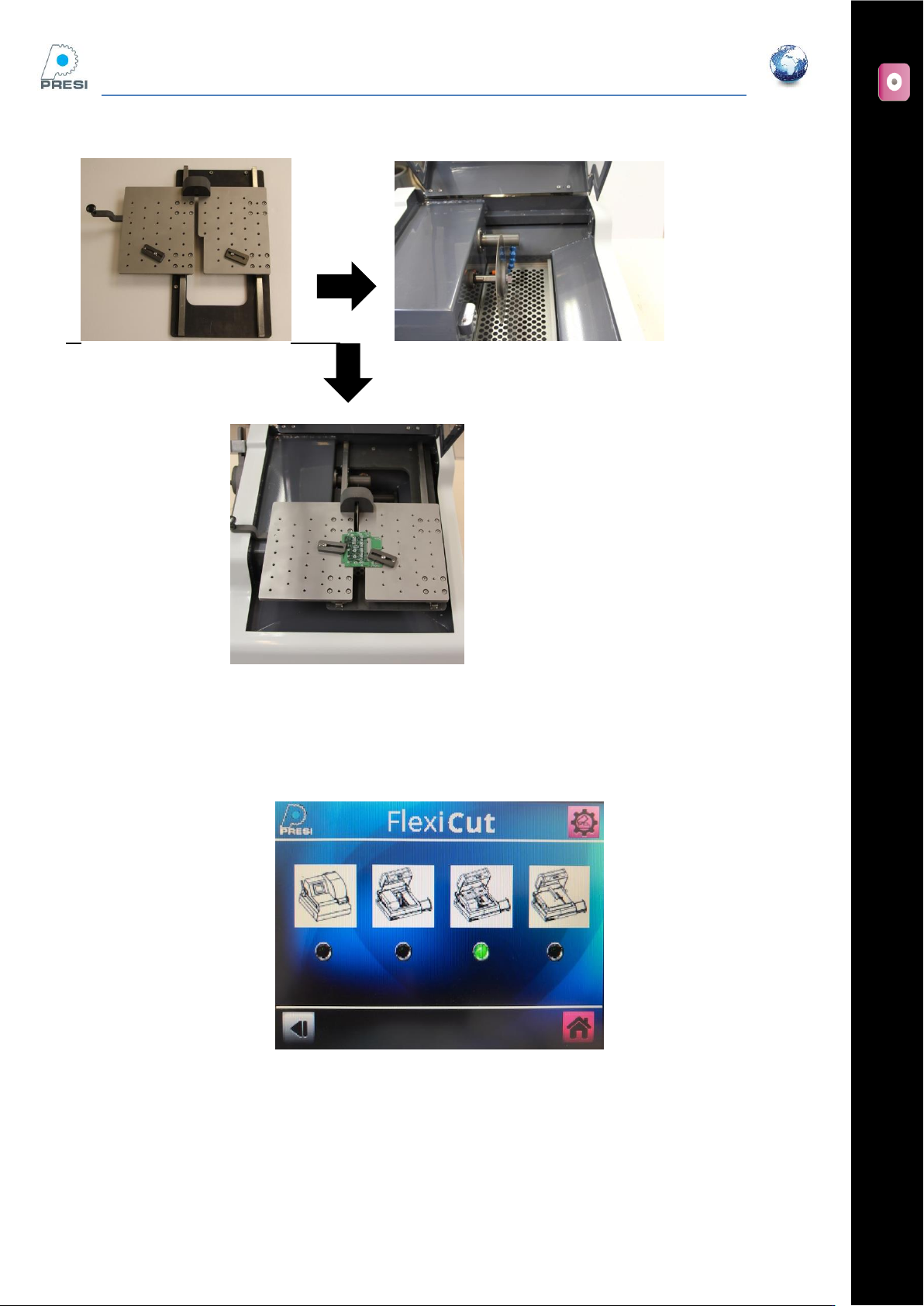
Installing the table
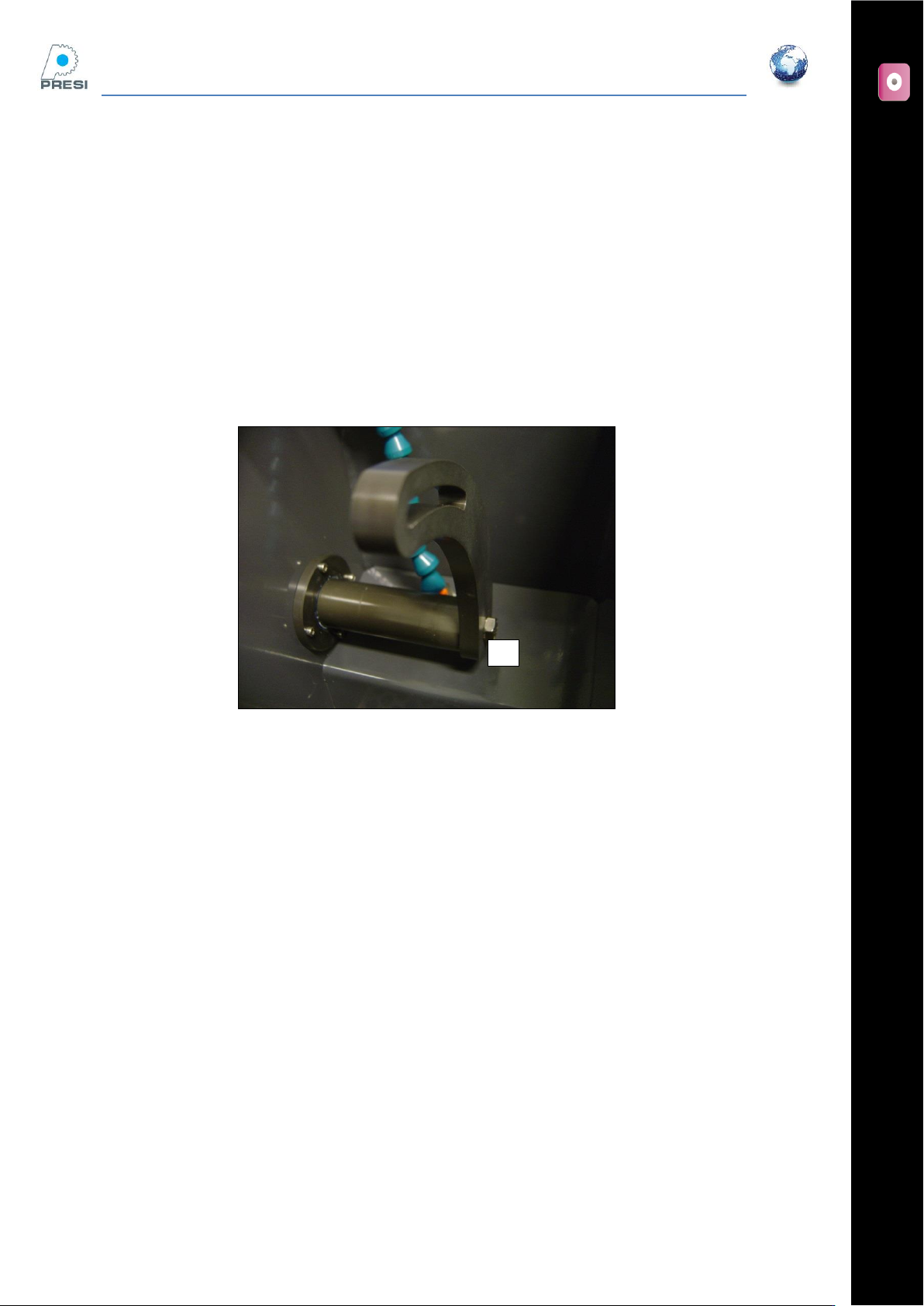
To use the sliding table, you must first remove the arm by unscrewing « A ».
Then install the table and screw it with the 3 supplied screws.
A
FLEXICUT User's Guide
Version 2
26
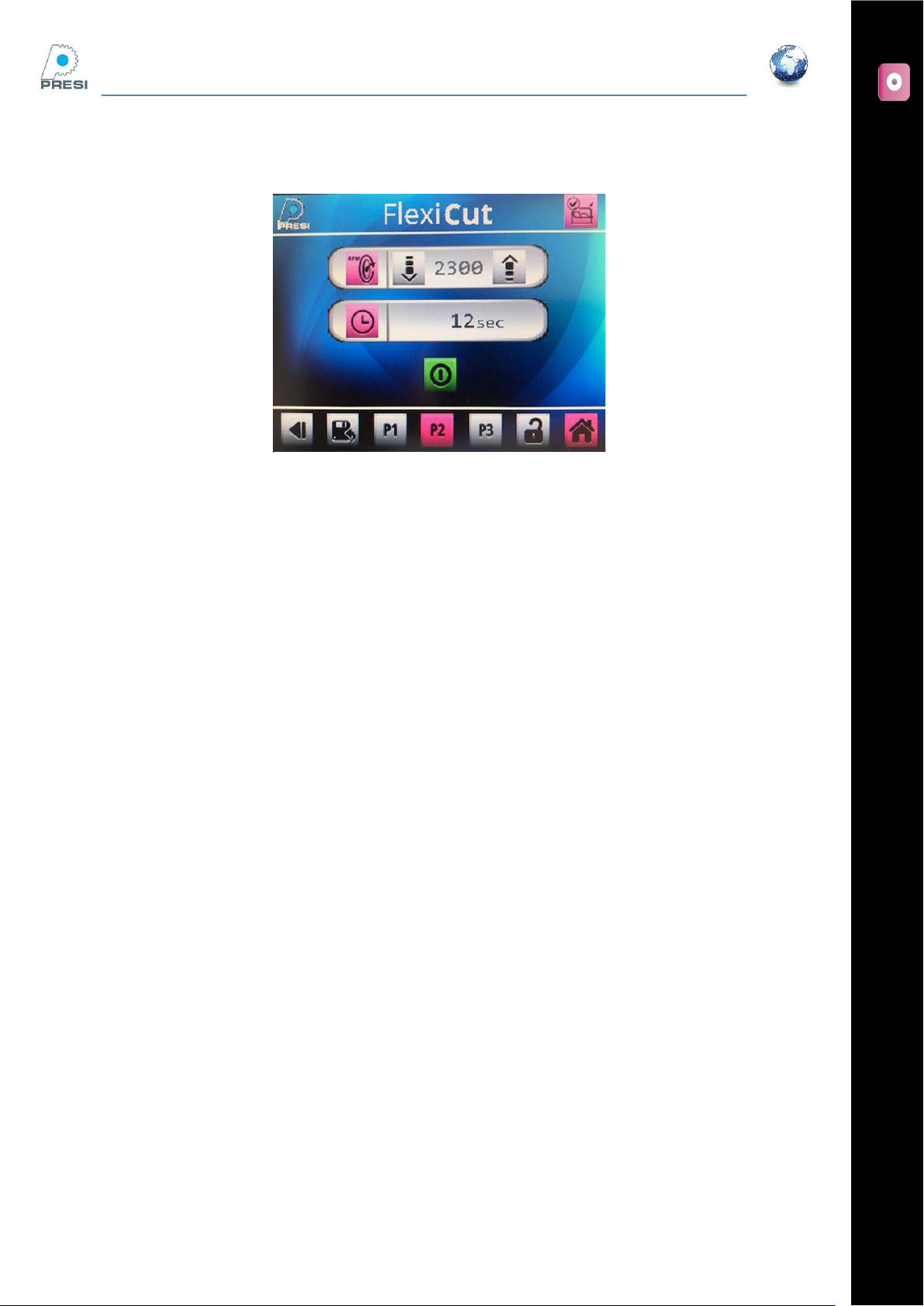
Select the corresponding option in the parameters page
Parameters ->machine choice. The screen below appears :
On the screen, the movable table is selected
Select movable table, then enter. The option is selected, you come back one page backwards.
FLEXICUT User's Guide
Version 2
27
Cutting page
All the parameters available in the standard mode are available here, except the arm limit switch.