Flexicut 英文 操作说明书.pdf - 第28页
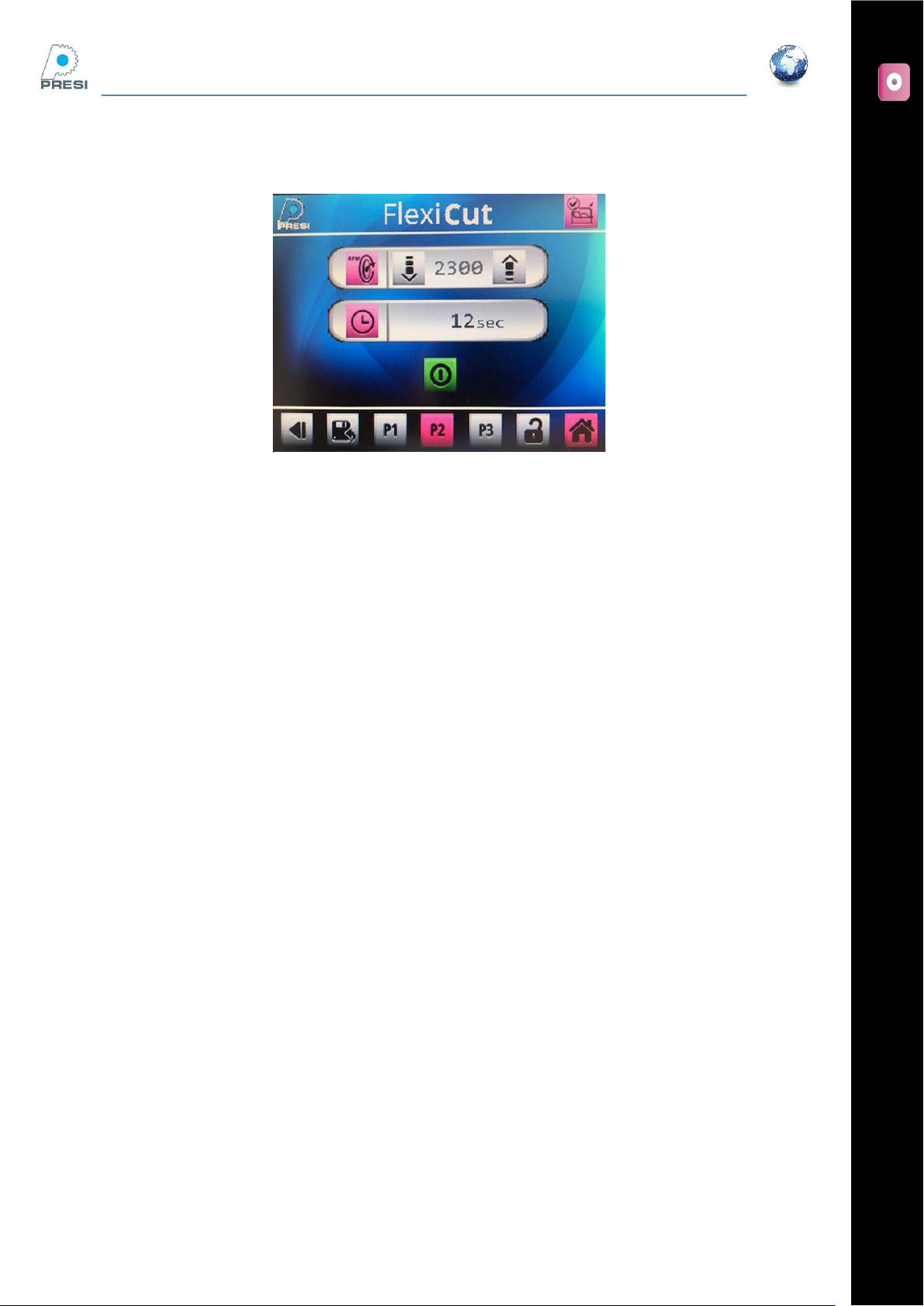
FL E XIC UT U se r' s G ui de Version 2 27 Cutting page All the paramet ers availabl e in the standard mode are available here, except the arm limit switch .
FLEXICUT User's Guide
Version 2
26
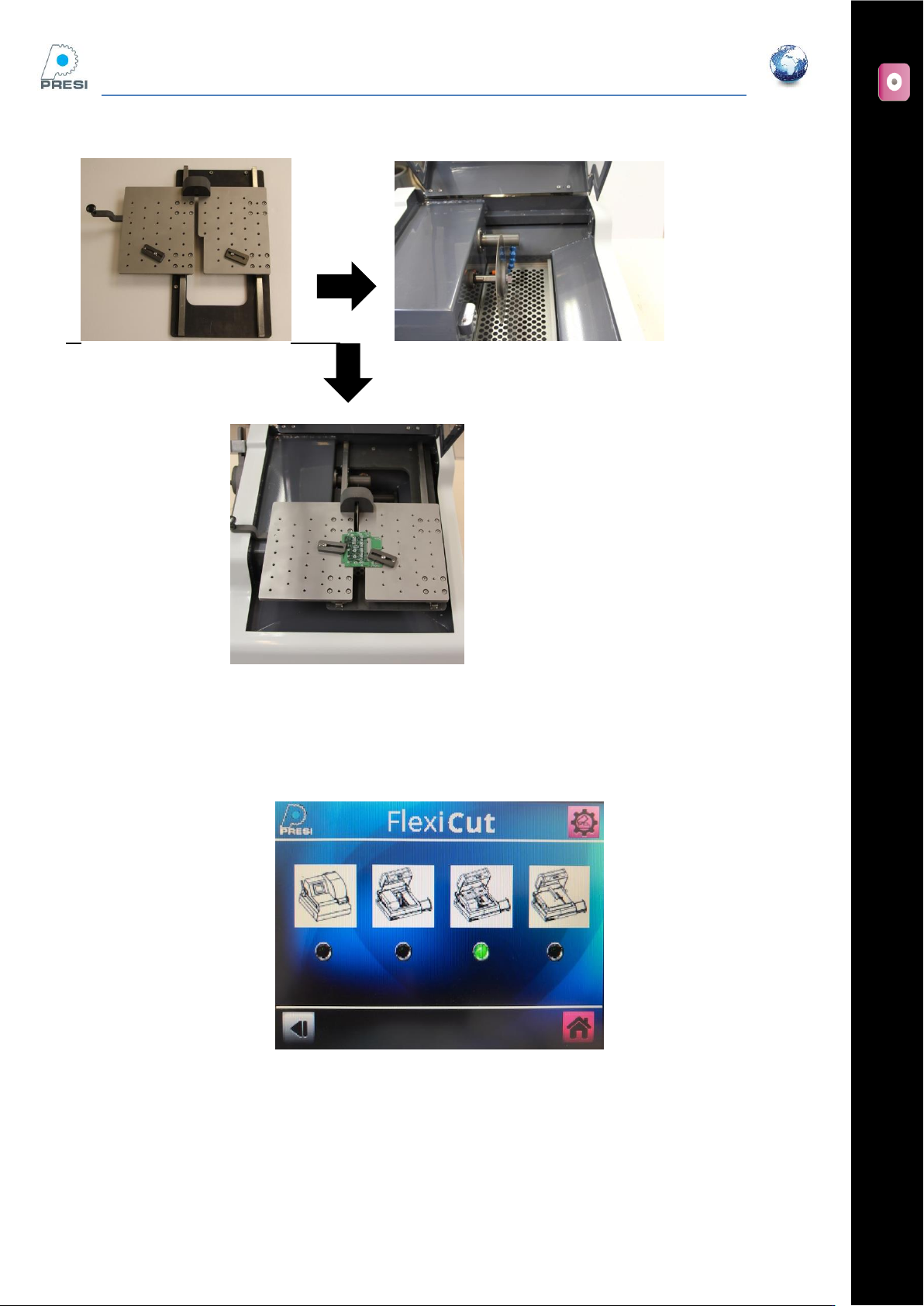
Select the corresponding option in the parameters page
Parameters ->machine choice. The screen below appears :
On the screen, the movable table is selected
Select movable table, then enter. The option is selected, you come back one page backwards.
FLEXICUT User's Guide
Version 2
27
Cutting page
All the parameters available in the standard mode are available here, except the arm limit switch.
FLEXICUT User's Guide
Version 2
28
Clamping possibilities on this table
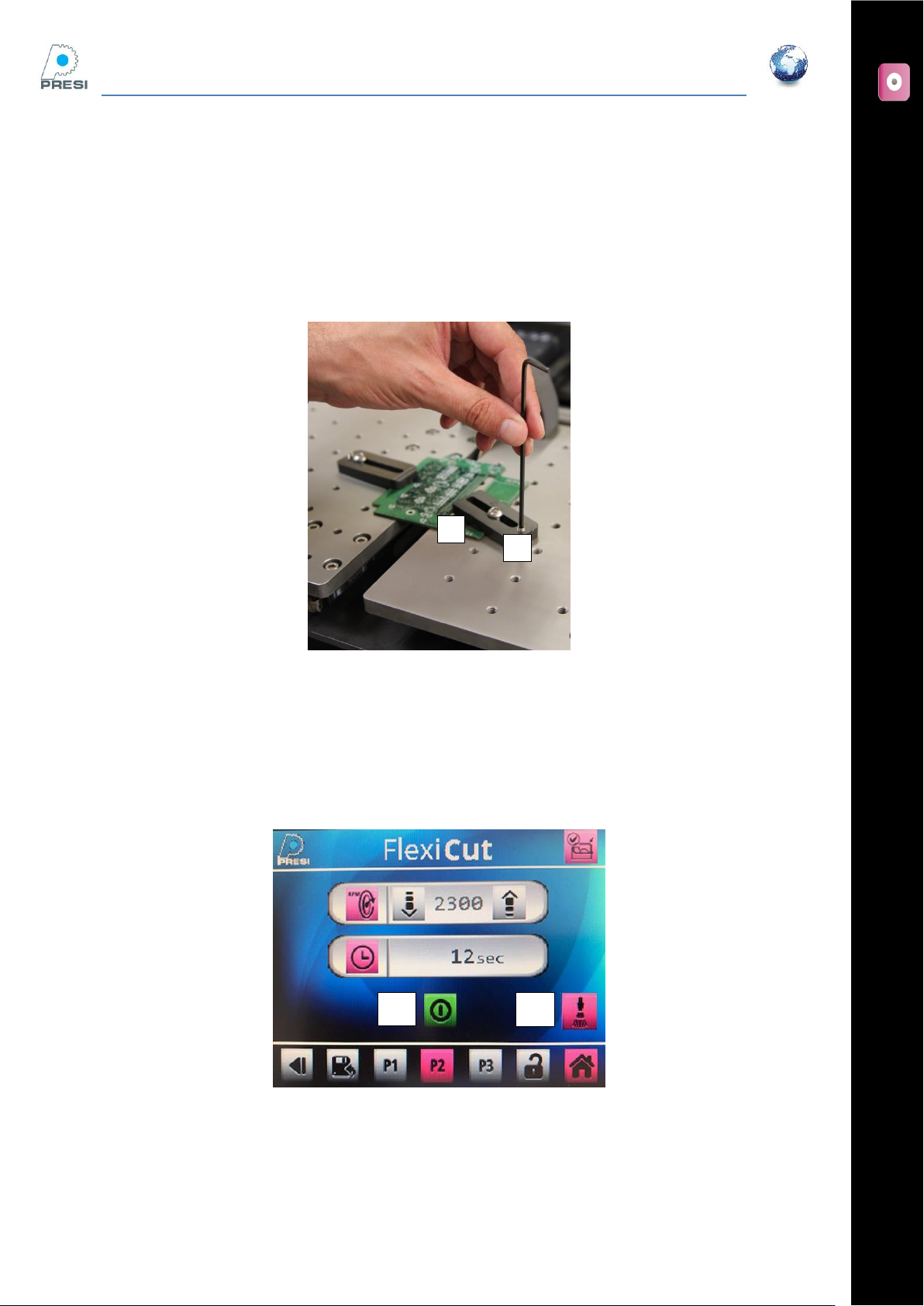
Two clamping devices are supplied with the table. To use it you should:
Place your sample on the table
Place your clamping devices, lightly screw (not tighten) the “A” screws in one of the numerous
positions
Screw and tight the “B” screws
Cutting your sample
Hood is closed. Choose the wheel RPM, cooling on/off (button “B”), then press cycle start « A »
The wheel is on.
A
A
B
B