Flexicut 英文 操作说明书.pdf - 第30页
FL E XIC UT U se r' s G ui de Version 2 29 Move the lever to cut your part. T o i mprove cut qualit y , push sl owly at a constant speed. Fixed table Mode This mode allo ws the machine to w o rk with an op en hood. …
FLEXICUT User's Guide
Version 2
28
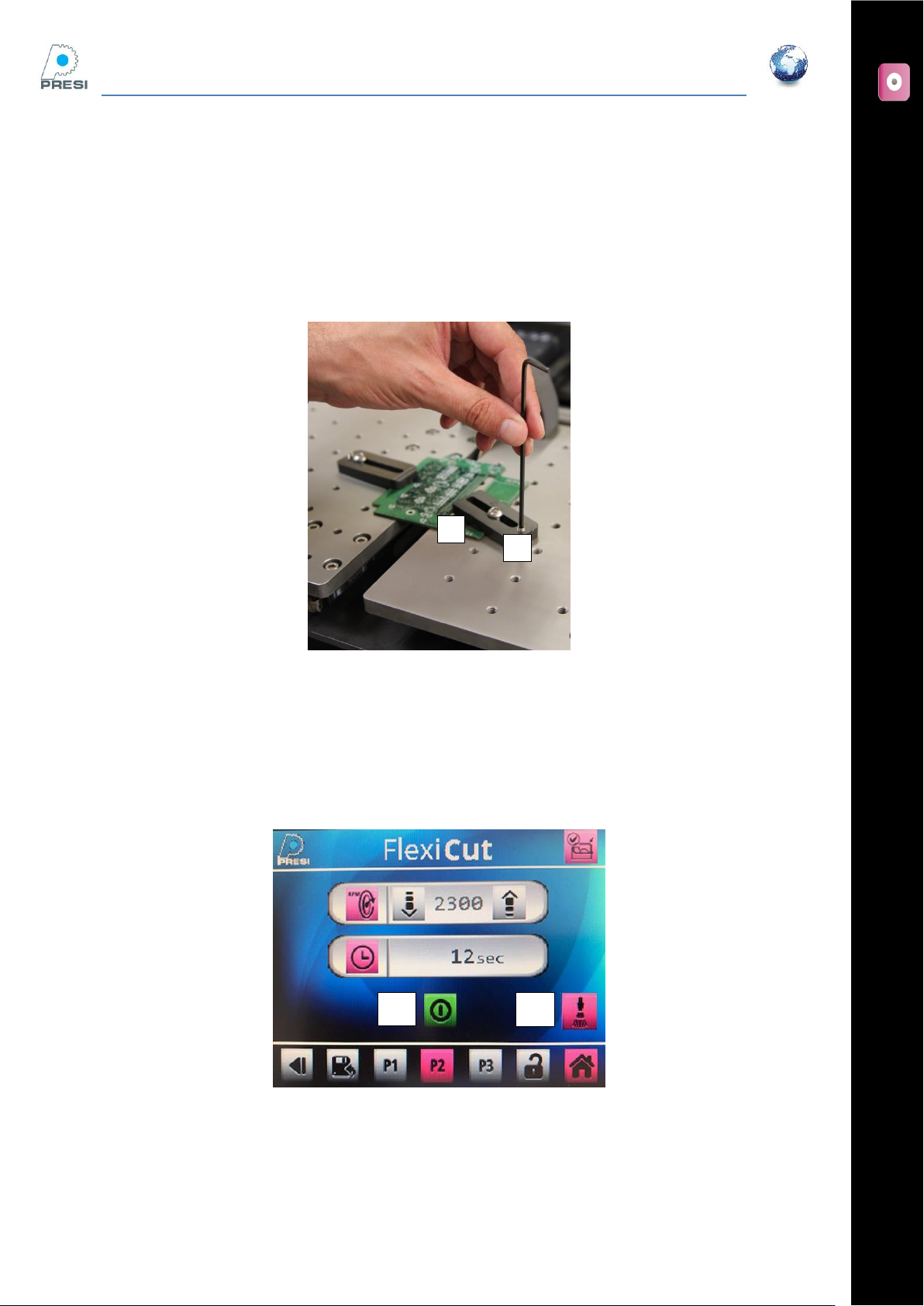
Clamping possibilities on this table
Two clamping devices are supplied with the table. To use it you should:
Place your sample on the table
Place your clamping devices, lightly screw (not tighten) the “A” screws in one of the numerous
positions
Screw and tight the “B” screws
Cutting your sample
Hood is closed. Choose the wheel RPM, cooling on/off (button “B”), then press cycle start « A »
The wheel is on.
A
A
B
B
FLEXICUT User's Guide
Version 2
29
Move the lever to cut your part. To improve cut quality, push slowly at a constant speed.
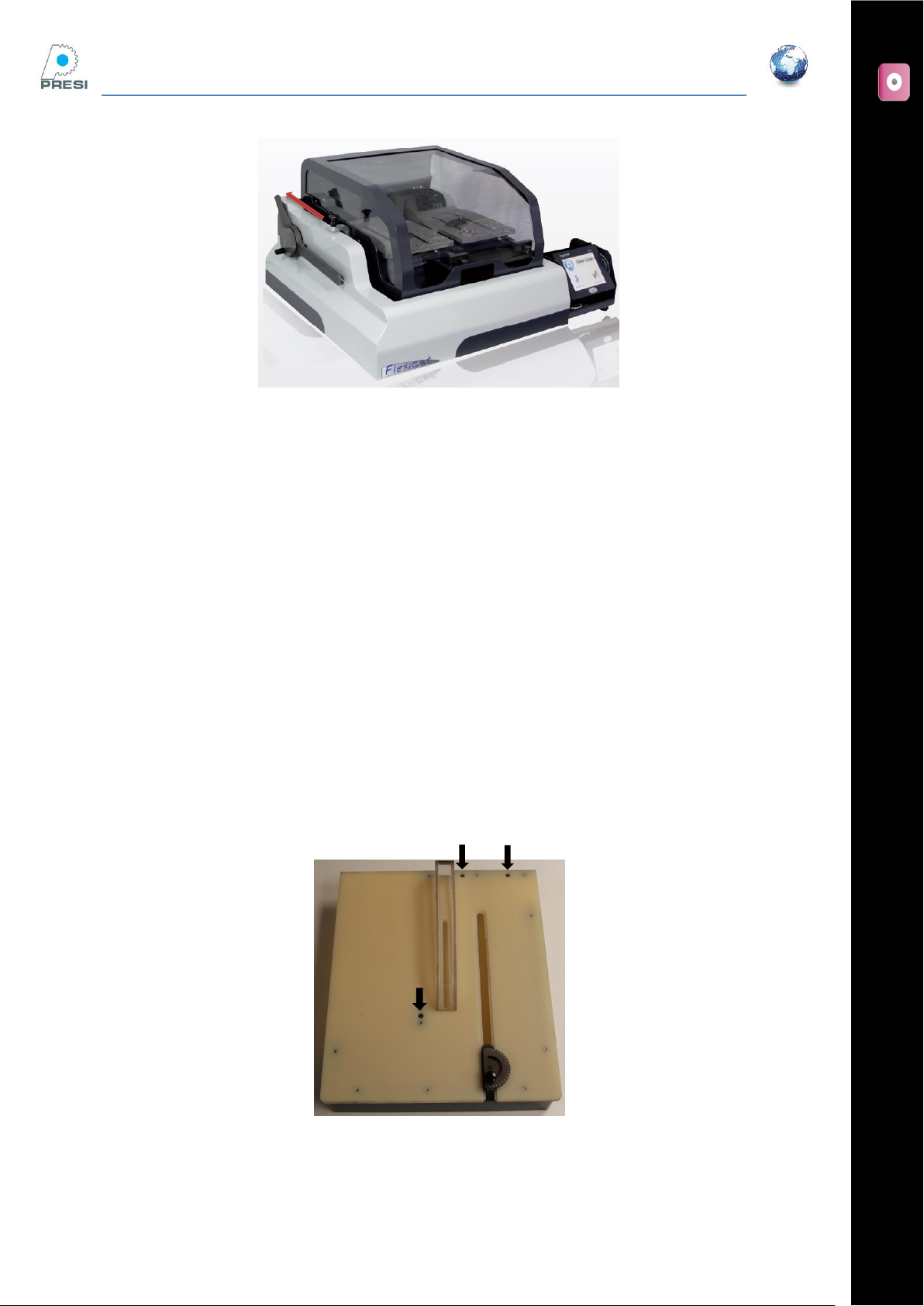
Fixed table Mode
This mode allows the machine to work with an open hood. The wheel speed is limited to 1000 RPM for safety
purposes. NOTE: Only metal bonded diamond or CBN edge wheels are permitted in this mode.
Bath cooling
In this mode, the coolant pump cannot be activated. The wheel can be cooled only by filling the tank with
Presi Coolant 4%. Set the coolant level so that the wheel edge is immersed 10 to 15mm in the fluid.
Table installation
The table is fixed by 3 screws (supplied). As per the mobile table, the arm should be removed.
FLEXICUT User's Guide
Version 2
30
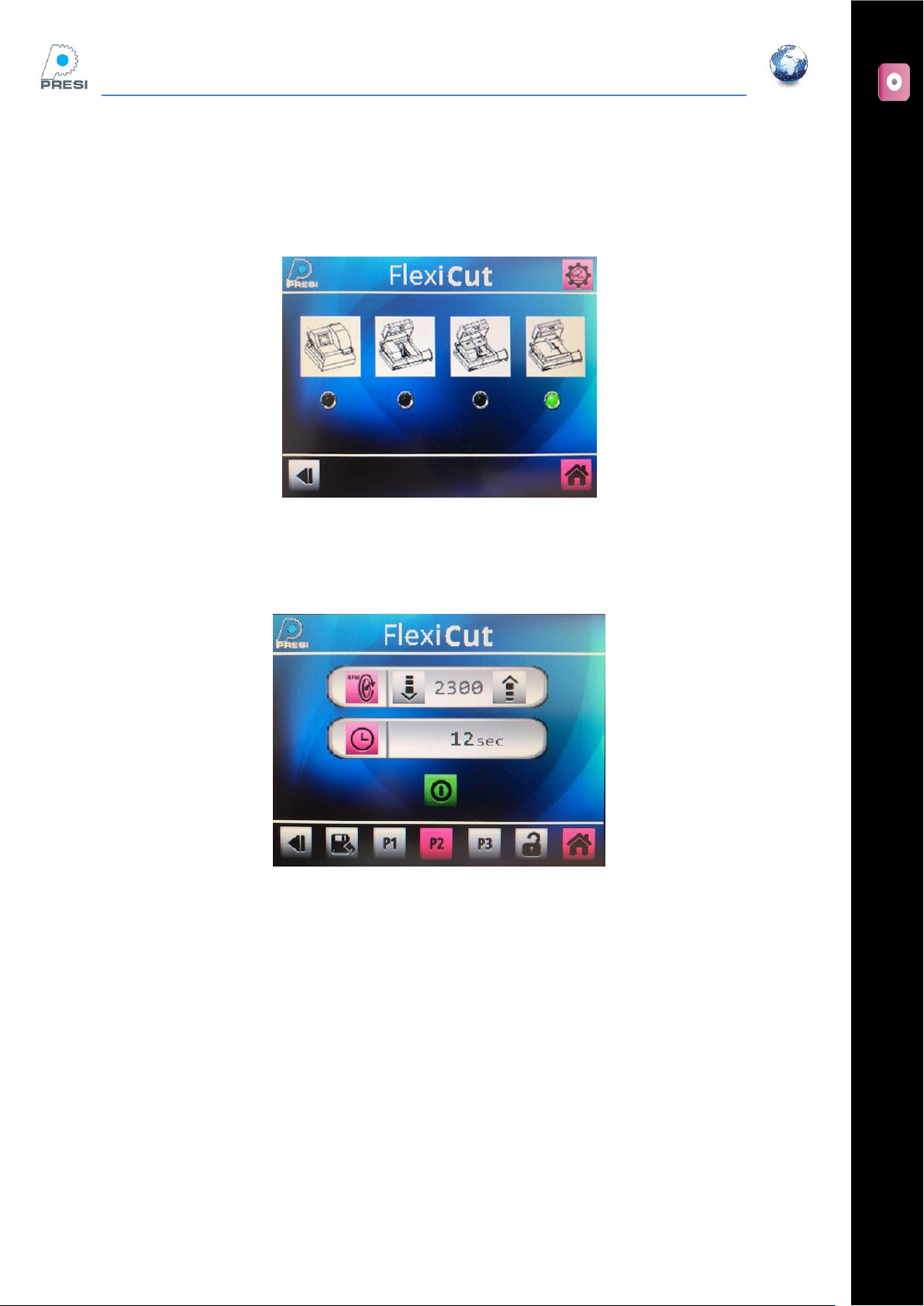
Select the right option on the parameter page
Parameters -> machine choice. The screen below appears
Select « Fixed table » on the screen, then press the arrow (choice validation)
Cutting page
The arm limit switch, the hood and the coolant icon have disappeared. The wheel speed is limited to 1000
RPM.
Part positioning
In this mode, the part is moved manually. Angles can be set by using an accessory.