Flexicut 英文 操作说明书.pdf - 第32页
FL E XIC UT U se r' s G ui de Version 2 31 Cutting the part Press on « A » to start the cycle, and move manu ally y o ur part onward. Press the part firml y ont o the cutting table. When the cu t is complete manuall…
FLEXICUT User's Guide
Version 2
30
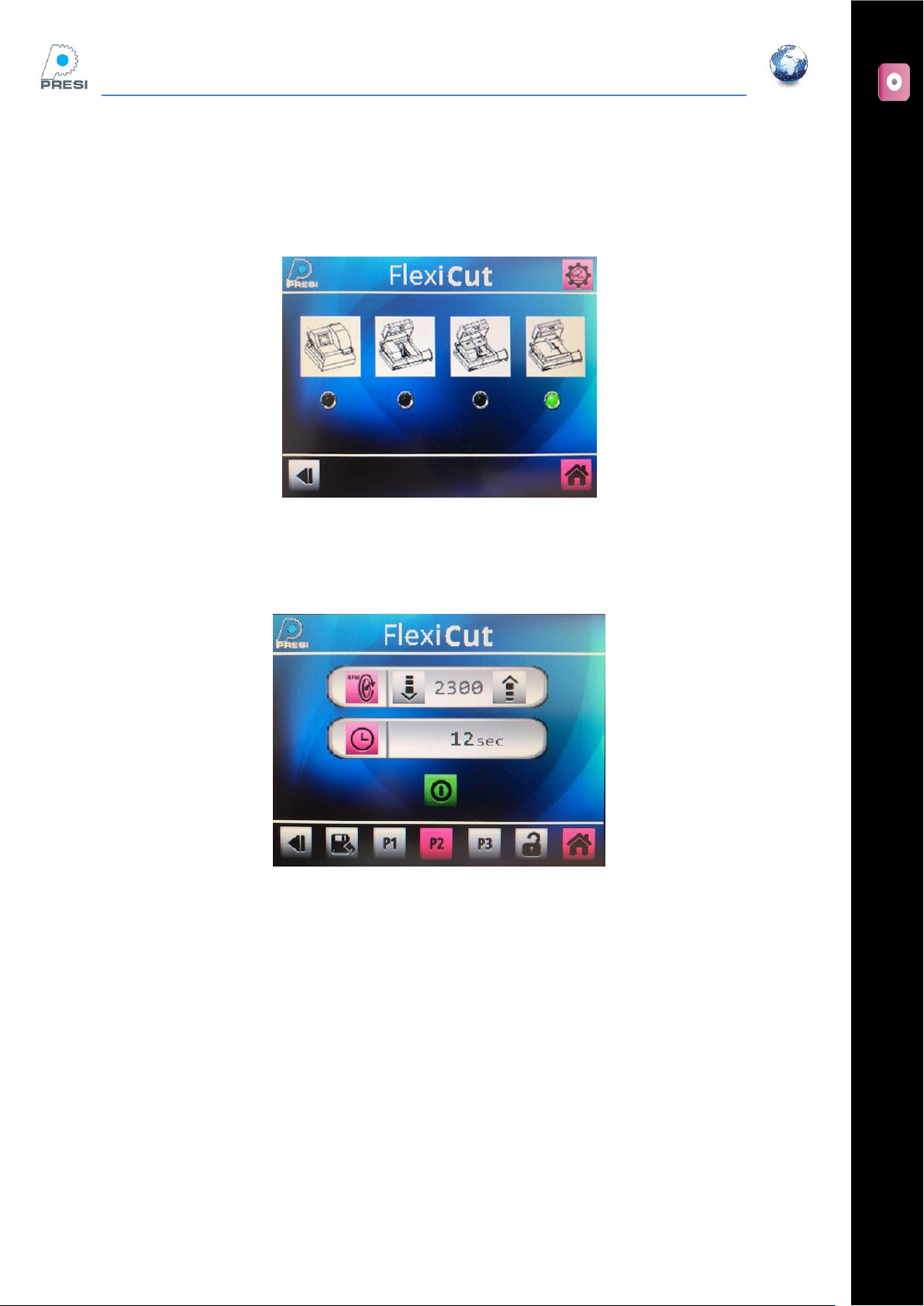
Select the right option on the parameter page
Parameters -> machine choice. The screen below appears
Select « Fixed table » on the screen, then press the arrow (choice validation)
Cutting page
The arm limit switch, the hood and the coolant icon have disappeared. The wheel speed is limited to 1000
RPM.
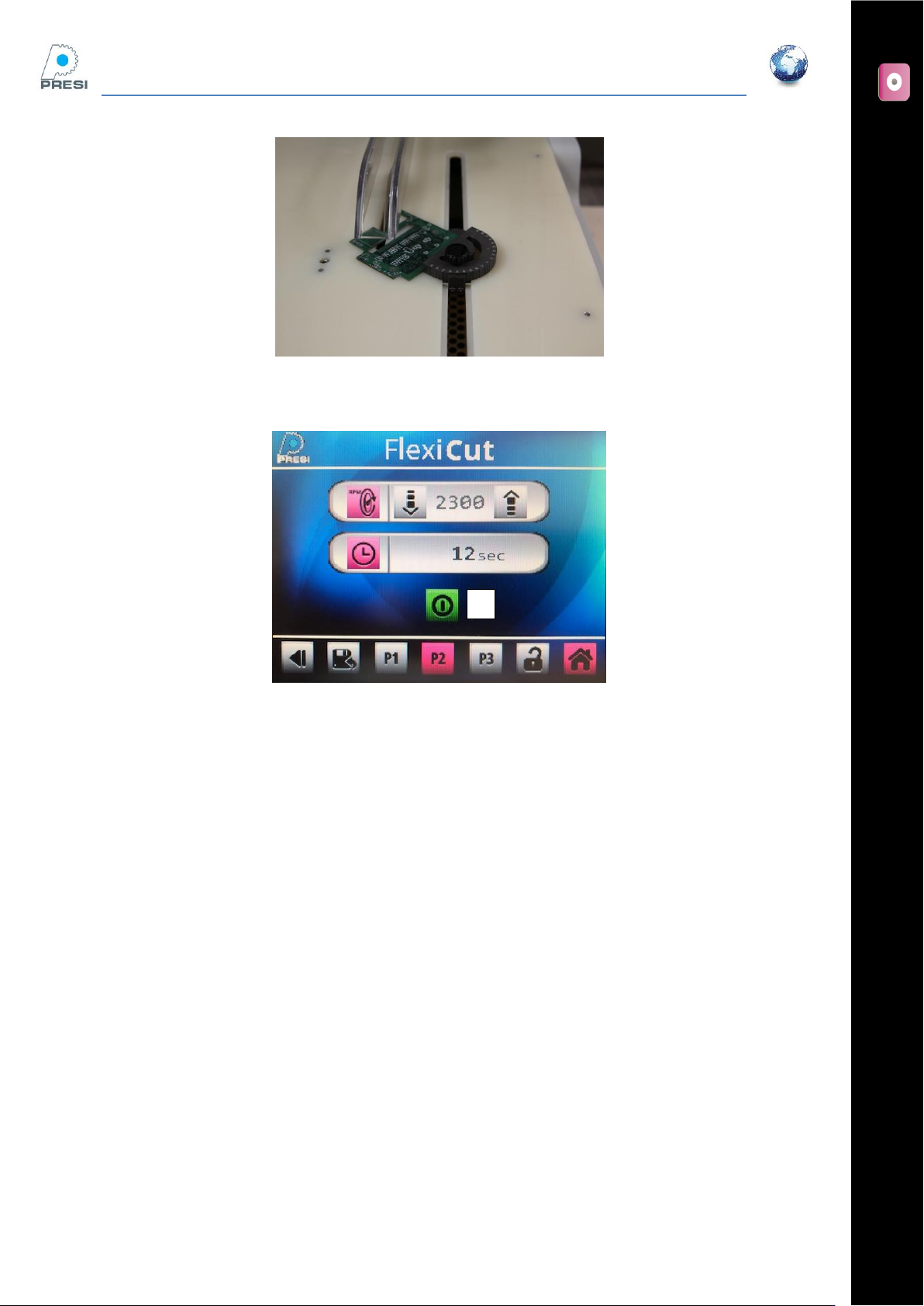
Part positioning
In this mode, the part is moved manually. Angles can be set by using an accessory.
FLEXICUT User's Guide
Version 2
31
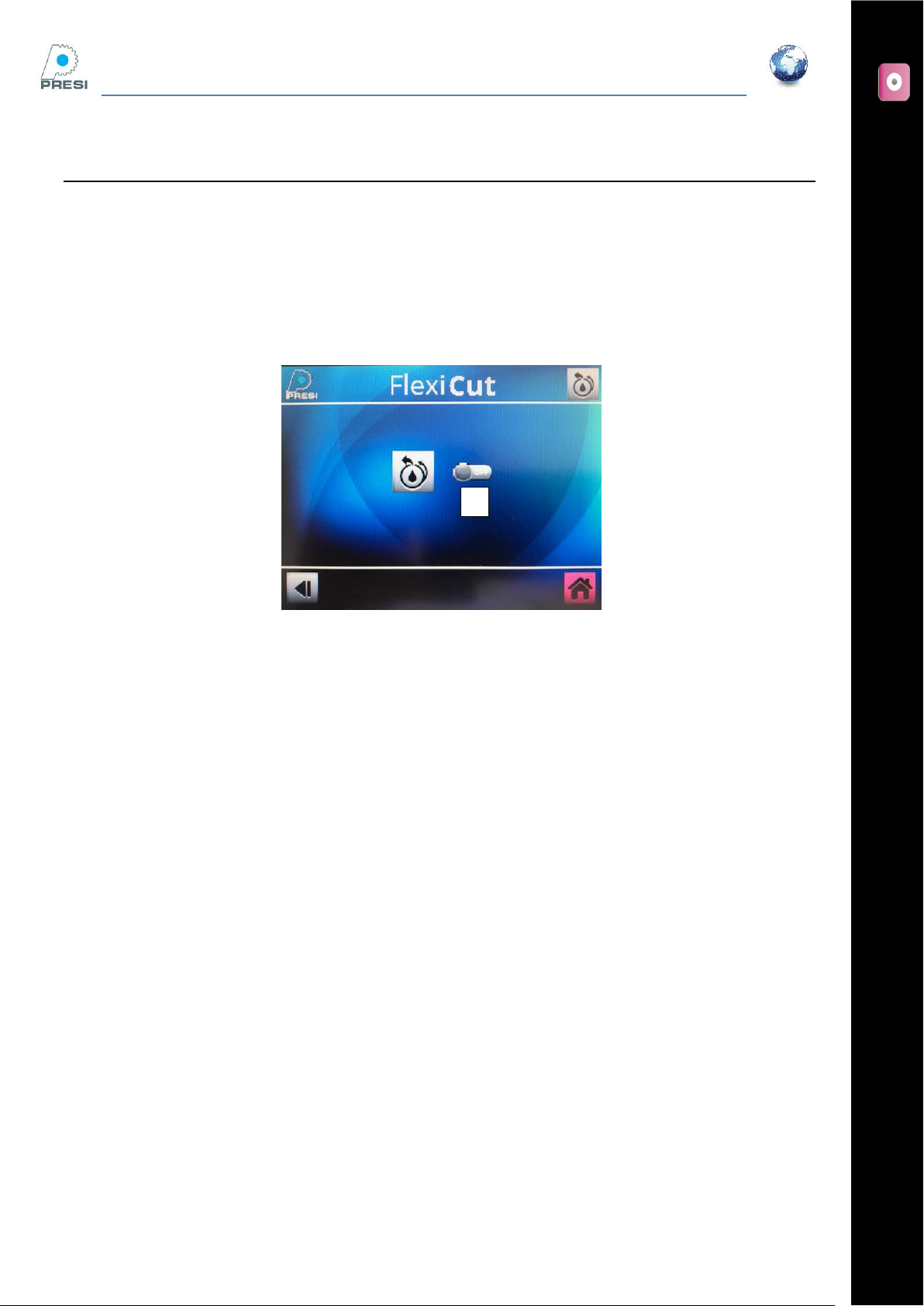
Cutting the part
Press on « A » to start the cycle, and move manually your part onward. Press the part firmly onto the cutting
table. When the cut is complete manually stop the machine by pressing again “A”.
A
FLEXICUT User's Guide
Version 2
32
Cleaning
Machine performance and longevity is dependent on your cleaning and maintenance regimes. It is
recommended that the machine is cleaned on a regular basis.
Daily
Remove the tables, select and press “cleaning”, and use the coolant hose to wash down the machine.
Press “A” to activate the cleaning mode. Move the spray nozzle around the blade location
Monthly
Deep clean the machine, and check the coolant tank. If needed, empty the fluid and renew it. You can either
open the dump valve on the machine back or connect a hose to the coolant nozzle and activate the cleaning
function
When renewing the fluid, it is needed to prime the pump again. It can be easily done by using the Jet-Pur
aerosol.
Keep the coolant nozzle down, and the aerosol straight (air position)
Turn the pump on, 2 to 3 seconds later, trigger the aerosol
Repeat this operation until the coolant flow starts.
A