ISM-2000_OPE.pdf - 第61页
Software 3.1 rev_0 1 Edition 06/20 16 - Reproduction forbidden a Page 61 Storage Solut ions Soft ware Operating Manual 2) Movements log ( CT RL+ L) From this window i t is possible to visualize all logs. It is possible t…
Software 3.1 rev_01 Edition 06/2016 - Reproduction forbidden
a
Page 60
Storage Solutions Software Operating Manual
13. SETUP: Setup
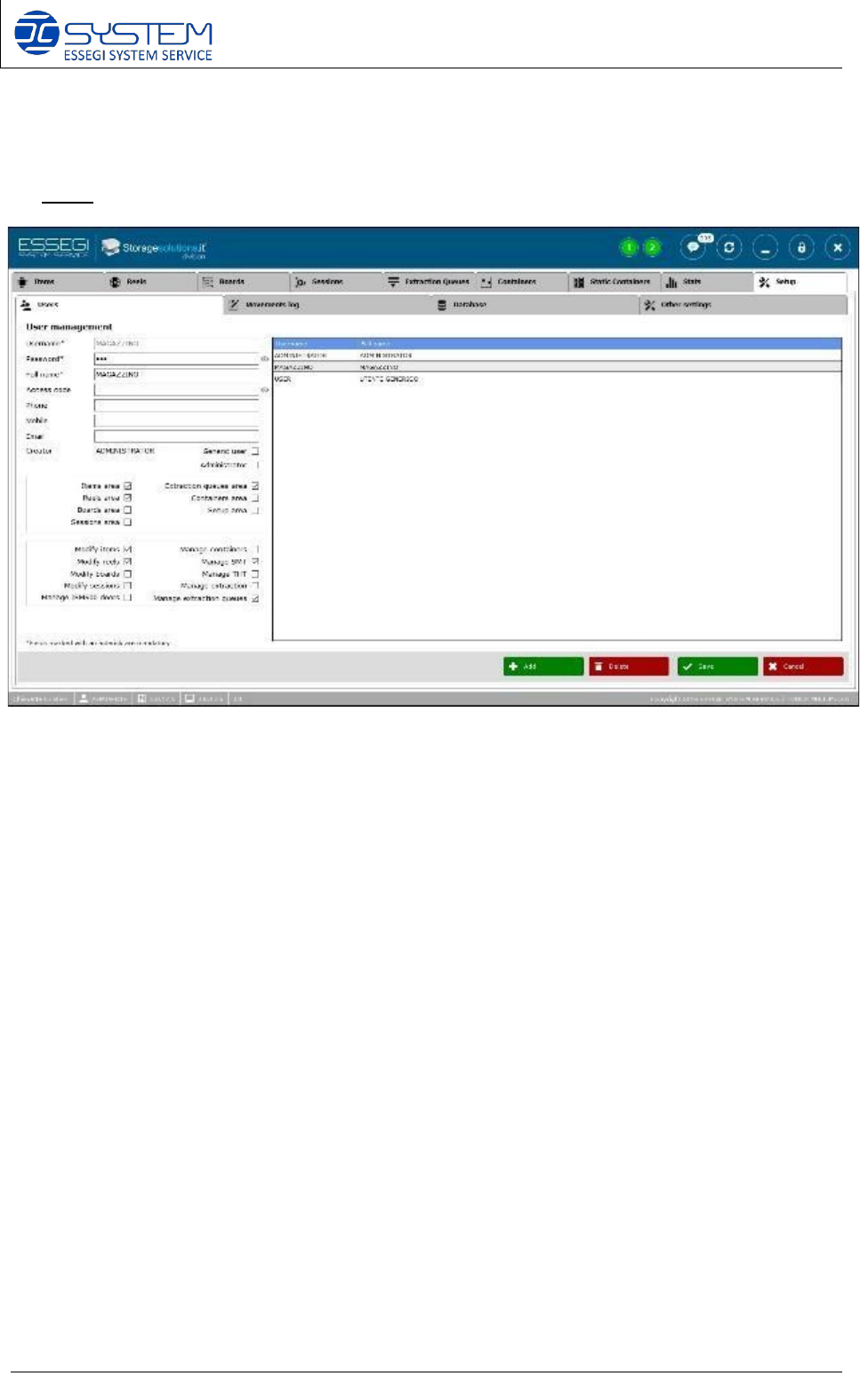
1) Users (CTRL+U)
From this window it is possible to manage user access, creating new users or modifying existing
ones.
For any user it is possible to configure the needed authorizations.
NOTE:
• Generic user: this field is used when you need to automatically log-in all containers whit
a user. In this way you can create a generic user, decide what this user is allow to do and
when the software has to ask for an authentication to allow to perform some tasks (this
can be configure into the “Other settings” page.
• Manage ISM500 Doors: it allows the user to visualize the possibility to open the ISM500
doors when the electronic lock option is installed in the ISM500.
Software 3.1 rev_01 Edition 06/2016 - Reproduction forbidden
a
Page 61
Storage Solutions Software Operating Manual
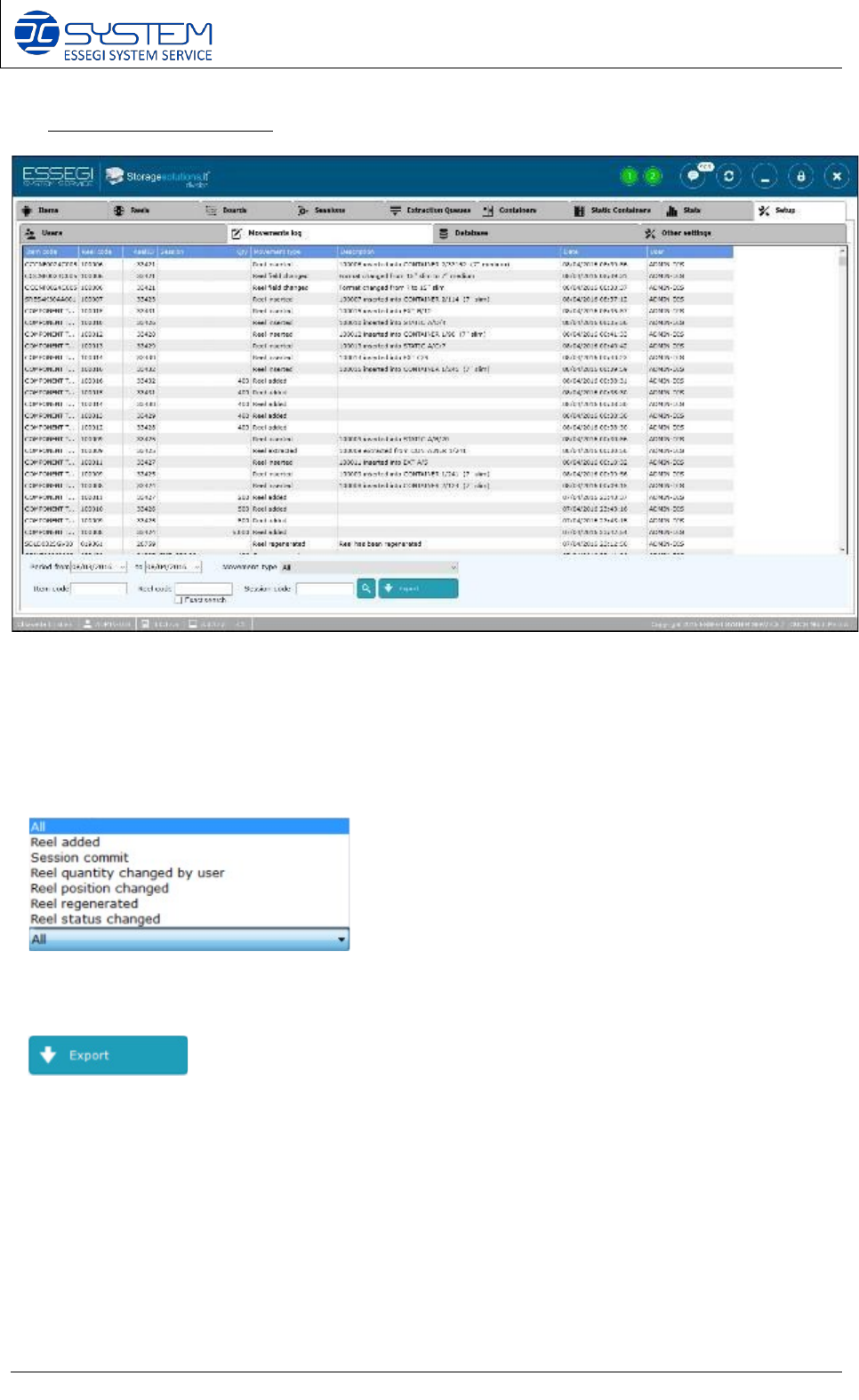
2) Movements log (CTRL+L)
From this window it is possible to visualize all logs.
It is possible to select the desired period and by the dropdown menu “Movement type”, it is
possible to select the following options:
It allows to create a .txt file to export the logs.
Software 3.1 rev_01 Edition 06/2016 - Reproduction forbidden
a
Page 62
Storage Solutions Software Operating Manual
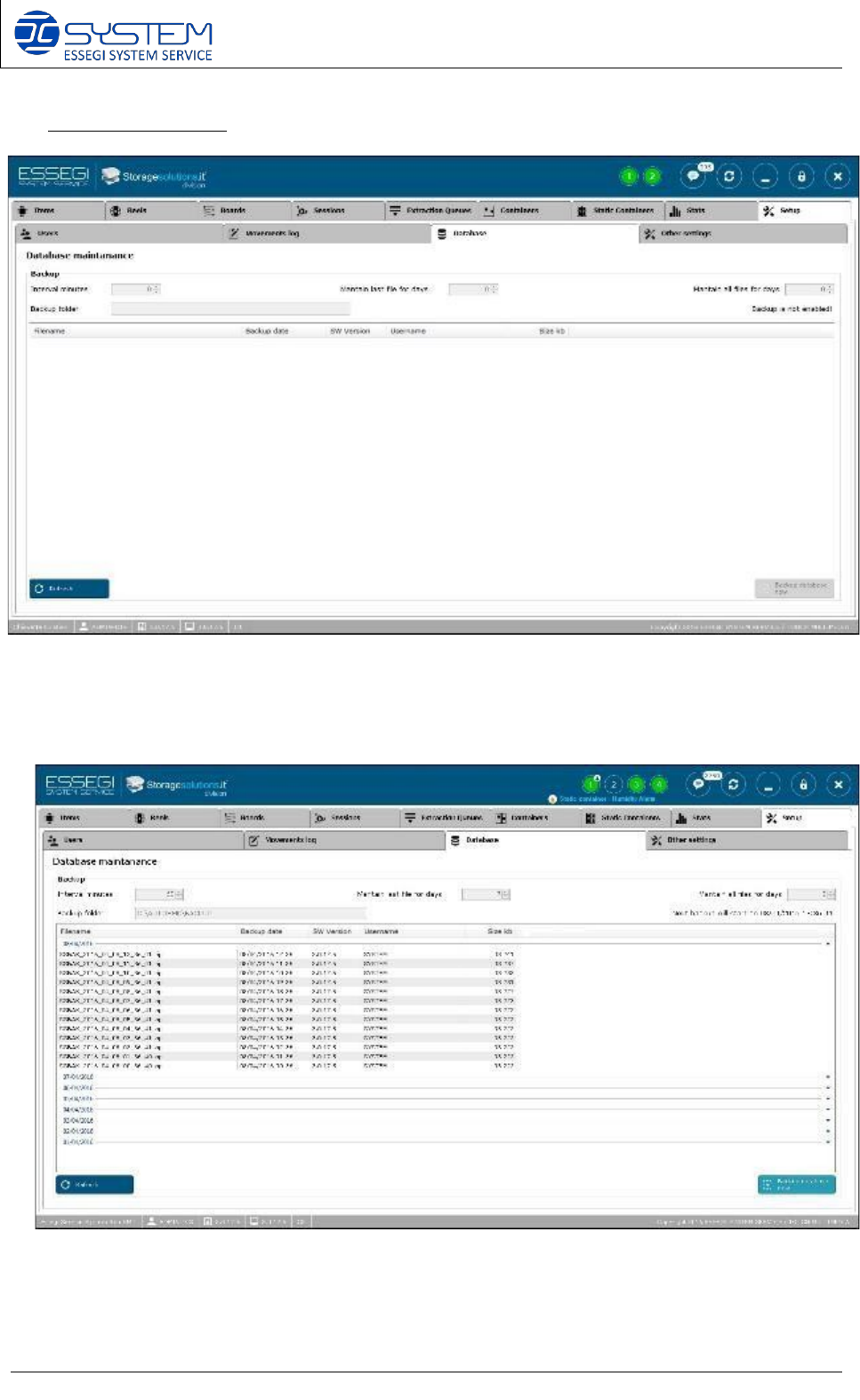
3) Database (CTRL+D)
Here it is possible to configure the backup of the database: when it is configured, you can see all
backups done with the indications about the date, the software version, size and username
which made the backup