00900057-02_IM_Performance_Monitor_2.1_EN.pdf - 第24页
ASM Performance Monitor 2.1 / Installation Manual 01/2021 Edition 24 Figure 4- 12 : Post Master Server P ort Number Configuration dial og ► Enter the server port number to set up the Post Master. ► Click the Next butt on…
ASM Performance Monitor 2.1 / Installation Manual 01/2021 Edition
23
4.7 Specifying ASM Post Master Configuration
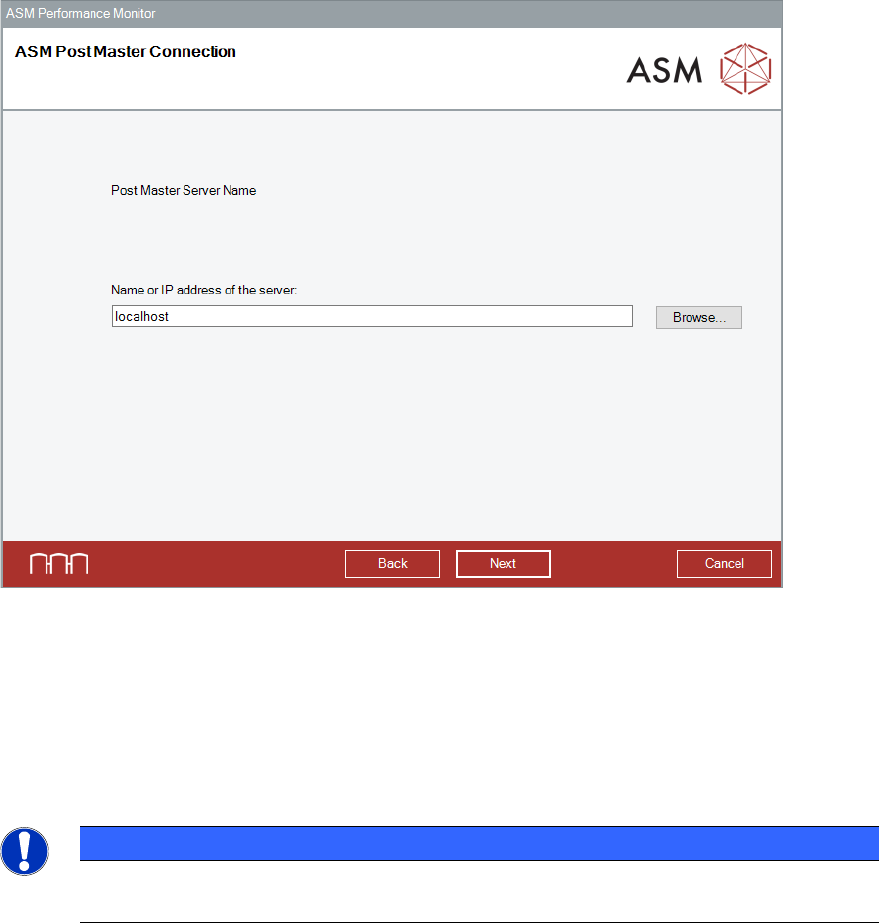
Figure 4-11: ASM Post Master Connection dialog
► Enter the IP address or the hostname of ASM Post Master server.
► Alternatively, click the Browse button to select the computer on which the Post Master server
is located.
► Click the Next button.
The Post Master Server Port Number Configuration dialog is displayed.
NOTICE
All Post Master configuration dialogs are not displayed in every scenario. For example,
when configuring Post Master only, Client Port number configuration is not needed.
ASM Performance Monitor 2.1 / Installation Manual 01/2021 Edition
24
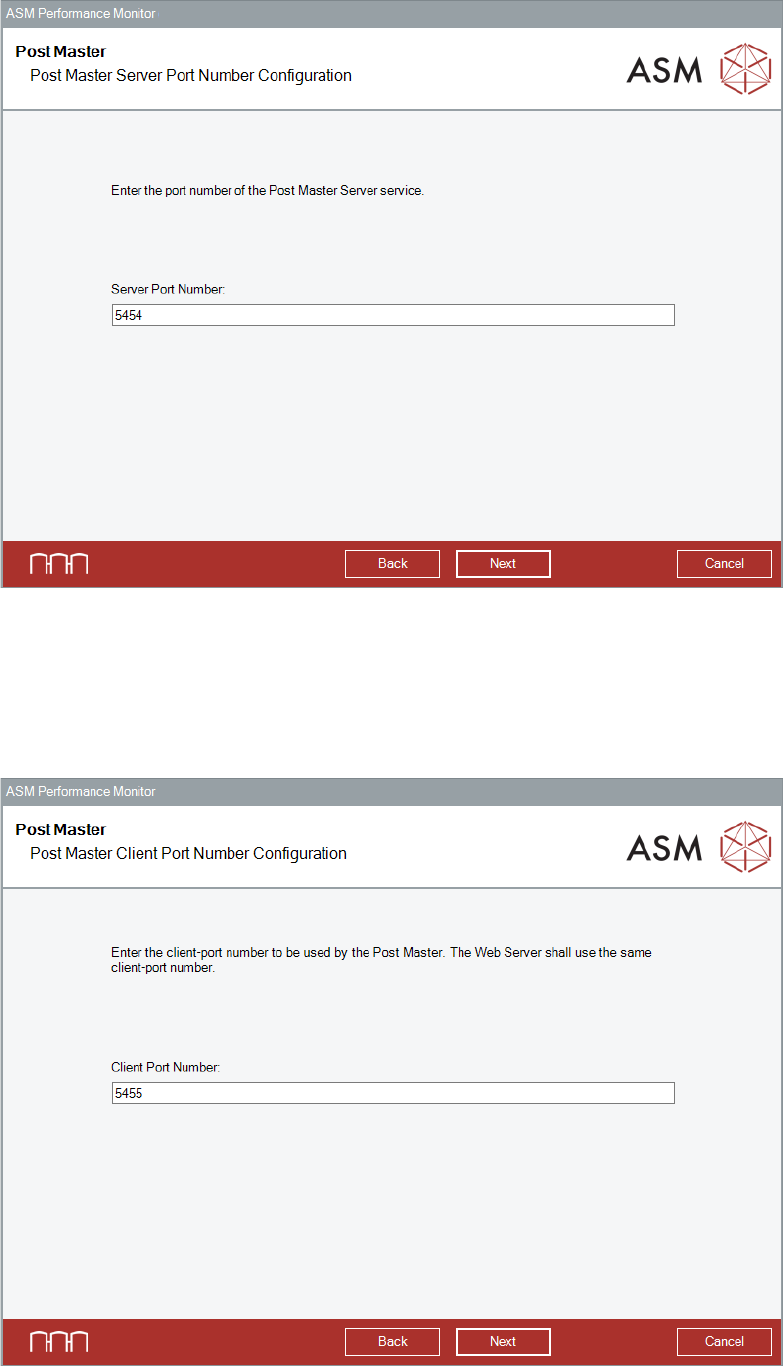
Figure 4-12: Post Master Server Port Number Configuration dialog
► Enter the server port number to set up the Post Master.
► Click the Next button.
The default values are displayed in the wizard.
The Post Master Client Port Number Configuration dialog is displayed.
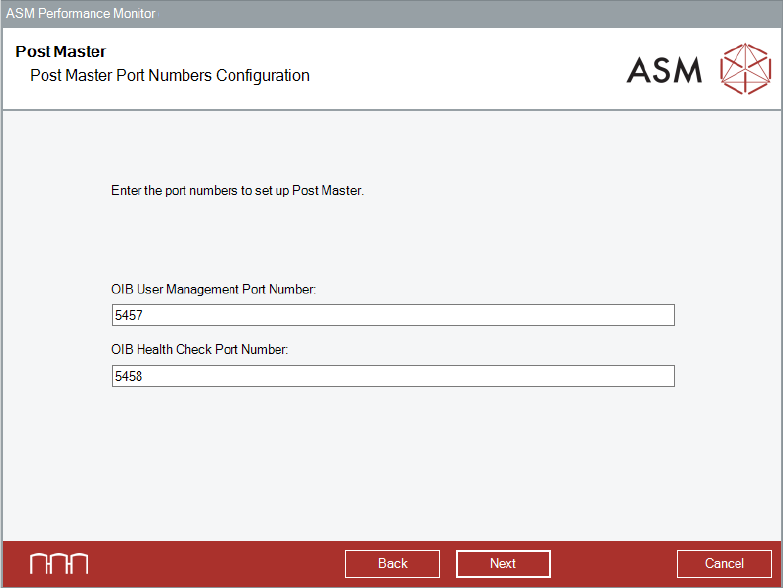
Figure 4-13: Post Master Client Post Number Configuration dialog
ASM Performance Monitor 2.1 / Installation Manual 01/2021 Edition
25
► Enter the client port number to set up the Post Master.
► Click the Next button.
The default values are displayed in the wizard.
The Post Master Port Numbers dialog is displayed.
Figure 4-14: Post Master Port Numbers Configuration dialog
► Enter the OIB User Management port number and the OIB Health Check port number in the
respective dialog to set up the Post Master.
► Click the Next button.
The default values are displayed in the wizard.
The Web Server Port Number Configuration dialog is displayed.