IFS-NX_SPE_EN.pdf - 第11页
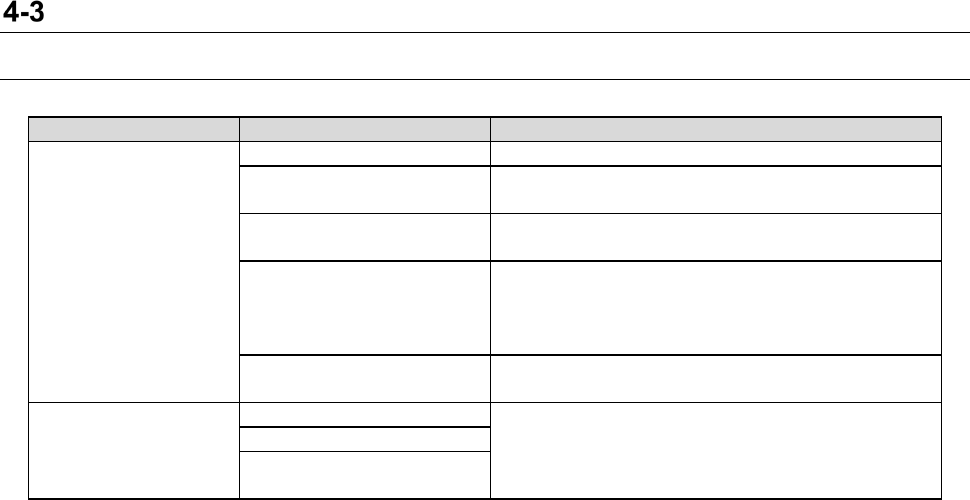
IFS - NX P rodu ct S pecificat ions 7 Basic system and options 4-3-1 IFS - NX basic system Name Compone nts General des cript ion IFS syst em assem bly Installat ion DVD Installer of the IF S - NX system Protect mod ule …
IFS-NX Product Specifications
6
Product configuration
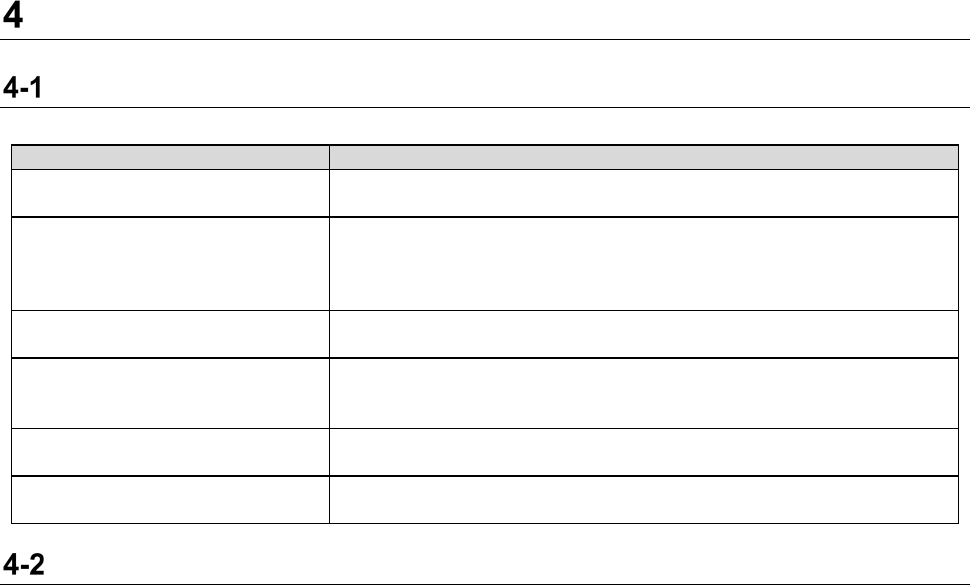
IFS-NX application configuration
Name
Description
IFS Server
”IFS Server" is used to mainly accumulate traceability data and with a
mounter.
Configurator
"Configurator" is a Web application used for making basic settings
that are needed for an IFS-NX system. It manages various materials,
application tasks, factory configuration, operation authority and
others.
COI (Client Operator Interface)
"COI" is a client application to perform various tasks such as search
of components, job setup and monitoring of a floor situation.
TTC-GO /
POI (Portable Operator Interface)
"POI" is an application designed to operate with a Handy Terminal. It
is mainly used for loading/unloading of components or a feeder or
initializing a component reel.
Reporting
"Reporting" is a Web application that can be used to browse, print
and export various traceability reports.
Barcode Print Tool
"Barcode Print Tool" is an application that is capable of printing the
barcode/2-D code used for the IFS-NX using the usual printer.
Available languages
IFS-NX supports the following languages. However, the language displayed with each mounter is
determined according to the standard language displayed with the mounter.
Languages supported with the Configurator, COI, TTC-GO, POI and Reporting:
Japanese, English, Chinese, Korean, Spanish, German, French, and Portuguese
Languages supported with the Barcode Print Tool:
Japanese, English, Chinese, and Korean
IFS-NX Product Specifications
7
Basic system and options
4-3-1 IFS-NX basic system
Name
Components
General description
IFS system assembly
Installation DVD
Installer of the IFS-NX system
Protect module
This is a USB type device and manages a usable
system.
Job setup license
This verifies a component and its mounting
position on a feeder exchange trolley.
Instruction Manual CD
Configuration of the Instruction Manual CD:
IFS-NX Installation Manual, IFS-NX Setup
Instructions, and Instruction Manual of the Intelli
Feeder Calibration Jig with a Monitor
Instruction Manual
(printed version)
Intelli SCS upgrade
assembly *1
Installation DVD
Same as those of the IFS system assembly.
Instruction Manual CD
Instruction Manual
(printed version)
*1 To upgrade the Intelli SCS to this system, select the “Intelli SCS upgrade assembly.” In addition,
prepare a “USB cable for a barcode reader” separately, and replace the RS-232C cable with this
one. (See Chapter 3 “IFS-NX system configuration.”)
Even though you upgrade the Intelli SCS to the IFS-NX system, the protect module can be used as
it is.
IFS-NX Product Specifications
8
4-3-2 Options
4-3-2-1 Additional IFS-NX licenses
Load the License Management to the server.
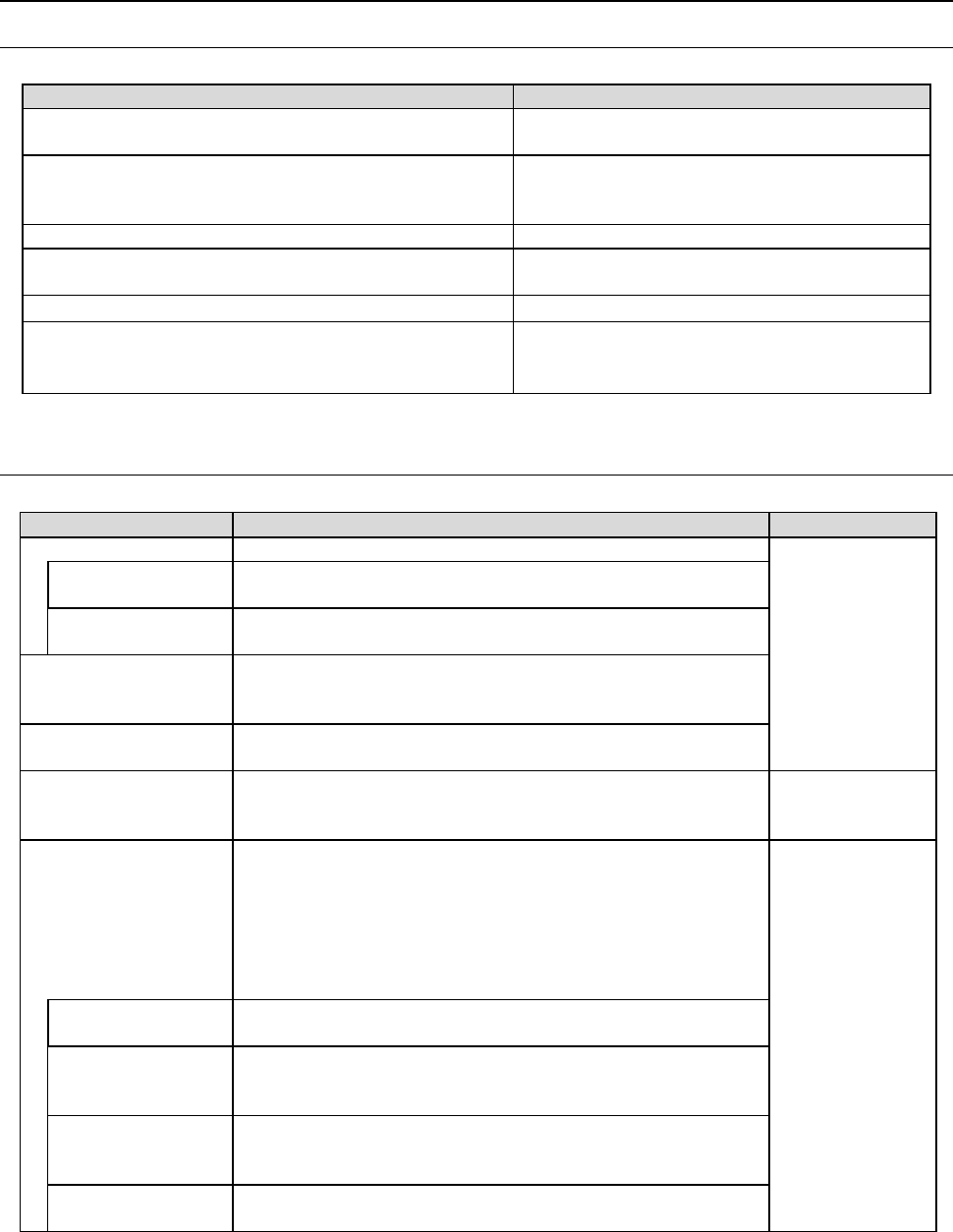
Name
License unit to be purchased
Job Setup License *1
For each client PC (only for a PC for which a
Job setup is to be used)
Floor Activity Tracking License
(for the functions such as the Parts Verification
function)
For each mounter to be used
Traceability License
For each mounter to be used
MSD Control License
Every five sets in total of machines, dry
cabinets, and bake ovens
Feeder Maintenance License <floor>
For each floor
Handy Terminal License
* Required in case POI is to be used. Not required
if TTC-GO is to be used.
For each additional handy terminal
*1 One license is supplied with the IFS system assembly.
4-3-2-2 Peripheral devices
The following peripheral devices allow you to use IFS-NX more conveniently.
Name
General description
Classification
Intelli Stocker
Feeder stocker supporting an RFID
RFID
For a mechanical
feeder
Supports a mechanical feeder.
For an electric
feeder
Supports an electrical feeder.
Intelli Trolley Pool
This device is required to connect a device supporting an
RFID such as the Intelli Trolley and the Intelli Feeder
Calibration Jig to the system.
Intelli Feeder
Calibration Jig
This is a feeder calibration jig equipped with a monitor and
supports an RFID.
PW02
This device is required to connect an Intelli trolley that
supports CAN and an Intelli trolley that supports an RFID to
the system.
CAN/RFID
Fixture
This device is to be used to check the positioning hole for
installing a feeder during job setup with a feeder exchange
trolley. This is required to use component codes in the
barcode form.
(RX-7/7R, RS-1/1R does not need any fixture since the hole
number barcode is directly affixed to the feeder exchange
trolley.)
Barcode
For a RX-6-series
model
This device supports an electrical feeder exchange trolley
equipped with 40 slots.
For a KE-series
model
This device supports a mechanical feeder exchange trolley
equipped with 80 slots and an electrical feeder exchange
trolley equipped with 40 slots.
For an
FX-3/3R/3RA
series model
This device supports a mechanical feeder exchange trolley
equipped with 60 slots and an electrical feeder exchange
trolley equipped with 30 slots.
For an FX-1R/2
series model
This device supports a mechanical feeder exchange trolley
equipped with 40 slots.