JO-072-006_w.pdf - 第133页
5-2 AKBEG-ID (3) Feeder Action Command Timeout Error Message : No response is made to the feeder send command. Check the cable connection. Cause : 1. No connection is made with feeder . 2. There is abnormality in the DIO…
5-1
AKBEG-ID
0508-001
1. Troubleshooting against Main Errors
1. Troubleshooting against Main Errors
(1) RS Communication Initial Error
Error Message :
An error has occurred in the initialization of the
error message communication.
Follow the restart procedure.
When the same error
still occurs, check the board.
Cause :
1. The serial communications equipment such as a bar
code reader is not connected.
2. The port Nos. were changed.
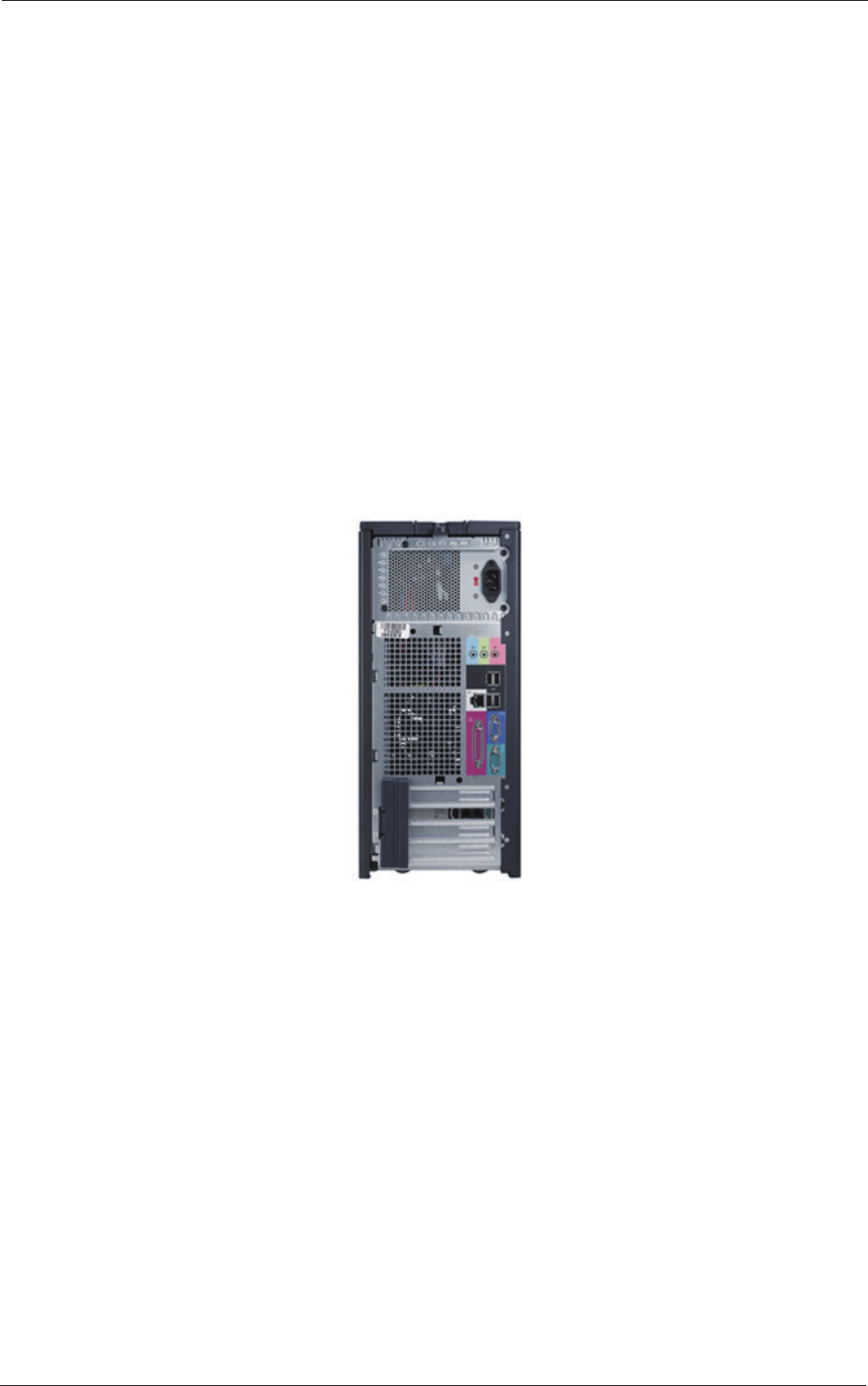
This kind of error seems to occur when another USB
port is selected.
Remedy :
1. Connect the equipment.
2. Check the COM port, using the device manager of the
OS and select "COM3" for the bar code reader.
Fig. E1
Use the lowest USB port (see the photo above) for the connection.
(2) DIO Board Initial Error
Error Message
:
Error at Initial Setting of DIO Board
Follow the restart procedure. When the same error
still occurs, check the board.
Cause :
1. The DIO equipment is not connected.
Remedy :
1. Connect the inspection device and the personal
computer.

5-2
AKBEG-ID
(3) Feeder Action Command Timeout
Error Message :
No response is made to the feeder send command.
Check the cable connection.
Cause :
1. No connection is made with feeder.
2. There is abnormality in the DIO equipment.
Remedy :
1. Conrm that power is supplied to the feeder.
2. Connect the inspection device and the personal
computer.
(4) Feeder Clamp Release Error
Error Message
:
The clamp was released during the measurement.
Remove the cause of the error and check the clamp
condition. After that, perform the measurement
again.
Cause :
The feeder clamp was released during the inspection.
Remedy :
Check the clamp condition and perform the measurement
again.
When the same error is still displayed, check and adjust
the switch located under the clamp.
(5) Feeder Power Supply Error
Error Message :
The power to the feeder was cut off during the
measurement.
Remove the cause of the error and check the
connection of the feeder
. After that, perform the
measurement again.
Cause :
The power to the feeder was cut off during the
measurement.
Remedy :
Check how the feeder is installed and perform the
measurement again.
1. Troubleshooting against Main Errors
0508-001
5-3
AKBEG-ID
2. Others
•
Shape of Connector
D-Sub 15 Pins (Socket Type)
•
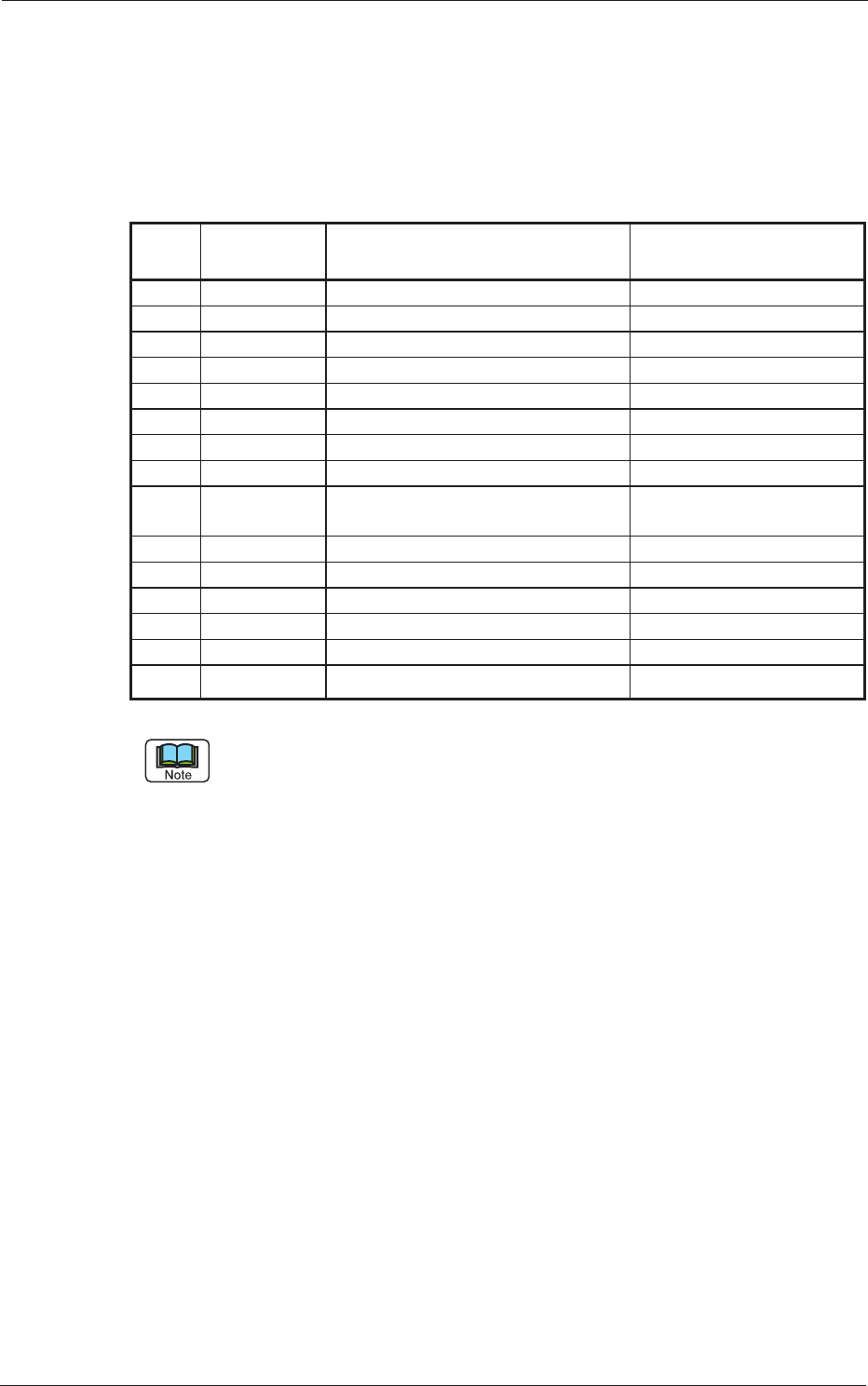
Contents of Signals and Pin Nos.
T
able E1
Pin
Nos.
I/O Contents of Signals Remarks
1 POW Output +24V-1 +24V through Relay
2 POW Output +24V-1 +24V through Relay
3 POW GND-1 GND through Relay
4 POW GND-1 GND through Relay
5 POW Output +24V Clamp Switch
6 Input Feeder Clamp Switch Clamping at Short Circuit
7 Output Feeder Send Signal Lane #1 ON at Short Circuit
8 Output Feeder Send Signal Lane #2 ON at Short Circuit
9 Input Feeder Action Complete Signal Action Complete at Short
Circuit
10 Input Feeder Connection Check Signal 1 Connected at Short Circuit
11 Input Feeder Connection Check Signal 2 Connected at Short Circuit
12 - Reserved
13 RS-TXD RS232C Communication TXD RS232C Communication
1
4 RS-RXD
RS232C Communication RXD RS232C Communication
15 RS-GND RS232C Communication GXD RS232C Communication
"Input" and "Output" are the signal directions viewed from the control
section.
2. Others
0508-001