00198051-01_IM_SetupCenter_8.0_EN.pdf - 第8页
Introduction Explanation of symbols 8 Installation Manual SIPLACE Setup Center 8.0
Introduction
Explanation of symbols
Installation Manual SIPLACE Setup Center 8.0 7
1
1 Introduction
Introduction
Please read chapters 2 through 4 before you install SIPLACE Setup Center. Chapter 5 describes the
installation sequence for SIPLACE Setup Center as well as the related setup types and important infor
-
mation regarding the installation.
1.1
1.1 Explanation of symbols
Explanation of symbols
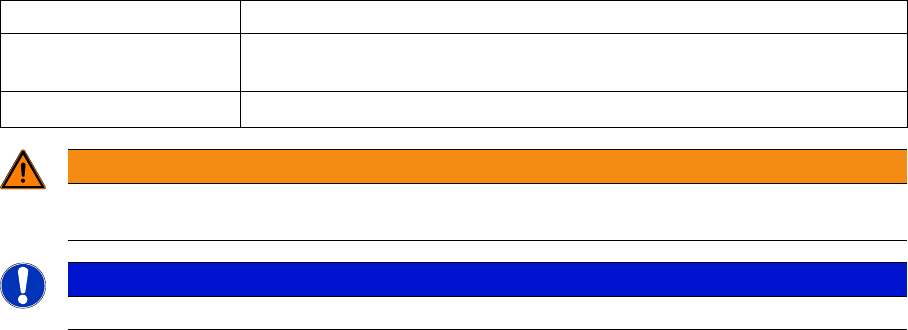
Various symbols and notes are used for making this document easier to read.
Words in bold These are dialog boxes and menu commands.
Step … An installation step includes all the actions relating to a specific dialog box.
An installation step may be composed of several actions.
► Requires an action (e.g. mouse click, open file)
WARNING
Corresponds to a warning. The information is critical to the success of the installation process.
The installation will be cancelled if you do not comply with the warning.
NOTICE
Explanatory information about the installation sequence.
Introduction
Explanation of symbols
8 Installation Manual SIPLACE Setup Center 8.0
Navigation Guide for Installation
SIPLACE Setup Center
Installation Manual SIPLACE Setup Center 8.0 9
2
2 Navigation Guide for Installation
Navigation Guide for Installation
2.1
2.1 SIPLACE Setup Center
SIPLACE Setup Center
The installation procedure is divided into several parts (see the following Figure):
1. Setup Center Application
▪ Setup Center Application Installation
– SIPLACE Setup Center Complete
– SIPLACE Setup Center GUI
– SIPLACE Setup Center GUI Server
–Custom
▪ Setup Center "Forced Setup Verification"
2. Hardware
▪ Barcode scanner installation
▪ Docking station installation
▪ Scanner connection, see SIPLACE Setup Center User Guide
3. Settings
▪ Station software, see SIPLACE Setup Center User Guide
▪ Setup Center Configuration, see SIPLACE Setup Center User Guide
▪ SIPLACE Pro, see SIPLACE Setup Center User Guide
▪ Barcode Label Wizard, see SIPLACE Setup Center User Guide