00195397-01_Installation Manual Setup Center 2.3.pdf - 第35页
Installation Optional: Docking Station Hardware Installation Installation Manual SIPLACE Setup Center 2.3 35 5-11: hardware wizard X Click on Finish to finish the installation. 5.2.4.3 Inst alling the CAN Bus API X Open …
Installation
Hardware Installation Optional: Docking Station
34 Installation Manual SIPLACE Setup Center 2.3
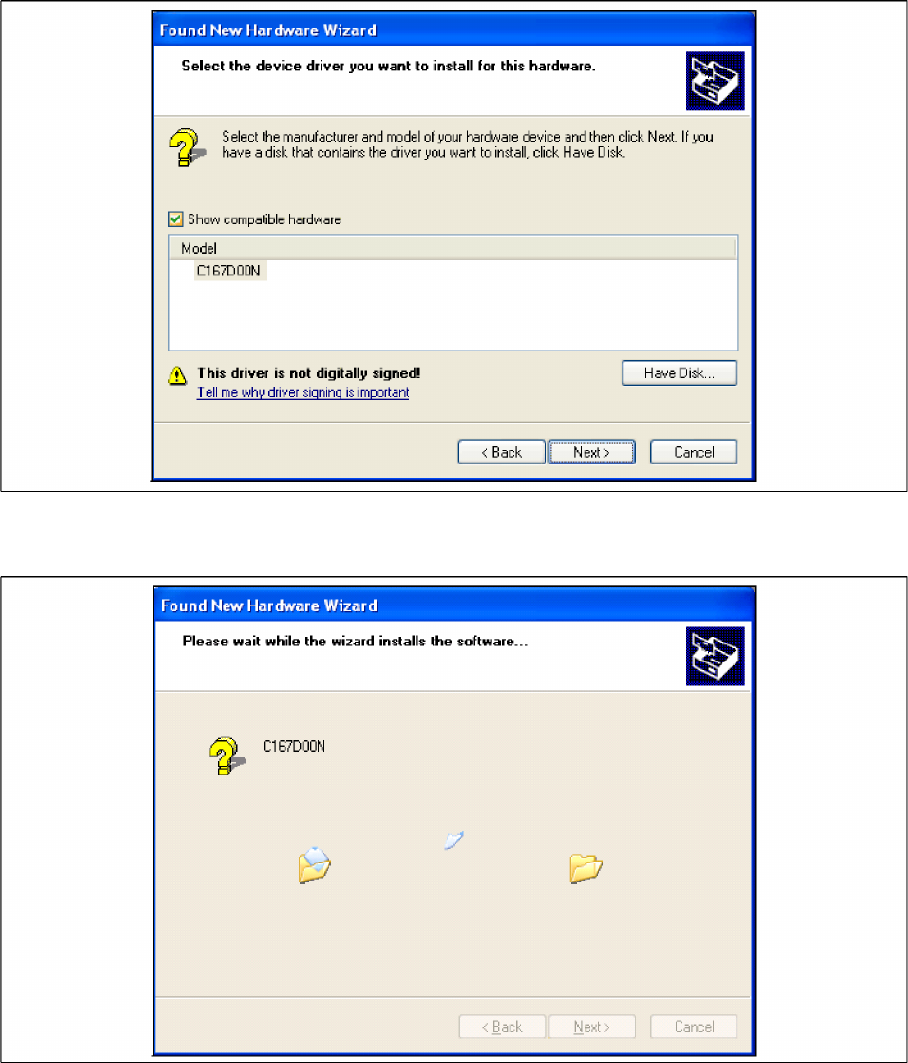
5-9: hardware wizard
X Click on Next to continue. The CAN driver software will be installed.
5-10: hardware wizard
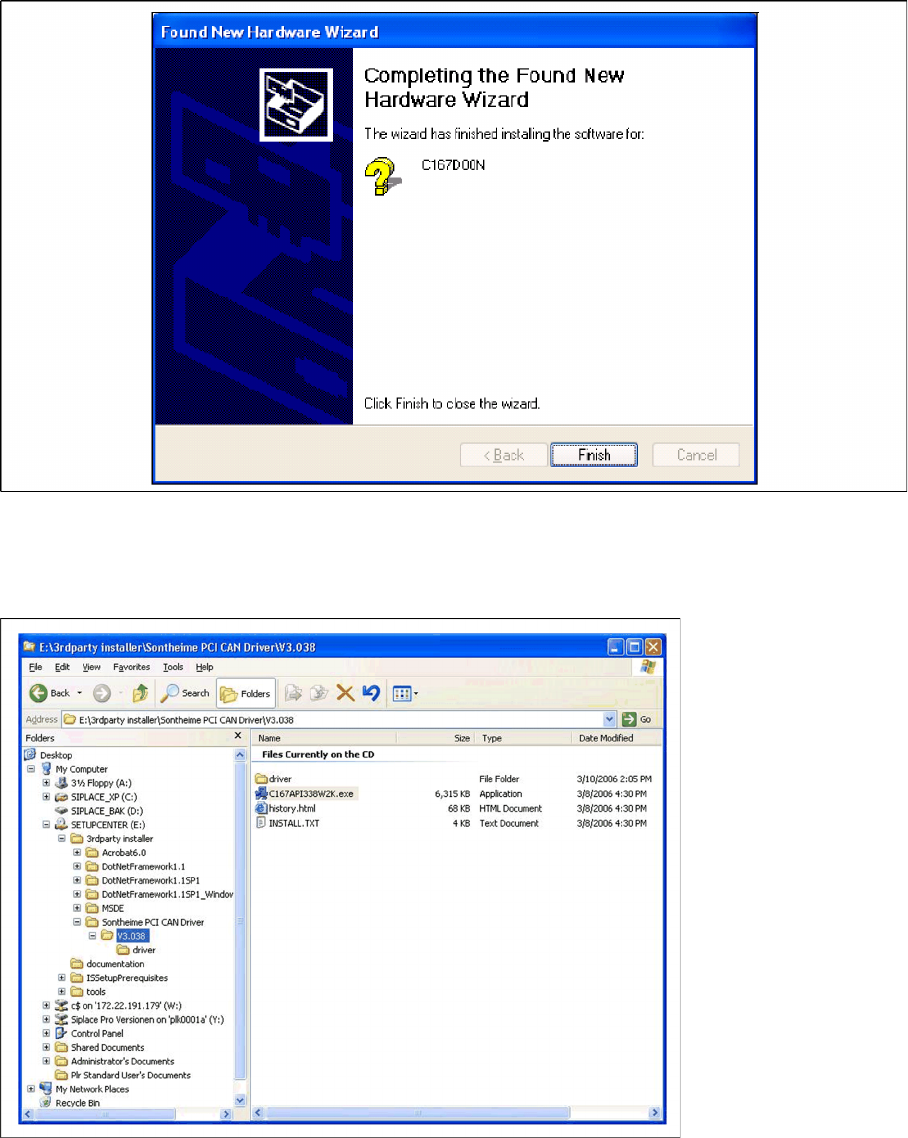
X After the installation has been completed, the following dialog box will be opened.
Installation
Optional: Docking Station Hardware Installation
Installation Manual SIPLACE Setup Center 2.3
35
5-11: hardware wizard
X Click on Finish to finish the installation.
5.2.4.3 Installing the CAN Bus API
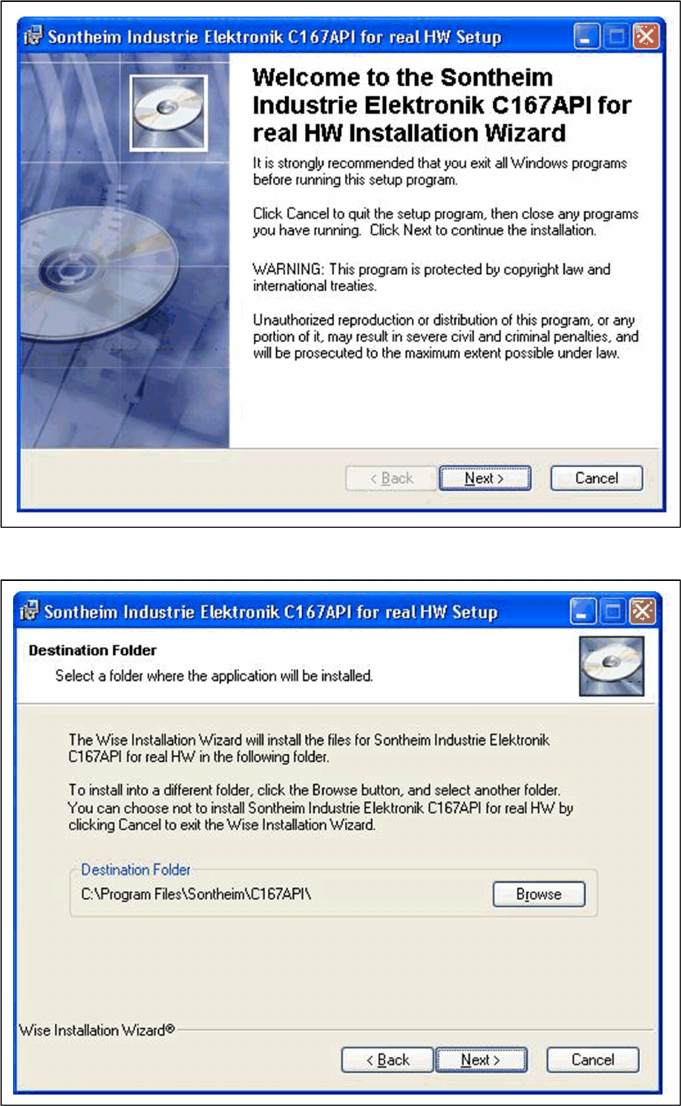
X Open the folder \3rdparty installer\Sontheime PCI CAN Driver\V3.038 and select the application
C167API338W2K.exe on the Setup Center installation CD.
Installation
Hardware Installation Optional: Docking Station
36 Installation Manual SIPLACE Setup Center 2.3
X Click on Next to continue.
X Click on the Next to install into the default folder. To change the destination location, click the Browse
button.