Maintenance Manual.pdf - 第37页
RL131 MAINTENANCE MANUAL 2.3 Maintenance F unction DA8MEC-10-030- A0 2.3-4 Enabling Sw itch To execute j og operation of each NC ax is from the control panel d uring m aintenance, opera te with one hand while press i…
RL131
MAINTENANCE MANUAL
2.3 Maintenance Function
DA8MEC-10-030-A0
2.3-3
2.3.3 Function
Condition
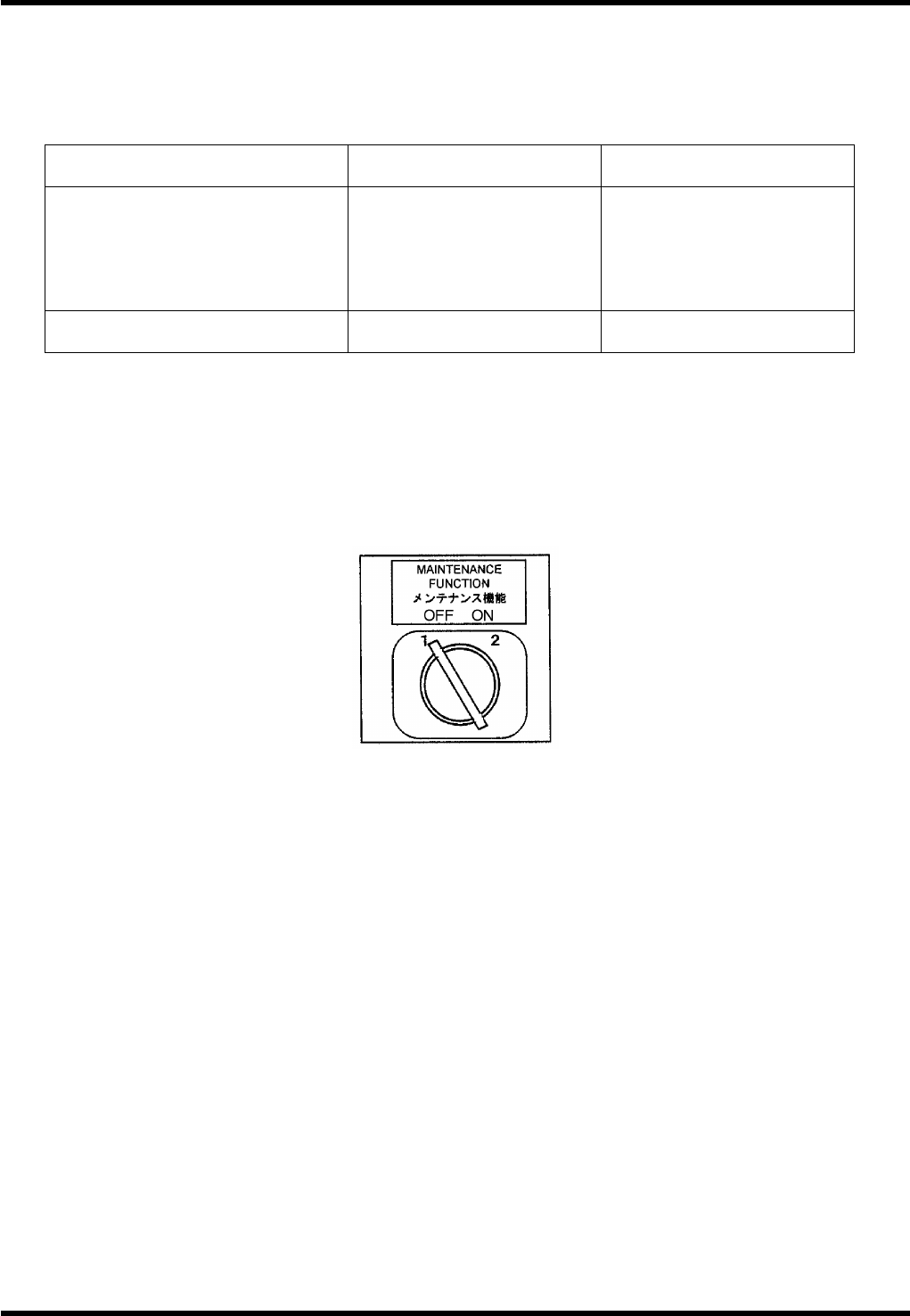
Maintenance switch is provided on the front of the machine.
This switch disable the safety interlock switch to perform maintenance work.
Maintenance SW ON
ON with safety stop
error cleared
Front
Safety interlock SW
(Front cover)
Rear
Safety interlock SW
(Rear cover)
Disabled
Enabled
Enabled
Enabled
Screen message During maintenance
Maintenance switch
abnormal
Only NC axis jog movement is allowed during maintenance. (NC movement will be disabled.)
Maintenance Switch
=REMARKS=
When the maintenance switch is in the ON position, it is not possible to switch the active control
panel to the one on the rear side.
Set the maintenance switch in the OFF position before turning power OFF.
If power has been turned OFF with the maintenance switch ON, safety stop cannot be cleared
even if <ENABLING> + <START> are pressed. This is for the sake of safety. In such a case, turn
OFF the maintenance switch once and turn it back ON.
After turning the maintenance switch ON and clearing a safety stop with <ENABLING> +
<START>, do not turn OFF the maintenance switch immediately.
Doing so will ensure the safety of the machine itself, but an error will occur that will disable
continuous operation.
In this case, turn power OFF once and turn it back ON.
SW: TM3-8222EZ / S-N
RL131
MAINTENANCE MANUAL
2.3 Maintenance Function
DA8MEC-10-030-A0
2.3-4
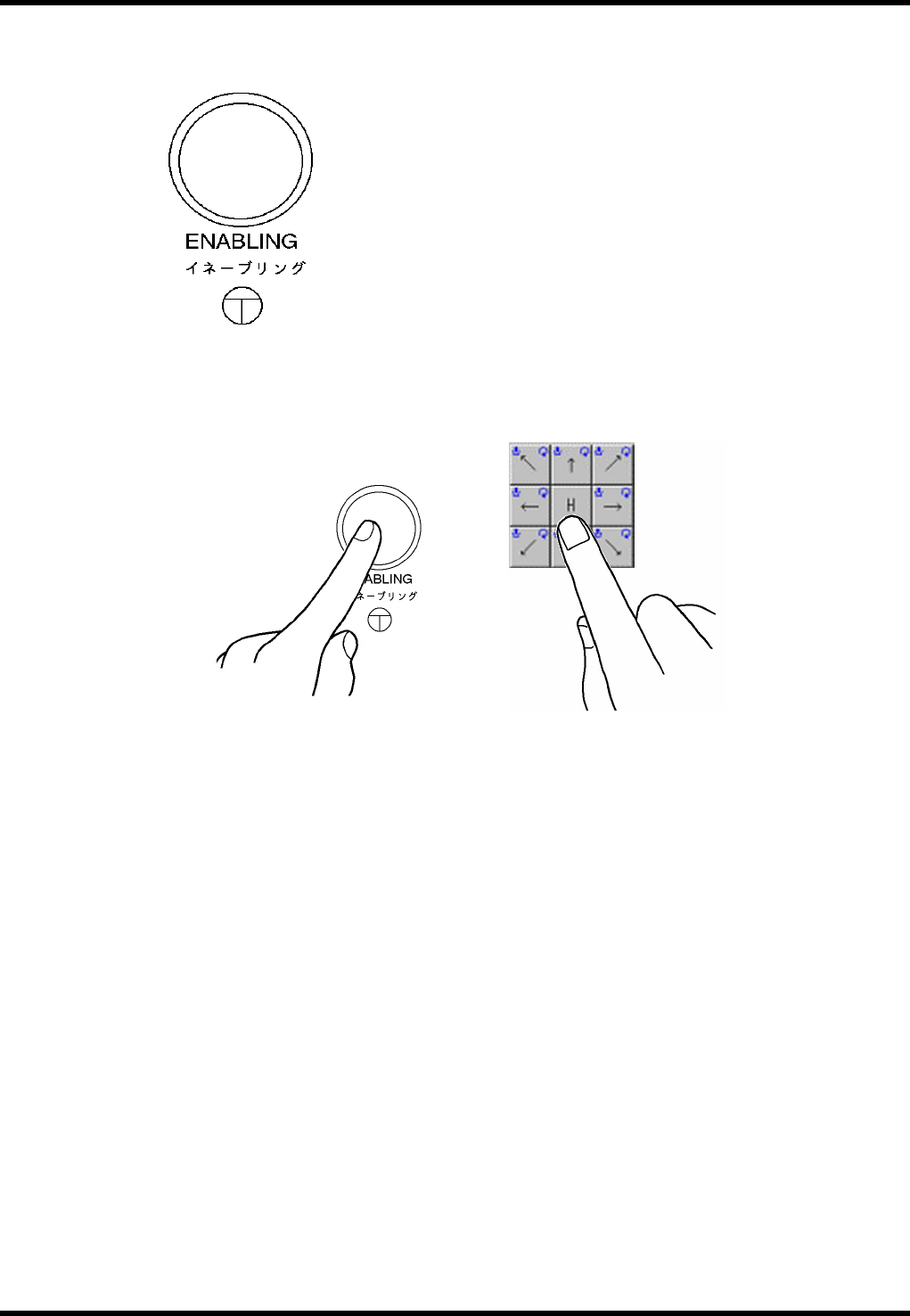
Enabling Switch
To execute jog operation of each NC axis from the control panel during maintenance, operate with one
hand while pressing the enabling switch with the other hand for safety reason.
SW: LW6MB-M1C2MLG (IDEC)
RL131
MAINTENANCE MANUAL
2.3 Maintenance Function
DA8MEC-10-030-A0
2.3-5
2.3.4 Operational Restrictions
Inhibited Operations (Cannot be Stopped Unless Operating Intentionally)
Origin return of all axes
Axis positioning from the Machine adjust - NC MOVE screen
XY axis positioning from the Auto Camera Scale Measurement screen
XY axis positioning from the Board 2 Holes Teaching screen
Z axis positioning by pressing “MOVE WAITING POSITION” on the feeder carriage control panel
Origin return of the rail axis
Positioning of the rail axis from the Machine adjust - Width MOVE screen
Automatic width adjustment from the PCB Data Select screen
Automatic width adjustment from the PCB Data Edit screen
Rail width adjustment from the PCB Data Teaching screen
Any axis operation during production
Permissible Operations (Can be Stopped If Quitting Operation)
Release of safety stop by pressing <START>
Teaching of each axis from the Machine adjust - NC JOG screen (low speed)
Teaching of the XY axis from the Binary Level Setting screen (low speed)
Teaching of the XY axis from the Manual Camera Scale Measurement screen (low speed)
Teaching of the XY axis from the Auto Camera Scale Measurement screen (low speed)
Teaching of the XY axis from the Board 2 Holes screen (low speed)
Teaching of the rail axis from the Machine adjust - Width JOG screen (low speed)
Teaching of the rail axis from the Board Data Teaching screen (low speed)