Horizon UserManualV6.pdf - 第23页
5. Press Load (F2). Load Rebuild List Left Right Up Down Exit The selected file is now displayed on the monitor. If this is the correct file for the product proceed to Stage 4. If the file has to be edited proceed to Sta…
STAGE 2
Loading a
Product File
1. For an existing product, the product file has already been written. If the
product is new, either edit an existing or a default file.
The product file displayed after the machine has been initialized is the same
one that was resident in the printer when it was powered down.
If this file is correct for the product continue to Stage 9 - Running a Product
in Run Mode.
If the product file is incorrect for the current product continue with this
procedure.
2. Press Setup (F6).
Run Open
Cover
Paste
Load
Clean
Screen
Adjust
Setup
Monitor Maint.
3. Press Load Data (F2).
Mode
Load
Data
Edit
Data
Setup
Squeegee
Change
Screen
Change
Tooling
Change
Language
Exit
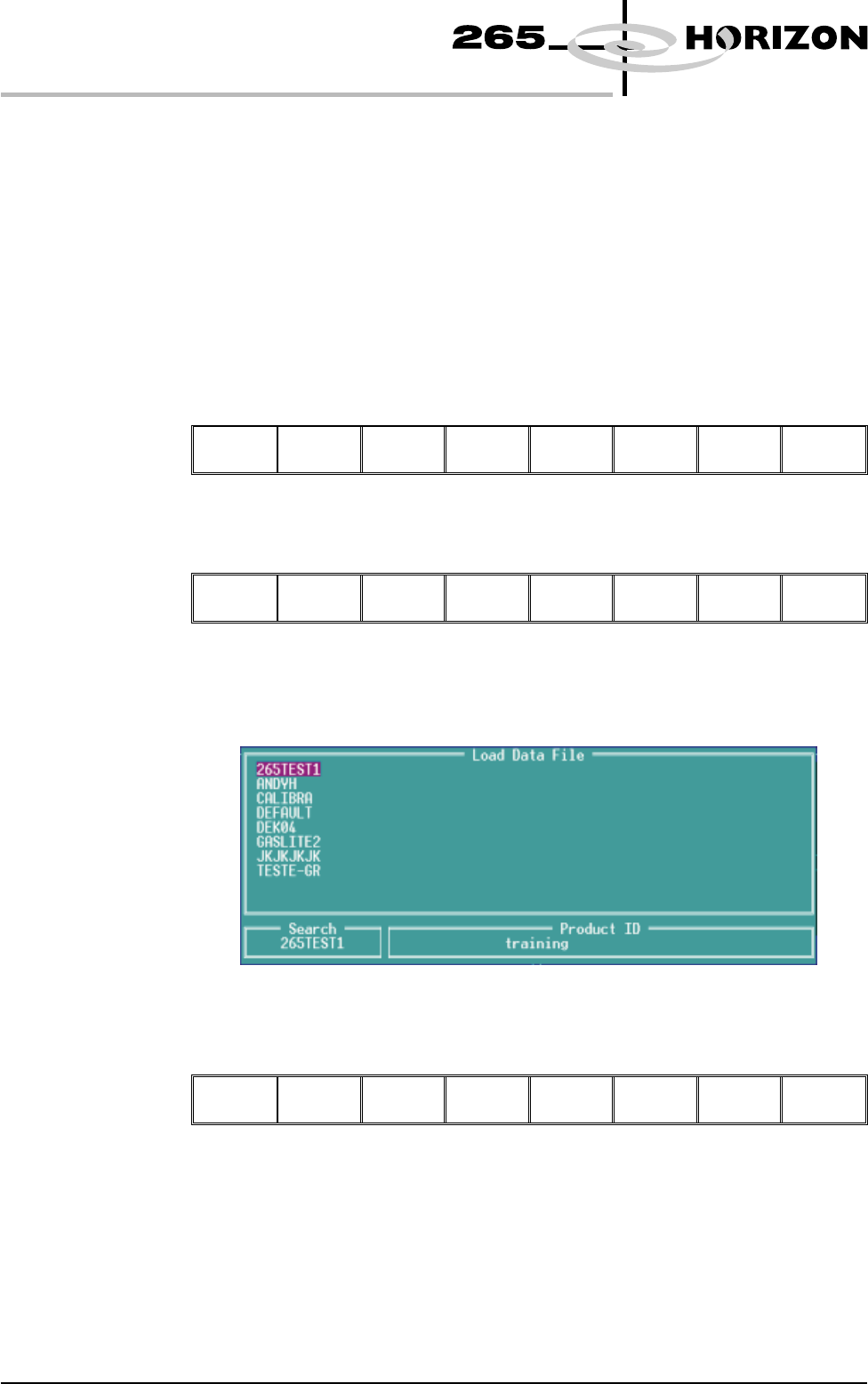
The following Load Data File window is displayed:
4. Use Left, Right, Up or Down function keys (F4-F7) to highlight the
required file.
Load Rebuild
List
Left Right Up Down
Exit
1.6 User Manual Software Version 6
MACHINE PROGRAMMING
STAGE 2
5. Press Load (F2).
Load
Rebuild
List
Left Right Up Down Exit
The selected file is now displayed on the monitor.
If this is the correct file for the product proceed to Stage 4. If the file has to be
edited proceed to Stage 3.
Software Version 6 User Manual 1.7
MACHINE PROGRAMMING
STAGE 2
STAGE 3
Editing a
Product File
1. Select Edit Data (F3).
Mode Load
Data
Edit
Data
Setup
Squeegee
Change
Screen
Change
Tooling
Change
Language
Exit
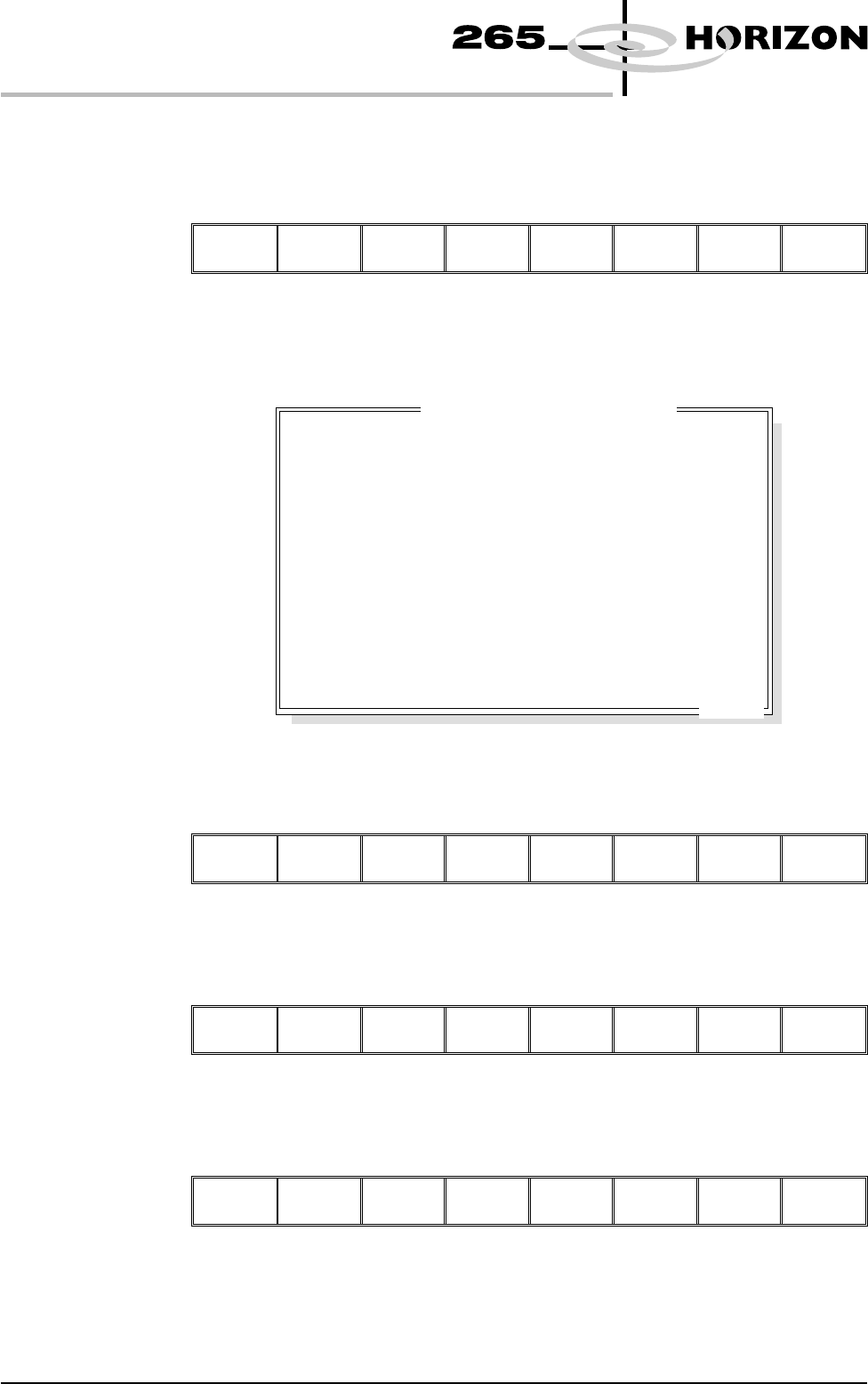
The following Edit Current Process Parameters window is displayed:
2. Select Incr. (F6). Type in the required product name and press Enter using
the keyboard.
Save Next Previous
Incr.
Decr. Exit
3. Highlight Product ID using the Next key (F4). Select Incr. (F6). Type in the
required product ID and press Enter using the keyboard.
Save
Next
Previous
Incr.
Decr. Exit
4. Use the Next and Previous keys (F4 - F5) to highlight the relevant
parameter.
Save
Next Previous
Incr. Decr. Exit
1.8 User Manual Software Version 6
MACHINE PROGRAMMING
STAGE 3
PRODUCT NAME
PRODUCT ID
DWELL HEIGHT
DWELL SPEED
SCREEN ADAPTOR
SCREEN IMAGE
CUSTOM SCREEN
BOARD WIDTH
BOARD LENGTH
BOARD THICKNESS
PRINT SPEED
FLOOD SPEED
PRINT FRONT LIMIT
PRINT REAR LIMIT
Dek04
Dek04
30
24
NONE
EDGE
DISABLED
101.5
152.5
1.6
150
20
0.0
0.0
mm
mm/s
mm
mm
mm
mm/s
mm/s
mm
mm
.. more
Edit Current Process Parameters