Horizon UserManualV6.pdf - 第37页
18. Open the front printhead cover. 19. Rotate the operator switch on the operator interface to the right. When the pneumatic indicator displays green, ensure all the Formflex pins have risen. NOTE The operator switch mu…
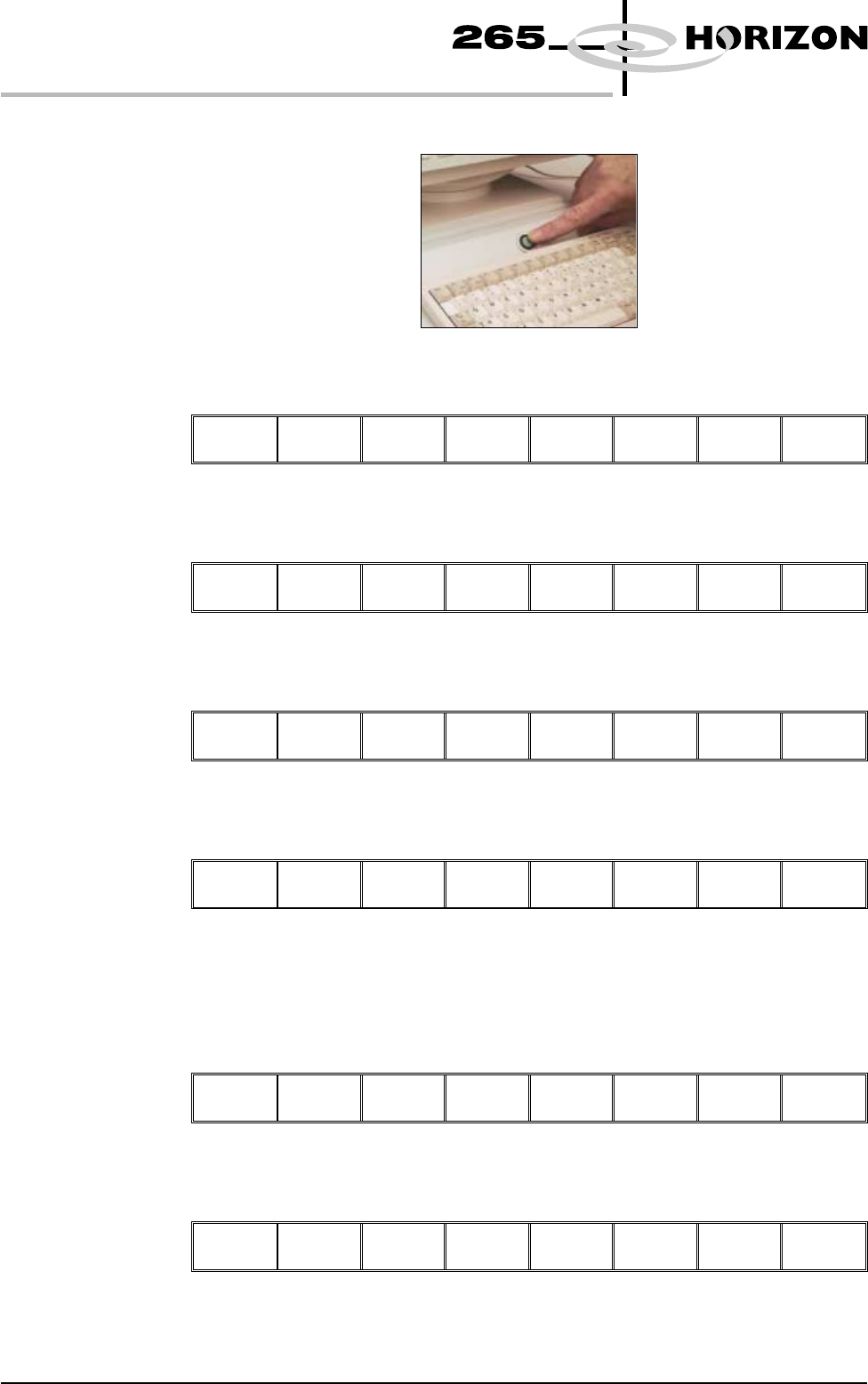
10. Press the System button.
11. Select Change Screen (F5).
Mode Load
Data
Edit
Data
Setup
Squeegee
Change
Screen
Change
Tooling
Change
Language
Exit
12. Select Mode (F1) until Step is displayed in the printer status window.
Mode
Load
Data
Edit
Data
Setup
Squeegee
Change
Screen
Change
Tooling
Change
Language
Exit
13. Select Exit (F8).
Mode Load
Data
Edit
Data
Setup
Squeegee
Change
Screen
Change
Tooling
Change
Language
Exit
14. Select Run (F1).
Run
Head Paste
Load
Clean
Screen
Adjust Setup Monitor Maint.
15. Place a board on the conveyor.
16. Select Auto Board (F1).
Auto
Board
Manual
Board
Knead
Paste
Exit
17. Select Step (F1) until the board is raised to Print Height.
Step
Head Single Exit
1.20 User Manual Software Version 6
MACHINE PROGRAMMING
STAGE 4C
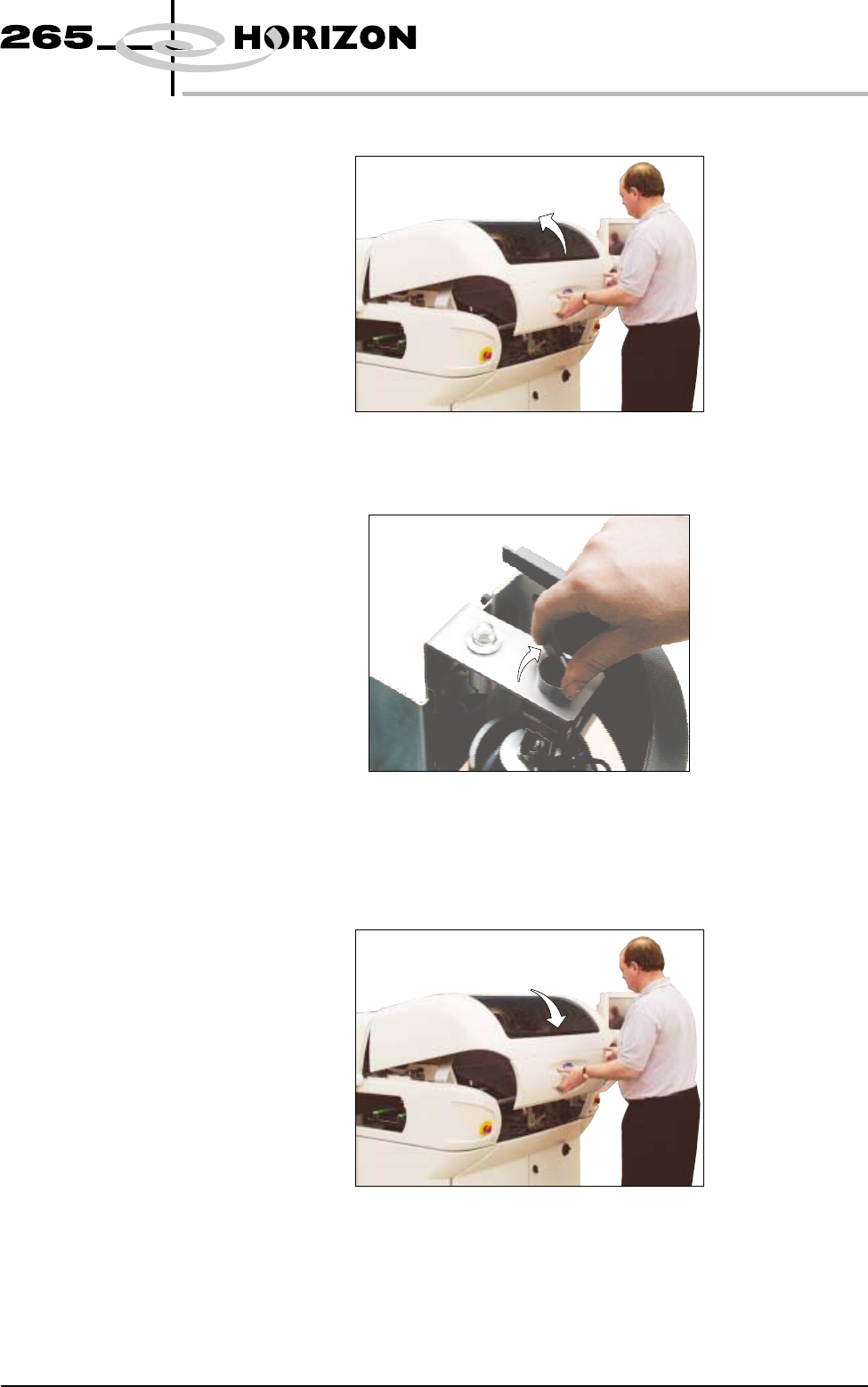
18. Open the front printhead cover.
19. Rotate the operator switch on the operator interface to the right. When the
pneumatic indicator displays green, ensure all the Formflex pins have risen.
NOTE
The operator switch must remain in the latched position Pins Up whilst the
current product setup is required.
20. Close the front printhead cover.
Software Version 6 User Manual 1.21
MACHINE PROGRAMMING
STAGE 4C
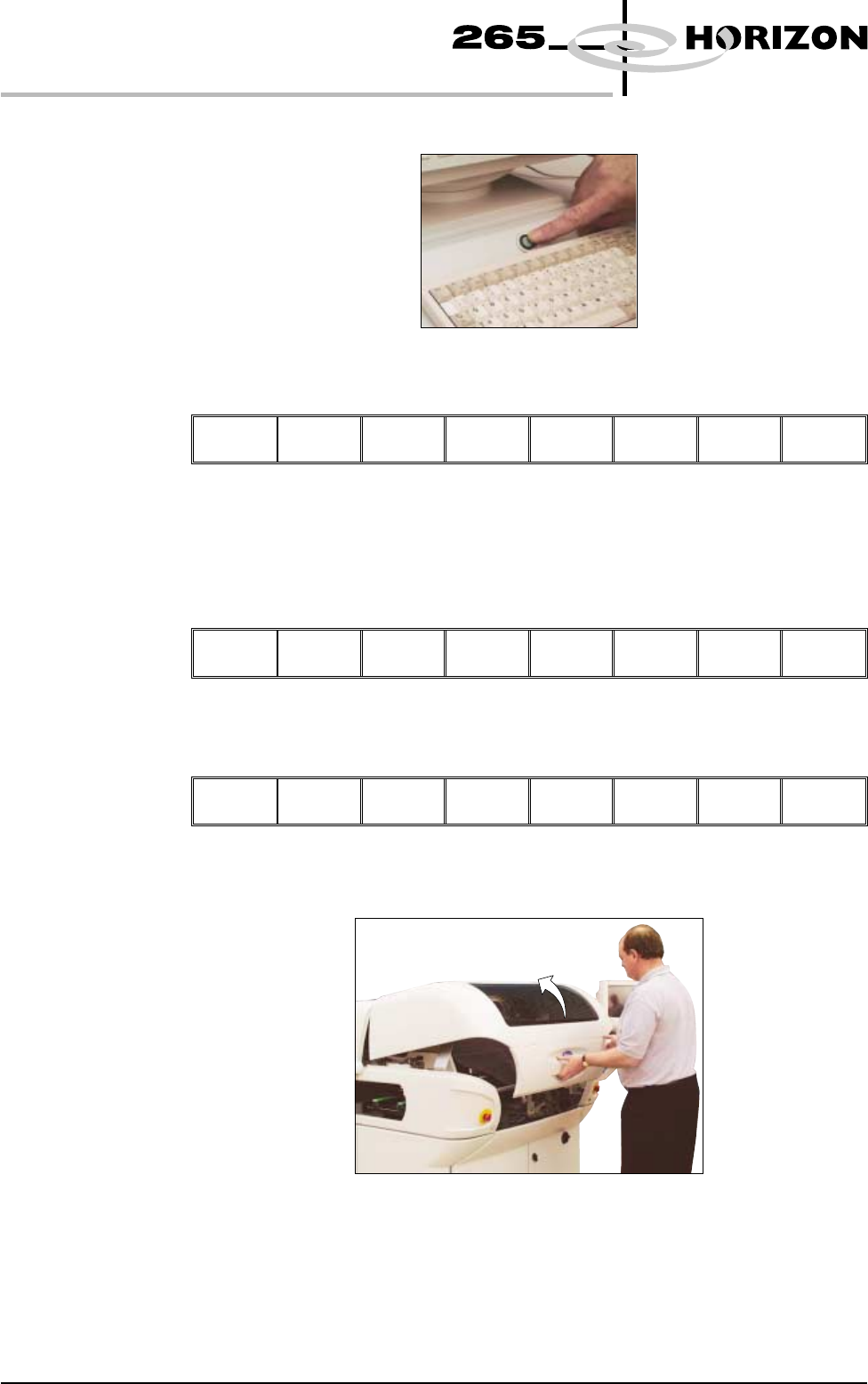
21. Press the System button.
22. Select Exit (F8).
Step
Single
Exit
23. Remove the board from the conveyor.
24. Select Setup (F6).
Run Head Paste
Load
Clean
Screen
Adjust
Setup
Monitor Maint.
25. Select Change Screen (F5).
Mode Load
Data
Edit
Data
Setup
Squeegee
Change
Screen
Change
Tooling
Change
Language
Exit
26. When prompted, open the front printhead cover.
1.22 User Manual Software Version 6
MACHINE PROGRAMMING
STAGE 4C