Horizon UserManualV6.pdf - 第46页
17. Complete the positioning of the support pins. 18. Select Board Clamps (F3), to open the clamps. Adjust Board Clamps Set Stop Exit 19. Slide the board back along the rails to abut the board stop. 20. Select Board Clam…
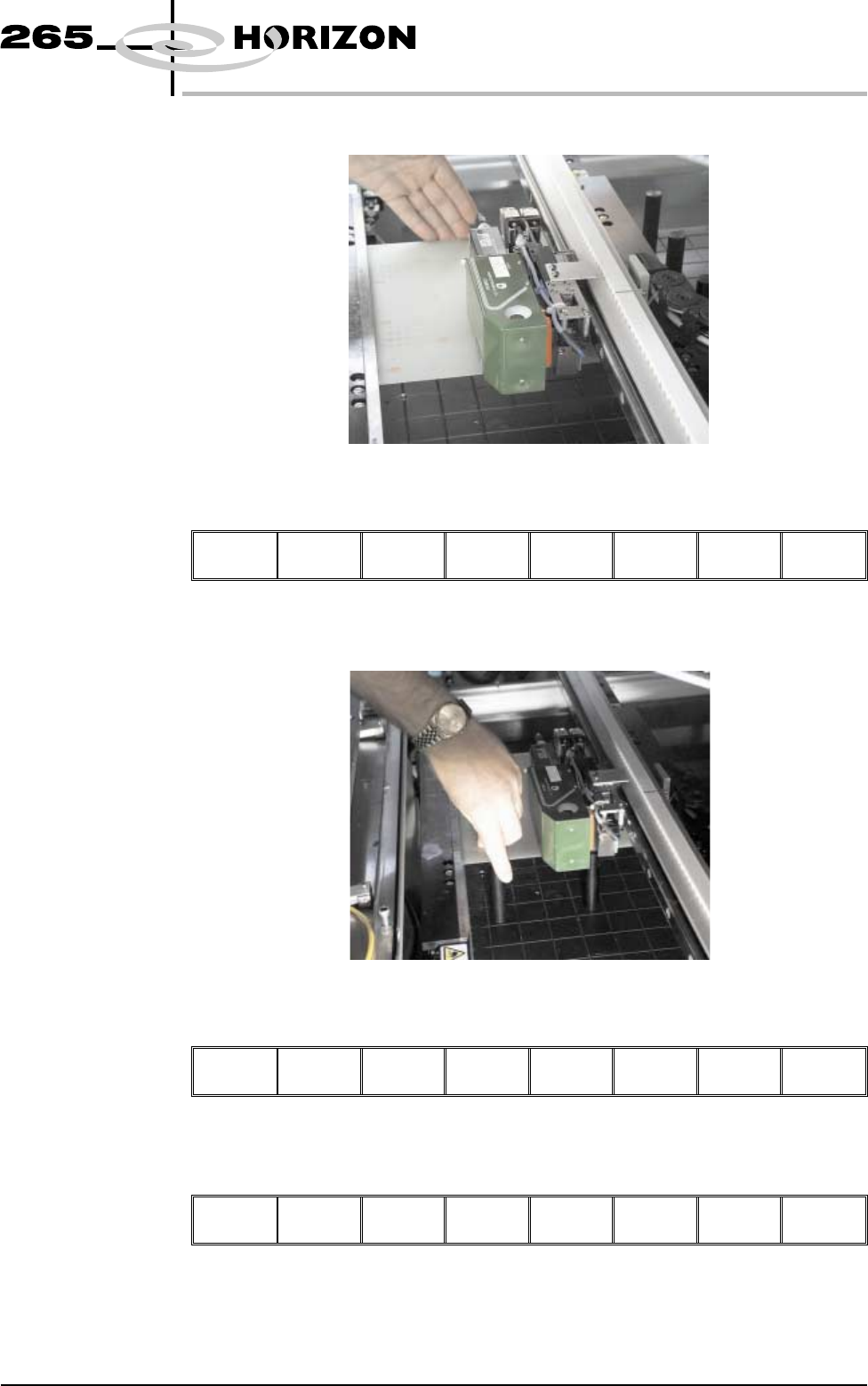
12. Slide a board along the rails to abut the board stop.
13. Select Board Clamps (F3), to close the clamps.
Adjust
Board
Clamps
Set
Stop
Exit
14. Position the outermost support pins on the rising table under the board.
15. Select Board Clamps (F3), to open the clamps.
Adjust
Board
Clamps
Set
Stop
Exit
16. Remove the board and select Board Clamps (F3), to close the clamps.
Adjust
Board
Clamps
Set
Stop
Exit
Software Version 6 User Manual 1.29
MACHINE PROGRAMMING
STAGE 5A
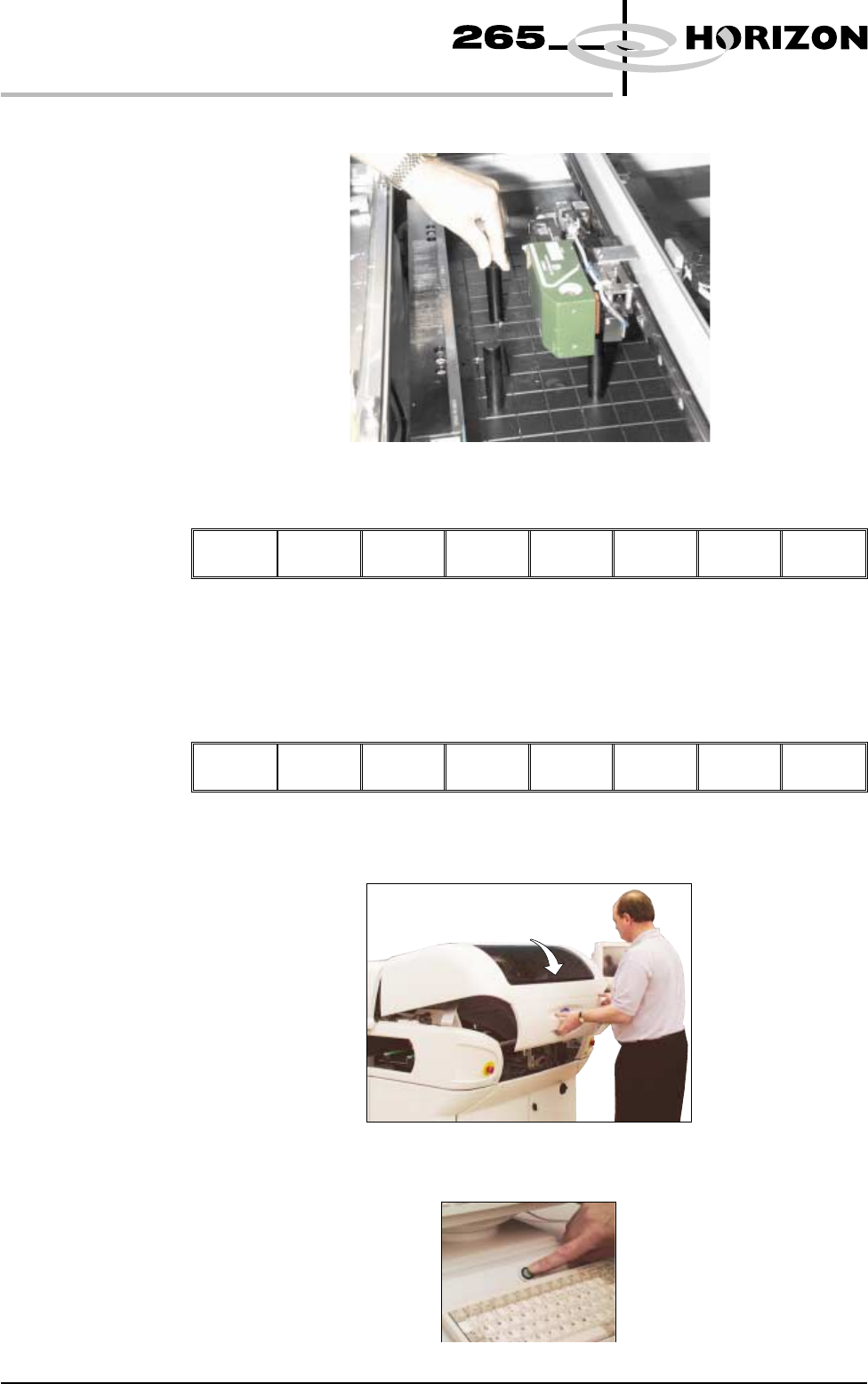
17. Complete the positioning of the support pins.
18. Select Board Clamps (F3), to open the clamps.
Adjust
Board
Clamps
Set
Stop
Exit
19. Slide the board back along the rails to abut the board stop.
20. Select Board Clamps (F3), to close the clamps.
Adjust
Board
Clamps
Set
Stop
Exit
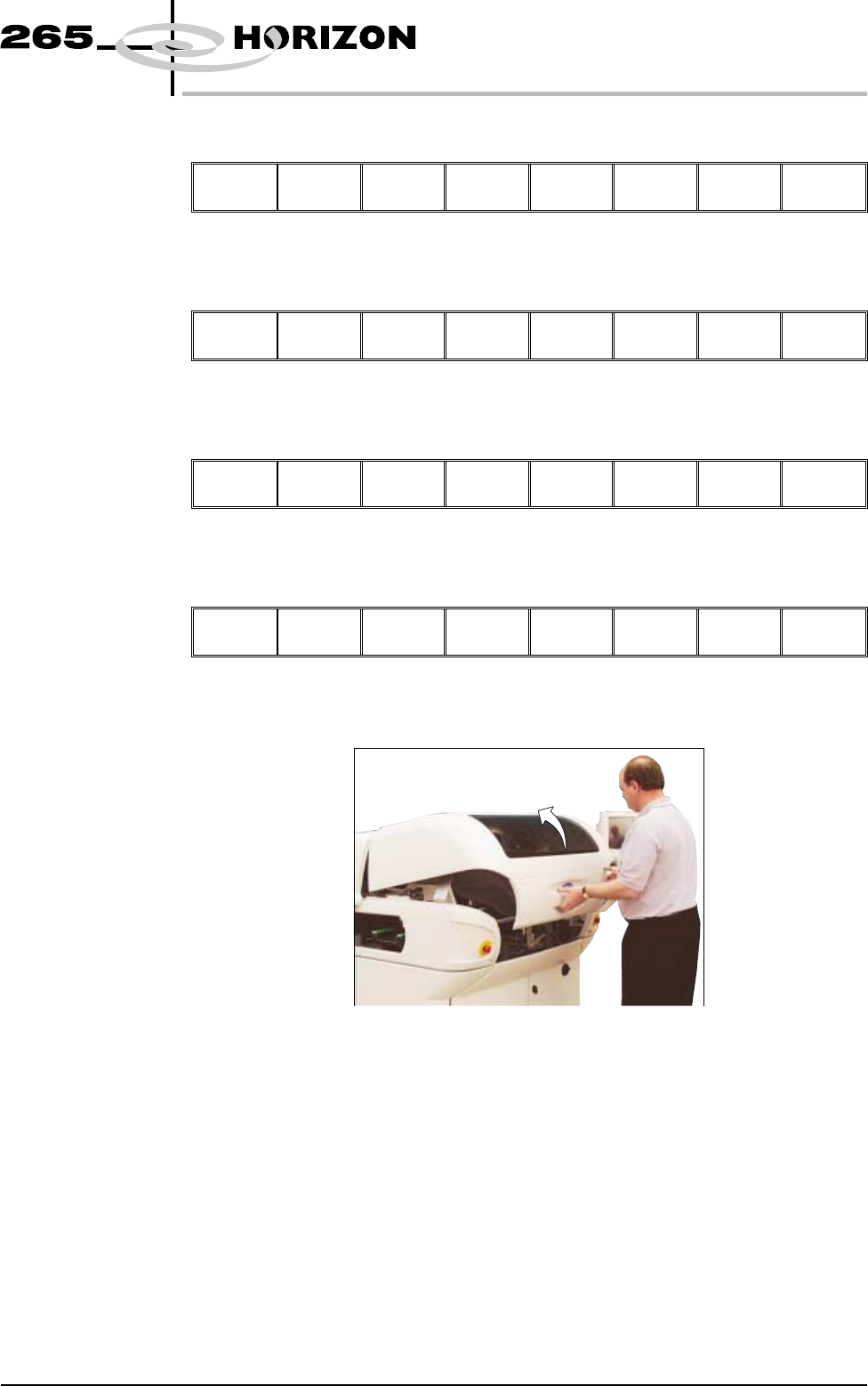
21. Close the front printhead cover.
22. Press the System button.
1.30 User Manual Software Version 6
MACHINE PROGRAMMING
STAGE 5A
23. Select Exit (F8).
Adjust Change
Screen
Board
Clamps
Set
Stop
Exit
24. Select Home Camera (F4).
Adjust Open
Cover
Remove
Cleaner
Home
Camera
Full
Width
Load
Width
Print
Height
Exit
25. Select Print Height (F7).
Adjust Open
Cover
Remove
Cleaner
Board
Stop
Full
Width
Load
Width
Print
Height
Exit
26. Select Open Cover (F2).
Open
Cover
Home
Position
Exit
27. Lift the front printhead cover.
Software Version 6 User Manual 1.31
MACHINE PROGRAMMING
STAGE 5A