Horizon UserManualV6.pdf - 第81页
8. Select Change Autoflex (F1). Change Autoflex Save Next Previous Incr. Decr. Exit The Autoflex Matrix window is displayed: The Autoflex pin matrix has already been setup for this product from the board dimensions. 9. U…
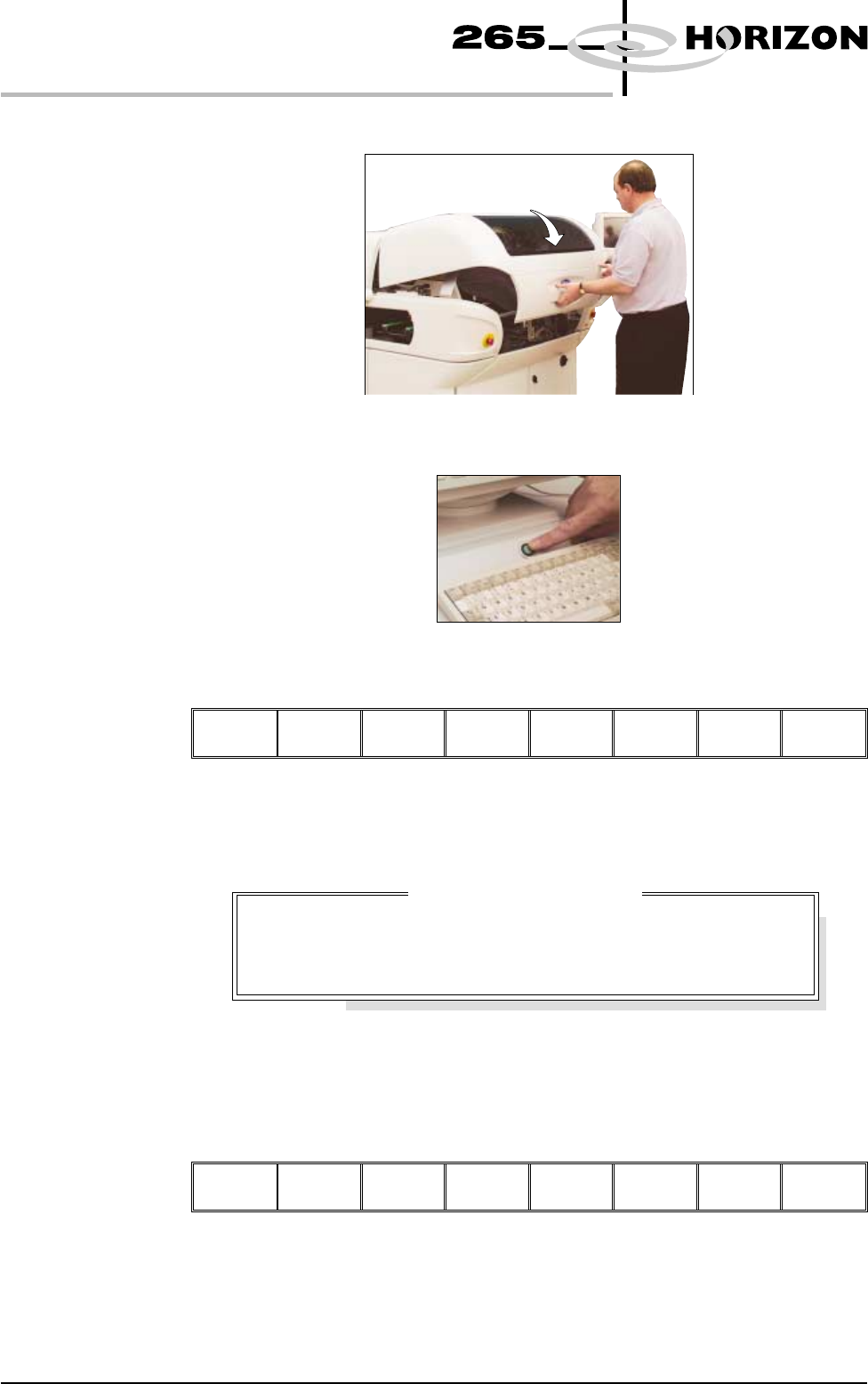
4. Close the front printhead cover.
5. Press the System button.
6. Select Change Tooling (F6).
Mode Load
Data
Edit
Data
Setup
Squeegee
Change
Screen
Change
Tooling
Change
Language
Exit
The print carriage and the under screen cleaner are moved to the rear.
The Change Tooling Parameters window is displayed:
The parameters are not active.
7. Select Adjust (F1). The parameters are now active.
Adjust
Open
Cover
Home
Cleaner
Board
Stop
Full
Width
Load
Width
Print
Height
Exit
1.64 User Manual Software Version 6
MACHINE PROGRAMMING
STAGE 5E
Change Tooling Parameters
BOARD WIDTH
BOARD STOP X
BOARD STOP Y
216.0
125.0
142.6
mm
mm
mm
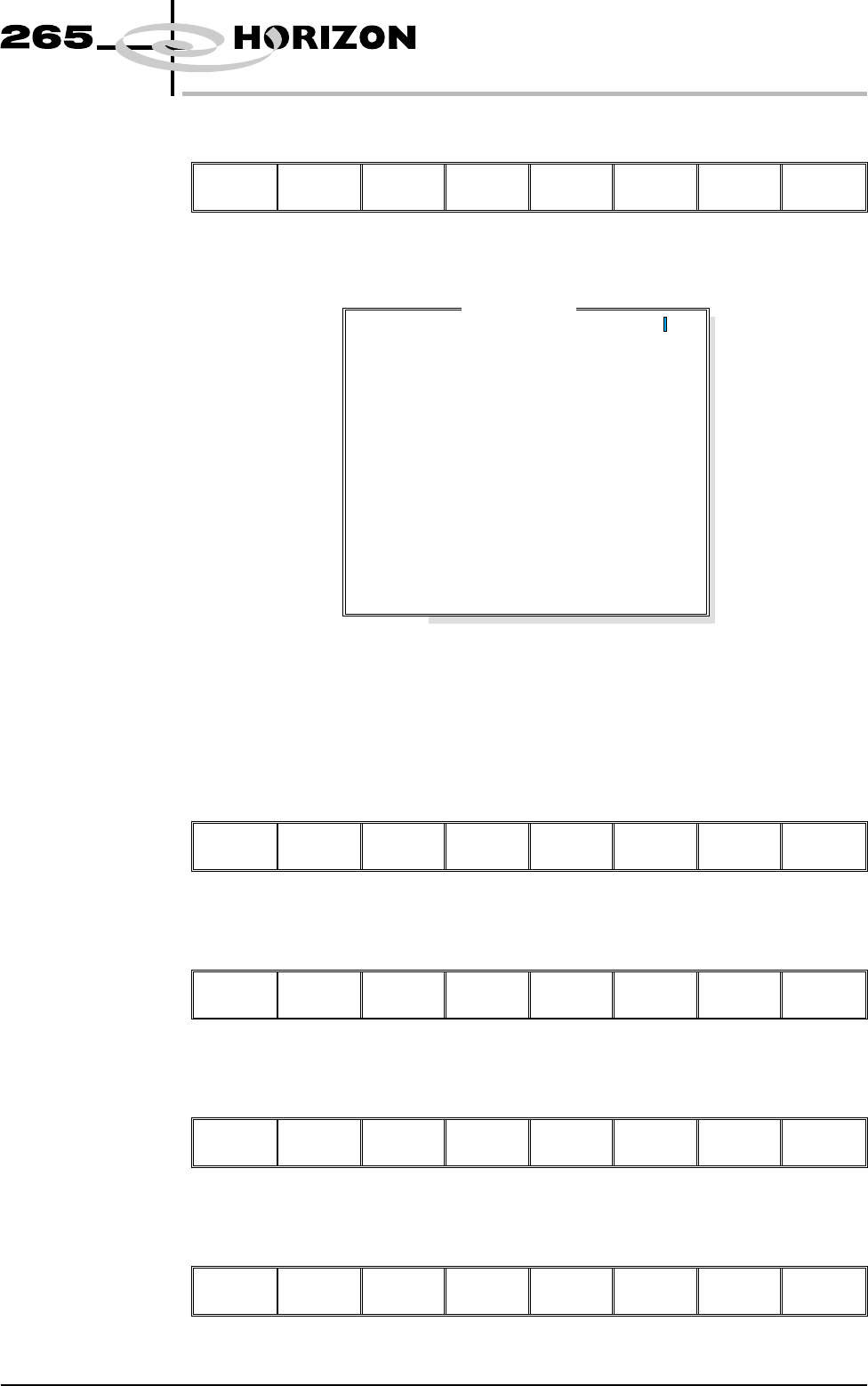
8. Select Change Autoflex (F1).
Change
Autoflex
Save Next Previous Incr. Decr. Exit
The Autoflex Matrix window is displayed:
The Autoflex pin matrix has already been setup for this product from the board
dimensions.
9. Use the Left, Right, Up and Down keys (F4 - F7), to select the pin positions
required for editing.
Lower Raise Reset
Left Right Up Down
Exit
10. Use the Lower and Raise keys (F1 - F2), to select or deselect the pins.
Lower Raise
Reset Left Right Up Down Exit
11. Select Exit (F8).
Lower Raise Reset Left Right Up Down
Exit
12. Select Save (F2).
Change
Autoflex
Save
Next Previous Incr. Decr. Exit
Software Version 6 User Manual 1.65
MACHINE PROGRAMMING
STAGE 5E
Autof
l
ex Matr
i
x
14
13
12
11
10
9
8
7
6
5
4
3
2
1
A
B
C
D
E
F
G
H
I
J
K
L
M
N
O
---------------
---------------
---------------
---------------
---------------
---------------
---------------
---------------
---------------
---------------
---------------
---------------
---------------
---------------
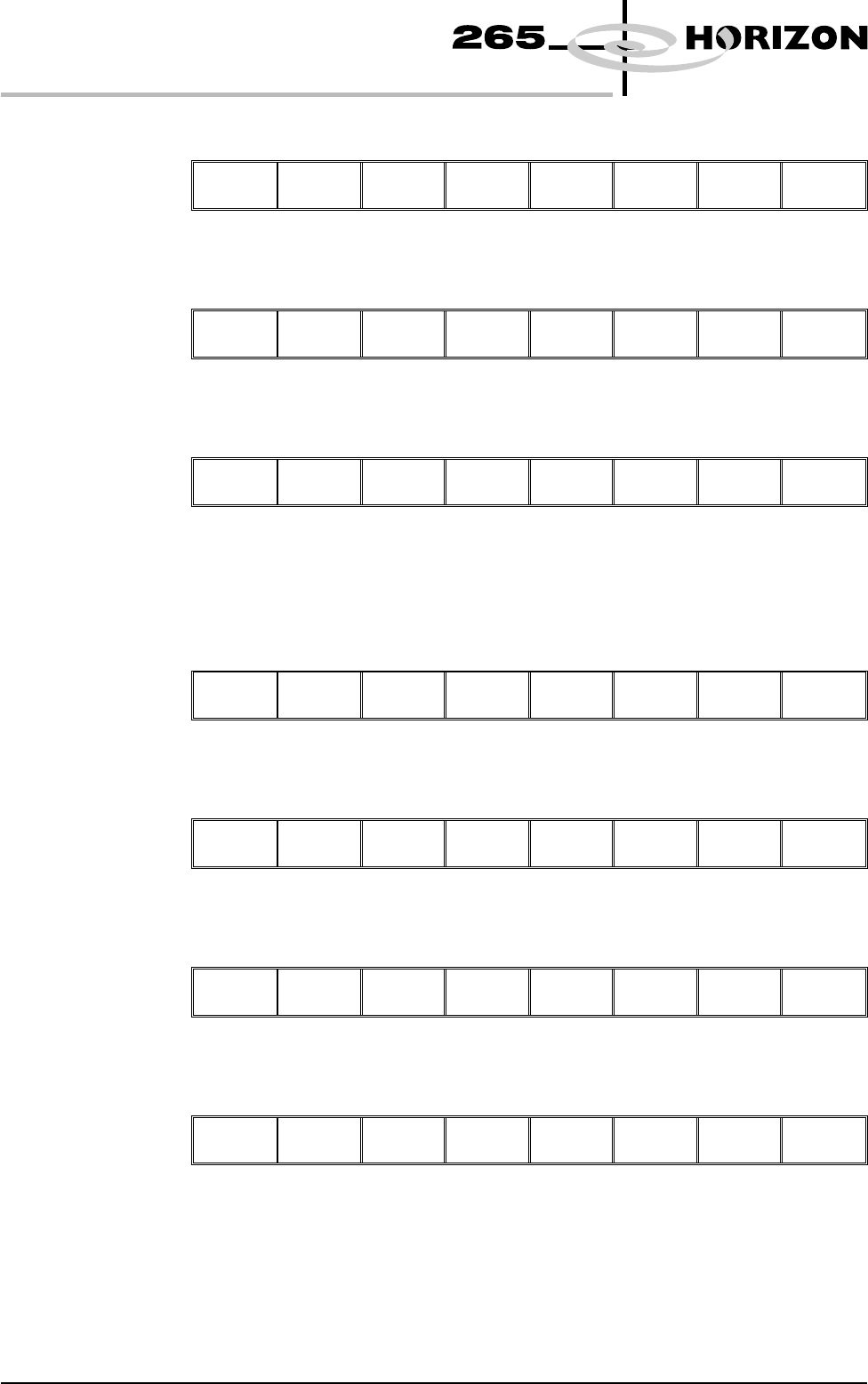
13. Select Exit (F8).
Change
Autoflex
Save Next Previous Incr. Decr.
Exit
14. Select Exit (F8).
Adjust Open
Cover
Home
Cleaner
Board
Stop
Full
Width
Load
Width
Print
Height
Exit
15. Select Exit (F8).
Mode Load
Data
Edit
Data
Setup
Squeegee
Change
Screen
Change
Tooling
Change
Language
Exit
The rail moves to the board width and the selected Autoflex pins rise.
16. Select Setup (F6).
Run Open
Cover
Paste
Load
Clean
Screen
Adjust
Setup
Monitor Maint.
17. Select Change Tooling (F6).
Mode Load
Data
Edit
Data
Setup
Squeegee
Change
Screen
Change
Tooling
Change
Language
Exit
18. Select Home Cleaner (F3).
Adjust Open
Cover
Home
Cleaner
Board
Stop
Full
Width
Load
Width
Print
Height
Exit
19. Select Board Stop (F4).
Adjust Open
Cover
Remove
Cleaner
Board
Stop
Full
Width
Load
Width
Print
Height
Exit
The camera moves to the board stop position. The board stop on the camera
extends.
1.66 User Manual Software Version 6
MACHINE PROGRAMMING
STAGE 5E