Horizon UserManualV6.pdf - 第43页
2. Open the front printhead cover. 3. Remove the stencil from the printer. 4. Close the front printhead cover. 5. Press the System button. Software Version 6 User Manual 1.27 MACHINE PROGRAMMING STAGE 5A
4. Use the Incr. and Decr. keys (F6 - F7), or the forward slash key (/) on the
keyboard, to change the parameter value.
Save Next Previous
Incr. Decr.
Exit
5. Select Save (F2). The message ‘Saving fiducial data - Please wait
Board data file saved’ is displayed.
Save
Next Previous Incr. Decr. Exit
6. Select Exit (F8).
Save Next Previous Incr. Decr.
Exit
7. Select Home Cleaner (F3).
Adjust Open
Cover
Home
Cleaner
Board
Stop
Full
Width
Load
Width
Print
Height
Exit
8. Select Exit (F8).
Adjust Open
Cover
Remove
Cleaner
Board
Stop
Full
Width
Load
Width
Print
Height
Exit
Magnetic Pillars
CAUTION
BOARD CLAMPS. Care must be taken to ensure that the board clamps
are not damaged when removing or replacing tooling.
1. Select Change Screen (F5).
Mode Load
Data
Edit
Data
Setup
Squeegee
Change
Screen
Change
Tooling
Change
Language
Exit
The message ‘Open Front Cover and Remove Screen’ is displayed.
1.26 User Manual Software Version 6
MACHINE PROGRAMMING
STAGE 5A
WARNING
BOARD CLAMPS. EXTREME CARE MUST BE EXERCISED WHEN
WORKING IN THE TOOLING AREA OF THE MACHINE TO AVOID
INJURY. THE FOILS ON THE FRONT AND REAR BOARD CLAMPS
ARE VERY SHARP.
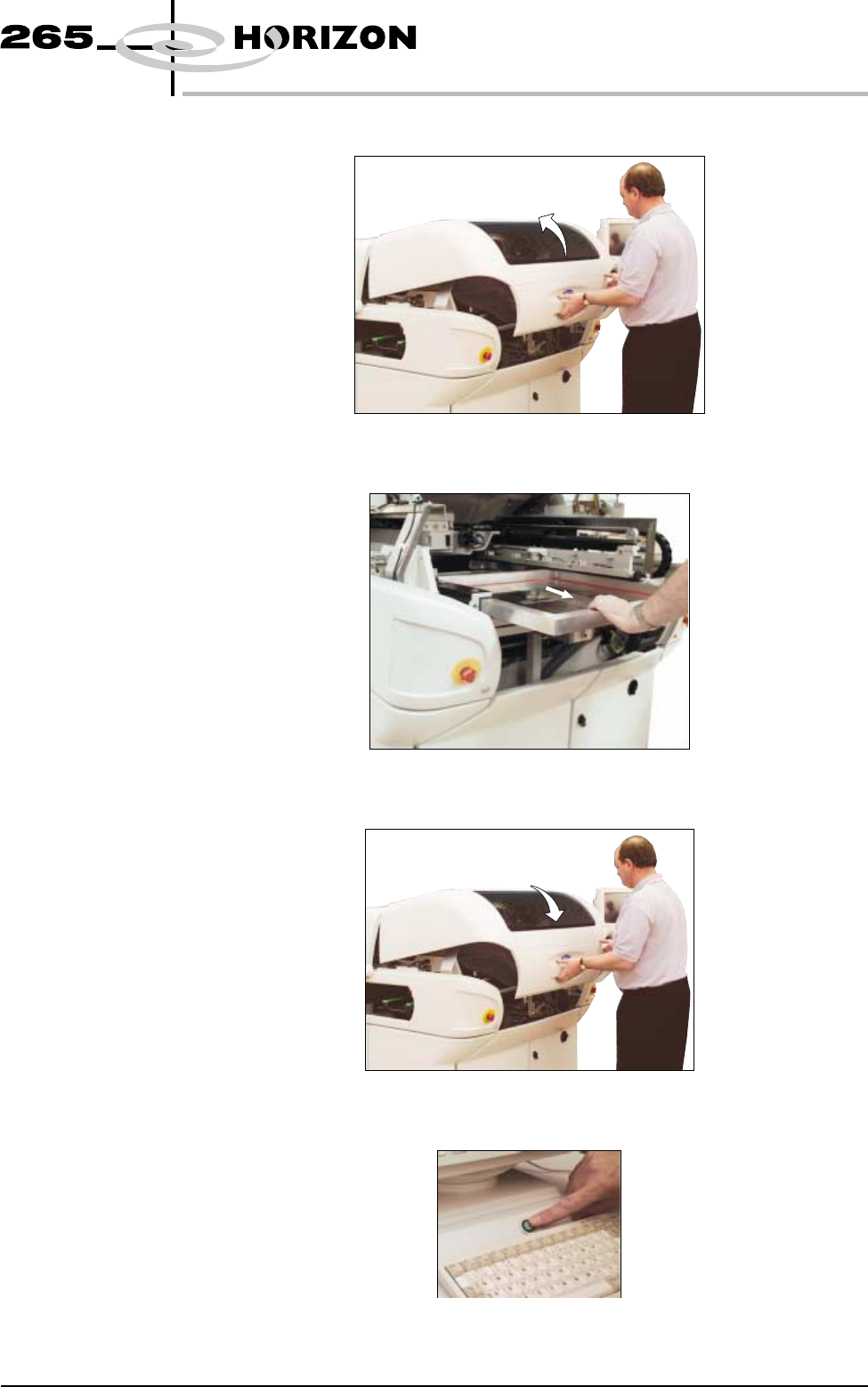
2. Open the front printhead cover.
3. Remove the stencil from the printer.
4. Close the front printhead cover.
5. Press the System button.
Software Version 6 User Manual 1.27
MACHINE PROGRAMMING
STAGE 5A
6. Select Change Tooling (F6).
Mode Load
Data
Edit
Data
Setup
Squeegee
Change
Screen
Change
Tooling
Change
Language
Exit
7. Select Home Cleaner (F3).
Adjust Open
Cover
Home
Cleaner
Board
Stop
Full
Width
Load
Width
Print
Height
Exit
8. Select Board Stop (F4).
Adjust Open
Cover
Remove
Cleaner
Board
Stop
Full
Width
Load
Width
Print
Height
Exit
The camera moves to the board stop position. The board stop on the camera
extends.
9. Select Open Cover (F2).
Adjust
Open
Cover
Remove
Cleaner
Home
Camera
Full
Width
Load
Width
Print
Height
Exit
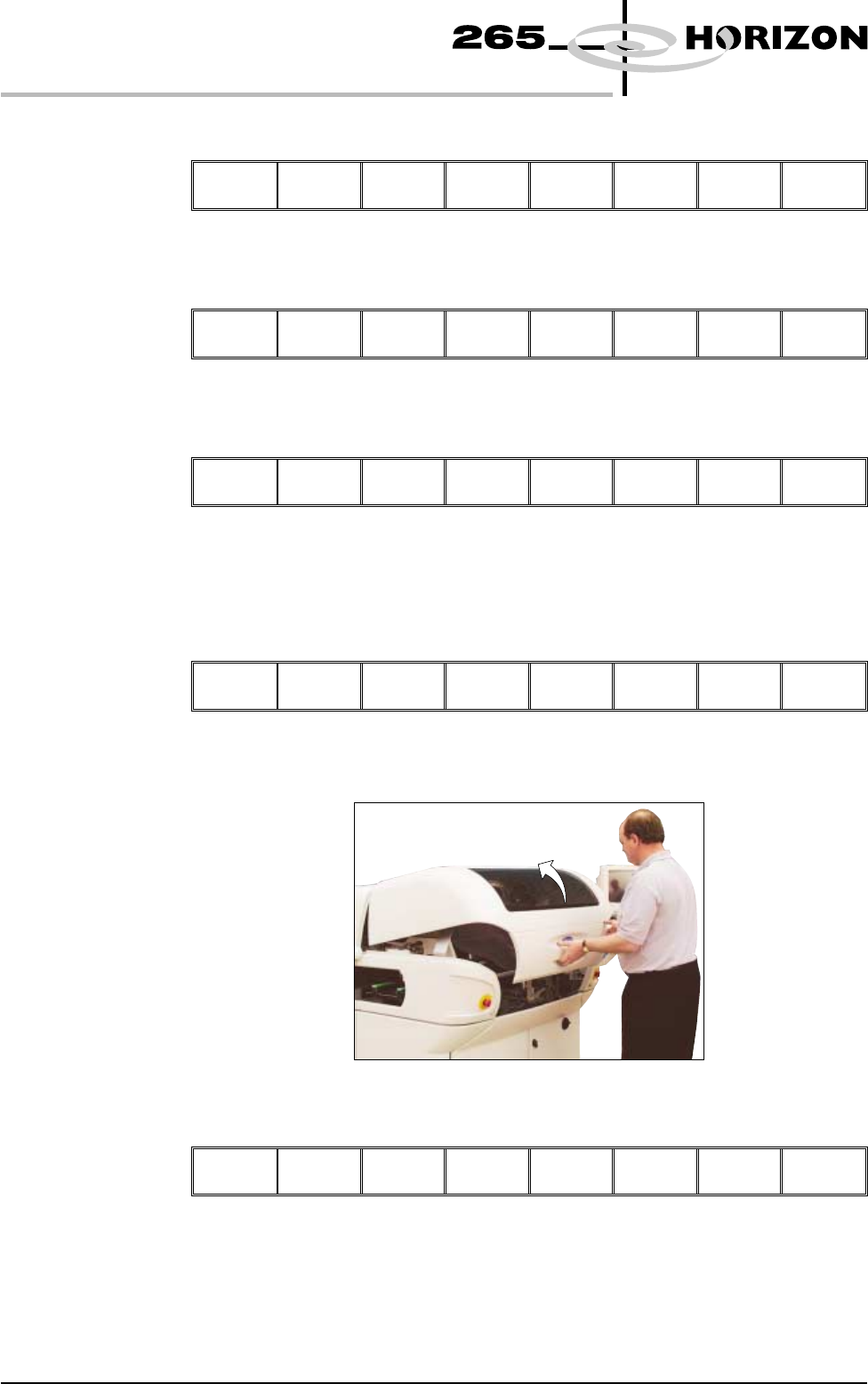
10. Open the front printhead cover.
11. Select Board Clamps (F3), to open the clamps.
Adjust
Board
Clamps
Set
Stop
Exit
1.28 User Manual Software Version 6
MACHINE PROGRAMMING
STAGE 5A