multifunction-rio-user-manual.pdf - 第9页
Help»Fin d Examples , then select Hardware Input and Output» R Series . • LabVIEW FPGA IPNet —Off ers resources fo r bro wsing, understanding, and downloading LabVIEW FPGA function s or IP (Intellectual Property). Use th…

About This Manual
© National Instruments Corporation xi Multifunction Reconfigurable I/O User Manual
LabVIEW Help and other Real-Time Module documents for more
information as you create the real-time application. To access this
document, refer to
ni.com/docs. In LabVIEW 8.0 or later, you
can also view the LabVIEW Manuals directory that contains this
document by selecting Start»All Programs»National
Instruments»LabVIEW»LabVIEW Manuals.
– Real-Time Module book in the LabVIEW Help—Select Help»
Search the LabVIEW Help in LabVIEW to view the LabVIEW
Help. Browse the Real-Time Module book in the Contents tab
for information about how to build deterministic applications
using the LabVIEW Real-Time Module.
– LabVIEW Real-Time Module Release and Upgrade
Notes—Includes information about system requirements,
installation, configuration, new features and changes, and
compatibility issues for the LabVIEW Real-Time Module.
To access this document, refer to
ni.com/docs. In
LabVIEW 8.0 or later, you can also view the LabVIEW Manuals
directory that contains this document by selecting Start»
All Programs»National Instruments»LabVIEW»LabVIEW
Manuals.
Device-Specific Documentation
• Getting Started with R Series Multifunction RIO—This document
explains how to install and configure your device, and contains a
tutorial that demonstrates how to begin taking a measurement using
LabVIEW FPGA. This document is available at
ni.com/docs.
• Multifunction Reconfigurable I/O Specifications—Lists the
specifications of the NI 781x/783x/784x/785x devices. This document
is available at
ni.com/docs.
Additional Resources
The following documents contain information you might find helpful:
• NI Developer Zone tutorial, Field Wiring and Noise Considerations
for Analog Signals, at
ni.com/zone
• PICMG CompactPCI 2.0 R3.0
• PXI Hardware Specification Revision 2.1
• PXI Software Specification Revision 2.1
• National Instruments Example Finder—LabVIEW contains an
extensive library of VIs and example programs for use with R Series
devices. To access the NI Example Finder, open LabVIEW and select

Help»Find Examples, then select Hardware Input and Output»
R Series.
• LabVIEW FPGA IPNet—Offers resources for browsing,
understanding, and downloading LabVIEW FPGA functions or IP
(Intellectual Property). Use this resource to acquire IP that you need
for your application, download examples to help learn programming
techniques, and explore the depth of IP offered by the LabVIEW
FPGA platform. To access the LabVIEW FPGA IPNet, visit
ni.com/ipnet.
© National Instruments Corporation 1-1 Multifunction Reconfigurable I/O User Manual
1
Introduction
This chapter describes the concept and features of the Reconfigurable I/O
(RIO) devices, optional software and equipment, and safety information.
About the Reconfigurable I/O Device
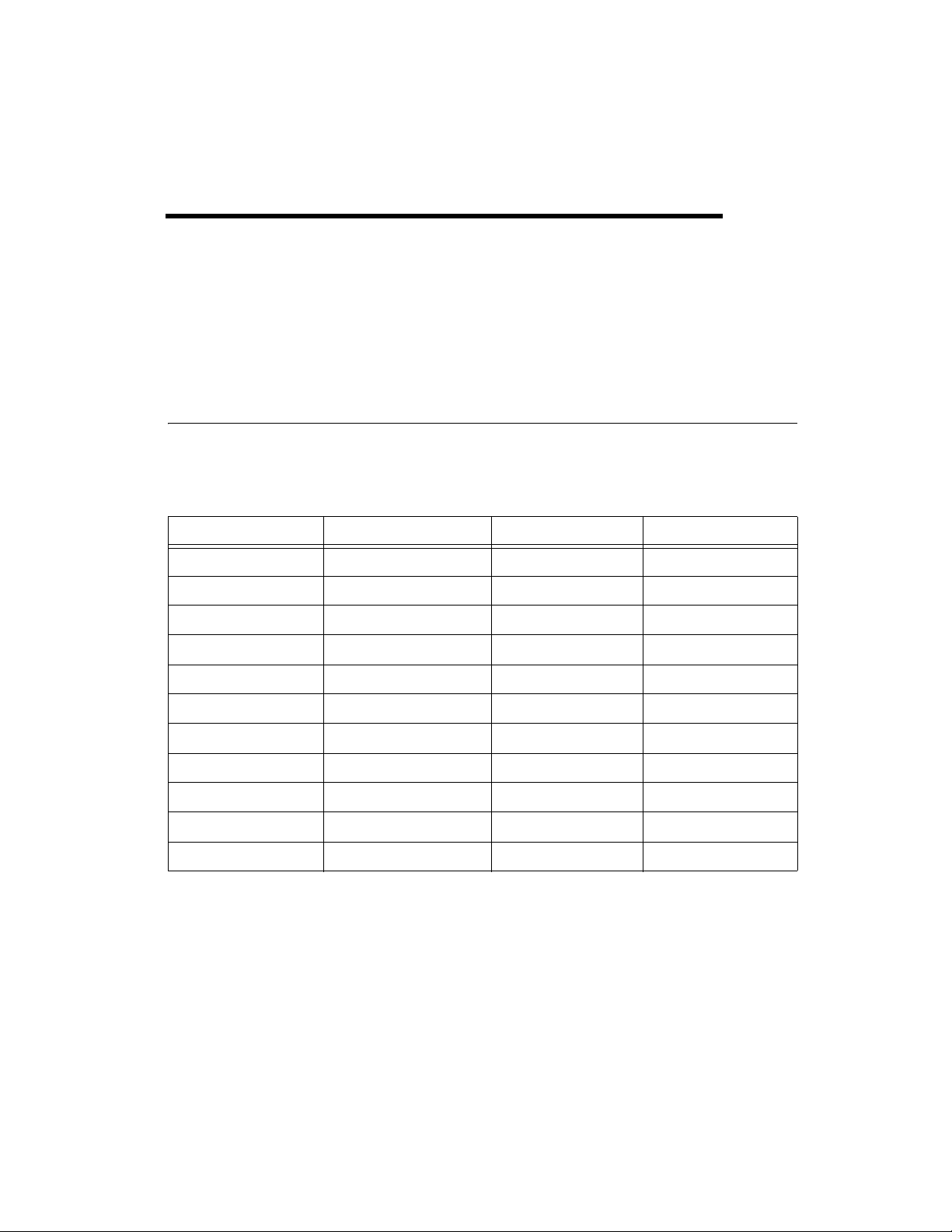
Table 1-1 lists an overview of the NI 78xx Multifunction Reconfigurable
I/O devices.
A user-reconfigurable FPGA (Field-Programmable Gate Array) controls
the digital I/O lines on the PCI/PXI-781x, and the digital and analog I/O
lines on the device. The FPGA on your device allows you to define the
functionality and timing of the device. You can change the functionality of
the FPGA on your device in LabVIEW using the LabVIEW FPGA Module
to create and download a custom virtual instrument (VI) to the FPGA.
Using the FPGA Module, you can graphically design the timing and
Table 1-1. NI 78xx devices Multifunction RIO Device Overview
Device I/O Channels FPGA AI Sample Rate
PCI/PXI-7811 160 DIO Virtex-II XC2V1000 —
PCI/PXI-7813 160 DIO Virtex-II XC2V3000 —
PCI/PXI-7830 4 AI, 4 AO, 56 DIO Virtex-II XC2V1000 200 kS/s
PCI/PXI-7831 8 AI, 8 AO, 96 DIO Virtex-II XC2V1000 200 kS/s
PCI/PXI-7833 8 AI, 8 AO, 96 DIO Virtex-II XC2V3000 200 kS/s
PCIe/PXI-7841 8 AI, 8 AO, 96 DIO Virtex-5 LX30 200 kS/s
PCIe/PXI-7842 8 AI, 8 AO, 96 DIO Virtex-5 LX50 200 kS/s
PCIe/PXI-7851 8 AI, 8 AO, 96 DIO Virtex-5 LX30 750 kS/s
PCIe/PXI-7852 8 AI, 8 AO, 96 DIO Virtex-5 LX50 750 kS/s
PXI-7853 8 AI, 8 AO, 96 DIO Virtex-5 LX85 750 kS/s
PXI-7854 8 AI, 8 AO, 96 DIO Virtex-5 LX110 750 kS/s