Workcell-Installation-Guidelines-Troubleshooting-Maintenance-REV-F.pdf - 第52页
Workcell Installation and General Guidelines Revision F / Janu ary 2021 Page 52 of 59 TC Tell error code. Displays the number and a text description for a command error TC1 TD Tell Dual Encoder TE Tell error. This return…
Workcell Installation and General Guidelines
Revision F / January 2021
Page 51 of 59
MO
Motor off. Shuts off motor
control
MO (turn all motors off), MOX
(turn off only the X axis motor)
MO shuts off the motor(s).The
motors are reactivated with the
SH (servo here) command
MR
Reverse Motion to Position
MT
Motor Type
NO
No operation. This command
performs no action and is used
to comment a program
NO!!! PROGRAM 1!!!! (description
for program)
A semicolon (;) terminates the
NO command. Any statements
following a semicolon are
executed
PA
Position absolute. This sets the
destination of a move,
referenced to the origin. The
units are in counts
PA 10000,10000,1000
(commanded position for X, Y
and Z axes), PAX=10000
(commanded position of X axis)
It is best to limit the use of the
PA command to designating the
start of a dispense path. Overuse
of the PA command complicates
program editing
PF
Position Format
PR
Position relative. This sets the
incremental position of the next
move, referenced to the current
position. The units are in counts
PR 10000,10000,1000
(commanded change in
position for X, Y and Z axes),
PRX=10000 (commanded
change in position of X axis)
Be careful not to confuse PA
with PR. The PR command
begins its move from the current
position, without reference to
the origin
RS
Reset. Resets the controller to
its power on state. All the
information in the controller’s
RAM is erased
RS
If PathMaster® fails to download
a file correctly; the program may
be halted in the controller.
Executing an RS command from
the terminal screen restarts the
program
SB
Set bit. Sets a bit on the output
port
SB40 (sets the bit for the
buzzer)
Setting a bit in DMC terminology
turns the bit off. The opposite of
SB is CB (clear bit). A complete
list of the outputs can be found
in the Operating Guide
SH
Servo here. The controller uses
the current position as the
command position and enables
motor control
SH (activate all motors)
SHZ (activate only the Z motor)
The opposite of SH is MO (motor
off) SH resets all position errors
to zero
SP
Speed. Sets the speed for
independent moves. Units are in
counts per second
SP*=100000 (sets all axes),
SPX=100000 (only sets the X
axis speed), SP
10000,30000,40000 (sets X, Y
and Z speeds separately)
Make sure the value of the
acceleration is high enough to
get the motion to speed within a
reasonable amount of time
ST
Stop. Halts motion on the
specified axes. If no axes are
specified, it halts program
execution
STX (stop motion on the X
axis), ST (stop all motion and
halt the program)
Use the AM command after the
ST command to wait for motion
to be stopped
TB

Workcell Installation and General Guidelines
Revision F / January 2021
Page 52 of 59
TC
Tell error code. Displays the
number and a text description
for a command error
TC1
TD
Tell Dual Encoder
TE
Tell error. This returns the
current position error of the
motors. Units are in counts
TE
Use this command in the
terminal screen if a motor
appears to be working
incorrectly. The Dispensing
System is programmed to
disregard errors of less than
1000 counts
TP
Tell Position. Returns the
current position of the motors
TP (All axes). TPX (X axis only)
Use in the terminal screen to
verify the current location of the
motors. In addition, the Manual
mode of the workcell has a push
button that accomplishes the
same task
VA
Acceleration for coordinated
moves. The units are in counts
per second²
VA 100000
Make sure the value of the
acceleration is high enough to
get the motion to speed within a
reasonable amount of time
VD
Deceleration for coordinated
moves. The units are in counts
per second²
VA 100000
Make sure the value of the
acceleration is high enough to
get the motion to speed within a
reasonable amount of time
VE
Vector Sequence End
VP
Vector Position
VS
Vector Speed. Sets the speed for
coordinated moves. Units are in
counts per second
VS 100000. Query the
controller with the command
MG_VS
Make sure the value of the
acceleration is high enough to
get the motion to speed within a
reasonable amount of time
WT
Wait. Holds program execution
for specified time
WT500
Use the WT command whenever
the program needs to pause,
particularly if another action
needs time for completion
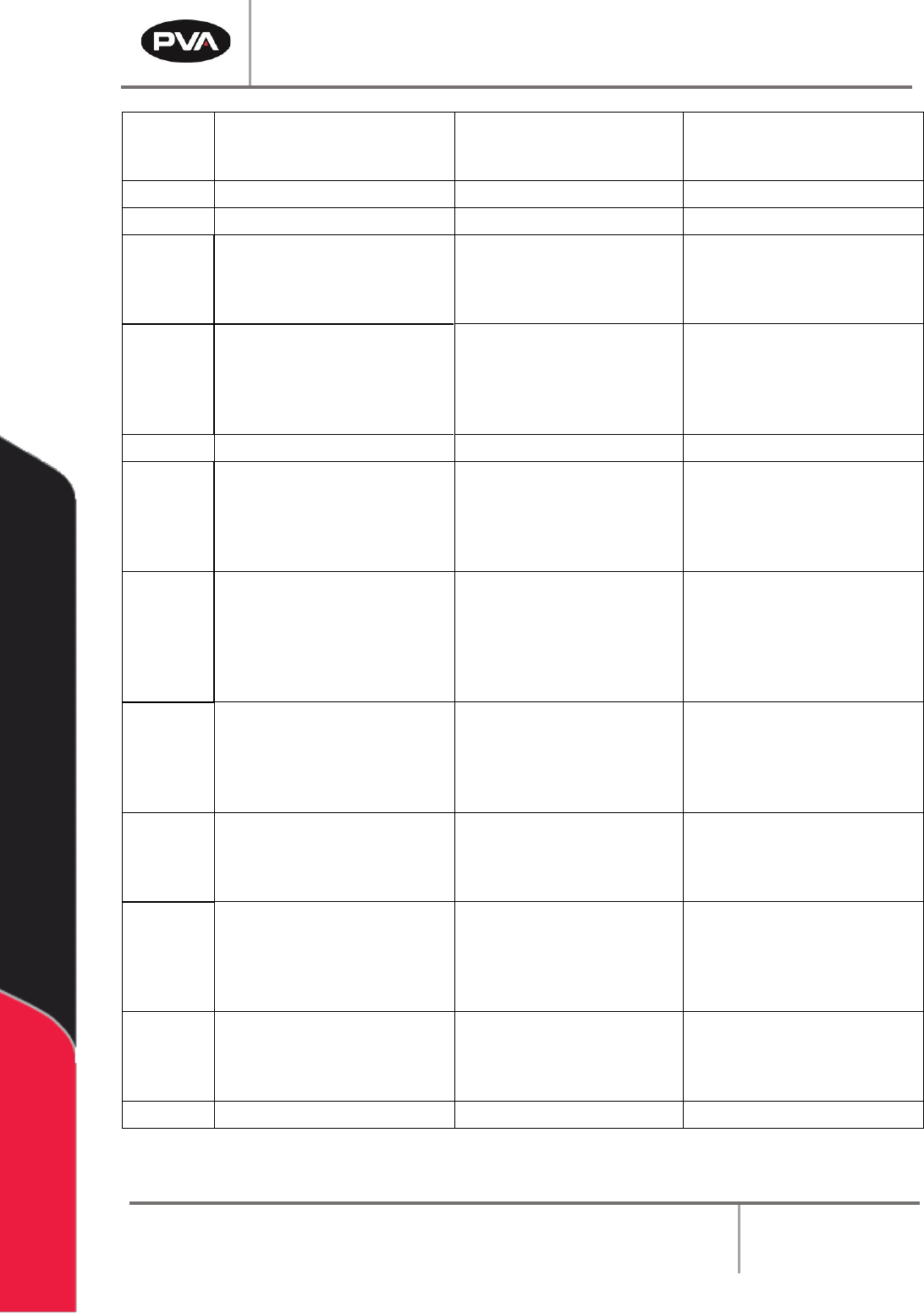
Figure 36: Important Commands
Workcell Installation and General Guidelines
Revision F / January 2021
Page 53 of 59
DMC Error Codes
ID
Description
ID
Description
1
Unrecognized command
60
Download error - line too long or too many lines
2
Command only valid from program
61
Duplicate or bad label
3
Command not valid in program
62
Too many labels
4
Operand error
63
If statement without ENDIF
5
Input buffer full
65
IN command must have a comma
6
Number out of range
66
Array space full
7
Command not valid while running
67
Too many arrays or variables
8
Command not valid while not running
68
Not valid from USB port
9
Variable error
71
IN only valid in task #0
10
Empty program line or undefined label
80
Record mode already running
11
Invalid label or line number
81
No array or source specified
12
Subroutine more than 16 deep
82
Undefined array
13
JG only valid when running in jog mode
83
Not a valid number
14
EEPROM check sum error
84
Too many elements
15
EEPROM write error
90
Only X Y Z W valid operand
16
IP incorrect sign during position move or
IP given during forced deceleration
95
TM too large for stepper pulse
17
ED, BN and DL not valid while program
running
96
SM jumper needs to be installed for stepper motor
operation
18
Command not valid when contouring
97
Bad binary code format
19
Application strand already executing
98
Binary commands not valid in application program
20
Begin not valid with motor off
99
Bad binary command number
21
Begin not valid while running
100
Not valid when running ECAM
22
Begin not possible due to Limit Switch
101
Improper index into ET (must be 0-256)
24
Begin not valid because no sequence
defined
102
No master axis defined for ECAM
25
Variable not given in “IN” command
103
Master axis modulus greater than 256*EP value
28
S operand not valid
104
Not valid when axis performing ECAM
29
Not valid during coordinated move
105
EB1 command must be given first
30
Sequence segment too short
110
No hall effect sensors detected
31
Total move distance in a sequence > 2
billion
111
Must be made brushless by BA command
32
More than 511 segments in a sequence
112
BZ command timeout
33
VP or CR commands cannot be mixed
with LI commands
113
No movement in BZ command
41
Contouring record range error
114
BZ command runaway
42
Contour data being sent too slowly
118
Controller has GL1600 not GL1800
46
Gear axis both master and follower
120
Bad Ethernet transmit
47
Gearing and coordinated moves cannot
run simultaneously
121
Bad Ethernet packet received
50
Not enough fields
122
Ethernet input buffer overrun
51
Question mark not valid
123
TCP lost sync
52
Missing " or string too long
124
Ethernet handle already in use
53
Error in {}
125
No ARP response from IP address
54
Question mark part of string
126
Colsed Ethernet handle
55
Missing [ or []
127
Illegal Modbus function code
56
Array index invalid or out of range
128
IP address not valid
57
Bad function or array
130
Illegal IOC command
58
Bad or unrecognized command in a
command response (i.e. _GNX)
131
Timeout on serial port
59
Mismatched parentheses
132
Analog inputs not present
133
Handle must be UDP
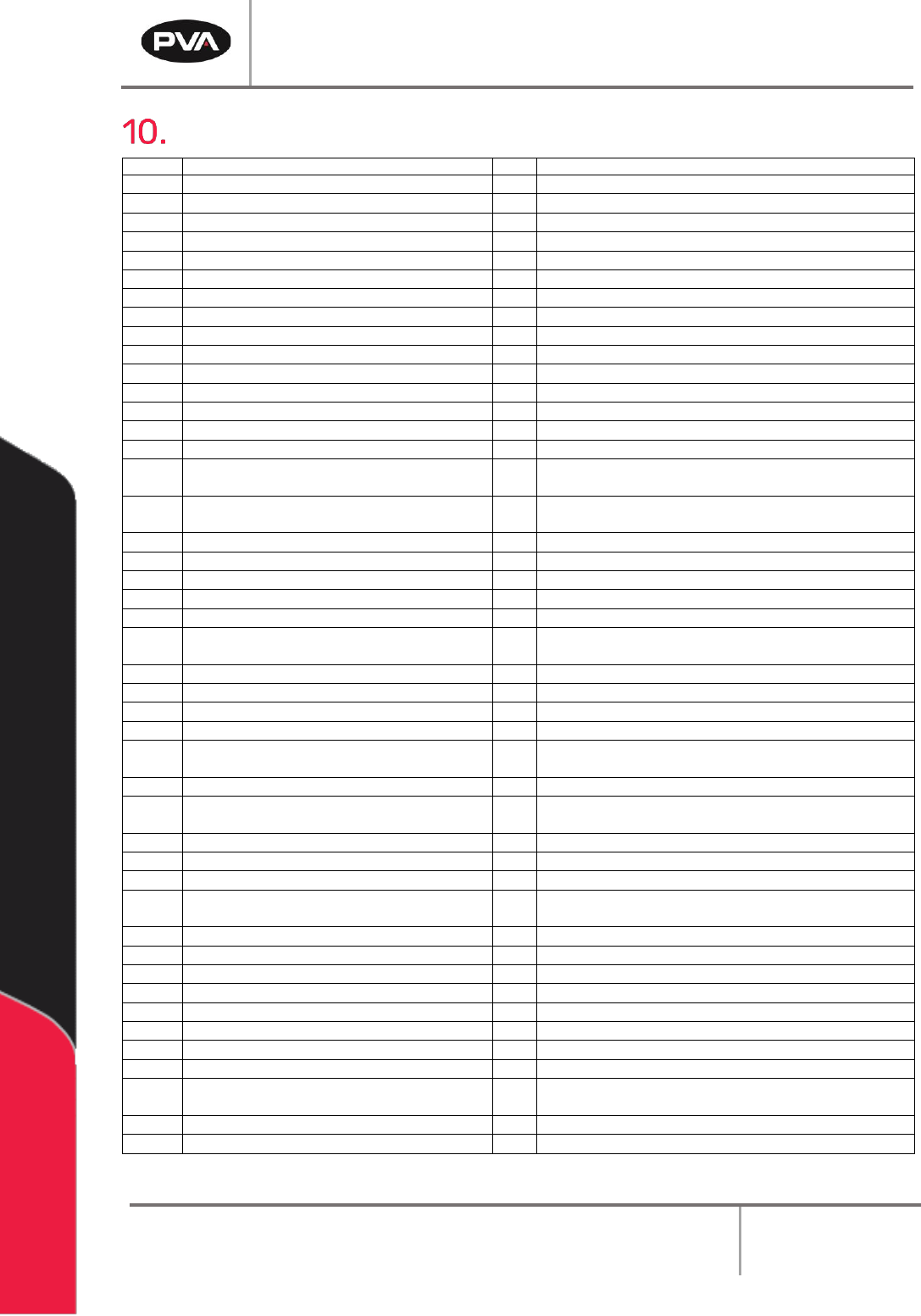
Figure 37: DMC Error Codes