SOM-1617-001.pdf - 第17页
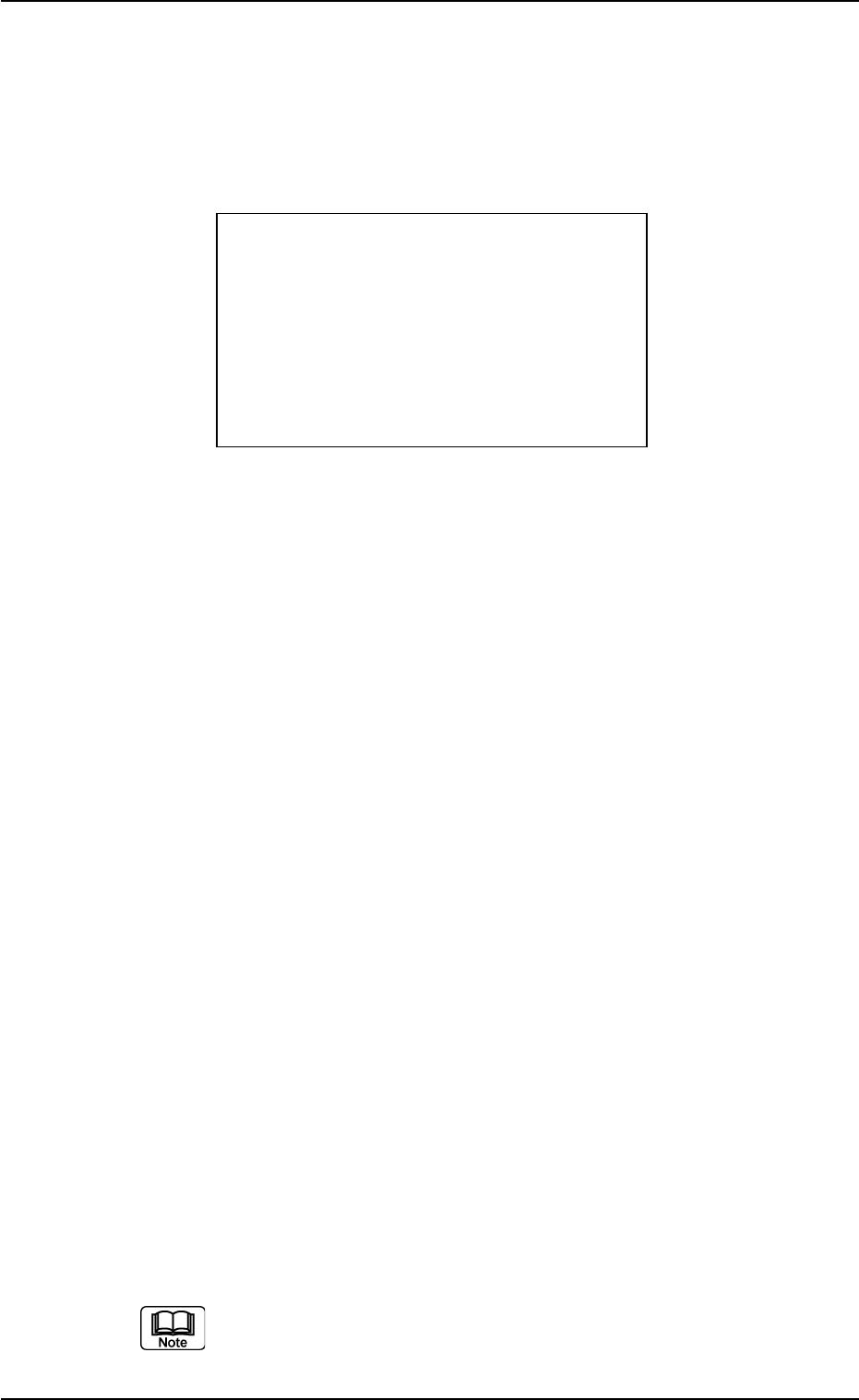
(3) When the bar code reader fails in reading the bar code, “<?>” ap- pears on the bottom right of “COMP ID”. (Fig. 7) In this case, read the bar code again. Unless the bar code can be read by all means, press the …
7.3 Checking the Components for the Current and
Next Programs
When “1. PRODUCT” or “2. SETUP” is selected at the “** MAIN MENU
**” window, the following window appears on the screen.
Fig. 6
[Displayed Contents]
FDR NO. : Displayed is the feeder No. (lane No.) for the compo-
nents to be checked.
COMP ID : Displayed is the component name (ID).
NEXT : The feeder No. and the component name (ID) of the
next feeder will be displayed.
BACK : The feeder No. and the component name (ID) of the
previous feeder will be displayed.
EMPT : The bar code reader issues an inquiry command to the
machine to check whether or not a component short-
age is caused.
EXIT : The “** MAIN MENU **” window resumes.
7.3.1 Checking the component name (ID)
Described in this session is how to check the component indicated as
“FDR NO.” at the “** CUR. CHECK **” window (Fig. 6).
Displayed are the component names (IDs) of all feeders to be checked
at the startup and data clear operations.
When the data remains after it was checked once, the system com-
pares the old data with the new one and displays the ID of the feeder
whose No. and ID are different.
(1) Apply the bar code scanner to the bar code on the feeder and turn
on the [READ] switch.
(2) A peep sounds when the bar code is read normally.
When “ON” is set for the feeder check function, the system is
shifted to the “7.3.2 Checking the feeder No.” session.
021 1-001 1 5
AIH01EGP
7.3 Checking the Components for the Current and Next Programs
** CUR. CHECK **
FDR NO. 999
COMP ID XXXXXXXXXXXX
XXXXXXXXXXXX
NEXT BACK EMPT EXIT

(3) When the bar code reader fails in reading the bar code, “<?>” ap-
pears on the bottom right of “COMP ID”. (Fig. 7)
In this case, read the bar code again. Unless the bar code can be
read by all means, press the [ENT] key.
The system is shifted to the “7.3.3 Entering the component name
(ID) manually” session.
Fig. 7
(4) When the bar code reader succeeds in reading the bar code and
the read component name (ID) is correct, “<OK>” appears on the
bottom right of “COMP ID”. (Fig. 8)
After “<OK>” has appeared for a certain period of time, the feeder
No. (FDR NO.) and the component name (ID) to be checked sub-
sequently are displayed.
Fig. 8
(5) When the read component name (ID) is not correct, a warning peep
sounds twice and “<NG>” appears on the bottom right of “COMP
ID” and “<MISMATCH>” on the bottom left of the window. (Fig. 9)
021 1-001 1 6
AIH01EGP
7.3 Checking the Components for the Current and Next Programs
** CUR. CHECK **
FDR NO. 999
COMP ID XXXXXXXXXXXX
XXXXXXXXXXXX
<?>
NEXT BACK EMPT EXIT
** CUR. CHECK **
FDR NO. 999
COMP ID XXXXXXXXXXXX
XXXXXXXXXXXX
<OK>
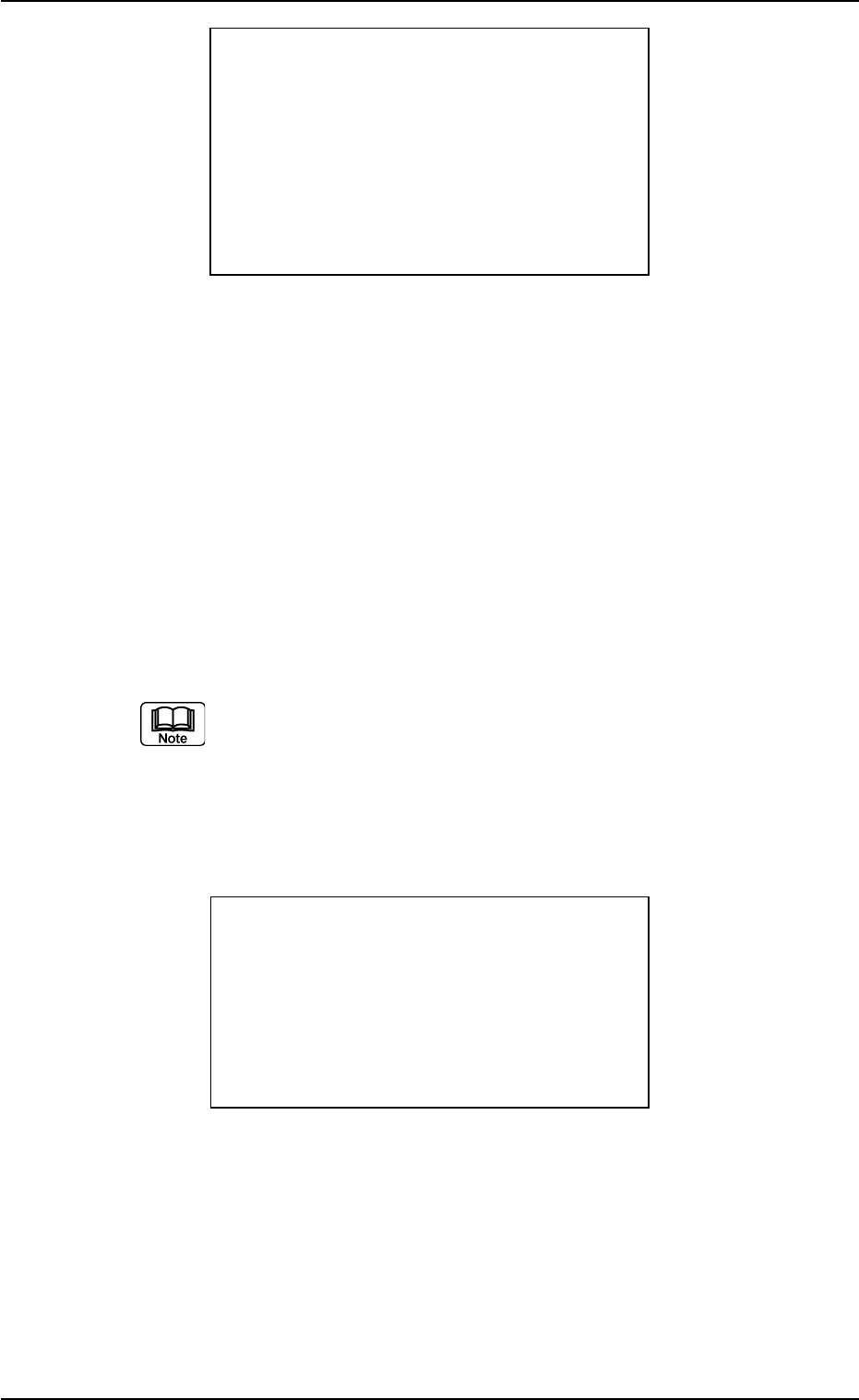
Fig. 9
When the [ENT] key is pressed, the system is shifted to the “7.3.3
Entering the component name (ID) manually” session.
(6) After the components of all feeders are checked completely, the
system is shifted to the “7.3.4 Result Response” session.
7.3.2 Checking the feeder No.
After the component name (ID) is checked, the “** CUR. CHECK **”
window (Fig. 10) appears on the screen.
(a) The window (Fig. 10) appears when “ON” is set for “FDR
CHECK ?” at the “** DATA OPERATION **” window which
appears after “3. OPERATE” is selected at the “** MAIN
MENU **” window.
(b) To perform this operation, the printed bar code label (feeder
No.) is required.
Fig. 10
When “>” appears at the right side of “FDR NO”, it indicates that the
feeder No. is being checked.
(1) Apply the bar code reader to the bar code label pasted on the feeder
(slot) where a tape feeder should be installed and press the [READ]
switch.
021 1-001 1 7 AIH01EGP
** CUR. CHECK **
FDR NO. 999
COMP ID XXXXXXXXXXXX
XXXXXXXXXXXX
<NG?
<MISMATCH> HIT ENT
7.3 Checking the Components for the Current and Next Programs
** CUR. CHECK **
FDR NO.>999
READ ID XXXXXXXXXXXX
XXXXXXXXXXXX