SOM-1617-001.pdf - 第3页
Before Use • Identifying Alert Icons : This symbol mark represents danger or prompts warn- ing. : This symbol mark represents prohibited operations. : This symbol mark represents forced operations or in- structions. 2. E…
Before Use
We are grateful to you for purchasing these special specified
products.
Please keep in mind the following items before use.
1. Please read this instruction manual carefully for correct use of
these special specified products.
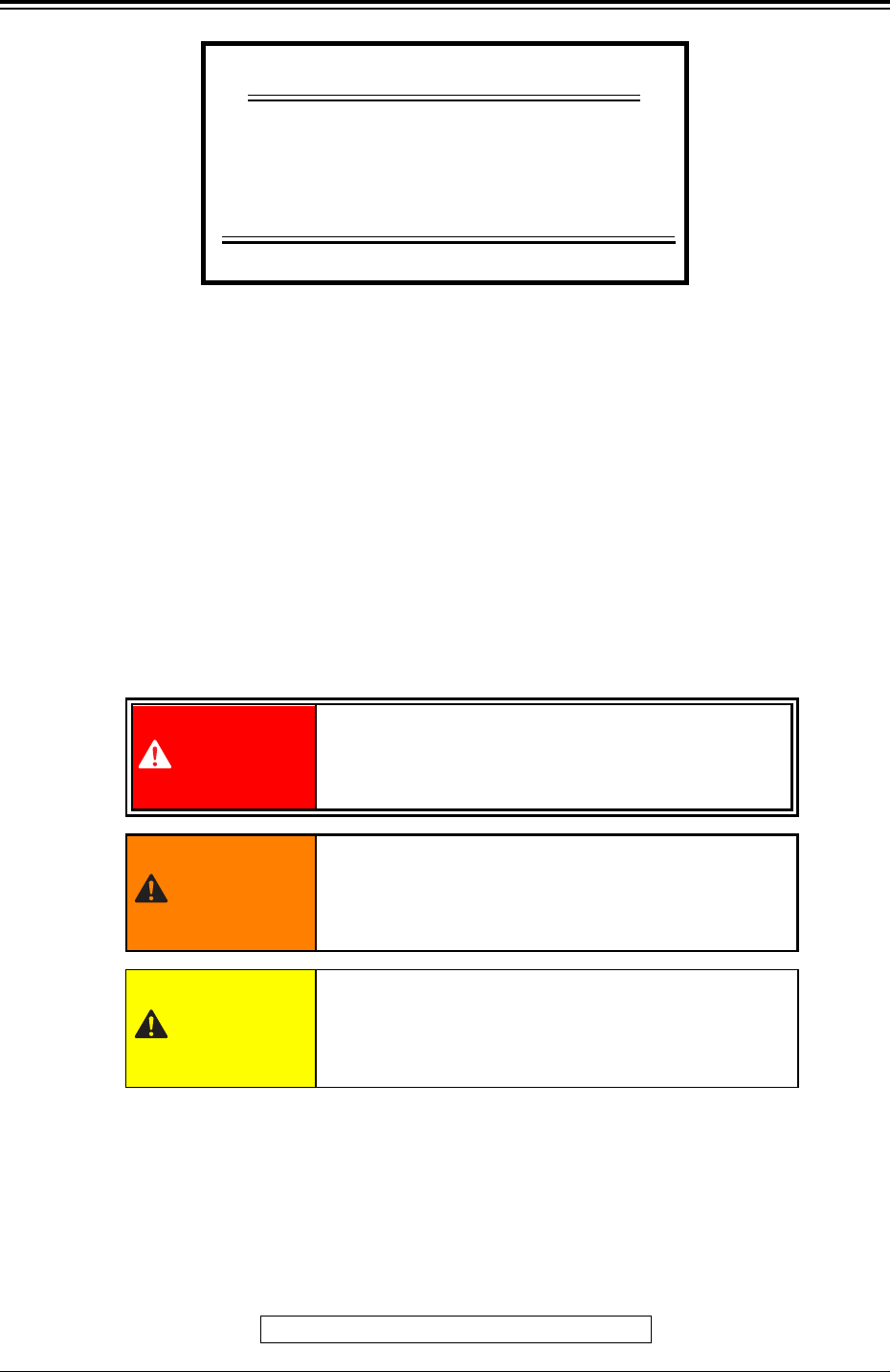
The following warning signs are classified into three categories
according to the degree of danger.
Please fully understand the meaning of each sign for safety pre-
cautions.
0304-001 1 AIH01EGP
Bar Code Feeder Check Function
C-S155-24
INSTRUCTION MANUAL
SPECIAL SPECIFICATIONS
This indicates a potentially hazardous situation
which, if not avoided, may result in injury or physi-
cal damage.
CAUTION
DANGER
This indicates an imminently hazardous situation
which, if not avoided, will result in death or serious
injury.
This indicates a potentially hazardous situation
which, if not avoided, could result in death or seri-
ous injury.
WARNING
This manual is made of recycled paper.
TCM-XSeries
SOM-1617-001

Before Use
• Identifying Alert Icons
: This symbol mark represents danger or prompts warn-
ing.
: This symbol mark represents prohibited operations.
: This symbol mark represents forced operations or in-
structions.
2. Explained in this manual are only the items different from those in
the instruction manual of the main machine.
Use the instruction manual of the main machine together with this
manual.
3. The contents of this manual are subject to change without prior
notice.
Please contact our marketing department or sales agency for the
detailed information on these special specifications.
021 1-001 2 AIH01EGP

021 1-001 3 AIH01EGP
Contents
Page
Before Use
..................................................................................
..................................................................................
......................................... 1
Contents
......................................................................................
......................................................................................
........................................... 3
1. Scope
......................................................................................
......................................................................................
........................................... 5
2. Function
..................................................................................
..................................................................................
......................................... 5
3. Monitor on Machine Side
........................................................
........................................................
............................ 6
3.1 “Feeder Checker Set-up” Widnow
......................................
......................................
................... 6
3.2 “Next Prgm Set-up” Window
..............................................
..............................................
....................... 8
4. Feeder Check Operation
........................................................
........................................................
............................ 9
4.1 Prerequisite
........................................................................
........................................................................
.................................... 9
4.2 Feeder Check Procedure
....................................................
....................................................
.......................... 9
4.2.1 Checking the current program
......................................
......................................
................... 9
4.2.2 Checking the pattern program data
pre-set as one for the next program
....................
....................
.......... 9
4.2.3 Checking the feeder which caused
a component shortage error
................................
................................
................ 10
5. Cause of Feeder Check Event
(due to component shortage)
..................................
..................................
................. 11
6. Operation Flow
........................................................................
........................................................................
.................................... 12
7. Handling of Bar Code Reader
..................................................
..................................................
......................... 13
7.1 Startup
................................................................................
................................................................................
........................................ 13
7.2 “** MAIN MENU **” Window
................................................
................................................
........................ 13
7.3 Checking the Components for
the Current and Next Programs
............................
............................
.............. 15
7.3.1 Checking the component name (ID)
..............................
..............................
............... 15
7.3.2 Checking the feeder No.
................................................
................................................
........................ 17
7.3.3 Entering the component name (ID) manually
................
................
........ 20
7.3.4 Result Response
............................................................
............................................................
.............................. 21
7.3.5 Displaying the component to
be checked subsequently
....................................
....................................
.................. 23
7.3.6 Displaying the previously checked component
............
............
...... 23
7.3.7 Checking the name (ID) of the components
that caused a shortage error
................................
................................
................ 23