00196589-02 - IM Traceability 3.1_en.pdf - 第26页
Installation Trace Host and Trace Service Support Media DVD Software Components and Configuration 26 Installation Manual SIPLACE Traceability 3.1 Already installed prerequisite prod ucts are unchec ked. X If you activate…
Installation Trace Host and Trace Service
Software Components and Configuration Support Media DVD
Installation Manual SIPLACE Traceability 3.1
25
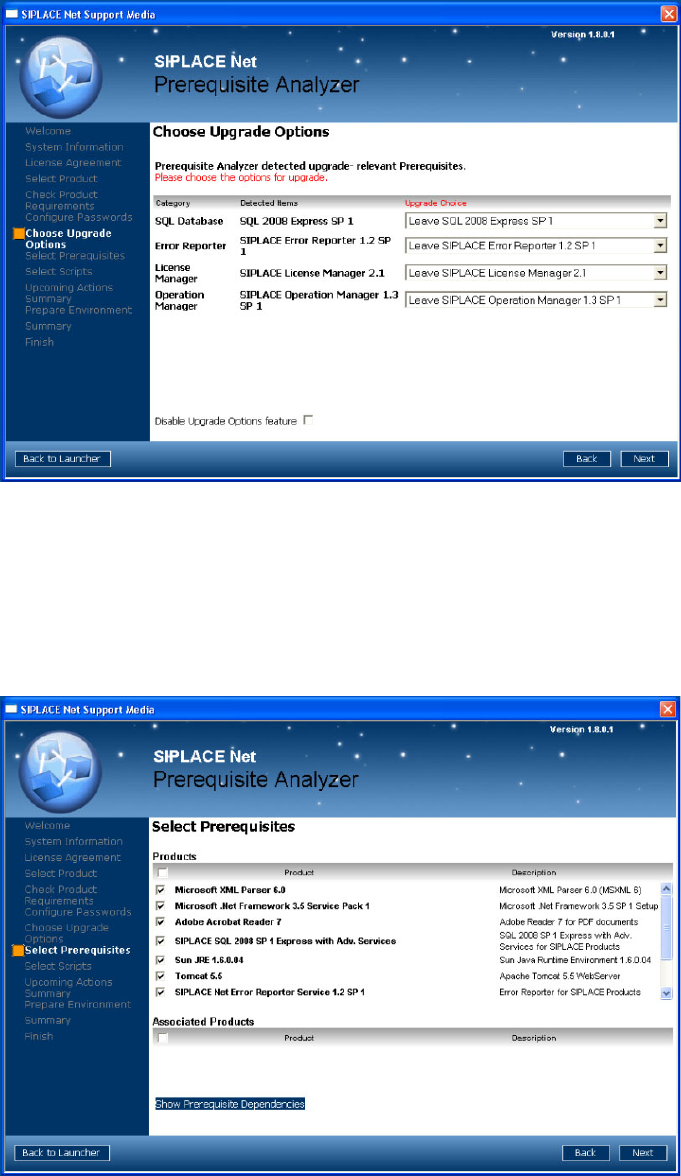
This page shows the upgrade options you have.
X Choose the appropriate SQL version
X Regarding all the other options we recommend to upgrade to the newest version. For Traceability
3.0 the License Manager 2.0 is the minimum version which is required.
X Click the Next button to continue.
The following window opens:
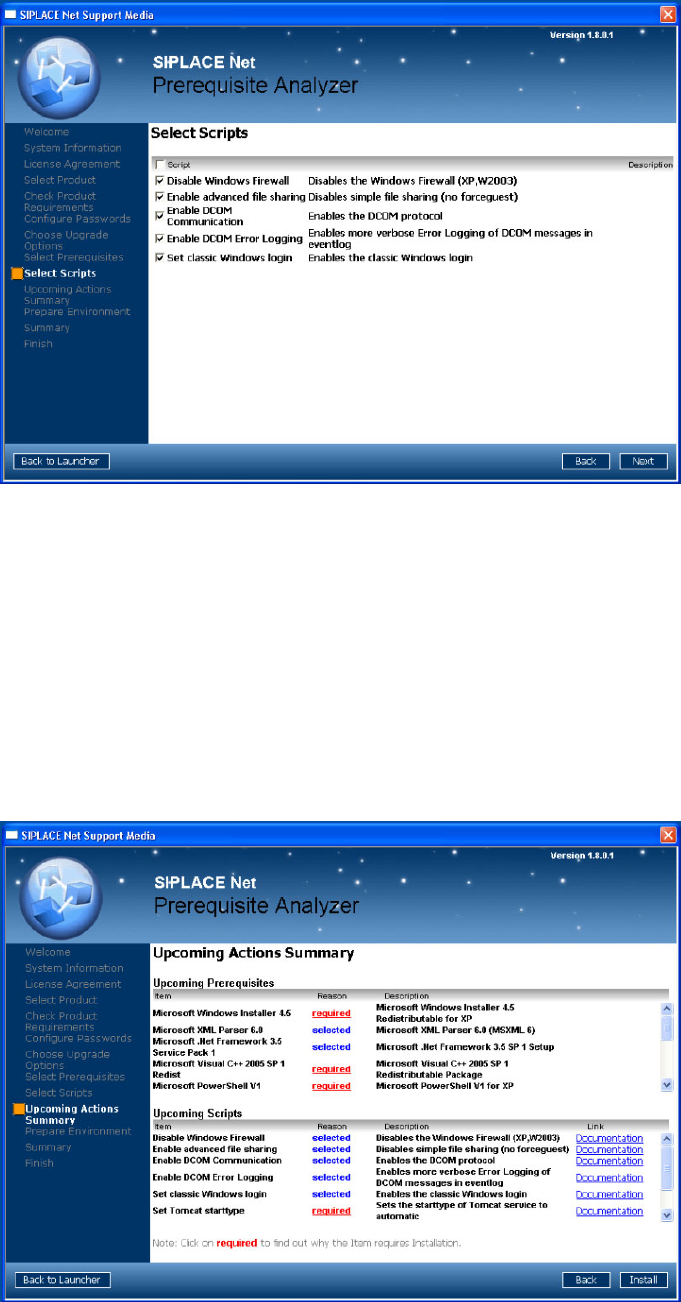
The page shows the prerequisite products and possible associated products that may be installed.
X Select the prerequisite products you need to install for SIPLACE Traceability 3.1.
Microsoft.NET Framework 3.5 SP1
MS Internet Explorer 6 SP1
Adobe Acrobat Reader 7
Sun JRE 1.6.x.xx
Tomcat 5.5
Installation Trace Host and Trace Service
Support Media DVD Software Components and Configuration
26 Installation Manual SIPLACE Traceability 3.1
Already installed prerequisite products are unchecked.
X If you activate the checkbox besides “Product”, you may select/deselect all sub items.
X After selecting the products click Next to continue.
The following window appears:
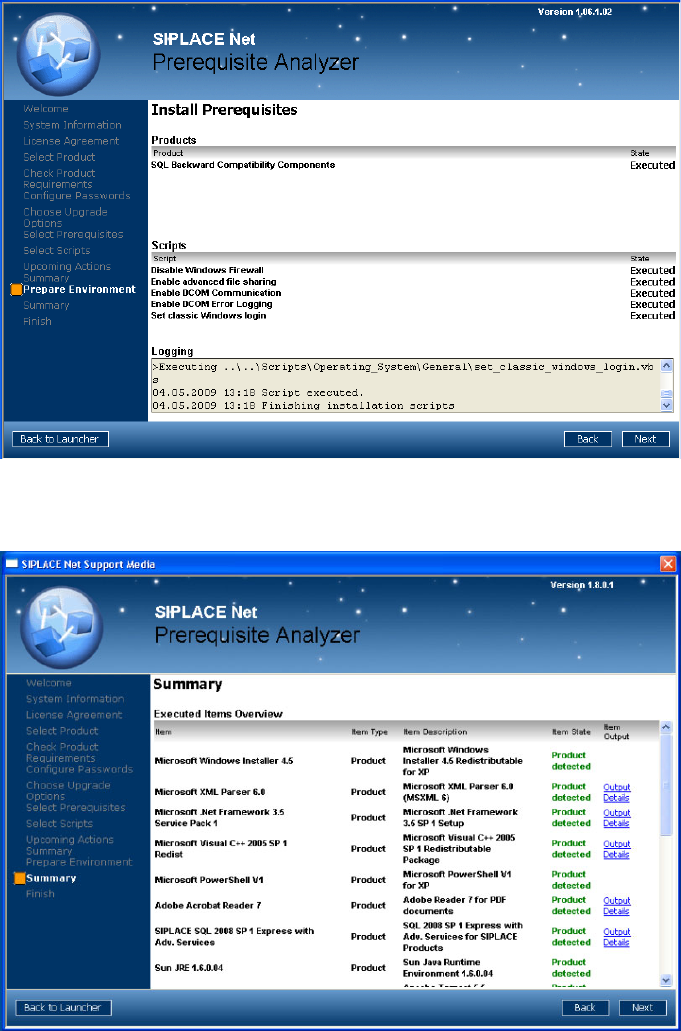
The page shows the scripts that may be executed.
X Select the following scripts:
Disable Windows firewall
Enable advanced file sharing
Enable DCOM Communication
Enable DCOM Error Logging
Set classic Windows login
X After selecting the scripts click Next to continue.
The following window gives you an overview of the upcoming actions:
Installation Trace Host and Trace Service
Software Components and Configuration Support Media DVD
Installation Manual SIPLACE Traceability 3.1
27
X After checking this summary click Next to continue.
Please wait until the selected prerequisites and scripts are installed.
X Click Next to continue.
The following window appears:
X You may investigate the installation script output by clicking Output Details Products do not have
utilizable output.
X Click Next to continue.