PPS Pro version 8.2.pdf - 第83页
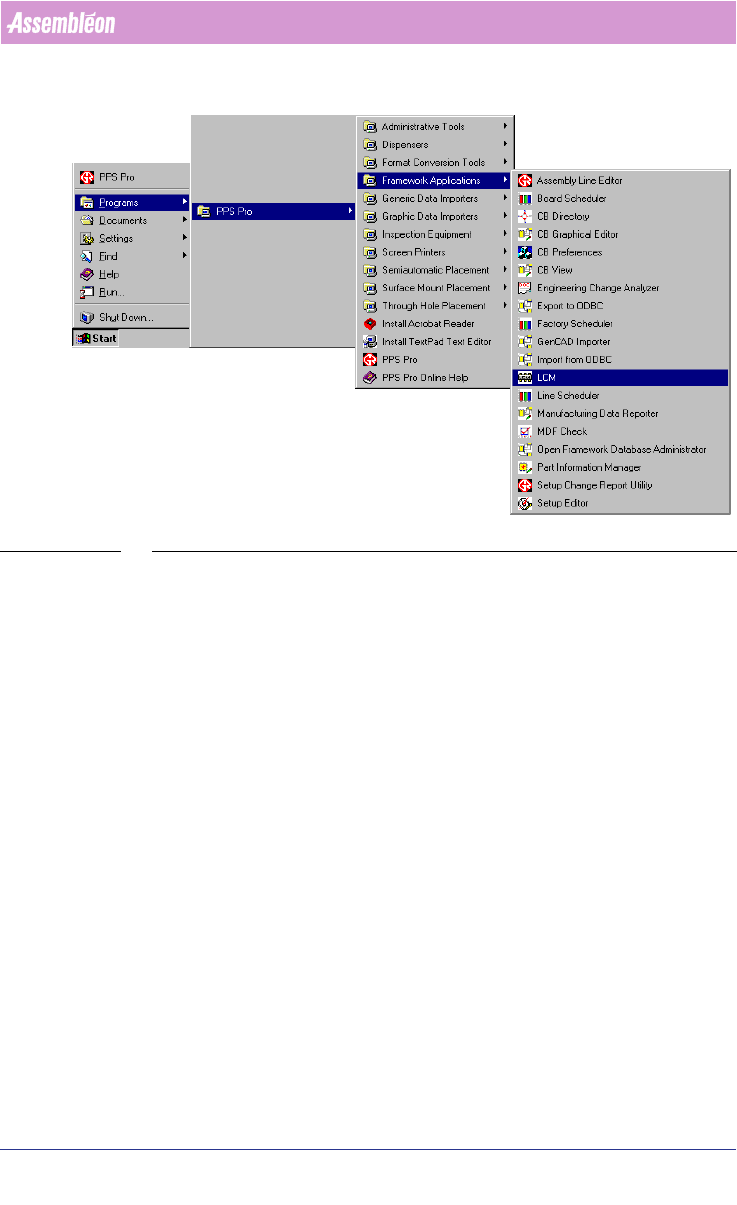
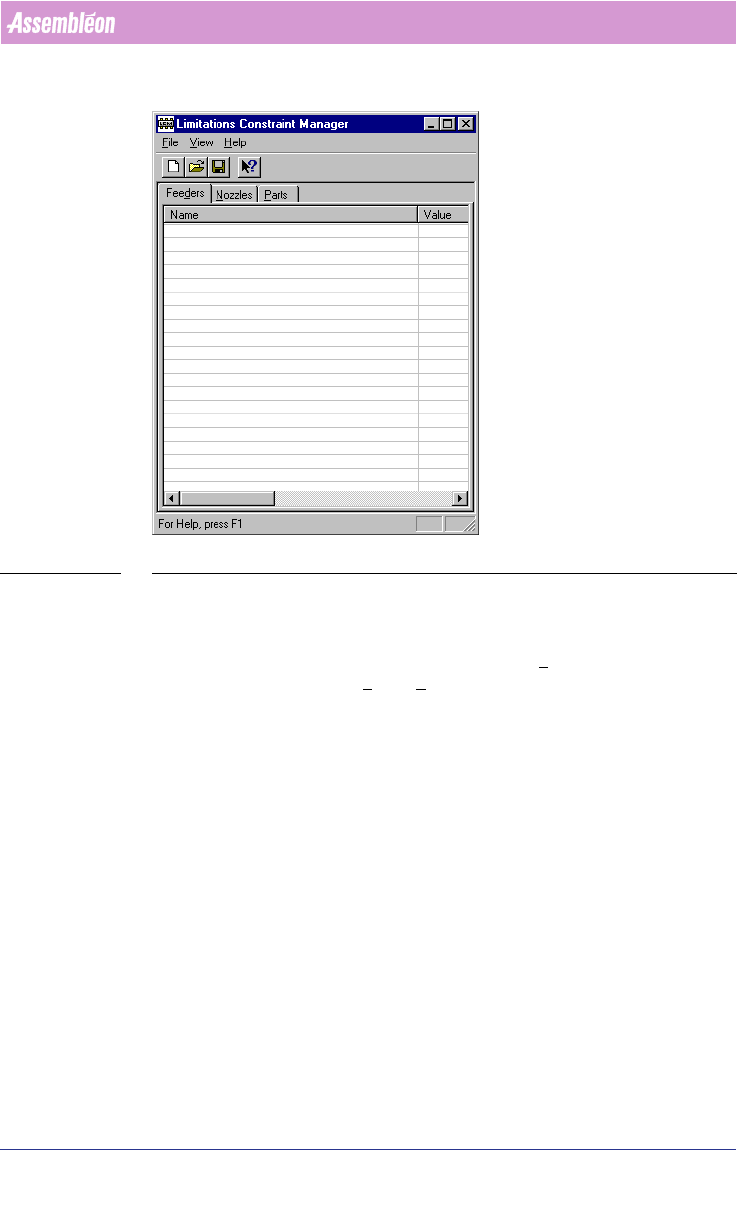
4022 591 98 247 User Manual 05.07 PPS-Pro v8.2 79 PPS-Pro GUI SCREEN 55 Limitati ons Con strain t Man ager 2.33 Step 2: Set pr eferences Setting the pr efe ren ces for LCM can be d one in the P refe re nces .. . dialog w…
User Manual 4022 591 98247
80 PPS-Pro v8.2 05.07
PPS-Pro GUI
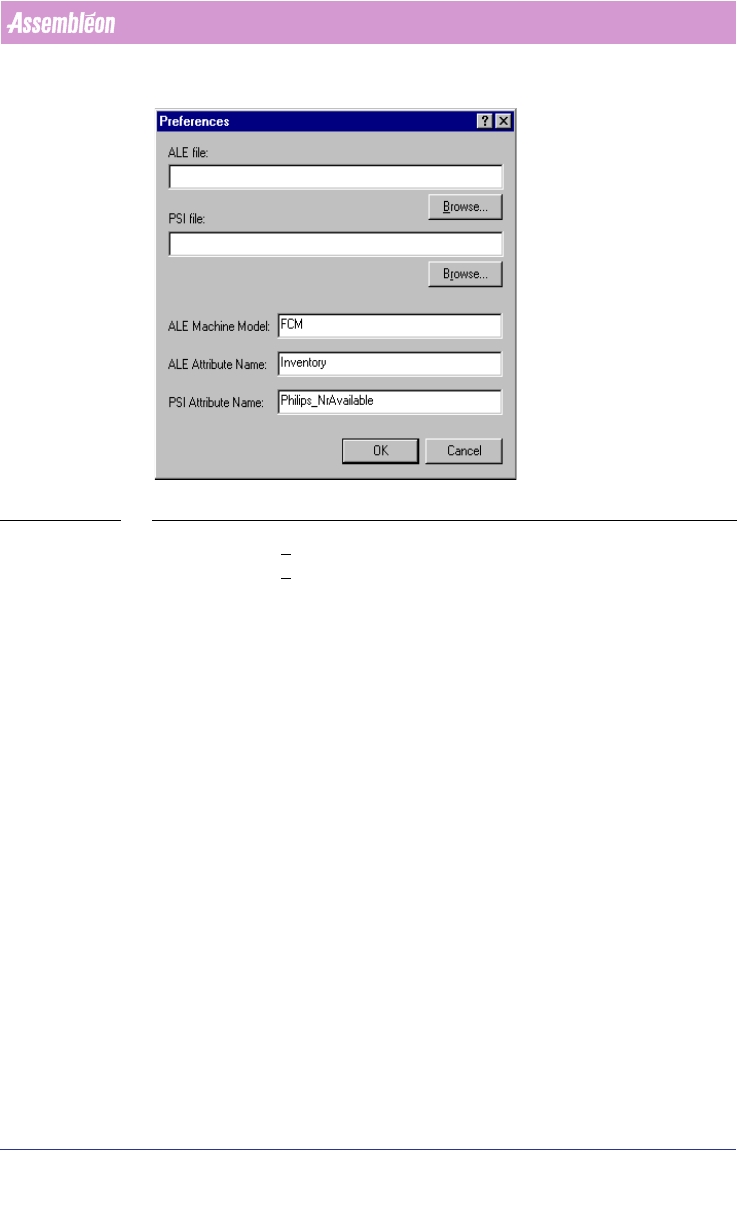
SCREEN 56 LCM Preferences
• Click the Browse button and select the ALE file.
• Click the Browse button and select the PSI file.
• In the ALE Machine Model text field, type the name(s) of the
machine(s) where the limitations apply to. These names must match
exactly the names as they appear in the ALE file. It is possible to
specify more than one machine name by separating them with
commas.
• In the ALE Attribute Name text field use the default value Inventory.
• In the PSI Attribute Name text field always use ‘Philips_NrAvailable’ for
use with Philips equipment. Press the OK button to save the settings.
After these preferences have been saved as an *.lcf file, the name-value items
in the LCM window are filled in
(see SCREEN 57 on page 81). If this is not the
case, one of the preferences is not set correctly and must be modified.