00197728-12_IM_SE3.11_EN.pdf - 第76页
4 Configuration Installation and Configuration Guide SIPLACE Exp lorer 4.2 Configuring the Factory Configuration Utility Edition 11/202 0 EN 76 4 Fig. 4 - 47 DB administrator login Enter the access data here and confir…
Installation and Configuration Guide SIPLACE Explorer 4 Configuration
Edition 11/2020 EN 4.2 Configuring the Factory Configuration Utility
75
4.2.7 DB Maintenance
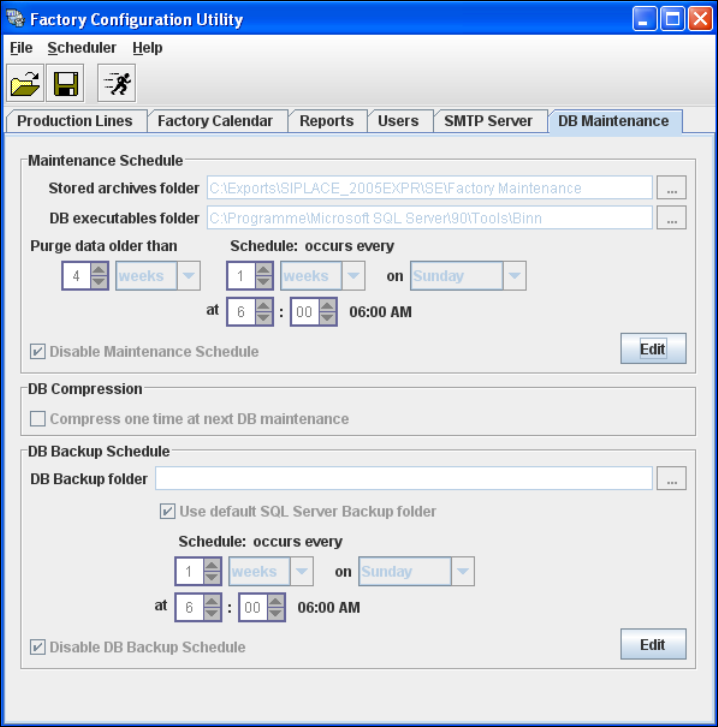
Define the maintenance schedule for the factory database, here. 4
Select the DB Maintenance tab.
4
Fig. 4 - 46 Factory Configuration Utility - DB maintenance
Before you can enter data you must log yourself in as database administrator. In the
Maintenance Schedule panel click on the Edit button.
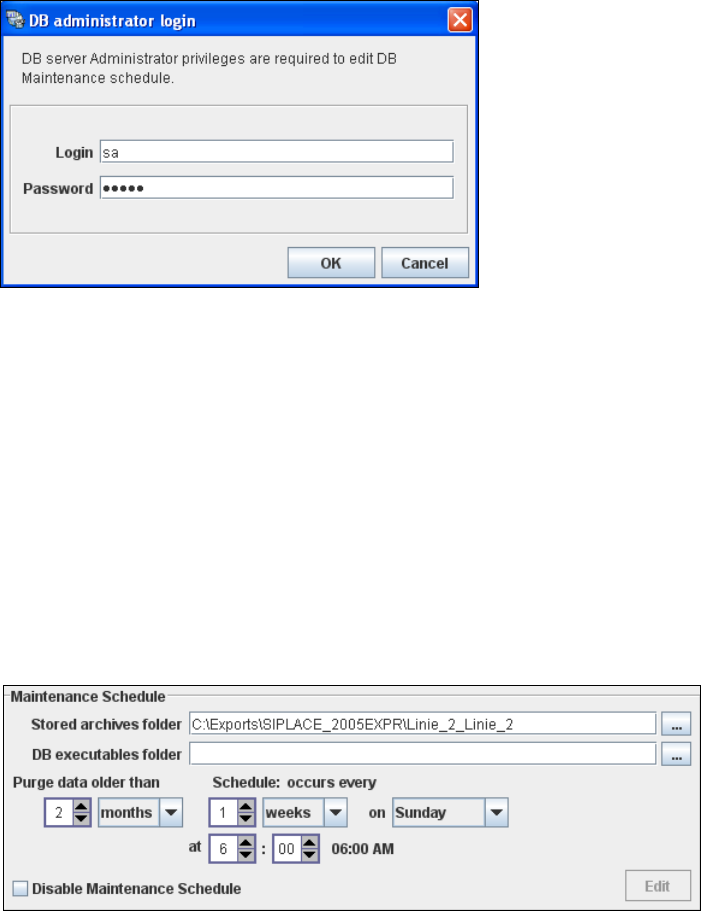
The DB Administrator Login dialog box will open.
4 Configuration Installation and Configuration Guide SIPLACE Explorer
4.2 Configuring the Factory Configuration Utility Edition 11/2020 EN
76
4
Fig. 4 - 47 DB administrator login
Enter the access data here and confirm your entries with OK.
The input fields in the DB Maintenance dialog box will be enabled. The following details can
be defined:
– The file and path for the archived data
– A schedule specifying the intervals and times when data is to be removed from the line
system database and stored in the archive.
– When to execute the maintenance schedule.
– The archiving schedule defined here will be stored in the database and can be called up
when required.
4
Fig. 4 - 48 DB maintenance
In the DB Backup Schedule panel click on the Edit button.
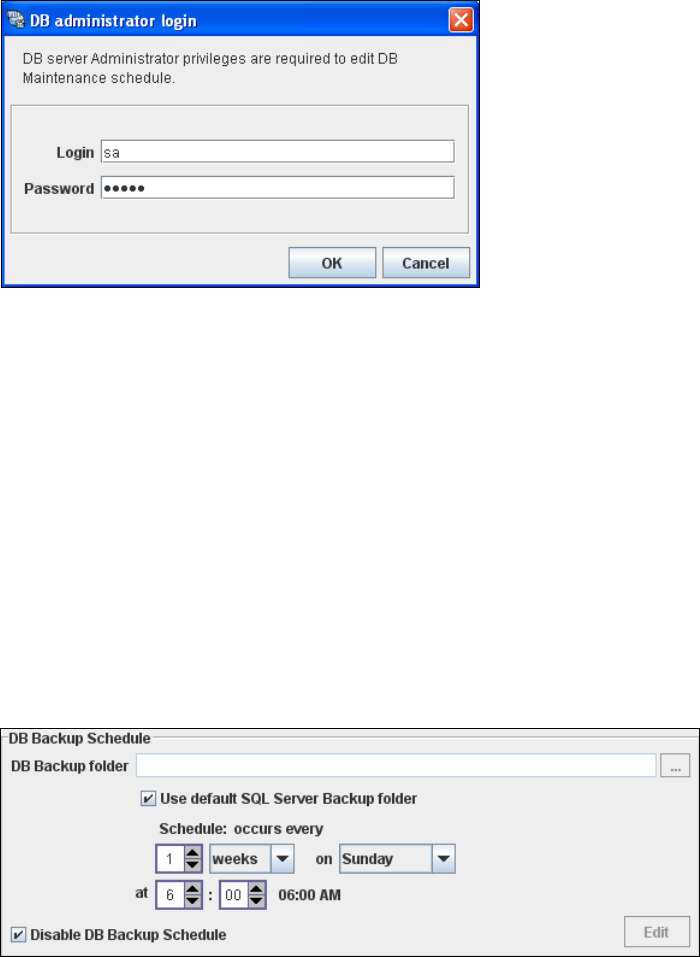
The DB Administrator Login dialog box will open.
Installation and Configuration Guide SIPLACE Explorer 4 Configuration
Edition 11/2020 EN 4.2 Configuring the Factory Configuration Utility
77
4
Fig. 4 - 49 DB administrator login
Enter the access data here and confirm your entries with OK.
The input fields in the DB Maintenance dialog box will be enabled. The following details can
be defined:
– The file and path for the saved data
– A schedule specifying the intervals and times when data is to be removed from the line
system database and stored in the archive.
– When to execute the backup schedule.
– The backup schedule defined here will be stored in the database and can be called up when
required.
– Database compression with the next database maintenance.
4
Fig. 4 - 50 DB backup
Check your entries and confirm with OK.