JO-109-002_JG-0209.pdf - 第86页
3-34 JO-109 1005-001
3-33
JO-109
1005-001
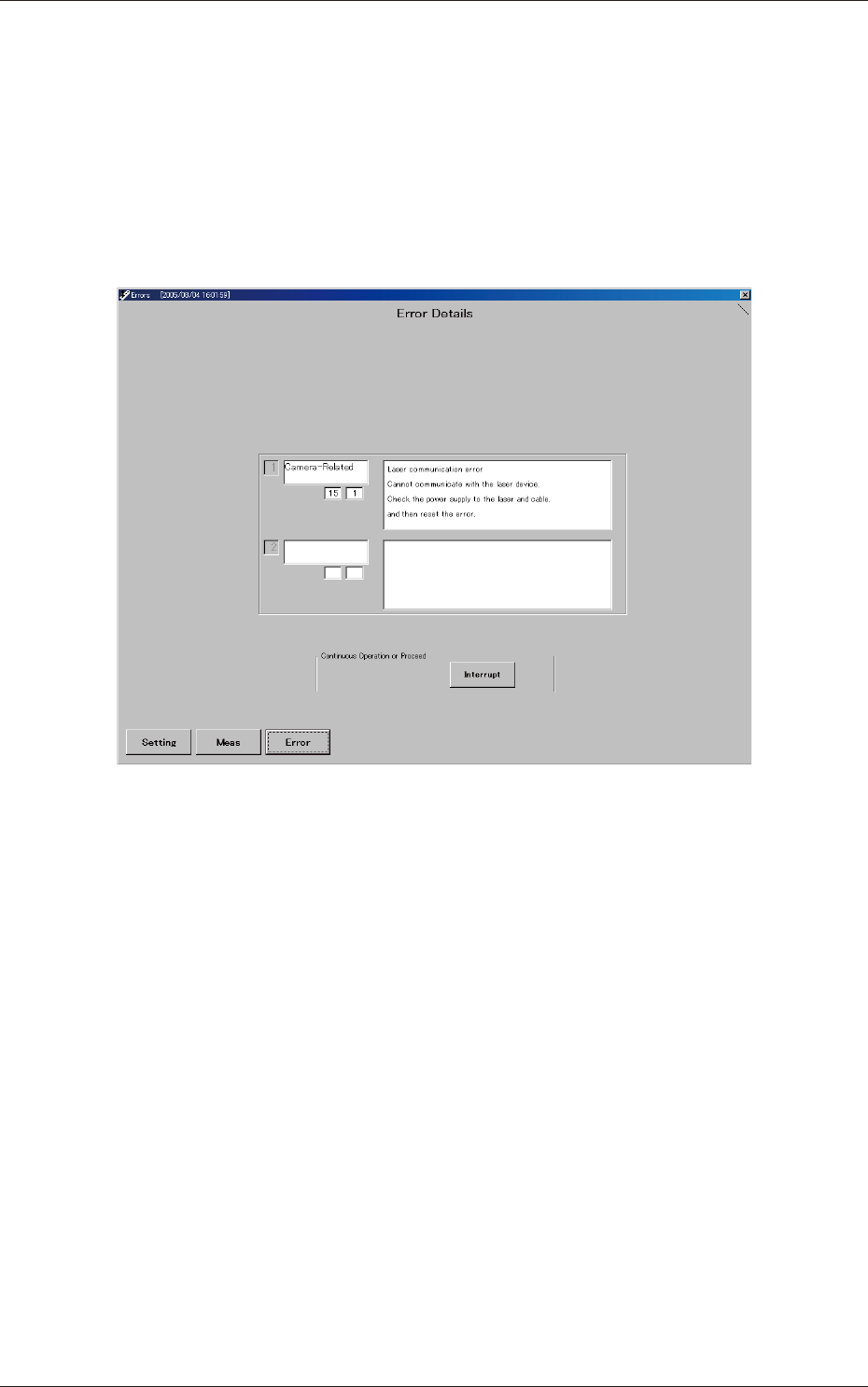
7.2 "Errors" Window
7.2 "Errors" Window
This window shows the contents of errors and simplied remedial
procedures.
Remove the cause of the error and reset the error status in the program.
To reset the error status, simply press the [Interrupt] button.
When an error is reset or while the inspection is being executed, the
inspection sequence is also reset.
Fig. C27 "Errors" Window

3-34
JO-109
1005-001

4-A
JO-109
1005-001
Section 4
Feeder Measurement
This section describes how to measure the feeders.
•
Registration of Master Position (Jig Origin Adjustment)
•
Feeder Measurement
•
Measurement of Pickup Position Height
•
Default Setting of Program for Feeder Measurement
Section 1 Scopee