00193688-03.pdf - 第125页
Installation and Configuration Guide SIPLACE Explorer 5 Deinstallation Edition 02/2005 EN 5.3 Repair 125 → SIPLACE Explorer 2.0 recovery has been completed. 5 Fig. 5 - 8 Repair complete → Click on Finish to close the SIP…
5 Deinstallation Installation and Configuration Guide SIPLACE Explorer
5.3 Repair Edition 02/2005 EN
124
5.3 Repair
5
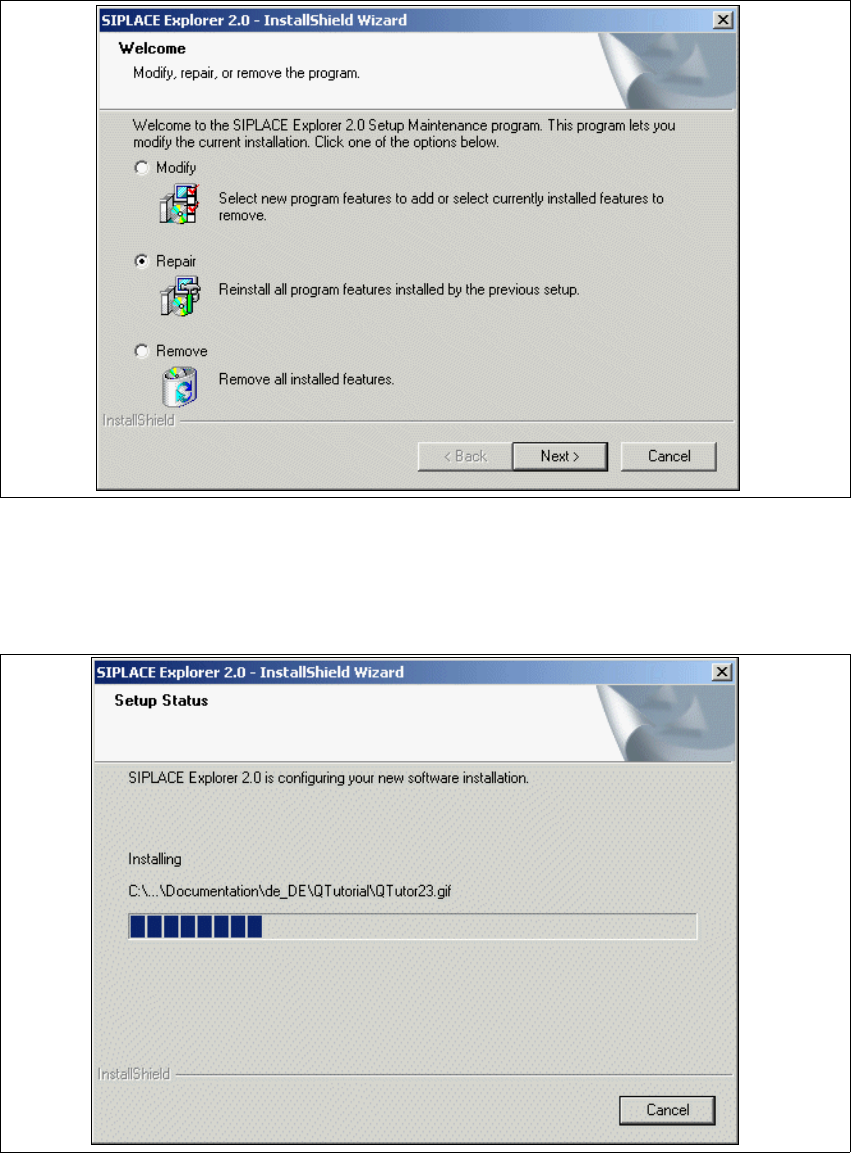
Fig. 5 - 6 SIPLACE Explorer 2.0 - install shield wizard
→ Click on Repair and then on Next to continue.
→ The recovery process will be performed. The Setup Status dialog box shows you which
features will be deinstalled or installed.
5
Fig. 5 - 7 SIPLACE Explorer 2.0 - install shield wizard
Installation and Configuration Guide SIPLACE Explorer 5 Deinstallation
Edition 02/2005 EN 5.3 Repair
125
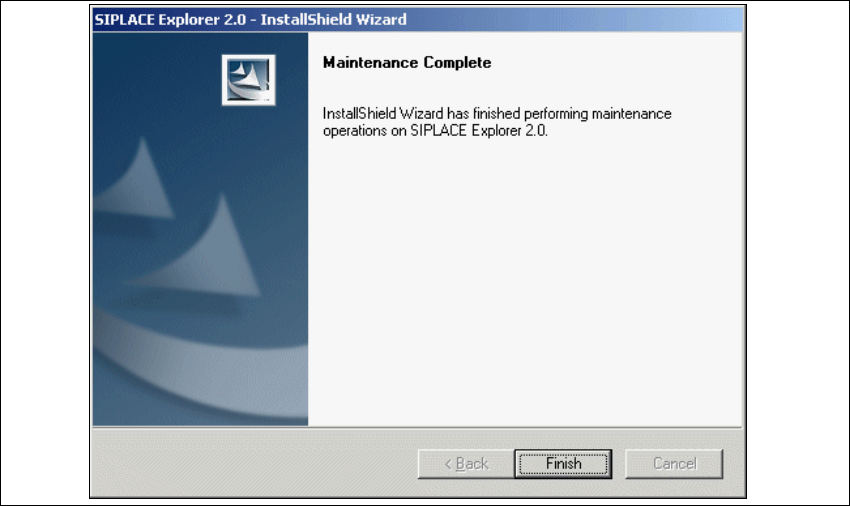
→ SIPLACE Explorer 2.0 recovery has been completed.
5
Fig. 5 - 8 Repair complete
→ Click on Finish to close the SIPLACE Explorer 2.0 - InstallShield Wizard.
5 Deinstallation Installation and Configuration Guide SIPLACE Explorer
5.4 Remove Edition 02/2005 EN
126
5.4 Remove
5
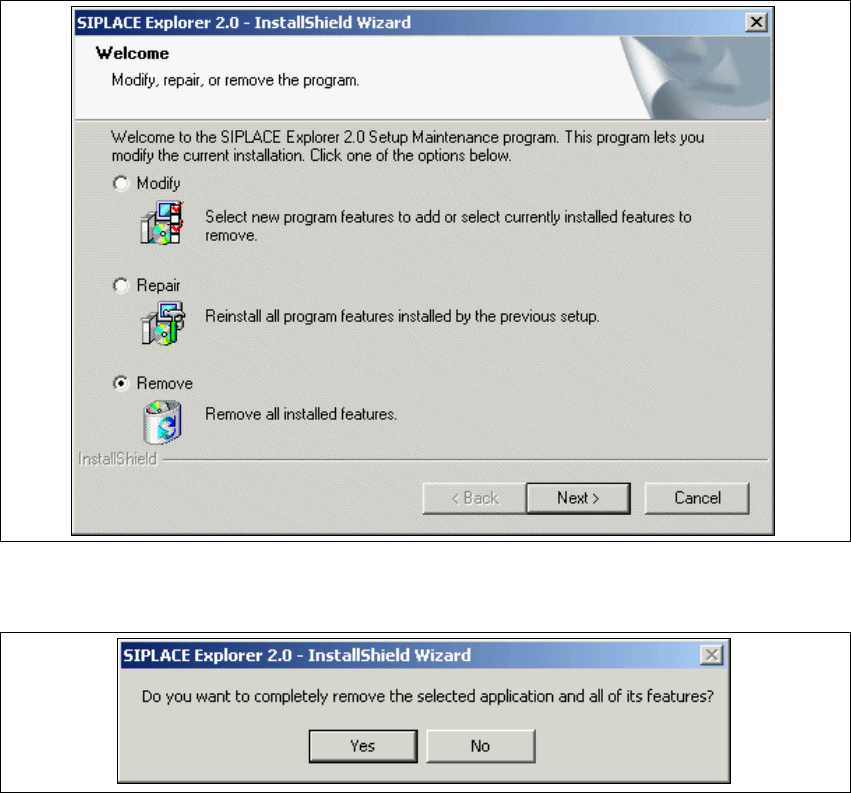
Fig. 5 - 9 SIPLACE Explorer 2.0 - install shield wizard
→ Click on Remove and then on Next to continue.
5
Fig. 5 - 10 Deinstallation query: confirm deletion of file
→ Confirm deletion with Yes.
The deinstallation process will be performed. 5