00193688-03.pdf - 第94页
4 Configuration Installation and Configuration Guide SIPLACE Explorer 4.1 Standard Monitoring Application (SMA) Edition 02/2005 EN 94 → Click OK to continue creatin g the SMA. → If the connection does not fu nction prope…
Installation and Configuration Guide SIPLACE Explorer 4 Configuration
Edition 02/2005 EN 4.1 Standard Monitoring Application (SMA)
93
4
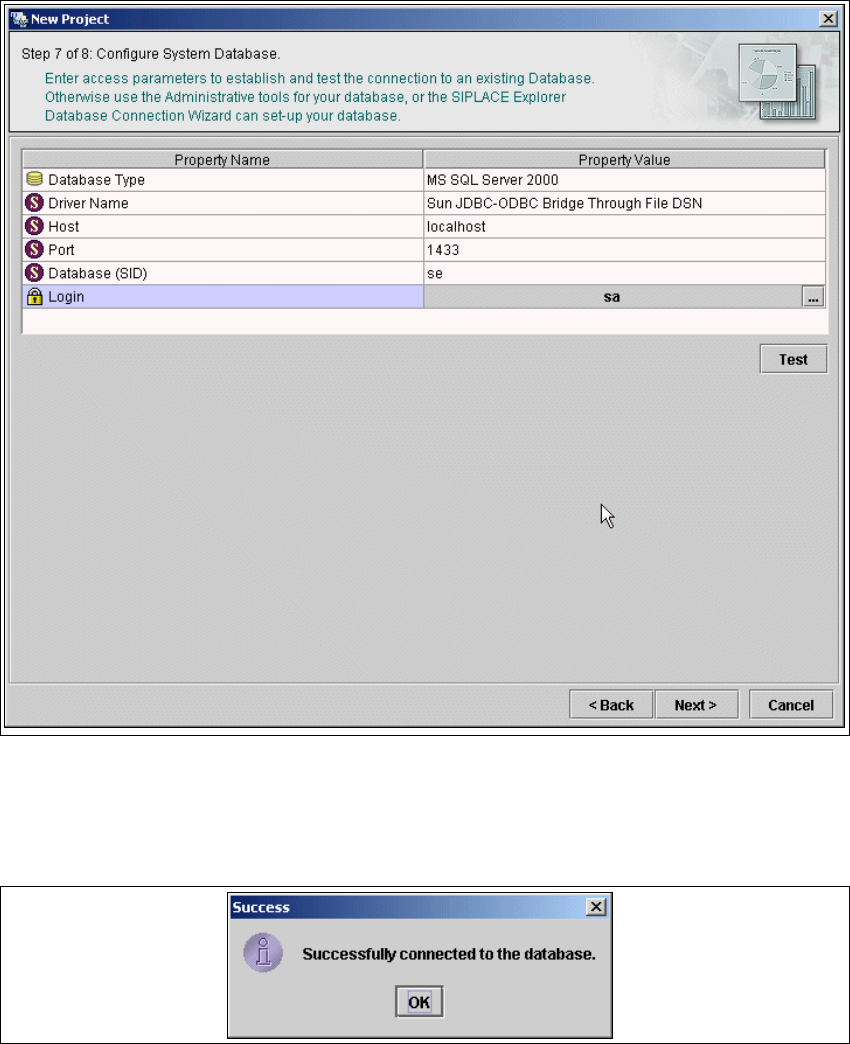
Fig. 4 - 30 Step 7: Configuring the system database
→ After entering the database access parameters, we strongly recommend that you check the
connection to the database Click Test to check whether the connection to the database can be
established. If the connection functions properly, you will see the following information box:
4
Fig. 4 - 31 Success
4 Configuration Installation and Configuration Guide SIPLACE Explorer
4.1 Standard Monitoring Application (SMA) Edition 02/2005 EN
94
→ Click OK to continue creating the SMA.
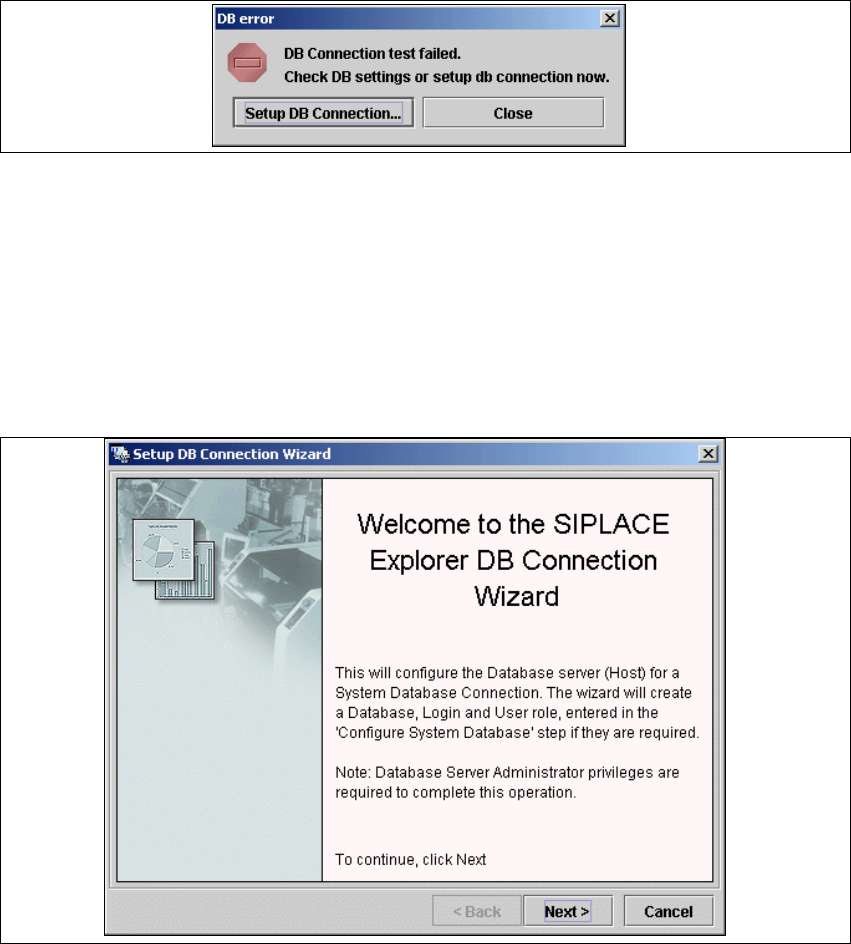
→ If the connection does not function properly, you will see the following information box:
4
Fig. 4 - 32 DB error
→ Click on the Setup DB Connection button to start the DB Connection Wizard setup
sequence and configure the SIPLACE Explorer system database.
4
Intermediate Step - Database Connection Wizard
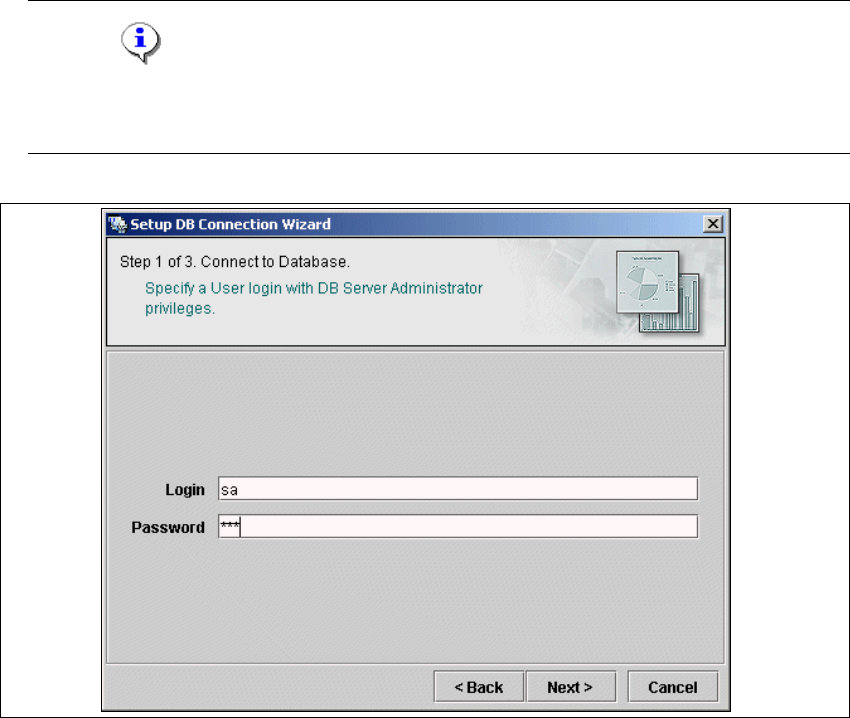
→ Setup and configuration of the system database consists of a simple three-step procedure.
Click on Next to continue.
4
Fig. 4 - 33 Welcome screen - database connection wizard
Installation and Configuration Guide SIPLACE Explorer 4 Configuration
Edition 02/2005 EN 4.1 Standard Monitoring Application (SMA)
95
– Step 1- Connection to Database
→ At Step 1 you will need to specify your login and password to access the MS SQL Server.
Click on Next to continue.
NOTE
Please note that users must have DB administrator privileges to perform necessary tests and
configuration. 4
4
Fig. 4 - 34 Step 1- database connection wizard
At this point, the wizard will connect to the MS SQL Server and run tests to identify whether
the specified database, login and user roles exist. You will see a list of changes that the
wizard will undertake to perform setup and configure the system database. 4