00193688-03.pdf - 第26页
3 Installing SIPLACE Explorer Installation and Configuration Guide SIPLACE Explorer 3.1 Standard Installation Variants Edition 02/2005 EN 26 NOTE Please note that the SIPLACE Explorer host comput er can only be used for …
Installation and Configuration Guide SIPLACE Explorer 3 Installing SIPLACE Explorer
Edition 02/2005 EN 3.1 Standard Installation Variants
25
3.1.3 Line
In this installation variant, an existing SIPLACE line server can be used as SIPLACE Explorer
host. An additional computer must be available as central database/web server. 3
Software Requirements SIPLACE Line Server:
– System environment - one of the following versions:
– Windows 2000 Workstation with SP3 or SP4
– Windows XP Professional with SP1 or SP2
– MS SQL-Server (not MSDE) for the computer which is used as central database server
– Explorer installation:
– Runtime Environment
– Java 2 SDK
Hardware Requirements SIPLACE Line Server:
– all requirements of the existing SIPLACE Line Server
– 2 GB memory
– 10 GB available hard drive capacity
3
Software Requirements Central Database/Web Server:
– System environment - one of the following versions:
– Windows 2000 Server with SP4
– Windows 2003 Server
– MS SQL-Server (not MSDE) for the computer which is used as central database server
– Explorer installation:
– Tomcat Webserver
–JAVA 2 SDK
– Factory Configuration
Hardware Requirements Central Database/Web Server:
– all requirements of the existing SIPLACE Line Server
– Computer with 2.4 GHZ CPU
– 2 GB memory
– 30 GB available hard drive capacity
3 Installing SIPLACE Explorer Installation and Configuration Guide SIPLACE Explorer
3.1 Standard Installation Variants Edition 02/2005 EN
26
NOTE
Please note that the SIPLACE Explorer host computer can only be used for one application in this
installation variant. 3
3
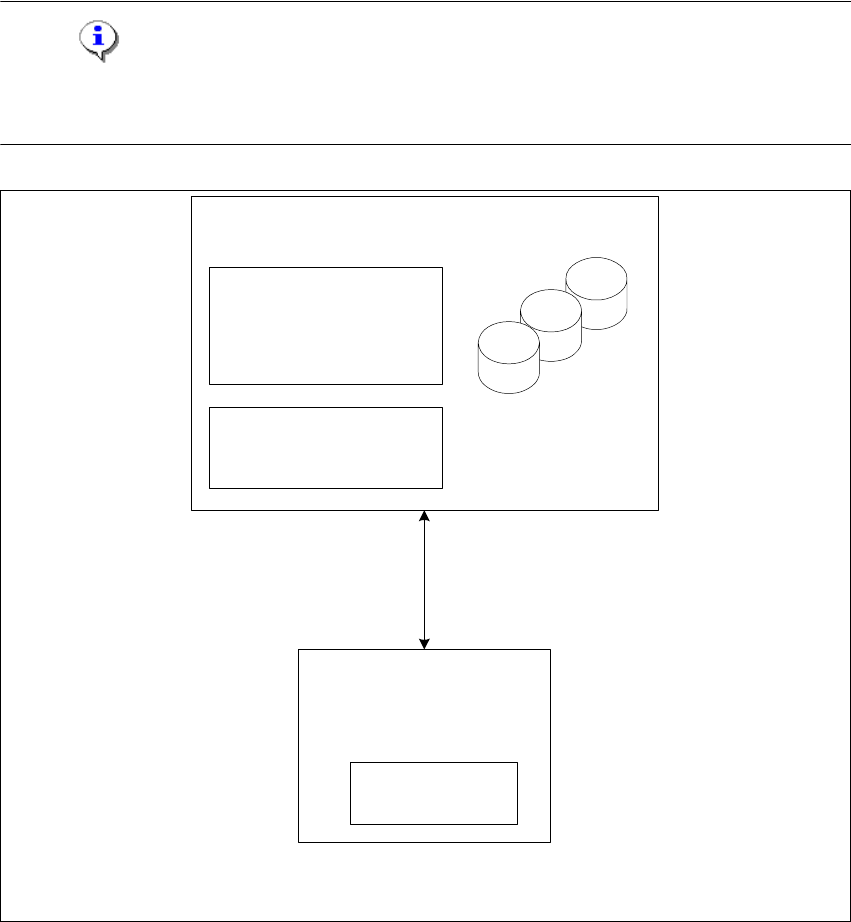
Fig. 3 - 2 Installation variants: Line
only for 1 application
per line
SIPLACE Line Server
(existing)
- RTE per line
- Java 2 SDK
Central Database/Web Server
- MS SQL
- Tomcat
- Factory Configuration
- Java 2 SDK
Report Generation:
- MSXM
- Excel
all databases, all line
databases

Installation and Configuration Guide SIPLACE Explorer 3 Installing SIPLACE Explorer
Edition 02/2005 EN 3.1 Standard Installation Variants
27
3.1.4 Island Installation
In this installation variant, SIPLACE Explorer with all system components can be installed on the
existing SIPLACE line server. 3
Software Requirements SIPLACE Line Server:
– System environment - one of the following versions:
– Windows 2000 Workstation with SP3 or SP4
– Windows XP Professional with SP1 or SP2
– MSDE 2000
– Explorer installation:
– Runtime Environment
– Tomcat Web server
– Java 2 SDK
– Factory Configuration
3
Hardware Requirements SIPLACE Line Server:
– all requirements of the existing SIPLACE Line Server
– Computer with 2.4 GHZ CPU
– 2 GB memory
– 10 GB available hard drive capacity
3
NOTE
Please note that one line can only be used for one application in this installation variant. 3