HOST.pdf - 第34页
BM 122/ 123 /1 33/ 221/2 31 HOST COMPUTER SYSTEM 3. 3 C comm ands E35HEC- 4A-181- B0 3.3- 13 3.3. 8 C5 Command (Remote Control) These comm ands are opt ional . Used when the ho st comput er ac tiv ely operates the machi …
BM122/123/133/221/231
HOST COMPUTER SYSTEM
3.3 C commands
E35HEC-4A-181-B0
3.3-12
Ex.: D0 command
Command D1
Data size 3 (Output with fixed length of 3 characters.)
Data 001
Terminator 0
Terminator 0
Terminator 0
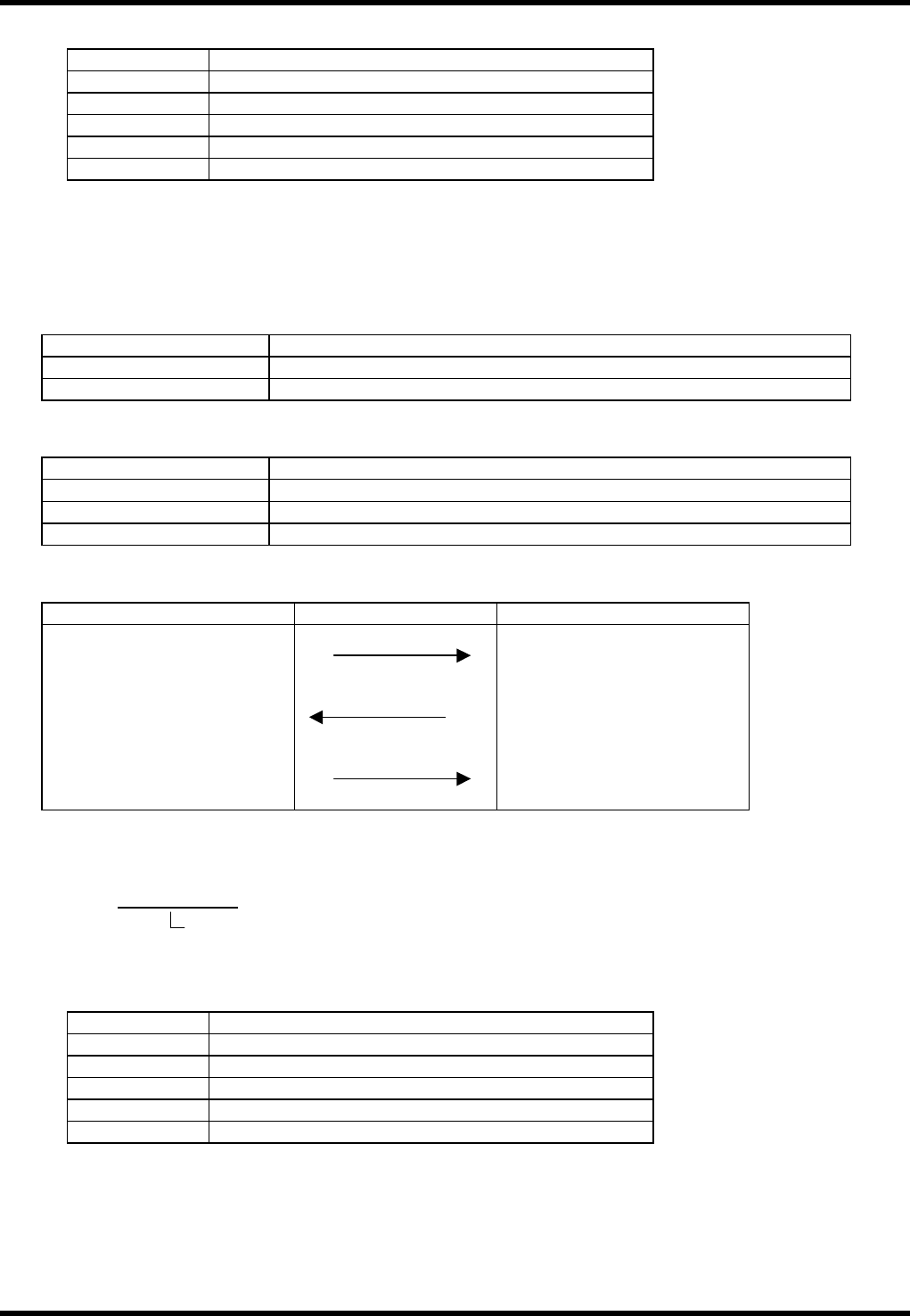
3.3.7 C3 Command (Inquiring Program Name)
Used to output he name of the currently selected product program from the machine to the host computer.
If no product program has been chosen, an ‘A4E01’ will be returned to the hot computer.
Item Description
Command name Inquiring program name
COM port used Port 1
Data format
Item Description
Command field C3 + Program type
Data size field 0
Data field None
Command sequence
Host computer system Equipment
C3
+ type
(1)
(2) D1 + Currently selected
program name
A2 (Data transfer end) (1) End
(1) No data type (2) Data-attached type
Active program:
Program names less than 15 characters will be padded with spaces.
Ex.: D0 command
Command D1
Data size 16 (Output with fixed length of 16 characters.)
Data PABC
Terminator 0
Terminator 0
Terminator 0
P xxxxxxxxxxxxxxx
Product program name (Fixed at 15 characters)
BM122/123/133/221/231
HOST COMPUTER SYSTEM
3.3 C commands
E35HEC-4A-181-B0
3.3-13
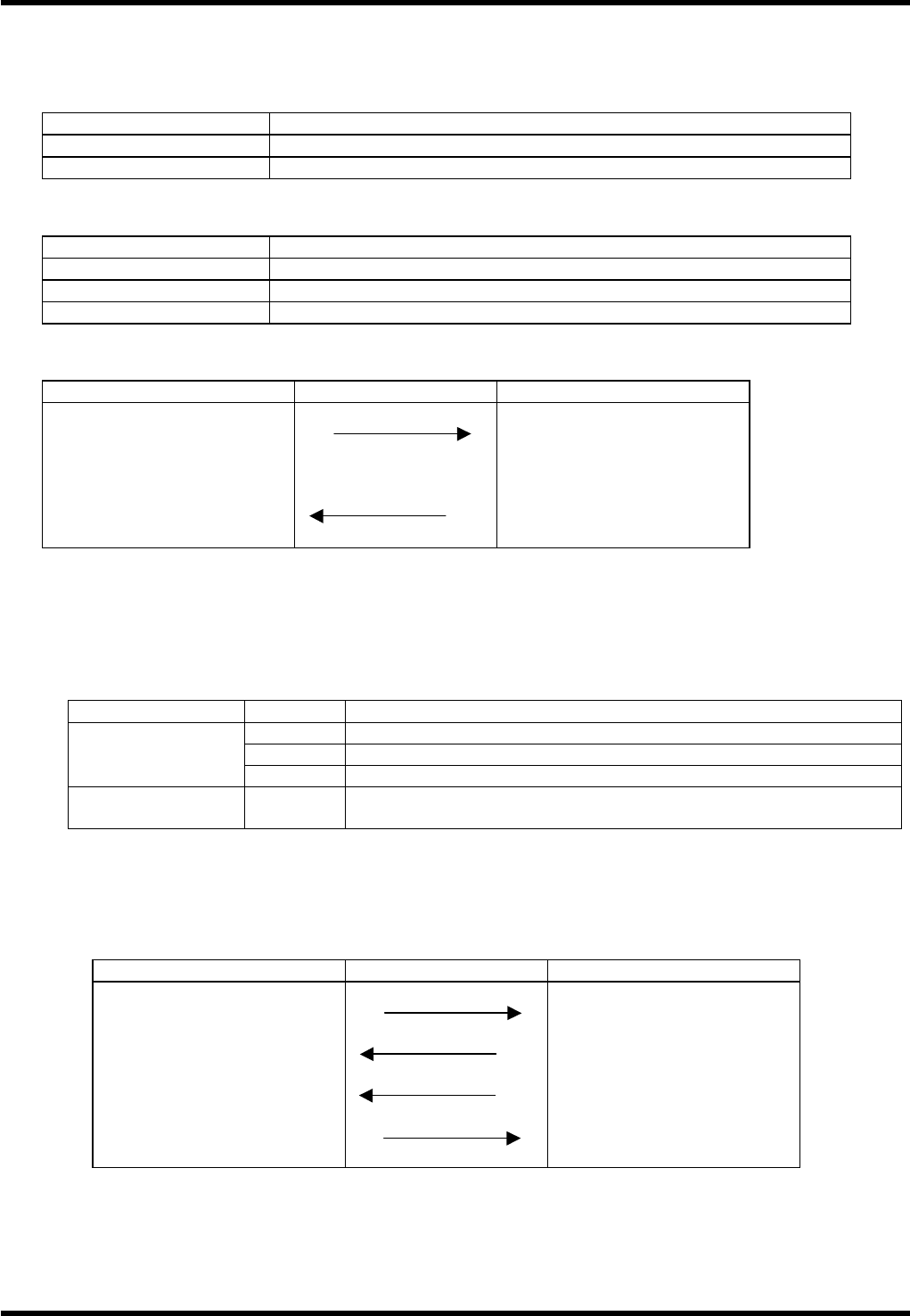
3.3.8 C5 Command (Remote Control)
These commands are optional.
Used when the host computer actively operates the machine according to the production plan.
C5 commands are available only used when the equipment is in remote control mode.
Item Description
Command name Remote control
COM port used Port 1
Data format
Item Description
Command field C5 + Code representing the processing
Data size field 0
Data field None
Command sequence
Host computer system Equipment
C5
+ Code representing the
processing
(1) Executes remote processing
End (1) A2 (Data transfer end)
(1) No data type (2) Data-attached type
Starting the machine: C5ST∗∗
Use C5ST∗∗ command to start the machine.
Command format: C5ST∗∗
∗∗ Code Application
Machine status
∗∗
Description
BL Starts in the 1BLOCK stop mode
EP Starts in the EOP stop mode
Start with stop
mode specified
CT Starts in the CONT (continuous) mode
Start with no stop
mode specified
None Starts in the previously specified stop mode
Command transfer sequence
When the machine receives a C5ST command, it starts after setting the stop mode by using the **
code.
When the operation is started, an R command is returned to the host computer as an acknowledgment
signal. Refer to 3.4 R Commands for details.
Host computer system Equipment
C5STBL (1) Starts in 1block mode
End (1) A2 (Data transfer end)
(1) R1ST
A2 (Data transfer end) (1) End
(1) No data type (2) Data-attached type

BM122/123/133/221/231
HOST COMPUTER SYSTEM
3.3 C commands
E35HEC-4A-181-B0
3.3-14
Stopping the machine: C5SP∗∗
Use C5SP∗∗ command to stop the machine.
Command format: C5SP∗∗
∗∗ Code Application
∗∗
Description
BL Specifies the 1BLOCK stop mode.
EP Specifies the EOP stop mode.
CT Specifies the CONT (continuous) mode.
Stop mode can be selected by the start signal, however, if you wish to change the stop mode of the
machine while it is engaged in operation, use the stop command without sending a start command
again.
Prohibiting he Control Panel: C5SPHT
This command prohibits operation of control panel of the machine.
Command format: C5SPHT
Once the C5SPHT command is transferred, the machine will be locked and the START switch on the control
panel will be disabled.
This command is effective only when the machine has been stopped.
To release the lock, send the C5SPHT once again to the machine.
Release can also be attained by the C5RE command.
=REMARKS=
After the C5SPHT command is sent, turning power OFF enables the START switch.
Resetting the machine: C5RE
This command is to initialize the operation of the machine and is equal in function to the RESET switch on
the control panel.
Command format: C5RE
The command transfer sequence is the same as that C5ST∗∗.
=REMARKS=
Pay careful attention when using the C5RE command. Operation by the reset command varies with the
machine status, and sometimes continuous operation may be disabled.
When an error has occurred:
Clears the error and makes restart possible.
However, if the cause of the error has not been eliminated, the error may no be cleared.
Machine is stopped, but no error has occurred:
Use of a reset command during PCB production cancels product program execution.
The next time a start command is sent, the Recovery icon on the main window will be enabled and
recovery mounting will be performed.
In other cases, operation will restart from board replacement.
During equipment operation:
The machine will stop immediately when this command is sent and restart from host computer will be
disabled. Do not use this command during normal operation.