00198001-02_IM_709.1_DE_EN.pdf - 第33页
Station Software 709.1 / Installation Manual Ausgabe 05/2016 E dition 33 5.5.1 Welcome S creen Figure 5-15: Welcome screen ► Click the Next button. The necessary f iles are installed. 5.5.2 Finalizing the I nstallation F…
Station Software 709.1 / Installation Manual Ausgabe 05/2016 Edition
32
5.5 Installing SIPLACE Smart GUI
The SIPLACE Smart GUI can optionally be installed after the station software has been installed. If
the station software has not been installed first, a corresponding error message is displayed.
► Download the SIPLACE Smart GUI installing program from the SIPLACE Software Download
Center.
► Start SmartGUI.exe by double clicking it.
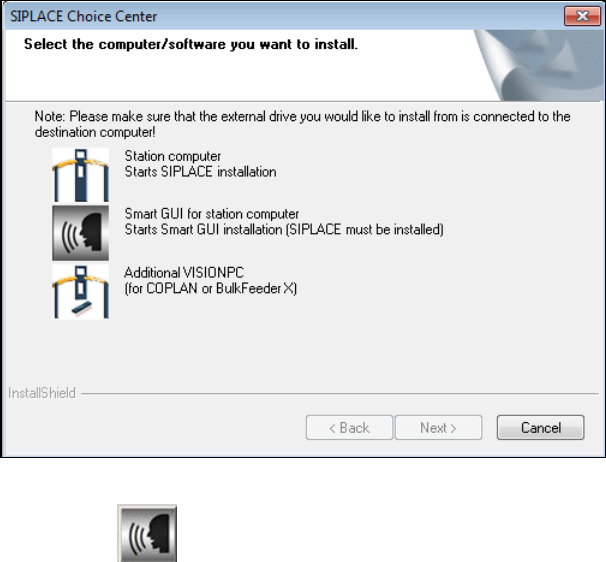
The SIPLACE Choice Center dialog box is opened.
Figure 5-14: "SIPLACE Choice Center" dialog box
► Click the Smart GUI for station computer button.
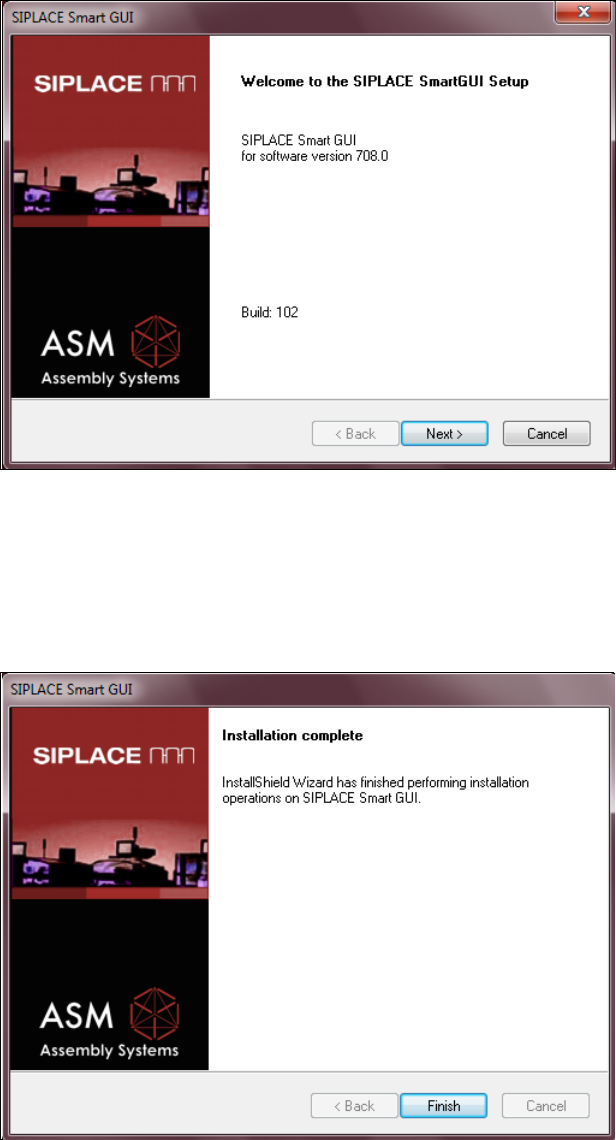
Installation of the SIPLACE Smart GUI continues with the welcome screen.
Station Software 709.1 / Installation Manual Ausgabe 05/2016 Edition
33
5.5.1 Welcome Screen
Figure 5-15: Welcome screen
► Click the Next button.
The necessary files are installed.
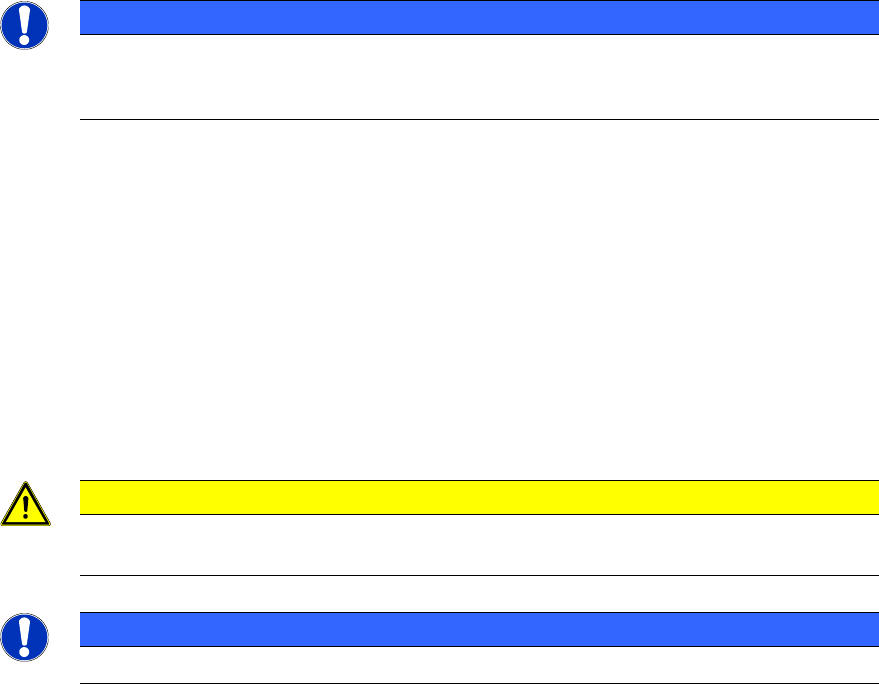
5.5.2 Finalizing the Installation
Figure 5-16: Finalizing the installation
► Click the Finish button.
Station Software 709.1 / Installation Manual Ausgabe 05/2016 Edition
34
6 Installing Coplan Computer Software or Feeder
Computer Software
If the 3D coplanarity module or the SIPLACE BulkFeeder X is used, an additional SIPLACE Vision
computer named Coplan computer and feeder computer respectively is required. For simplification,
these computers are called "Vision computer" in this chapter if the current description is valid for
both variants.
NOTICE
The 3D coplanarity module and SIPLACE BulkFeeder X options cannot run
simultaneously. I.e., a Vision computer can either be set up as Coplan computer or as
feeder computer.
Detailed information on the 3D coplanarity module can be found in the corresponding Assembly
Instructions, item numbers [00195344-xx] (for X-series), [00196842-xx] (for SX1/SX2) und
[00197395-xx] (for X-series S).
Detailed information on the SIPLACE BulkFeeder X can be found in the SIPLACE BulkFeeder X
Operating Manual, item no. [00198045-xx].
The respective software can either be installed directly on the Vision computer or via a remote
connection from the station computer.
Both installation options are described in the following.
6.1 Installing the Software Directly on the Vision Computer
CAUTION
The station software must not run on the station computer during installation of the
respective software on the Vision computer!
NOTICE
The installation requires approx. 20 minutes.
► Log in to the Vision computer under the ASM_Admin user account.
► Insert the installation DVD in the drive.
► Open the Windows Explorer and start setup.exe under drive E: by double-clicking it.